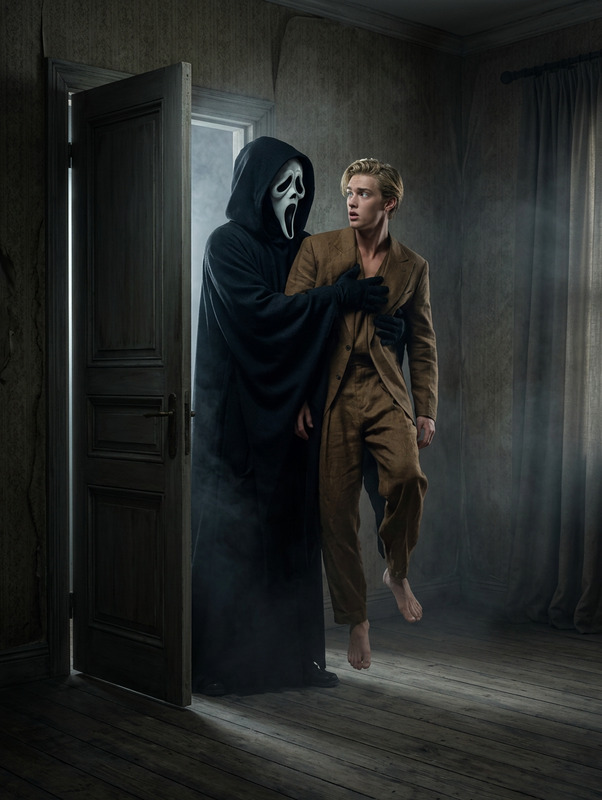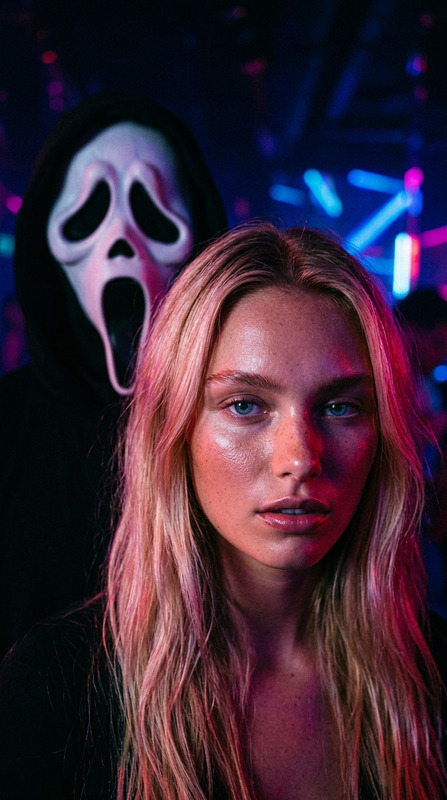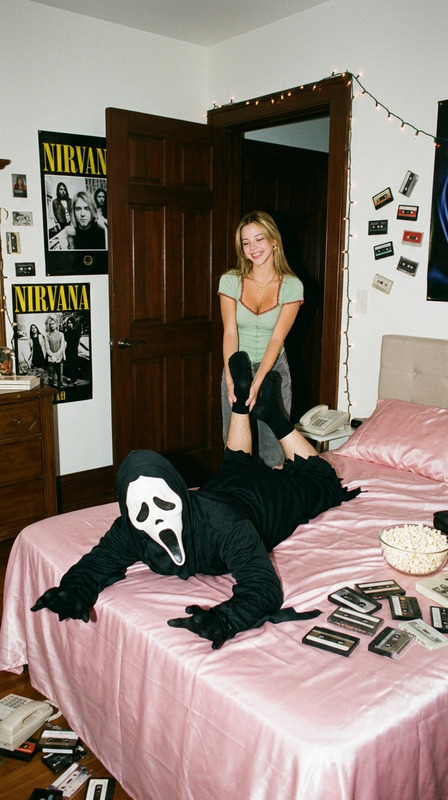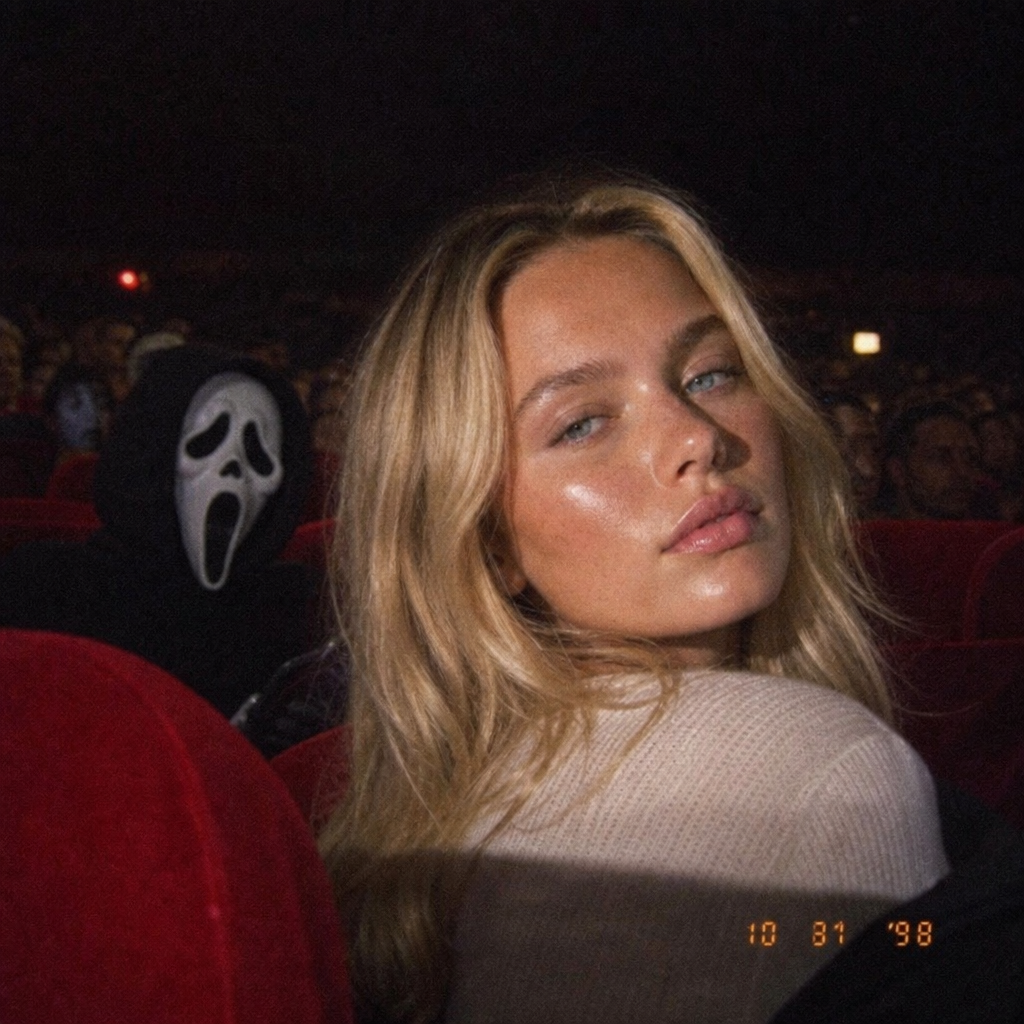
Ghostface Cinema
- Model
- GPT Image 2
- Image
- 1024 × 1024 px
Prompt
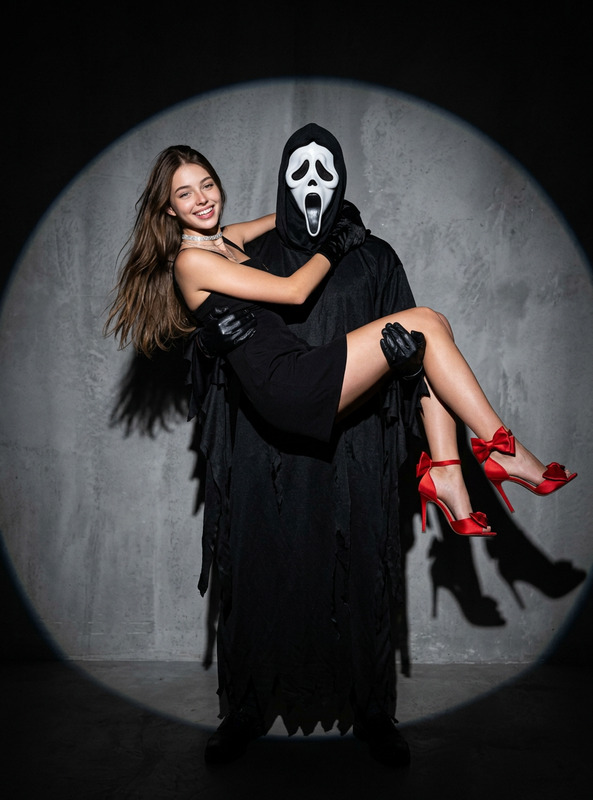
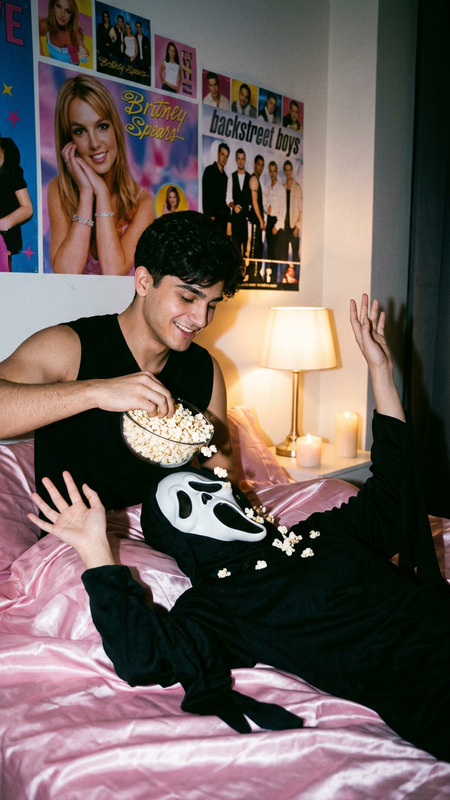
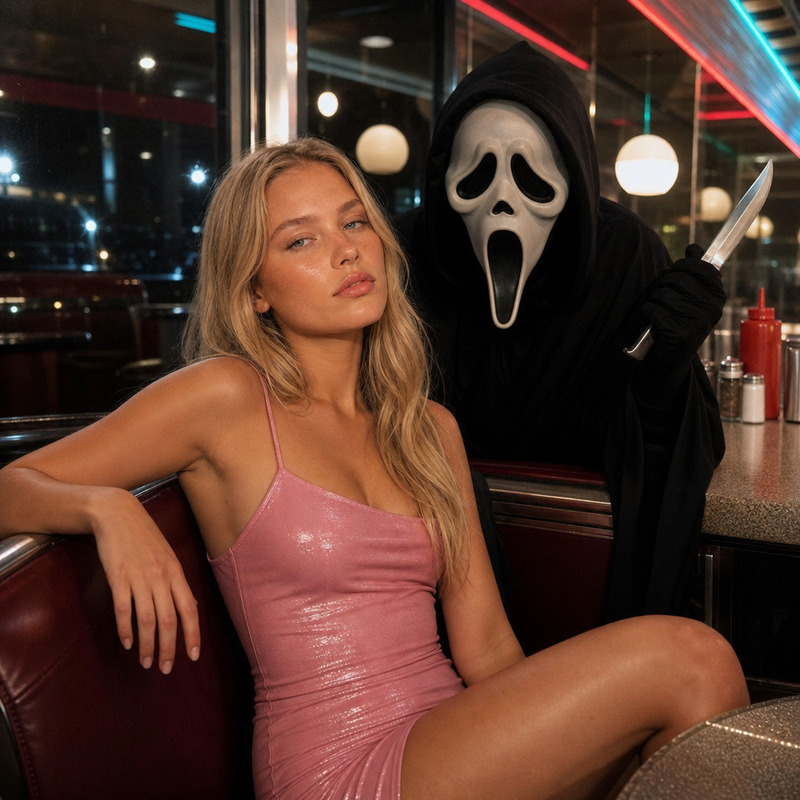
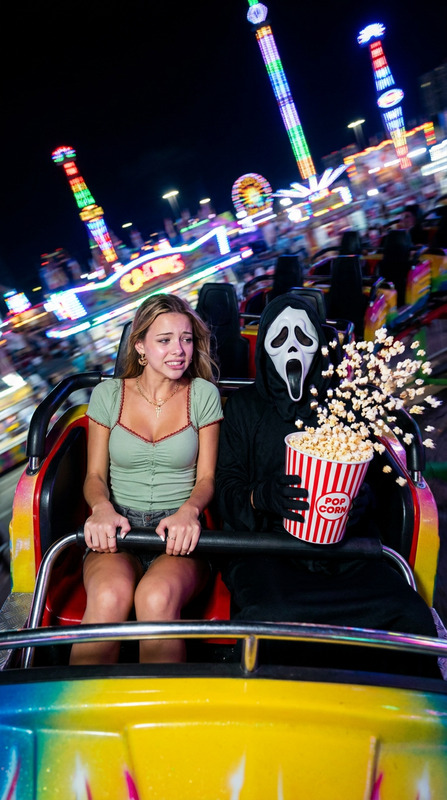
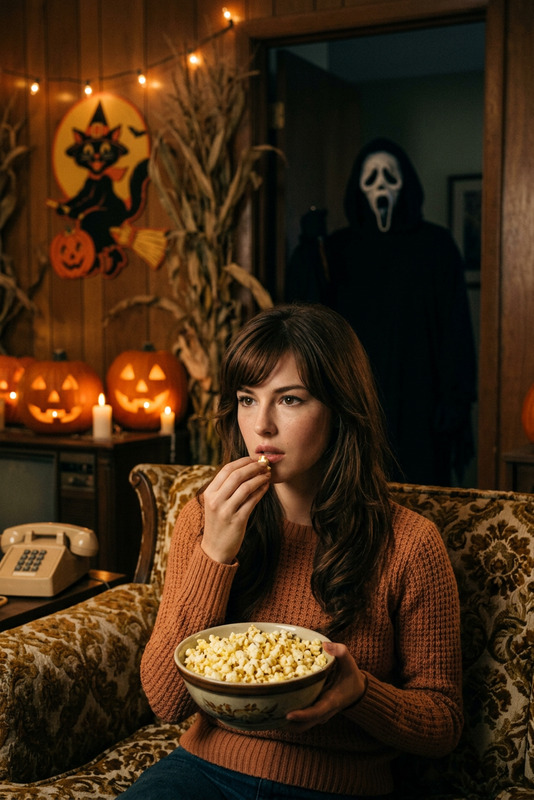
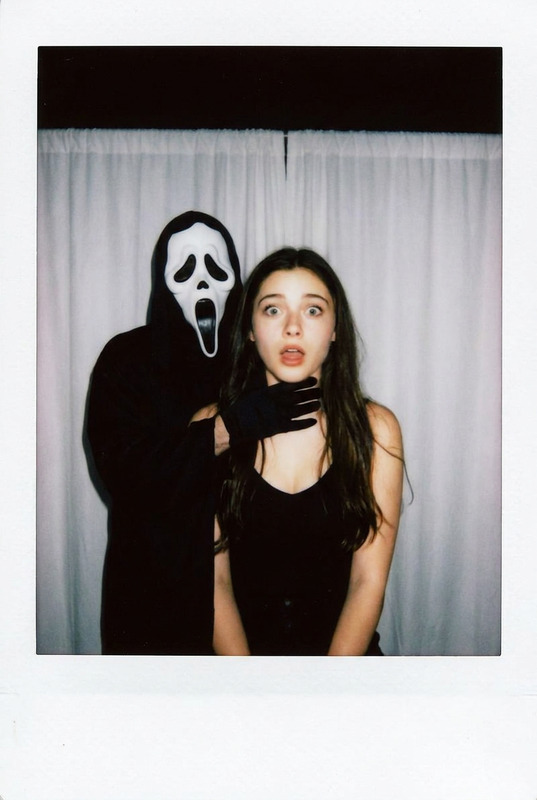
A cinematic horror scene, the grainy texture of a 90s digital camera, shot handheld in a dim theater with bright red velvet seats, a realistically crowded auditorium. Handheld camera focusing on a woman. scary movie, ghost face
Any aspect ratio
Overview
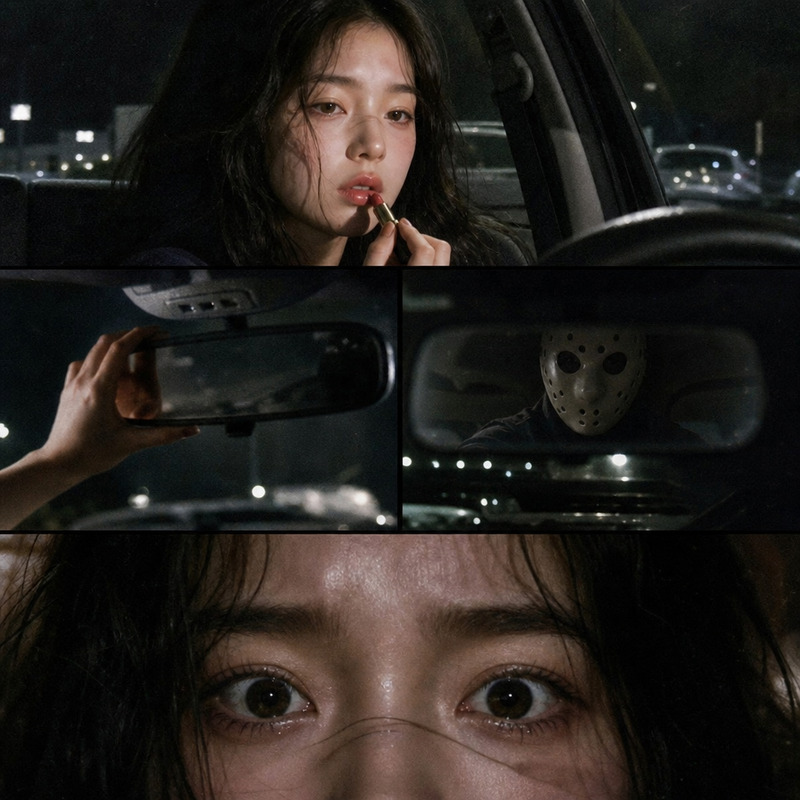
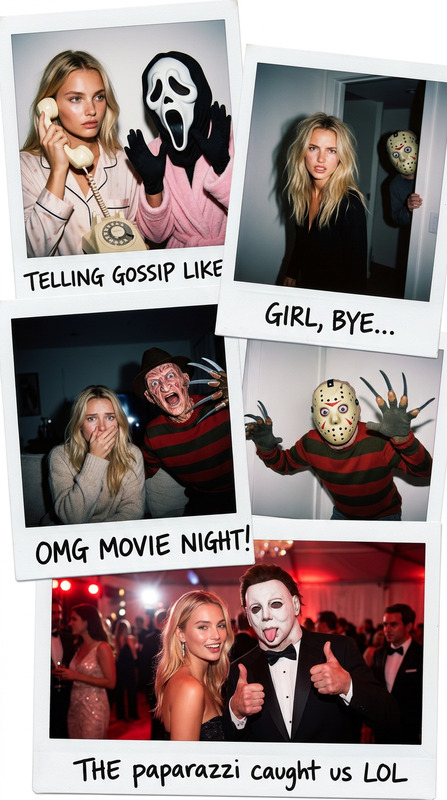
The Ghostface Cinema template brings your horror film visions to life, casting a haunting atmosphere reminiscent of 90s cinema. Leveraging the powerful capabilities of the gpt-image-2 model, this AI Image Editor template is designed to craft a realistically chilling cinematic scene with ghostly elements and a crowded theater setting.
What It Does
Using this template, creators can generate an eerie and immersive horror scene with a grainy texture typical of digital cameras from the 90s. The focus is on creating a visually convincing narrative that captures a spooky moment in a dimly lit, ghost-filled theater. It allows you to refine the scenario by adjusting specific scene elements such as the focus on characters or the crowd density.
For those interested in further customization, our AI Image Editor offers extensive tools to tweak and refine generated images, ensuring your horror scene is both evocative and unsettling.
Who It's For
This template is perfect for filmmakers, content creators, and horror enthusiasts who want to emulate the iconic style of classic horror scenes. It's also a valuable tool for educators in media studies who wish to demonstrate the creation of atmospheric tension in film. Additionally, marketers can use it to produce eye-catching visuals for campaigns focused on thriller or horror-themed products.
Explore other creative possibilities with our AI Image Generator for crafting unique visual content across genres.
Summary
The Ghostface Cinema template is your gateway to constructing visually compelling horror scenes with the distinct ambiance of 90s cinema. Ideal for a range of users from filmmakers to educators, this template enables rich scene customization. Discover more about the creative applications with our Image-to-Video tool if you're interested in extending these images into animated sequences.
How-To
Choose Your Template

Customize Your Scene

Generate and Download

Use Cases
Film Pre-visualization
- Develop storyboards with a horror theme
- Experiment with different camera effects and crowd settings
Marketing Materials
- Event posters
- Social media graphics
Best Practices
Refine Your Focus
Ensure the focal point, such as the character or ghostly figure, stands out in the scene to enhance the horror effect.Balance Lighting and Shadows
Play with lighting to create depth and drama, which is essential in horror imagery.Utilize Texture
Take advantage of the grainy texture to evoke nostalgia and a vintage feel in your scenes.