Cool Edit
- Model
- Nano Banana 2
- Image
- 832 × 1270 px
Prompt
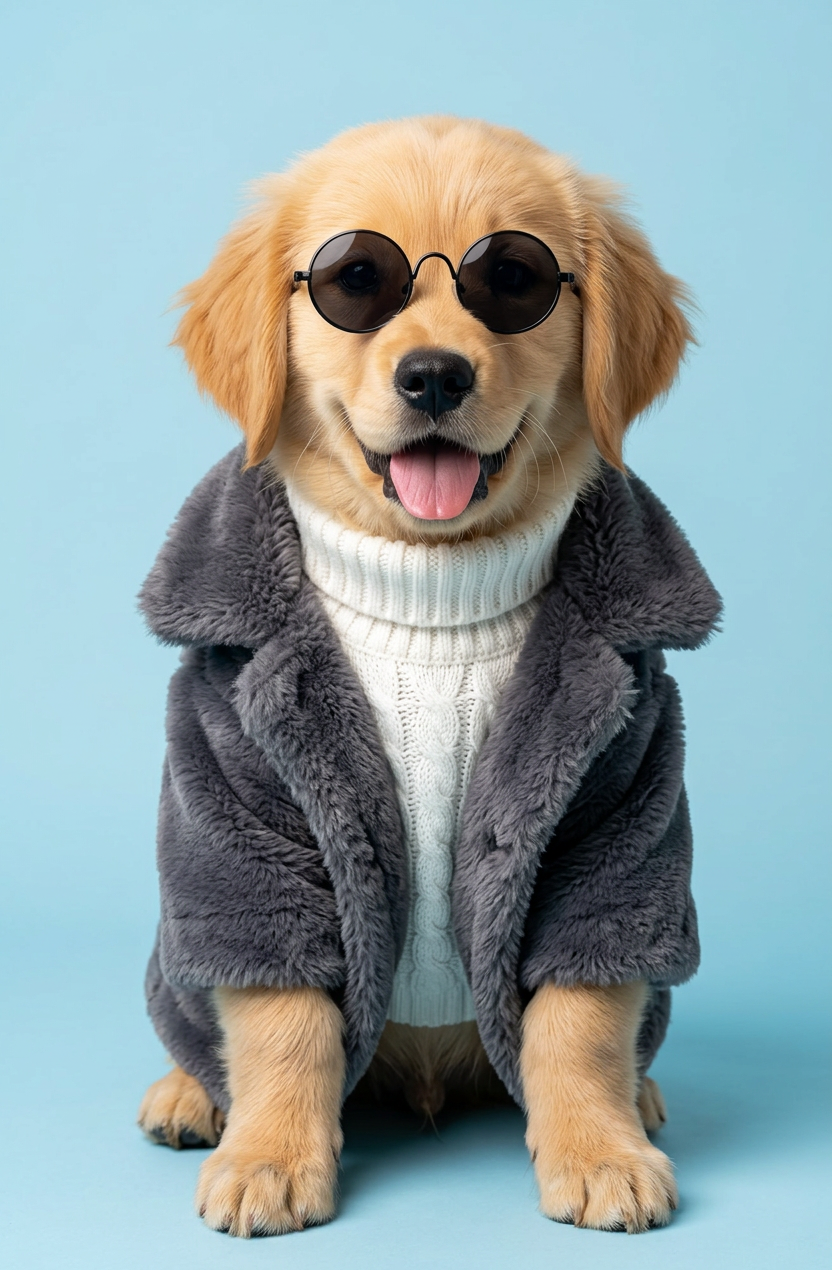
A funny and fashionable studio portrait of a subject dressed for winter. The subject is sitting and looking straight ahead, wearing tiny round black sunglasses. It is wearing a white cable-knit turtleneck sweater and a thick, soft dark gray fur coat over it. The background is a plain light blue color. Bright and clean studio lighting, showing high details of the dog's fluffy face and stylish clothes.
Any aspect ratio
Overview
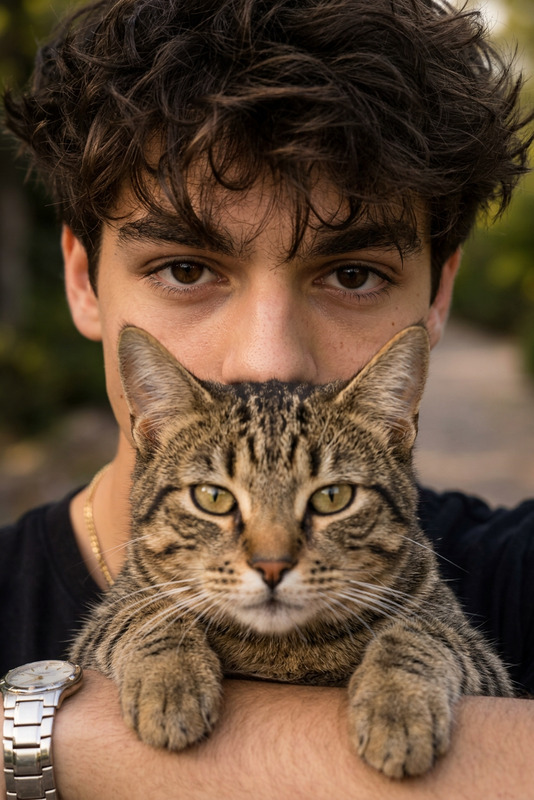
The Cool Edit template is an AI Image Editor that allows users to transform any ordinary image into a stylish and humorous fashion shot. Utilizing the advanced capabilities of the nano-banana-2 model, this template ensures a high level of detail and quality, making your images truly stand out.
What It Does
With Cool Edit, you can create highly detailed, fashion-savvy studio portraits of any subject. This template modifies the image to depict your chosen subject in sophisticated winter attire—complete with tiny round sunglasses and a fur coat—against a clean, light blue background. The result is a polished image that highlights both style and humor.
Who It's For
Cool Edit is perfect for content creators, marketers, and influencers looking to add a fashionable twist to their visuals. It's an excellent tool for those in the fashion industry or anyone aiming to inject humor into their imagery. Whether you're designing ads or social media content, the Cool Edit template will enhance your visual storytelling.
Summary
Deliver high-impact, fashionable images with Cool Edit. Easily adapt this AI Image Editor template to generate eye-catching portraits that charm your audience. Designed to combine style and humor, it's a versatile tool for those seeking to boost their visual content's appeal.
How to Use
Choose Your Template

Customize Your Inputs

Generate and Download

Use Cases
Social Media Influencers
- Fashion blogs
- Instagram posts
- Profile pictures
Advertising Campaigns
- Digital banners
- Print ads
- Online campaigns
Fashion Industry
- Product catalogs
- Runway previews
- Lookbooks
Best Practices
Select High-Quality Images
Start with clear, high-resolution images to ensure the best results with the Cool Edit template.Experiment with Prompts
Tweak the prompt to explore different fashion styles or themes, making your images uniquely yours.Consider Lighting
Ensure that your source image has appropriate lighting to achieve the desired bright studio lighting effect.