Guess Who
- Model
- Nano Banana 2
- Image
- 922 × 1152 px
Prompt
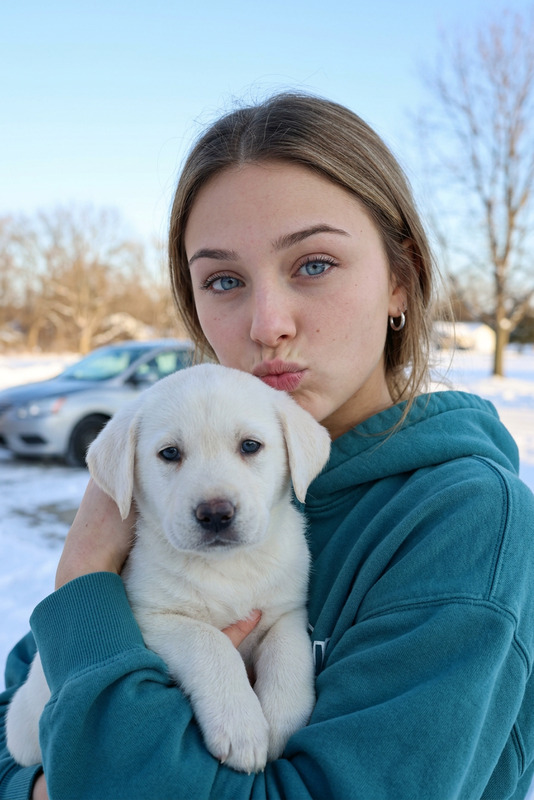
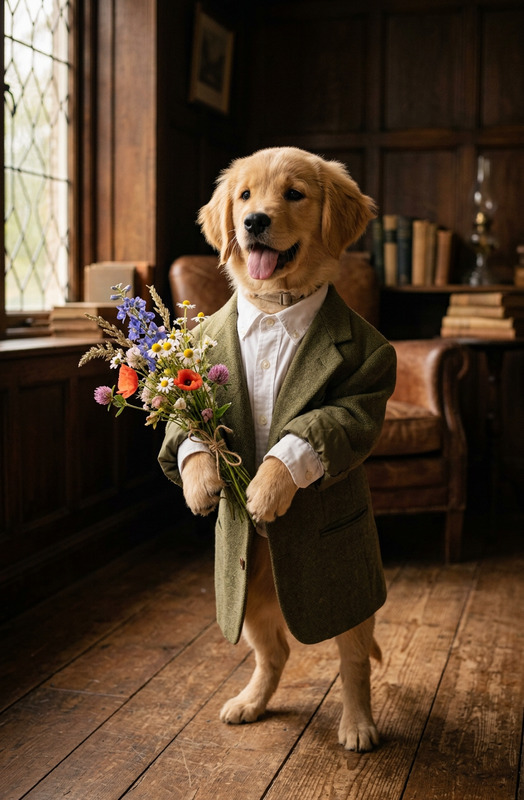
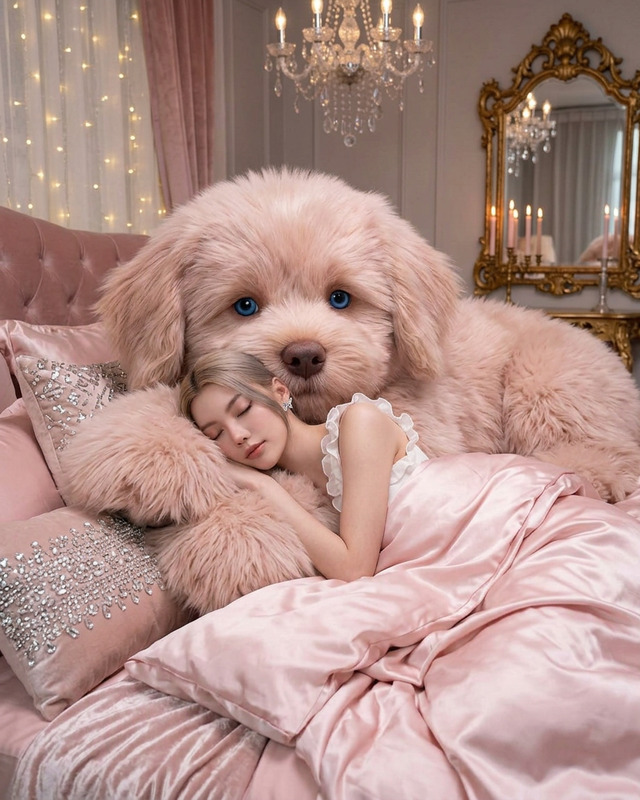
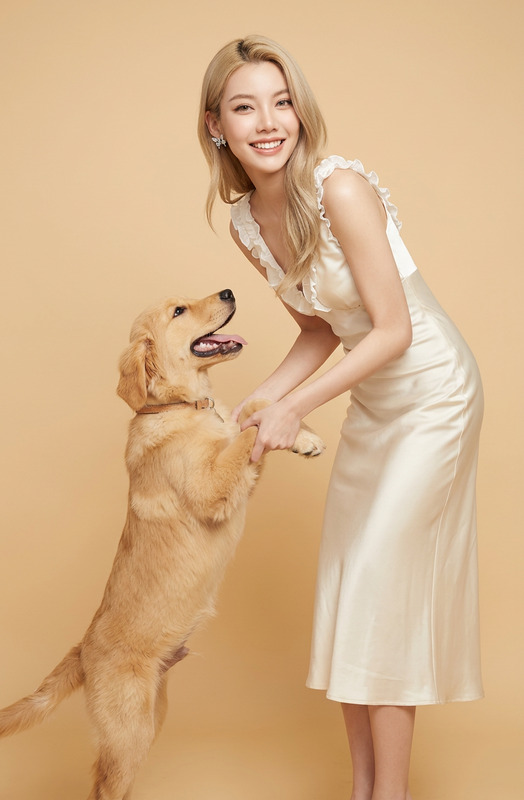
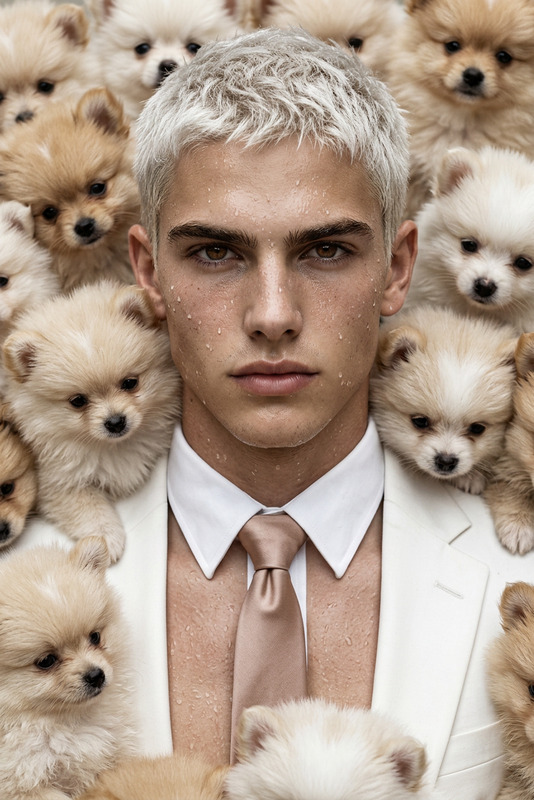
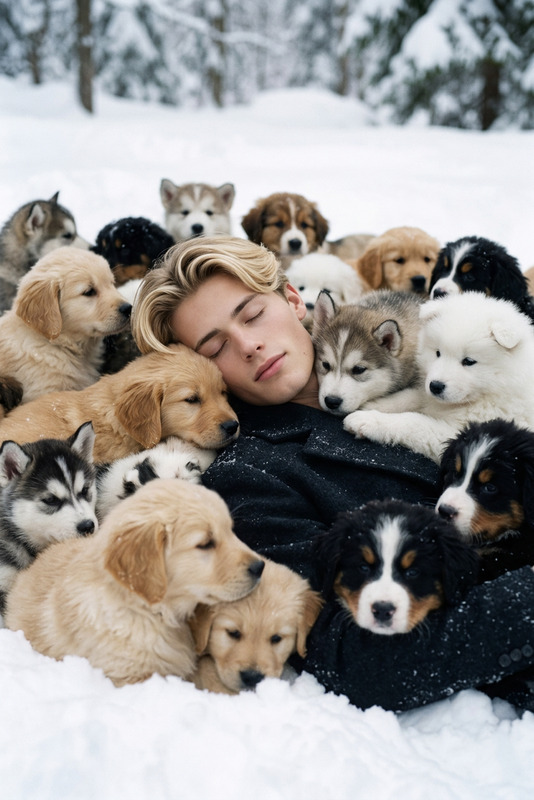
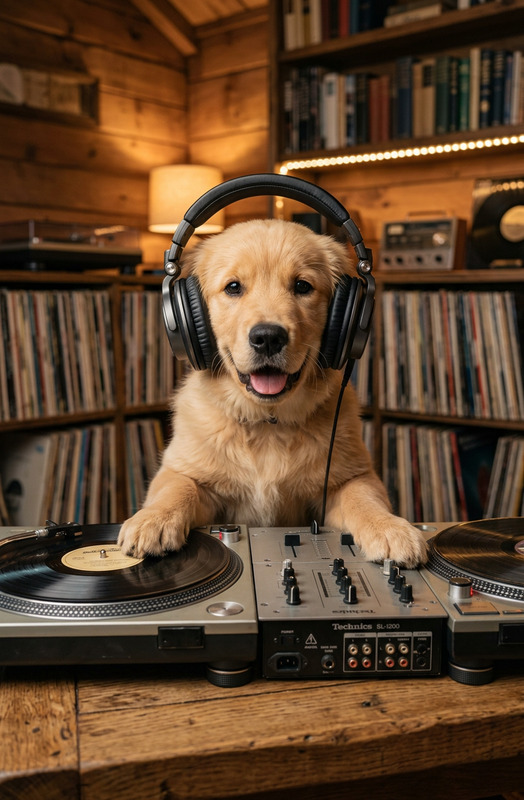
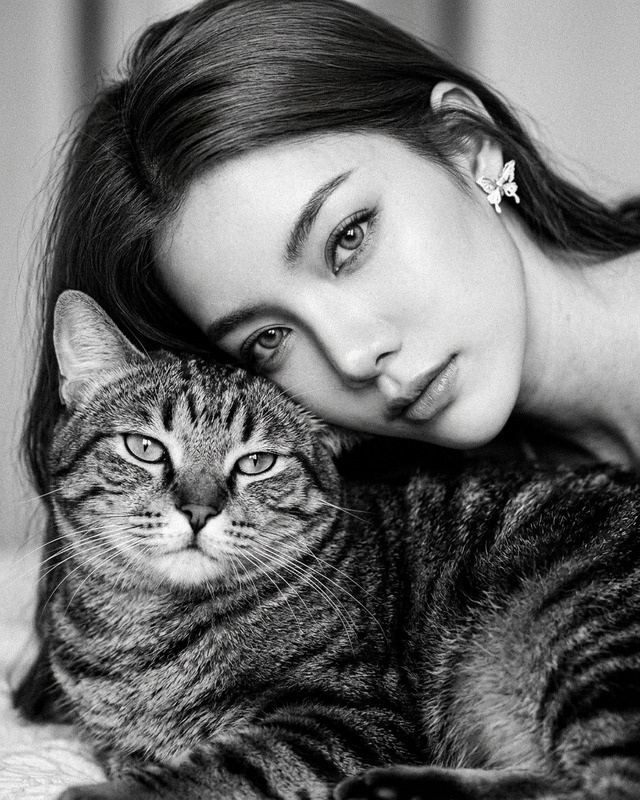
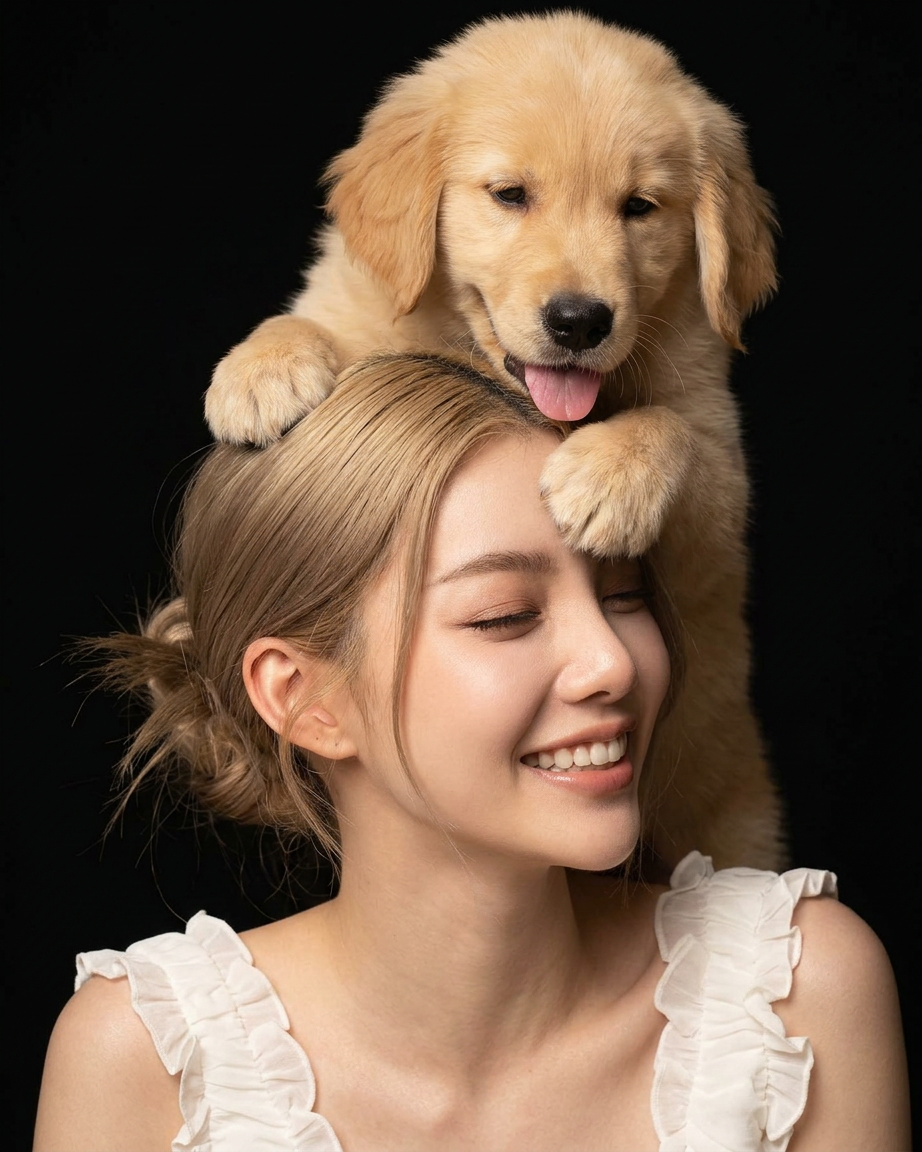
Subject is smiling with closed eyes while a fluffy golden retriever puppy gently places its paws over Subject face and head from behind. Subject has soft glowing skin, natural makeup, and a peaceful expression. The puppy looks playful and affectionate with its tongue slightly out. Dark black studio background, warm soft lighting, intimate portrait photography, emotional and wholesome atmosphere, ultra detailed fur and skin texture, shallow depth of field, luxury beauty campaign aesthetic, high-end editorial style
Any aspect ratio
Overview
The Guess Who template lets you create enchanting images combining human and canine charm. Leveraging the AI Image Editor for stunning, interactive content, it's perfect for games and social media posts where visuals captivate your audience.
What It Does
This template crafts an intimate portrait with luxurious aesthetics. A subject smiles gently as a playful golden retriever puppy interacts with them, creating a heartwarming scene perfect for a high-end beauty campaign. The AI Profile Picture Generator results in an ultra-detailed look, from textured fur to radiant skin. The overall style emulates an editorial photoshoot.
Who It's For
Creative professionals in marketing and social media who need compelling content will find this template invaluable. It's an excellent tool for brands looking to connect emotionally with their audience, and suits agencies crafting engaging guess-the-image game content. Check out our AI Product Photography for more visual tools.
Summary
Designed with the AI Image Editor, the Guess Who template enriches your visual storytelling capabilities. It yields professional-grade visuals suitable for luxury beauty campaigns and playful, interactive content settings, blending precision and emotion seamlessly.
How to Use

Customize Your Image

Generate Your Visual

Use Cases
Social Media Engagement
- Guess-the-image Instagram challenges
- Interactive Facebook content
Marketing Campaigns
- Beauty product ads
- Pet care product branding
Online Games
- Interactive image puzzles
- Role-playing game content
Best Practices
Focus on Emotion
Capture genuine emotions to connect with your audience better. Craft narratives that resonate using the right lighting and expressions.Meet Technical Standards
Ensure your final image meets any platform-specific resolution or format criteria to maintain the quality of your visuals.Experiment with Angles
Try different subject and puppy positions to find the most engaging composition. Consider how changing angles impacts the emotional tenor of the image.