Chic Paws
- Model
- Nano Banana 2
- Image
- 832 × 1270 px
Prompt
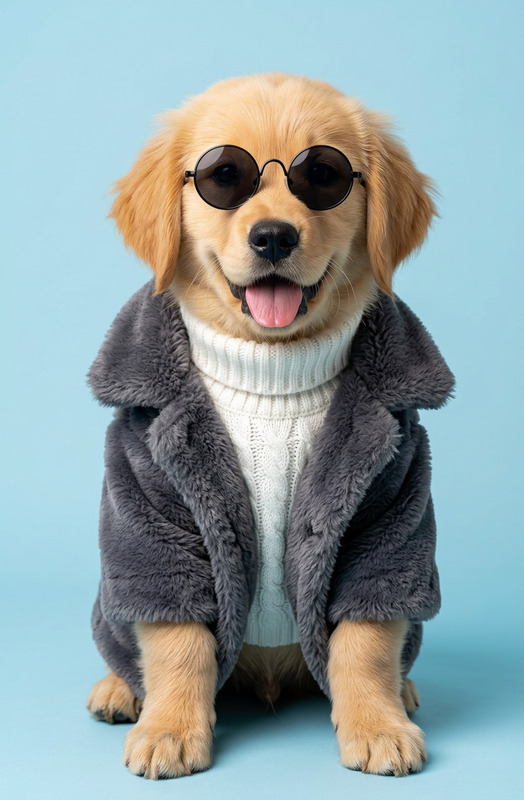
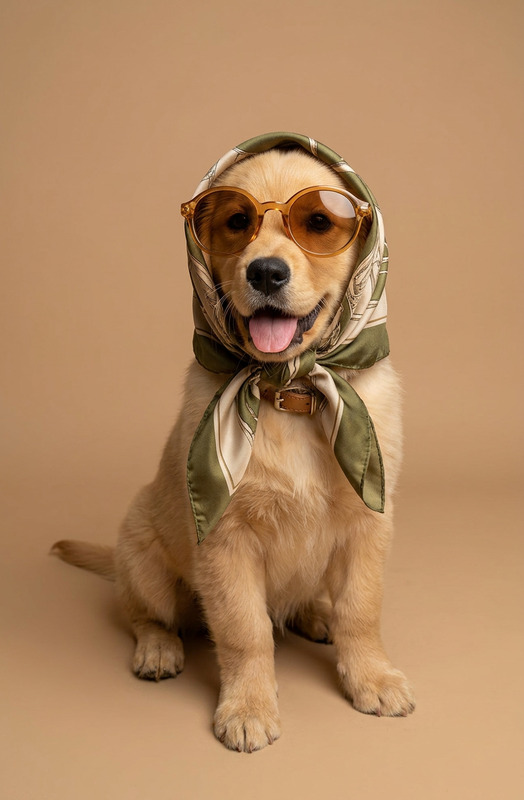
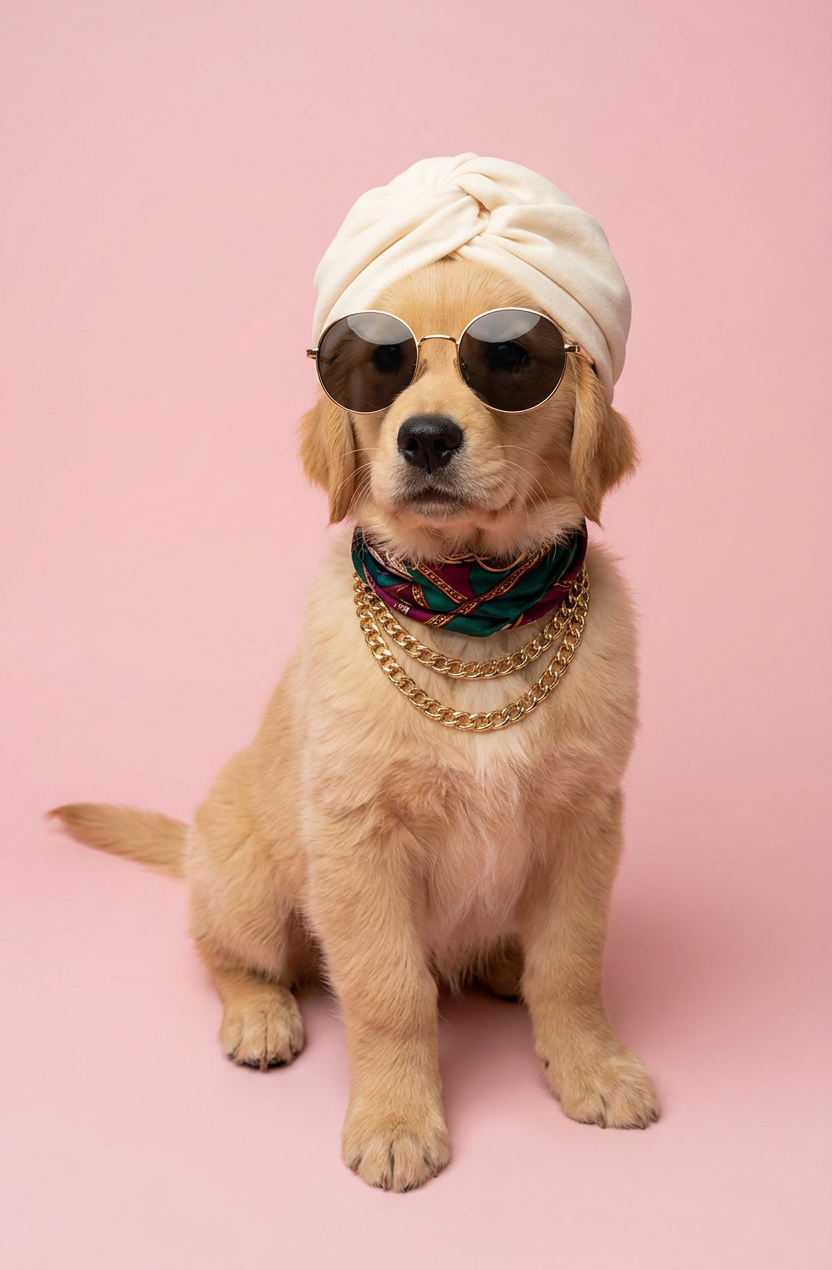
A chic and funny studio portrait of a subject dressed in high fashion. The subject is wearing a soft cream turban on its head, large round gold-rimmed sunglasses, and a silk patterned scarf with a gold necklace around its neck. The background is a solid light pastel pink. The lighting is soft and professional, making the cat look like a glamorous model.
Any aspect ratio
Overview
Chic Paws is an AI Image Editor designed to transform ordinary pet images into studio-quality portraits with a chic and comical flair. Leveraging the nano-banana-2 model, this template emphasizes high fashion aesthetics while keeping things fun with customizable elements like turban, sunglasses, and scarves against a pastel pink backdrop.
What It Does
The Chic Paws template allows users to turn images of their beloved pets into glamorous studio portraits. It uses sophisticated rendering techniques to ensure every detail—from the soft cream turban to the intricate patterns of a silk scarf—is flawlessly brought to life. By highlighting unique accessories and a solid pink background, it mimics high-fashion photo shoots.
For further customization and editing, users can also utilize our AI Image Editor, ensuring each image meets their artistic vision.
Who It's For
This template is ideal for pet enthusiasts and social media influencers who love dressing their pets in high fashion. It's perfect for those wanting to create engaging content for platforms like Instagram and TikTok. Businesses in pet fashion or pet photography can also benefit from Chic Paws to enhance their visual marketing materials.
Summary
In summary, Chic Paws offers a delightful way to elevate pet photos into chic, model-like portraits with a touch of humor. The template is user-friendly and works seamlessly with the AI Profile Picture Generator for added versatility across different platforms.
How To
Choose the Template

Customize Your Image

Generate and Download

Use Cases
Social Media Content
Pet Fashion Shoots
Custom Pet Portraits
Best Practices
Lighting Essentials
Use well-lit photos of your pets to ensure that details like the sunglasses and scarves are captured perfectly.Focus on Expression
Capture images where your pet's expression complements the high-fashion accessories for a more engaging portrait.Experiment with Accessories
Try different combinations of accessories to find the style that best suits your pet's personality.