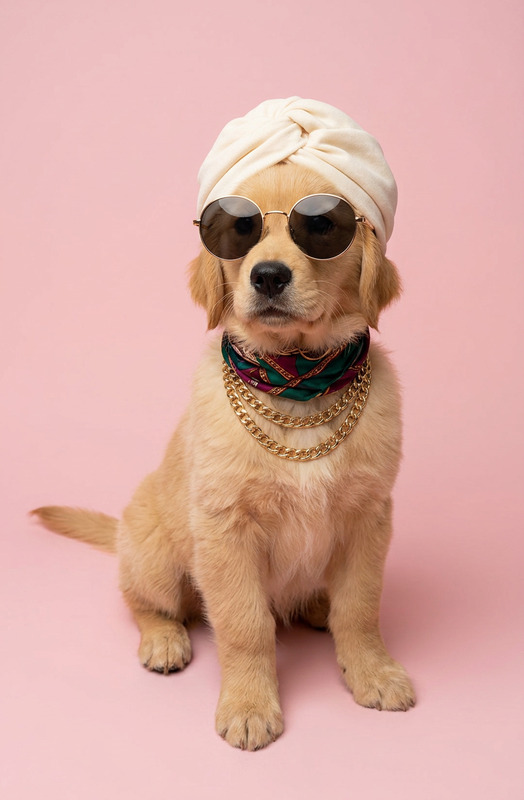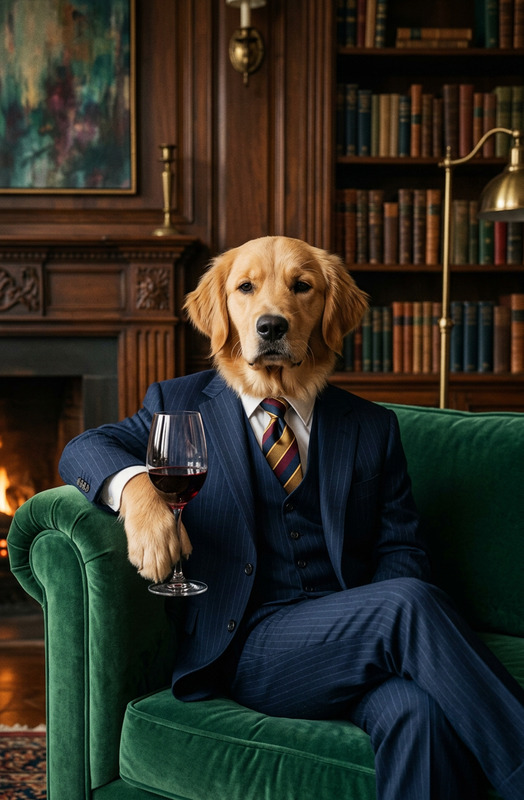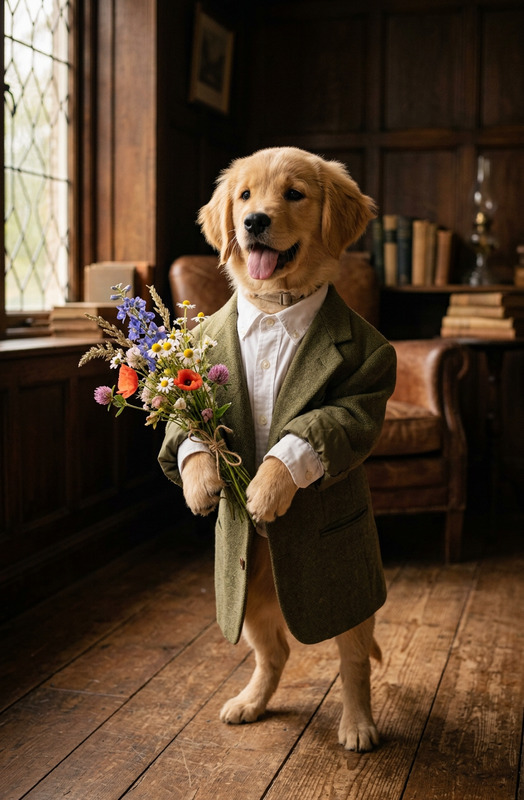
Beat Paws
- Model
- Nano Banana 2
- Image
- 832 × 1270 px
Prompt
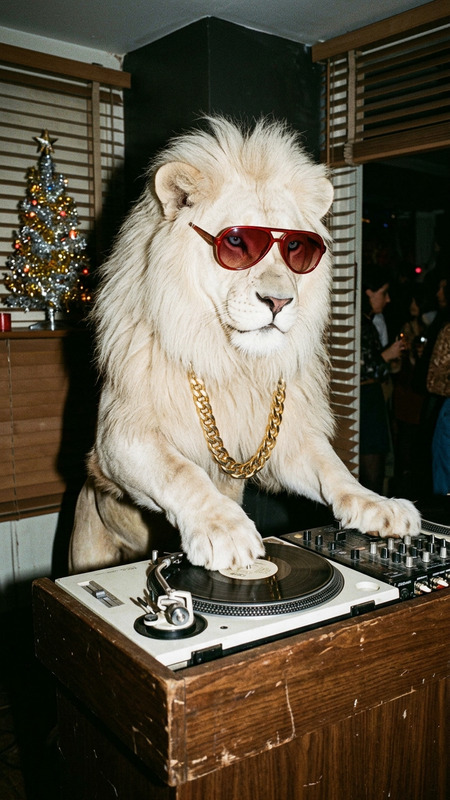
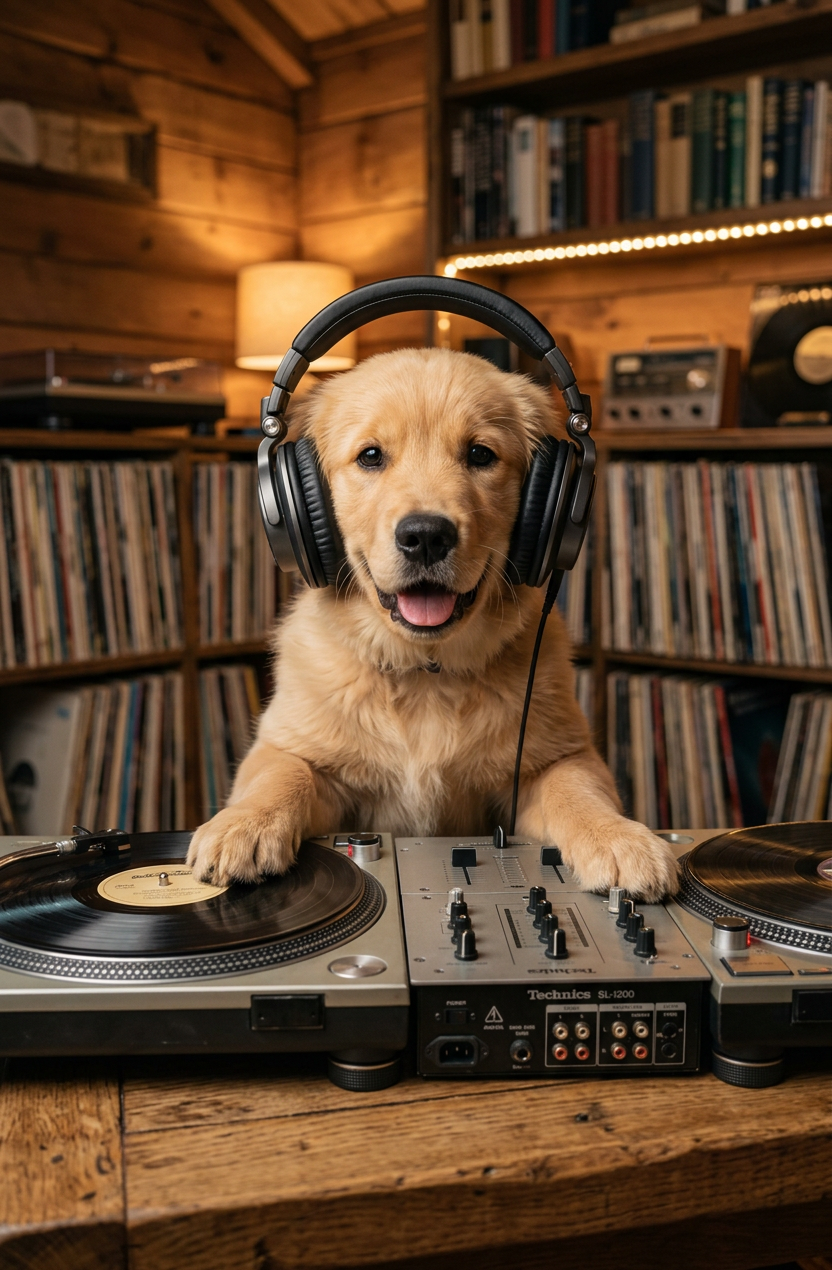
main subject, acting as a DJ in a cozy rustic room. The subject is looking directly at the camera, wearing professional large over-ear headphones on its head. Its front paws are resting on a vintage vinyl record turntable setup placed on a wooden table. In the softly blurred background, shelves filled with vinyl records and books are illuminated by warm indoor ambient lighting. Authentic, humorous lifestyle editorial photography style with highly detailed fur texture and natural cinematic depth of field.
Any aspect ratio
Overview
The "Beat Paws" template on Magic Hour turns your pet's adventures into captivating images with minimal effort. Using the precise and efficient AI Image Editor, you can bring to life playful photoshoots featuring your furry friend as a DJ in a charming rustic setting. With high-quality details like professional headphones and a vintage turntable setup, this template is designed to add both authenticity and humor to your finished image.
What It Does
The "Beat Paws" template utilizes the nano-banana-2 model to create editorial-style images with realistic lighting and texture effects. By turning your pet into the main subject, this template supports AI Image Generator functionality to highlight fine details such as fur texture amidst cinematic environments. The effort put into the background details, such as vinyl records and bookshelves, gives your imagery a highly stylized and professional look.
Who It's For
This template is perfect for pet lovers and content creators aiming to create delightful pet-themed imagery without needing advanced photo editing skills. Whether you're a social media influencer or a pet brand owner, "Beat Paws" offers you the tools to produce striking visuals with ease. Photography enthusiasts who want to experiment with lighting and atmosphere will find this template particularly appealing.
Summary
Enhance your pet-themed content with the "Beat Paws" AI Image Editor template. Its focus on detailed textures, coupled with its rustic DJ booth setting, delivers humorous and charming images. With opportunities for professional-level results, this tool is ideal for beginners and seasoned creators alike. Dive into creative possibilities using AI-driven image styling for engaging and highly sharable content.
How To
Choose the Template

Customize Your Image

Generate and Download

Use Cases
Social Media Content
- Enhance pet accounts with unique visuals
- Generate buzz with humorous storytelling
Pet Product Promotion
- Display pet apparel in an engaging setting
- Highlight music-related pet accessories
Pet Event Invitations
- Create eye-catching invites with a playful theme
- Add a personal touch with customized pet photos
Best Practices
Focus on Expression
Ensure your pet's expression is natural and lively for a more engaging result.Enhance Background Detailing
Use the template's ability to depict textured backgrounds, such as shelves filled with vinyl and books, to add depth.Experiment with Lighting
Take advantage of the natural and cinematic depth of field to try different lighting effects, enhancing the warm and cozy room atmosphere.