Pet Vogue
- Model
- Nano Banana 2
- Image
- 832 × 1270 px
Prompt
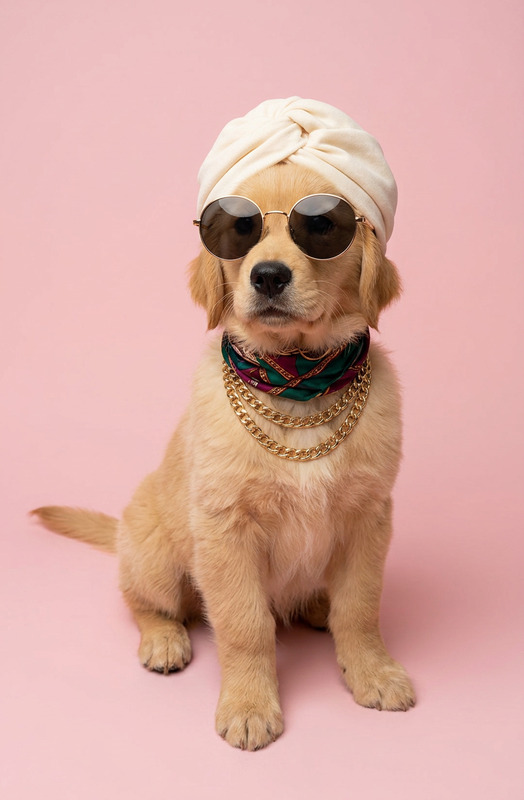
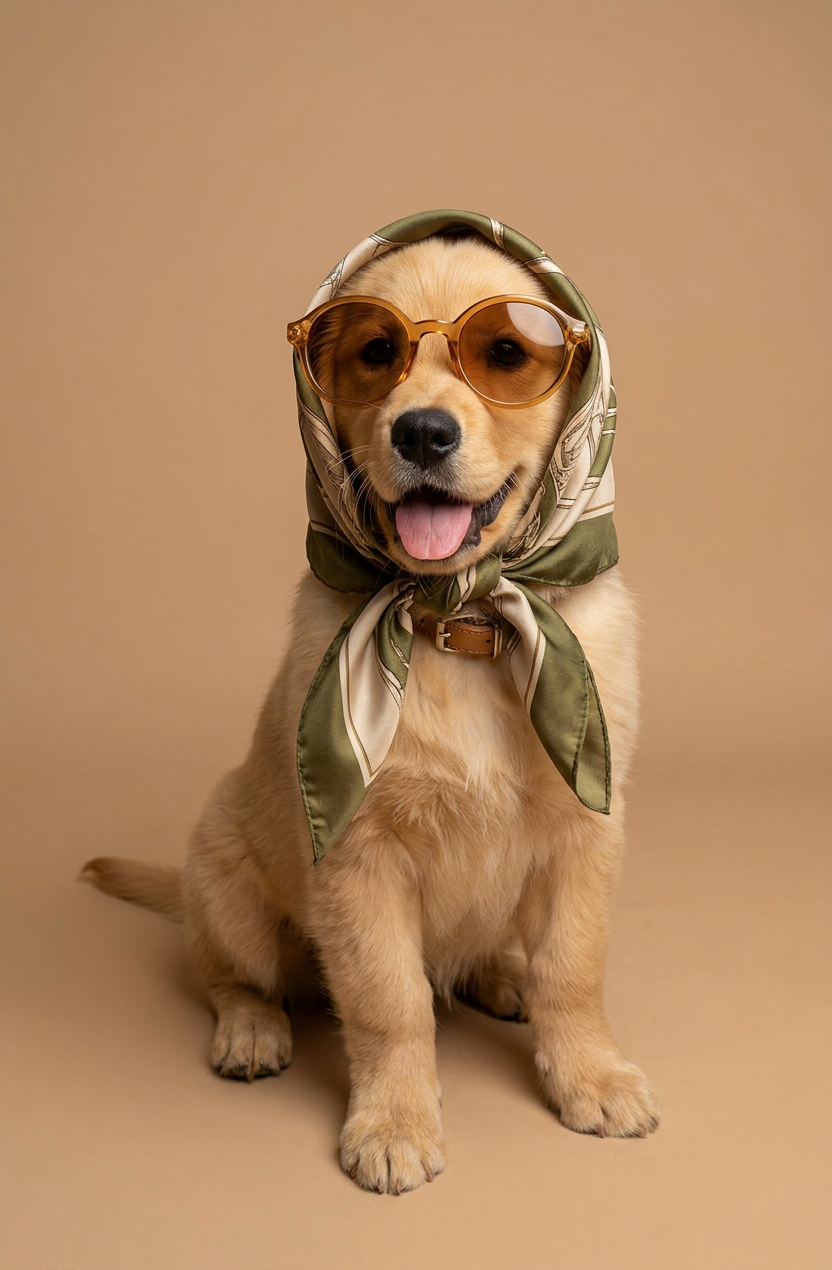
A high-end studio portrait photograph of a beautiful subject styled like a vintage fashion icon, wearing a silk headscarf tied neatly under its chin in a babushka style, featuring elegant olive green and beige patterns. It is also wearing oversized round tinted sunglasses with amber transparent frames. The background is a solid, warm muted beige color. Studio lighting, soft shadows, sharp focus on the dog's face, elegant and humorous high-fashion aesthetic
Any aspect ratio
Overview
The "Pet Vogue" template in our AI Image Editor line transforms your pet's photos into chic high-fashion portraits with just a few steps. Using the nano-banana-2 model, you can achieve a stylish, vintage aesthetic featuring elegant olive green and beige patterns. Let your pet shine with oversized round sunglasses and a silk headscarf, creating a sophisticated and humorous look.
What It Does
By leveraging advanced AI technology, the "Pet Vogue" template captures the essence of high-end studio portrait photography for pets. Adjust lighting, sharpness, and aesthetic details to produce striking images that balance elegance and humor. The process enhances your photos with studio lighting effects, soft shadows, and a focus on facial details, ensuring a professional, fashion-forward result.
Who It's For
"Pet Vogue" is perfect for pet owners, photographers, and anyone interested in elevating their furry friend's style. This template suits professionals in pet photography sectors and individuals who enjoy sharing creative images on social media. Whether you're creating content for Instagram Reels or developing marketing materials for pet fashion brands, this tool adapts to your needs.
Summary
Transform your pet photos into fashion statements with "Pet Vogue." This template is part of our AI Image Editor offerings and employs the robust nano-banana-2 model to ensure high-quality and stylistic output. Capture humorous and elegant pet portraits that are sure to stand out.
How To
Choose Your Template

Customize Your Inputs

Generate Your Image

Use Cases
Pet Photography
- Create unique portfolio content
- Stand out in the pet fashion industry
Social Media Content
- Boost engagement with stylish images
- Create content for pet-focused pages
Pet Fashion Marketing
- Showcase pet clothing lines
- Promote events with fashionable photos
Best Practices
Focus on Lighting
Use well-lit images to ensure the AI can effectively apply studio-quality effects.Opt for High-Resolution Photos
Select clear, high-resolution images to capture detail in your pet's features.Experiment with Styles
Try different color combinations and accessories to find the perfect look for your pet.