Flying Over Waikiki
ai-image-editor
Any aspect ratio
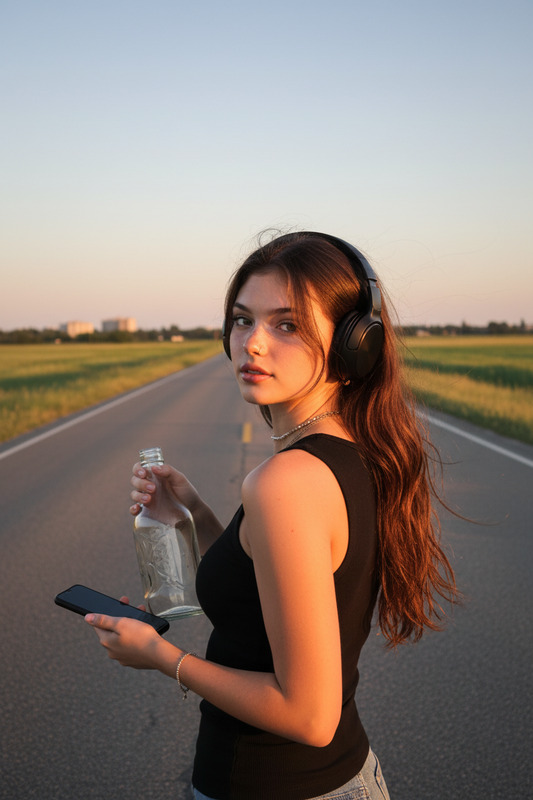
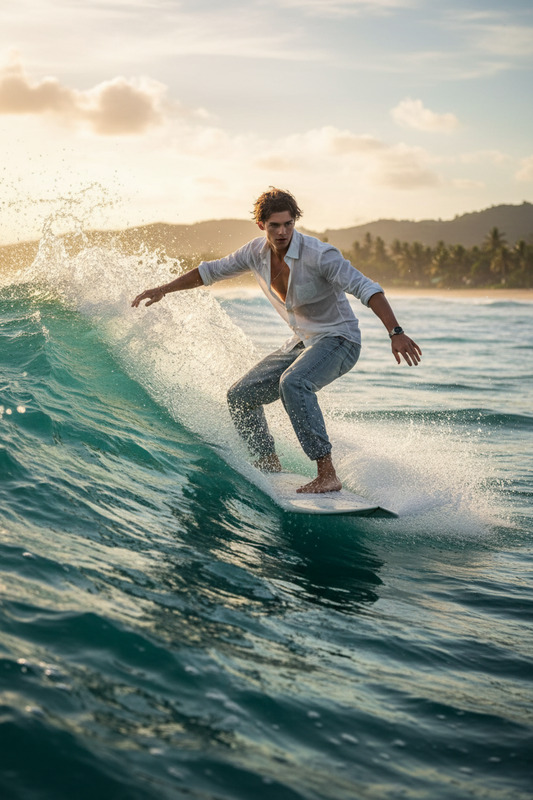
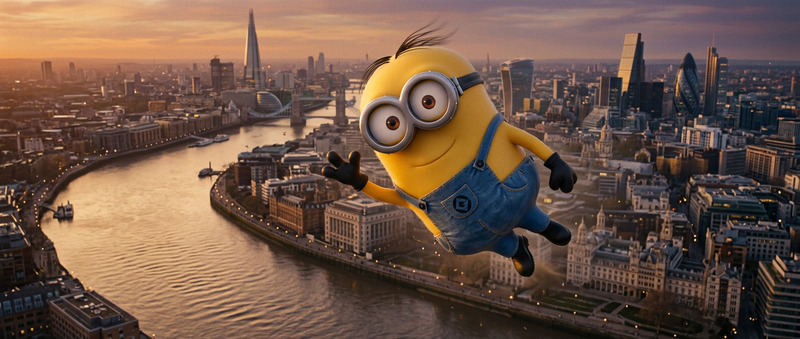
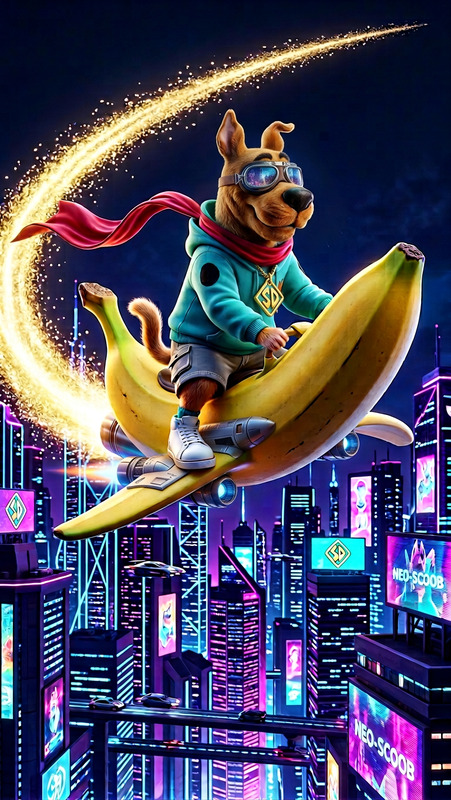
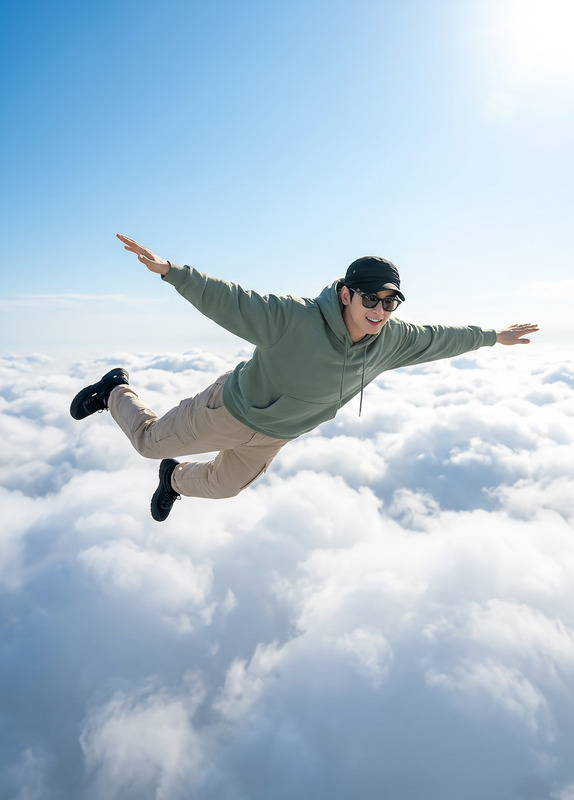
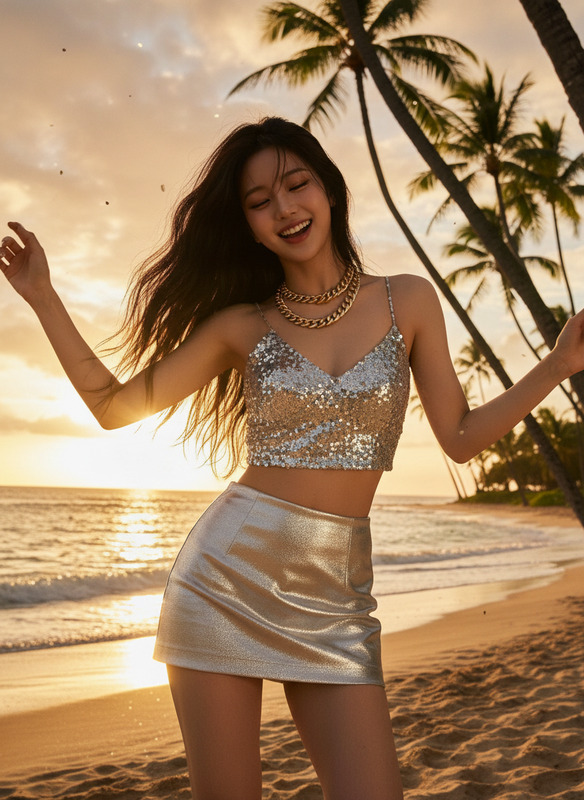
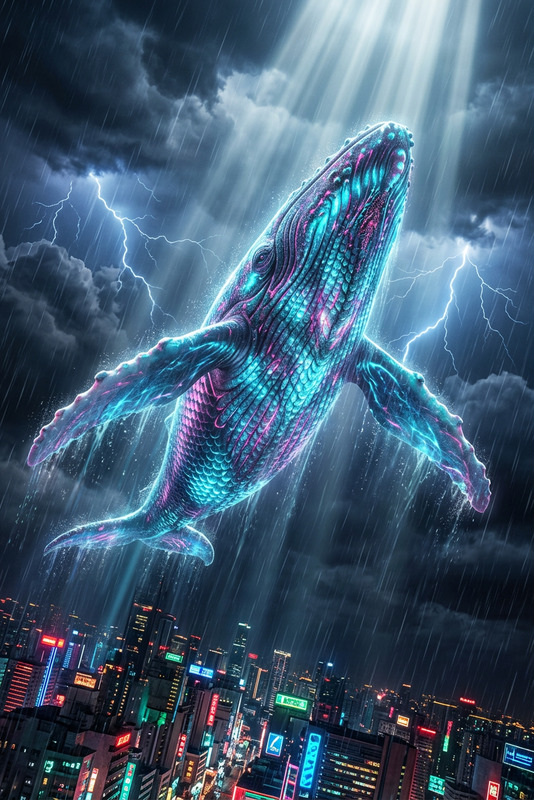
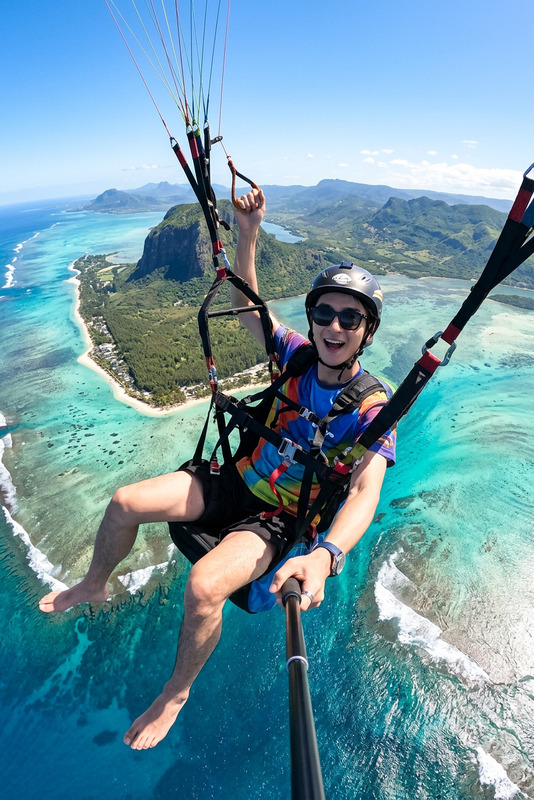
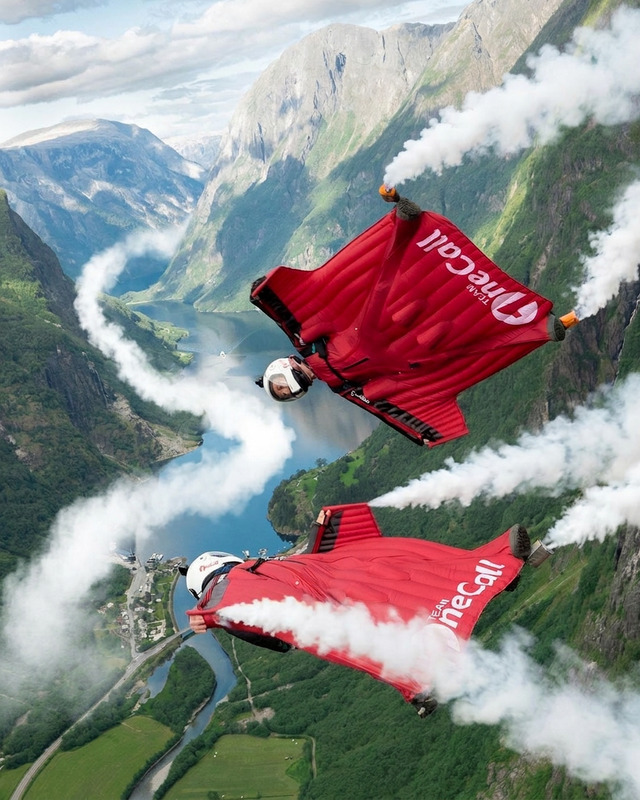
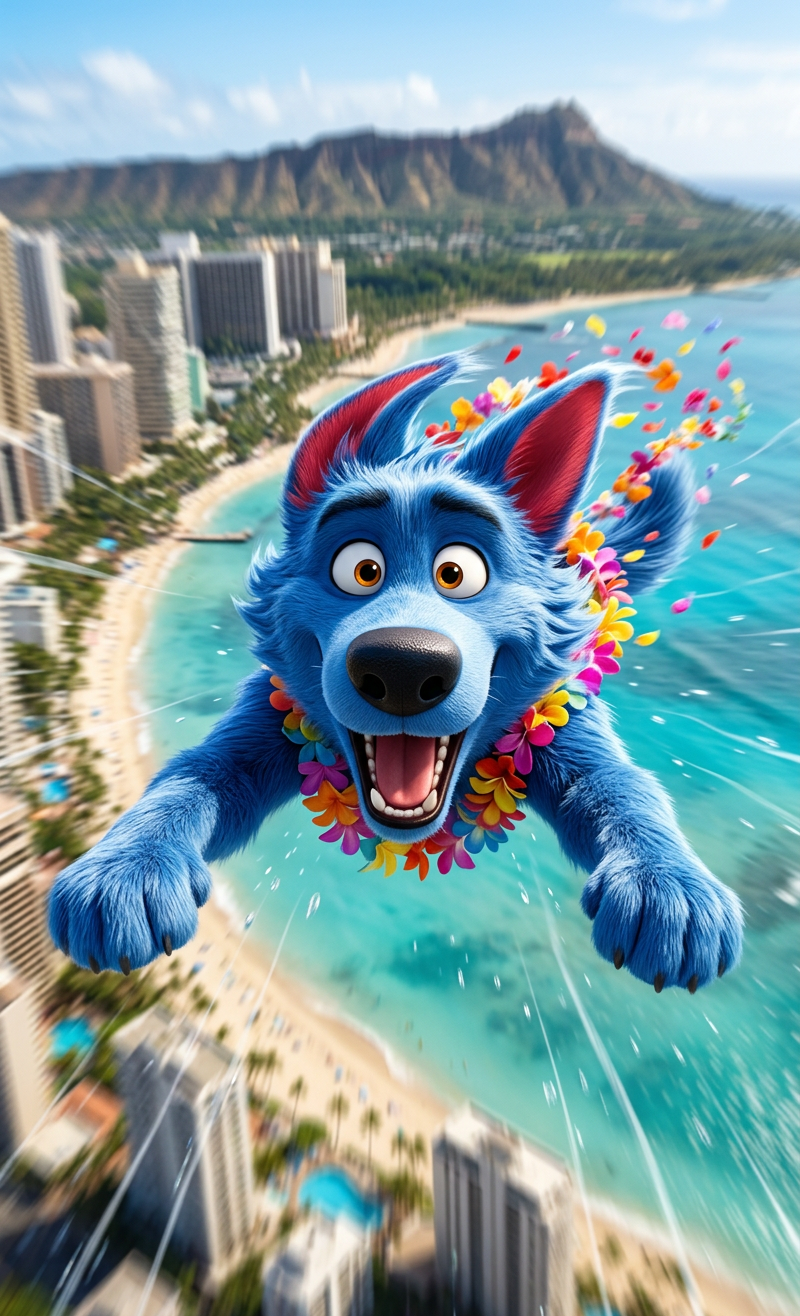
Scene is high above Waikiki Beach, Hawaii on a bright sunny day; a subject is flying forward in a Superman pose at high speed, with hair and clothes blowing strongly in the wind; subject looks excited and shouts toward the camera; camera uses a smooth tracking shot moving alongside subject at the same speed, while the ocean and city below move rapidly backward to emphasize motion and scale; strong wind sound and energetic atmosphere; cinematic, dynamic, high detail, realistic lighting.
Cinematic AI Image Template – Built with Magic Hour AI Image Editor
Use this template as a starting point to turn ordinary photos into cinematic, high-impact visuals with the AI Image Editor. It’s designed for creators, startups, and marketers who need polished images fast—without a full design team or complex tools.
What this template is for
This AI Image Editor–based template is ideal for:
- Social media posts (Instagram, X, LinkedIn, TikTok thumbnails)
- Landing pages, hero images, and promo banners
- Ad creatives and A/B test variants
- Thumbnails for YouTube, courses, or webinars
- Pitch decks and investor updates
- Product shots, mockups, and “before/after” transformations
If you’re working on growth, content, or product marketing and need consistent, professional visuals at scale, this template is built for you.
How to remix this template in Magic Hour
You can recreate or customize this template in a few minutes:
Open AI Image Editor
Go to AI Image Editor. This is the base tool used to build this template.Upload your source image
- Use a product photo, a portrait, a screenshot, or an illustration.
- For best results, start with a reasonably clear, well-lit image. If your image is low quality, you can first enhance it with the AI Image Upscaler or Unblur Image.
Describe the transformation you want
In plain language, explain the cinematic or stylistic changes you need, for example:- “Turn this into a cinematic movie-poster style image with dramatic lighting and depth of field.”
- “Make this a clean, minimalist SaaS landing-page hero image with a soft gradient background.”
- “Transform this selfie into a professional LinkedIn headshot with neutral lighting and subtle background blur.”
Use relevant visual keywords that matter for your use case:
- For marketers: “high-conversion ad creative,” “scroll-stopping thumbnail,” “brand-consistent colors,” “minimalist, tech startup style”
- For developers/founders: “pitch deck slide visual,” “product UI mockup style,” “app store screenshot style”
- For artists/creators: “cinematic,” “studio lighting,” “film still,” “digital painting,” “comic-book style,” “anime style”
Refine with iterative edits
Once the first version is generated, use AI Image Editor again to:- Adjust style (more realistic, more stylized, more minimal)
- Clean up artifacts or remove unwanted objects using AI Remover or Remove Object from Photo
- Isolate or replace the background using Image Background Remover or AI Background Generator
Export and repurpose across channels
Once you’re happy with the result, export it and reuse it across:- Social platforms (resize/crop as needed)
- Landing pages
- Email campaigns
- Decks and internal docs
You don’t need to match any specific “settings” from this template—everything can be recreated just by describing the outcome you want. The core of this template is the workflow: upload → describe → refine → export.
Advanced remix ideas for creators and teams
If you want to go beyond a single image and build a repeatable content system, you can combine AI Image Editor with other Magic Hour tools:
Faces & characters
- Turn a single edited portrait into a reusable persona across content using:
- AI Face Generator for unique faces
- AI Face Editor to tweak expressions, age, or style
- Gender Swap for inclusive or comparative visuals
- AI Headshot Generator for consistent, professional profiles
- Turn a single edited portrait into a reusable persona across content using:
Brandable product and UI visuals
- Create mockups and interface shots using:
- AI Photo Generator or AI Image Generator to produce base images
- Then refine them into polished, on-brand assets with AI Image Editor
- Create mockups and interface shots using:
Turning images into motion
- Once you’ve got a strong edited image, animate or extend it into video:
- Image to Video to add motion and camera moves
- Text to Video to build full explainer or promo clips
- AI GIF Generator for looping social content or ad units
- Once you’ve got a strong edited image, animate or extend it into video:
Character and story-driven content
- Start with a stylized character in AI Image Editor and then:
- Bring them to life with AI Talking Photo
- Create animated story snippets using the Animation template
- Generate supporting art with AI Character Generator or Animated Characters Generator
- Start with a stylized character in AI Image Editor and then:
AI Image Editor: What’s happening under the hood (briefly)
Magic Hour’s AI Image Editor uses modern diffusion and image-to-image generation techniques. In practice this means:
- You can radically change style (e.g., photo → anime, photo → digital painting) while keeping composition recognizable.
- You can make subtle professional adjustments: lighting, color grading, backgrounds, or minor retouching without a steep learning curve.
- Because prompts are language-based, you can quickly test multiple visual directions for product launches, campaigns, or brand refreshes.
For creators and teams, this reduces the time from “rough idea” to “ready-to-ship visual” from hours/days to minutes.
Use cases and examples you can replicate
You can easily adapt this template for:
High-converting ad creatives
- Start with a product photo.
- Use AI Image Editor to:
- Remove cluttered backgrounds
- Add brand colors and subtle gradients
- Emphasize product features (lighting, reflections, focus)
- Then test variants by changing style in the prompt: minimal, premium, playful, dark-mode, etc.
Founders and team portraits for startup sites
- Turn casual photos into consistent, studio-like portraits using AI Image Editor.
- If you have very old or low-quality pictures, run them through Old Photo Restoration or Photo Colorizer first.
YouTube & course thumbnails
- Edit your base face shot into a clean, high-contrast, thumbnail-ready image.
- Combine with background changes via AI Image Editor and Thumbnail Maker.
Content for dev tools, SaaS, and apps
- Generate UI mockups or conceptual visuals with AI Art Generator, then refine and brand them using AI Image Editor.
- Build a consistent visual library for docs, blog posts, and release notes.
Niche visual styles for campaigns
- Want something stylized (anime, comic book, fantasy, “Disney-like”)? Create the base in:
- Then take the output into AI Image Editor to clean up, adjust composition, or adapt for your brand.
How to keep your outputs consistent and on-brand
When remixing this template for ongoing content:
- Reuse visual language in your prompts
- E.g., always mention: “clean, minimal, product-led,” or “bold, high-contrast, neon tech aesthetic.”
- Stick to a small set of styles
- Choose 1–2 “core looks” (e.g., cinematic + minimal) and keep remixing within that range.
- Standardize faces and personas
- Use AI Selfie Generator, AI Headshot Generator, or Avatar Generator to lock in consistent characters, then refine them in AI Image Editor.
This is how teams use Magic Hour to build repeatable design systems without hiring full-time design or illustration resources.
Turn your edited images into complete video and audio assets
If this template is part of a larger content workflow, you can extend your edited images into full campaigns:
Video from your edited image
- Use Image to Video to animate a single cinematic frame into a short clip.
- For end-to-end transformations of existing footage, try:
- Video to Video for stylized or AI-enhanced versions of your videos
- Face Swap Video or Face Swap for GIFs for meme-style or personalized content
- Lip Sync to match your edited character’s mouth to any audio
Voices and narration
- Pair your visuals with AI audio using:
- AI Voice Generator for narration or explainer videos
- AI Voice Cloner to generate content in your own or your brand voice
- AI Voice Changer for character voices and creative content
- Pair your visuals with AI audio using:
Subtitles and accessibility
- Add captions to your final videos with Auto Subtitle Generator for better watch-through rates and accessibility.
How to get the most out of this template
To replicate and improve on this template inside Magic Hour:
- Start with a clear goal: ad creative, hero image, thumbnail, headshot, etc.
- Use this template as a visual reference, then:
- Open AI Image Editor
- Upload your own source image
- Describe the final look you want (cinematic, minimal, brand colors, medium, mood, etc.)
- Iterate quickly—try 2–3 variations, keep what works, and refine from there.
- Save the exact language that produced outputs you like and reuse it as your “house style.”
By combining this template with AI Image Editor and complementary tools like AI Background Generator, AI Art Generator, and Image Background Remover, you can build a complete, repeatable image pipeline that scales with your content and product roadmap.