Aqua Surf Surge
- Model
- Nano Banana
- Image
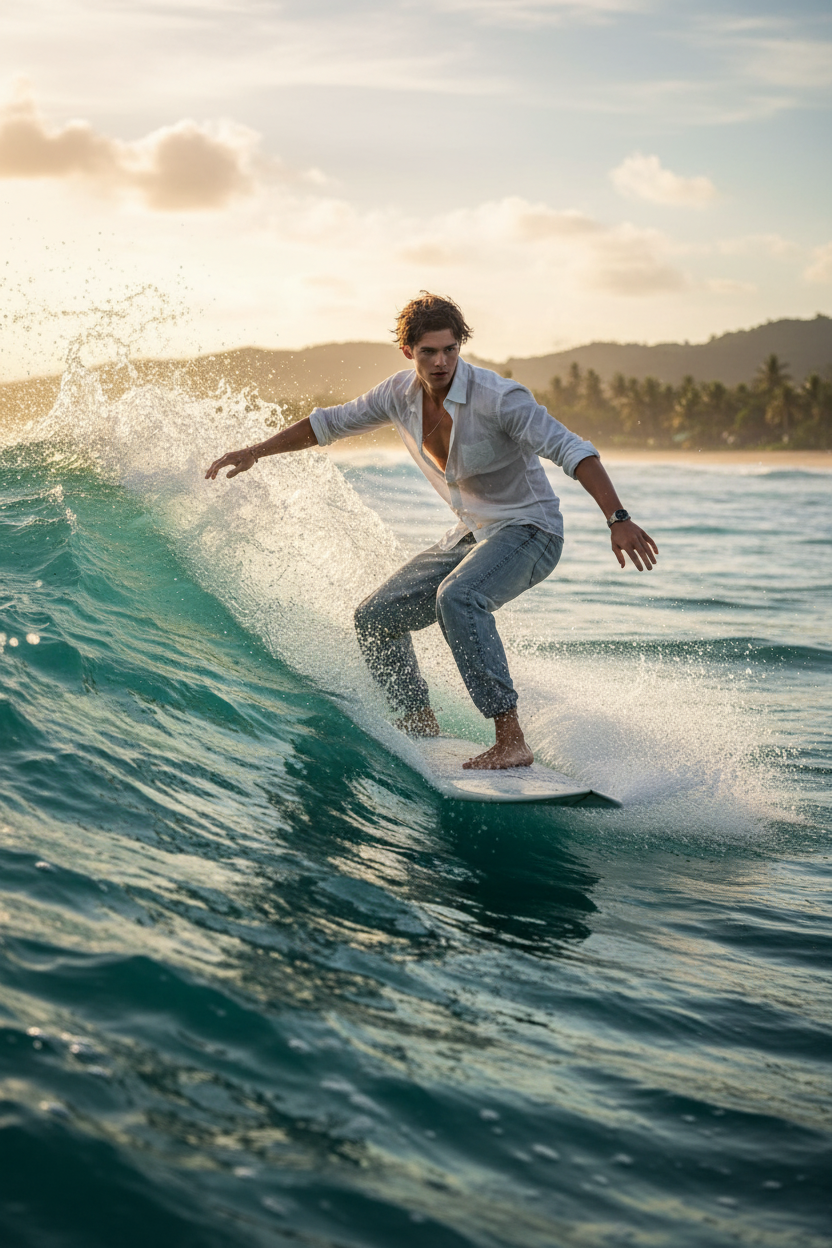
- 832 × 1248 px
Prompt
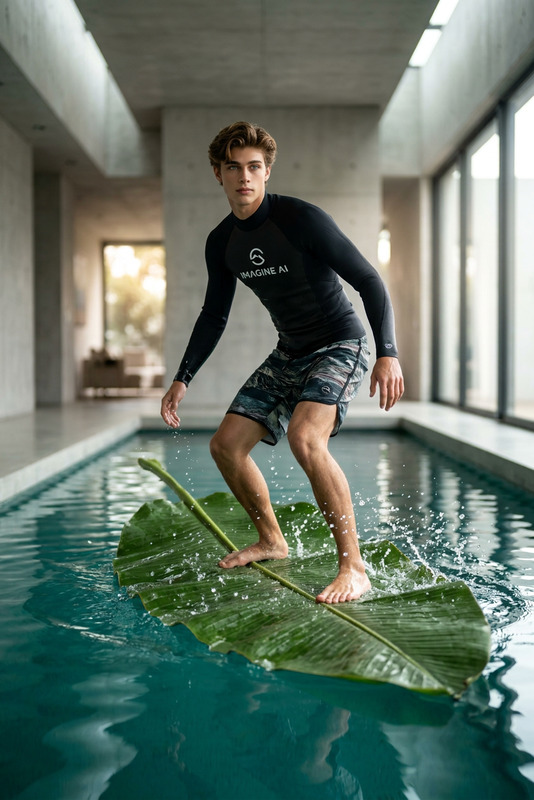
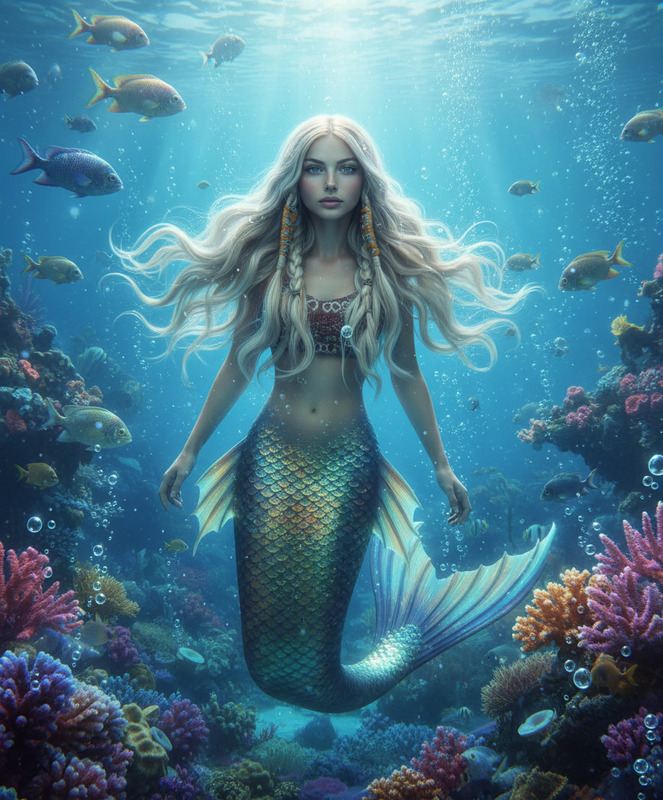
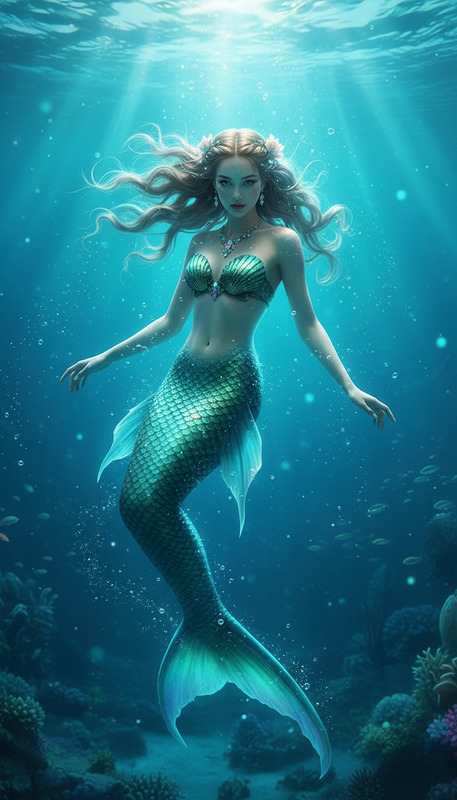
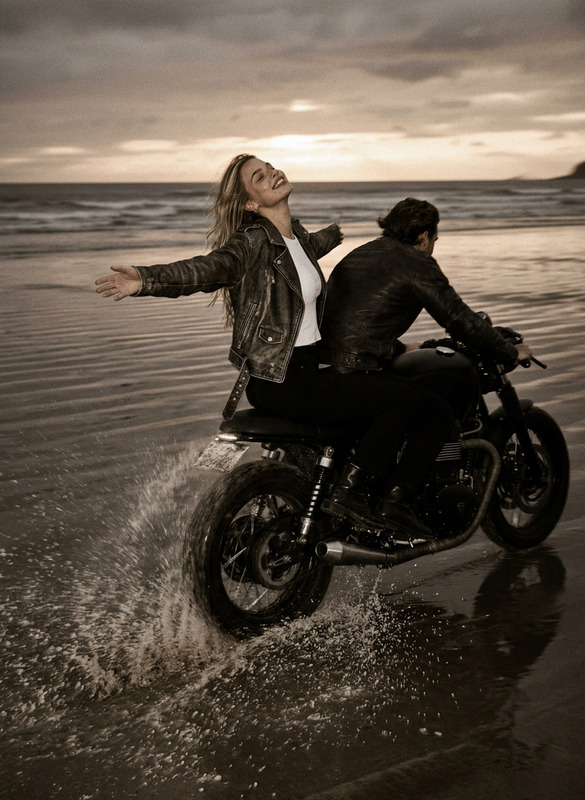
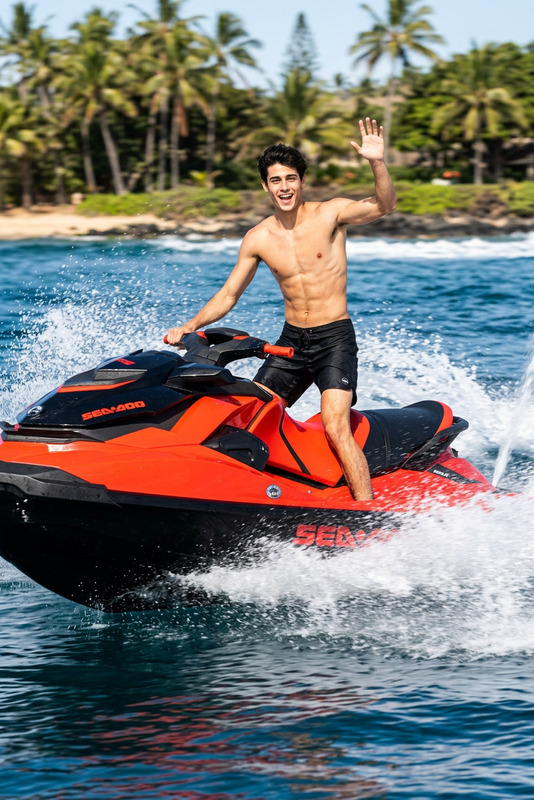
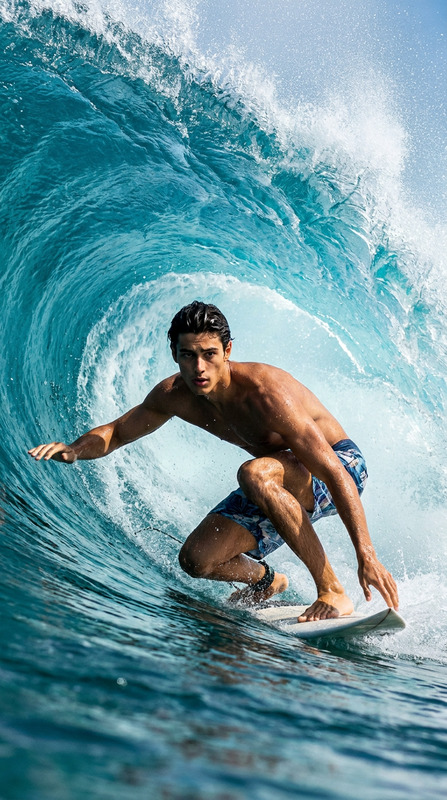
A subject surfs across the water at high speed, gliding smoothly while carving through waves and leaving dynamic splashes and ripples behind. Energetic motion, cinematic perspective, crisp water details, and a strong sense of speed and flow.
Any aspect ratio
Overview
Take your surfing videos to the next level with Aqua Surf Surge, an AI-powered AI Image Editor template that delivers dynamic visuals with seamless precision. This template uses the powerful nano-banana model to bring high-speed surfing scenes to life with vivid detail and exhilarating motion.
What It Does
Aqua Surf Surge is designed to enhance your surfing footage by applying cinematic effects that capture the speed and excitement of the waves. With a focus on energetic motion, crisp water details, and dramatic perspectives, this tool transforms standard clips into breathtaking action scenes. The AI Image Editor capabilities ensure that every frame is polished, energetic, and full of life.
Who It's For
Whether you're a surfing enthusiast wanting to immortalize your rides or a content creator developing cinematic sports highlights, Aqua Surf Surge is tailored for you. This template is perfect for capturing and elevating the thrill of surfing, making it an excellent choice for influencers, vloggers, and professional editors who focus on sports and action content.
Summary
Aqua Surf Surge offers a dynamic editing experience that enhances surf videos with energetic and cinematic quality. By using this template, users can convert raw footage into an exciting visual spectacle that truly embodies the action and excitement of surfing.
How-To
Choose Aqua Surf Surge

Customize Your Inputs

Generate Enhanced Video

Use Cases
Surf Video Enhancements
- Highlight thrilling rides
- Enhance wave dynamics
- Emphasize water clarity
Sports Highlight Reels
- Vivid action shots
- Smooth transitions
- Stunning final presentations
Action Sports Promotion
- Capture audience attention
- Showcase skill sets
- Sell action-packed moments
Best Practices
Choose High-Quality Footage
Start with clear, well-lit video clips to maximize the AI editing output.Calibrate Water Details
If necessary, adjust the prompt to enhance certain water features like reflections and wave patterns.Focus on Motion Clarity
Ensure the subject's movement is fluid to showcase the speed and flow effectively.