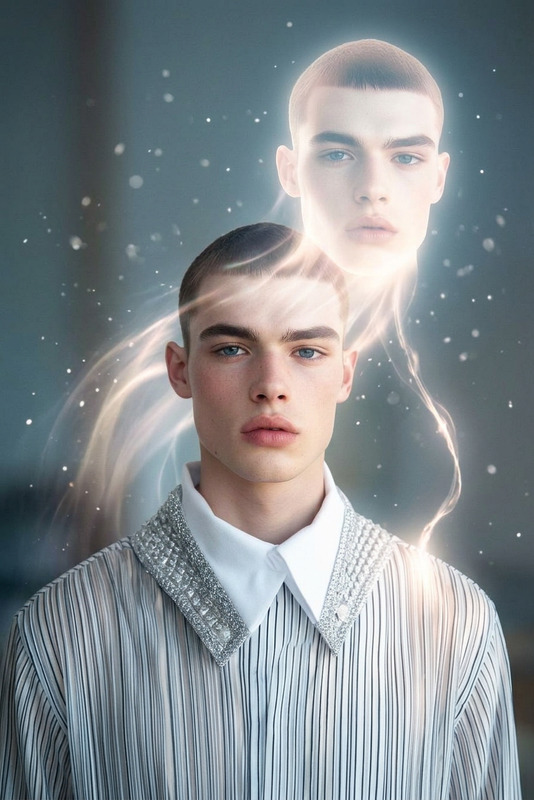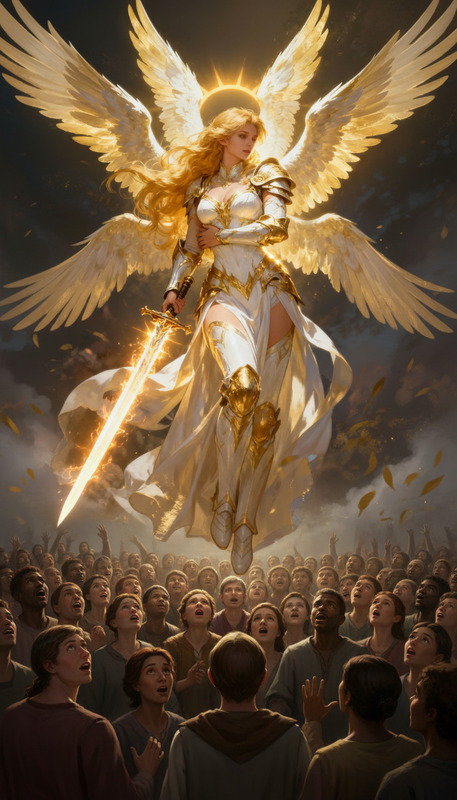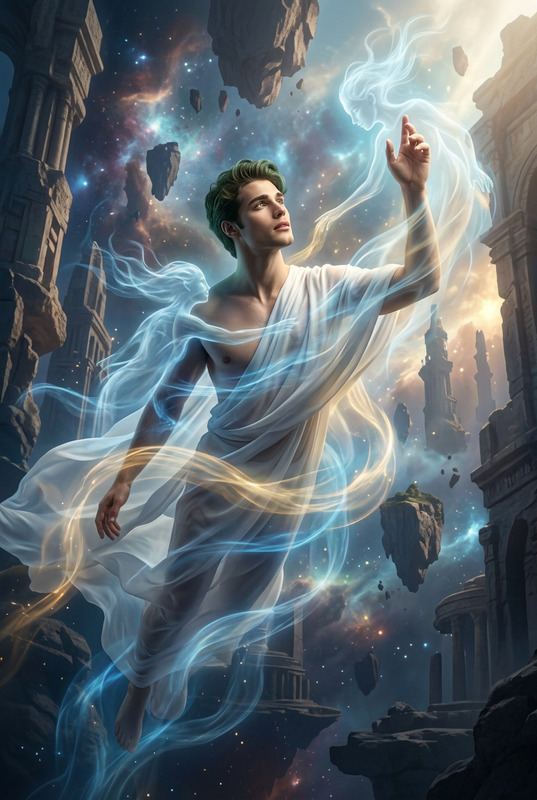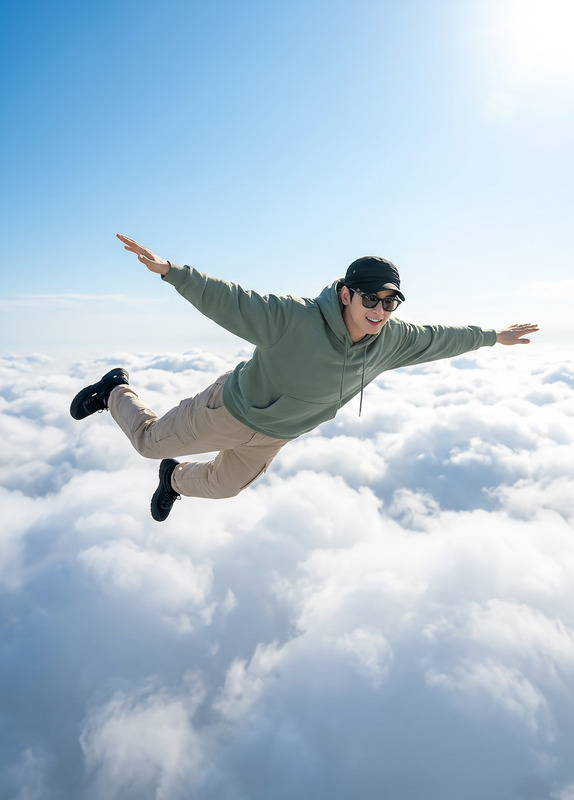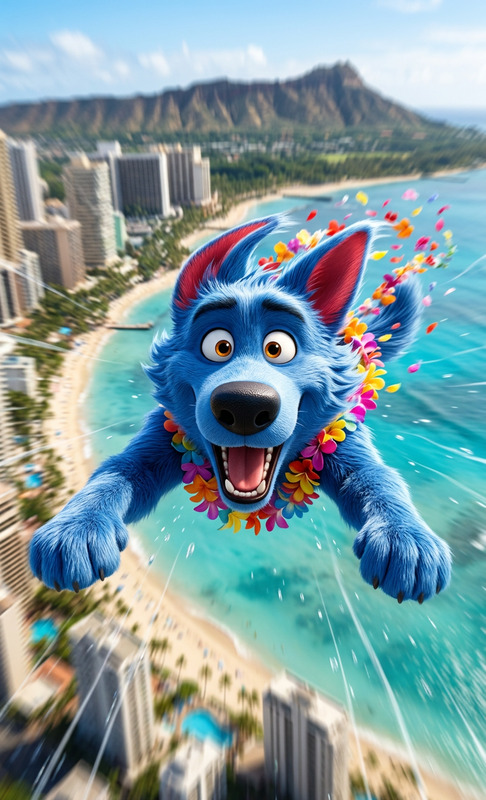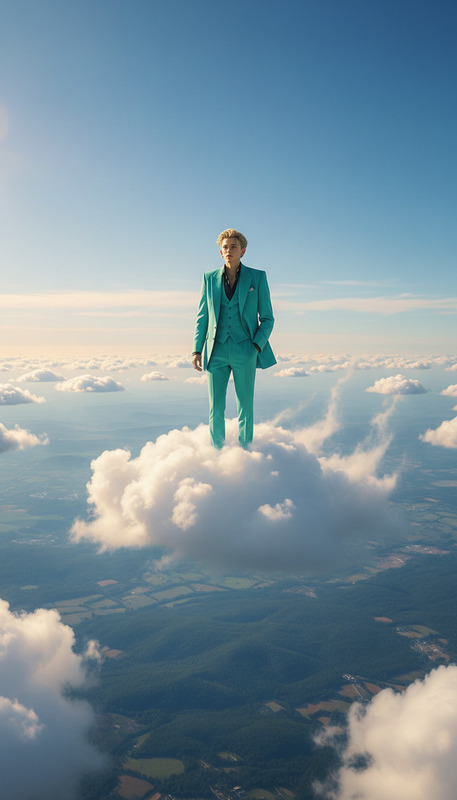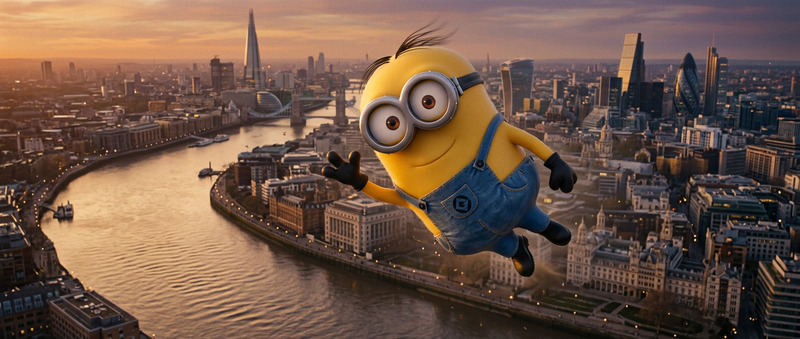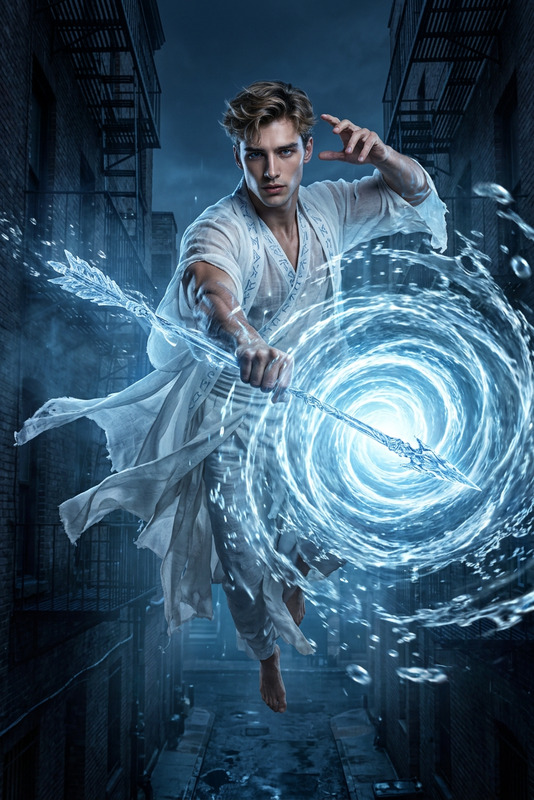
Flying among the sky
- Model
- Nano Banana
- Image
- 800 × 1280 px
Prompt
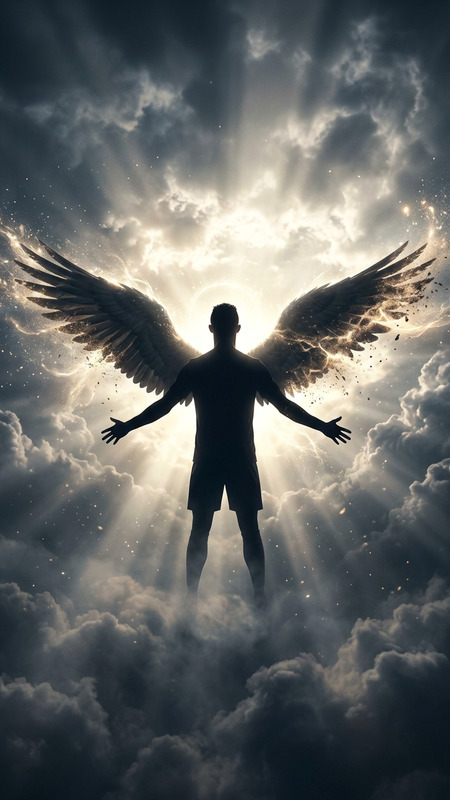
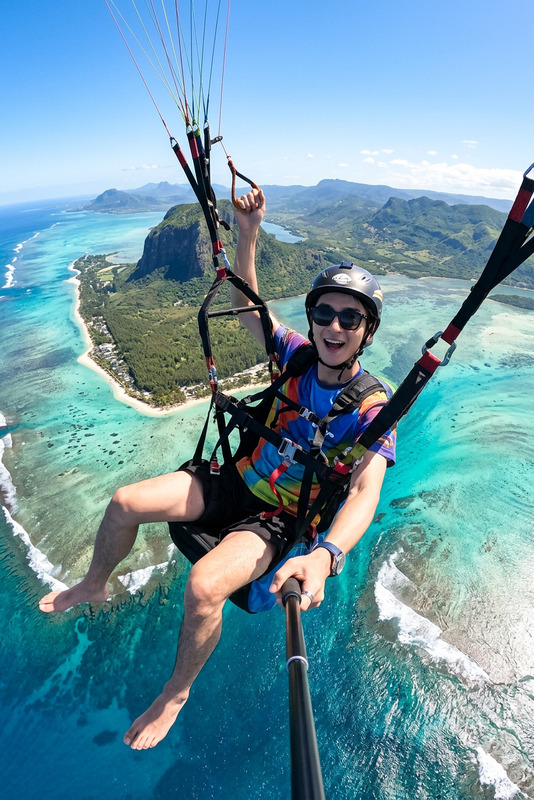
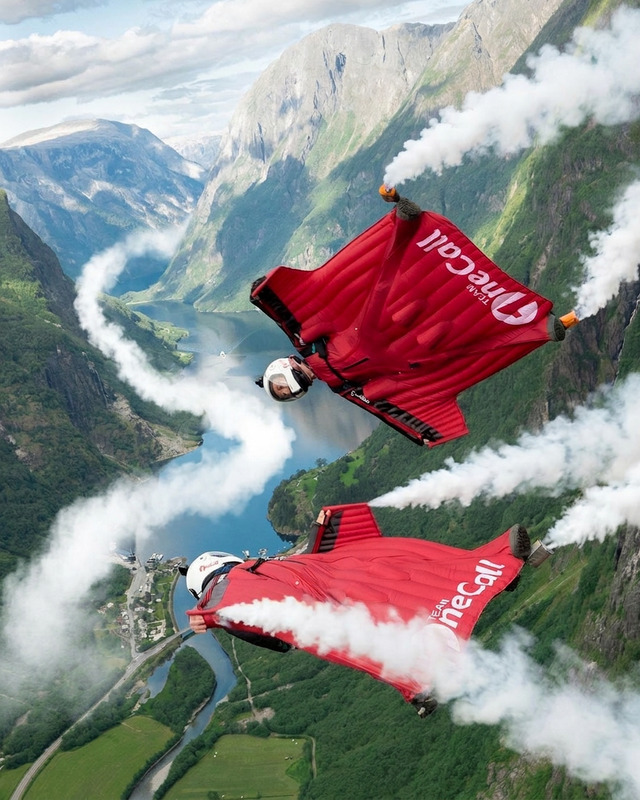
A cinematic wide-to-medium shot of a subject soaring high above vast landscapes, suspended effortlessly in the open sky. Their body appears light and fluid, slightly glowing as if infused with energy, arms relaxed as they glide through soft clouds. Below, rolling mountains, rivers, and distant cities stretch toward the horizon, partially veiled by atmospheric haze. Sunlight breaks through the clouds, casting radiant beams that illuminate the subject mid-flight, creating a sense of freedom and transcendence. Wind subtly distorts clothing and surroundings, enhancing motion. Ultra-realistic, HDR, soft depth of field, ethereal, dreamlike atmosphere
Any aspect ratio
Overview
The "Flying among the Sky" template lets creators craft mesmerizing aerial scenes with the unique capabilities of AI Image Editor. Utilizing the nano-banana model, this tool transforms simple images into dynamic, ethereal skyscapes. From sunlit clouds to vast landscapes with atmospheric haze, this template offers a rich tapestry of visual elements perfect for creating a dreamlike atmosphere.
What It Does
"Flying among the Sky" uses the power of AI to depict people soaring gracefully through the sky. With an ultra-realistic, HDR finish, it creates an aura of freedom and energy. The template's cinematic style enhances the subject's presence against backdrops of rolling mountains, winding rivers, and cities shrouded in haze. It's perfect for any project that demands a strong visual impact with a sense of transcendence.
Who It's For
This template is ideal for filmmakers, content creators, and designers who aim to add an otherworldly feel to their imagery. Whether you're working on a fantasy film, a promotional video, or social media content, "Flying among the Sky" provides the dramatic touch you need. Teachers and education professionals can also leverage this for engaging visual learning materials.
Summary
Create breathtaking scenes with "Flying among the Sky," ideal for those looking to convey freedom and motion. With rich visual details and seamless integration of movement, it provides an opportunity to explore creative narratives. Image to Video can further enhance these visuals by converting them into dynamic sequences.
How to Use
Choose the Template

Customize Your Scene

Generate the Image

Use Cases
Fantasy Films and Games
- Enhance magical stories with dynamic sky views
- Create engaging visuals for game cinematics
Marketing and Promotions
- Craft unique advertisements
- Capture attention with stunning imagery
Educational Videos
- Illustrate concepts like flight and aerodynamics
- Use in storytelling to captivate young audiences
Best Practices
Focus on Emotion
Emphasize the feeling of freedom and transcendence by carefully adjusting the lighting and surrounding elements.Complement with Sound
Enhance the visual experience by pairing the images with soundtracks or sound effects using the Audio to Video feature.Experiment with Angles
Try different angles and perspectives to add depth and dimension to your images, making them more immersive.