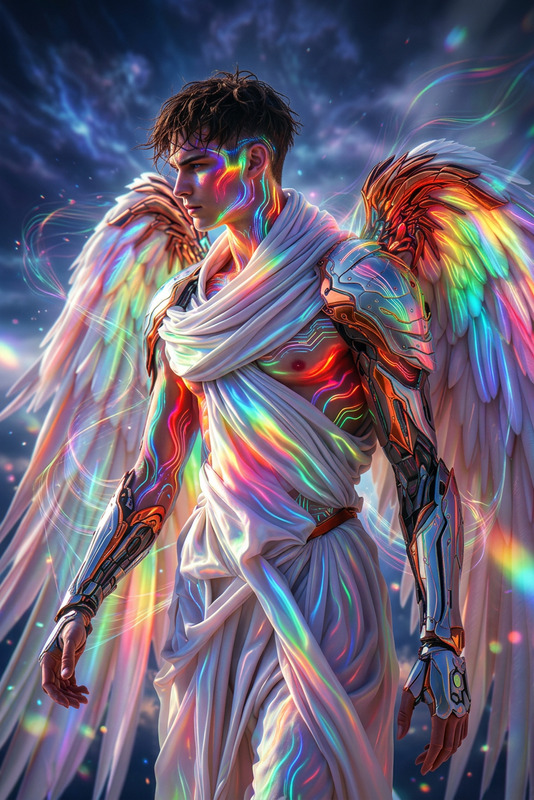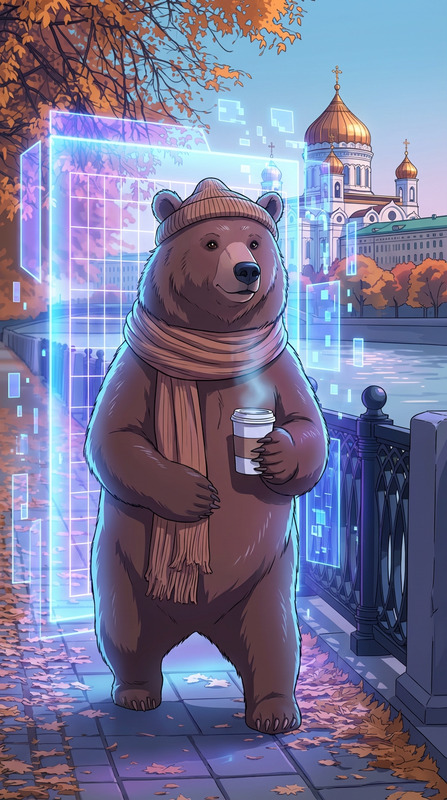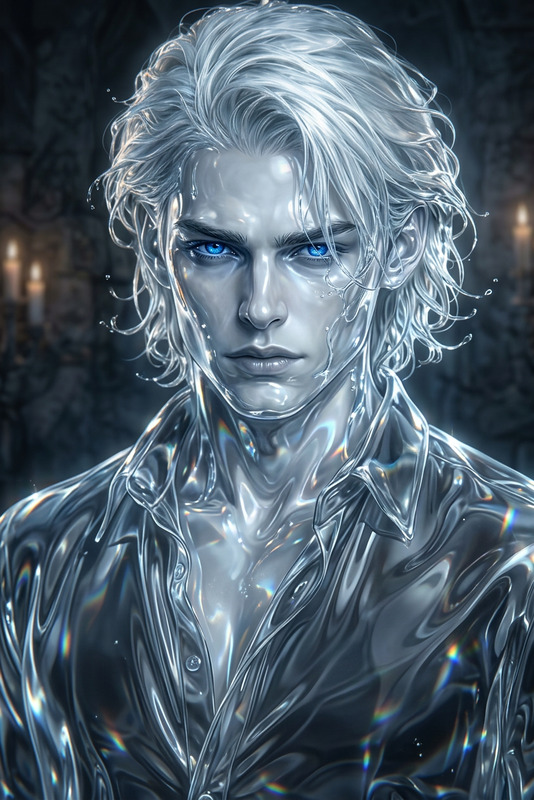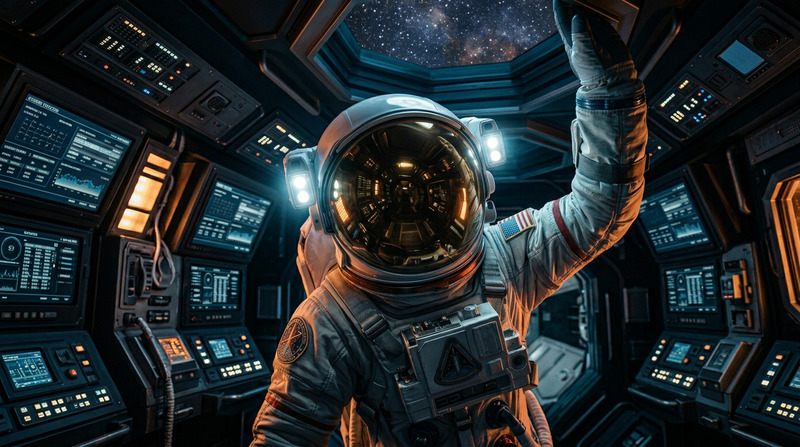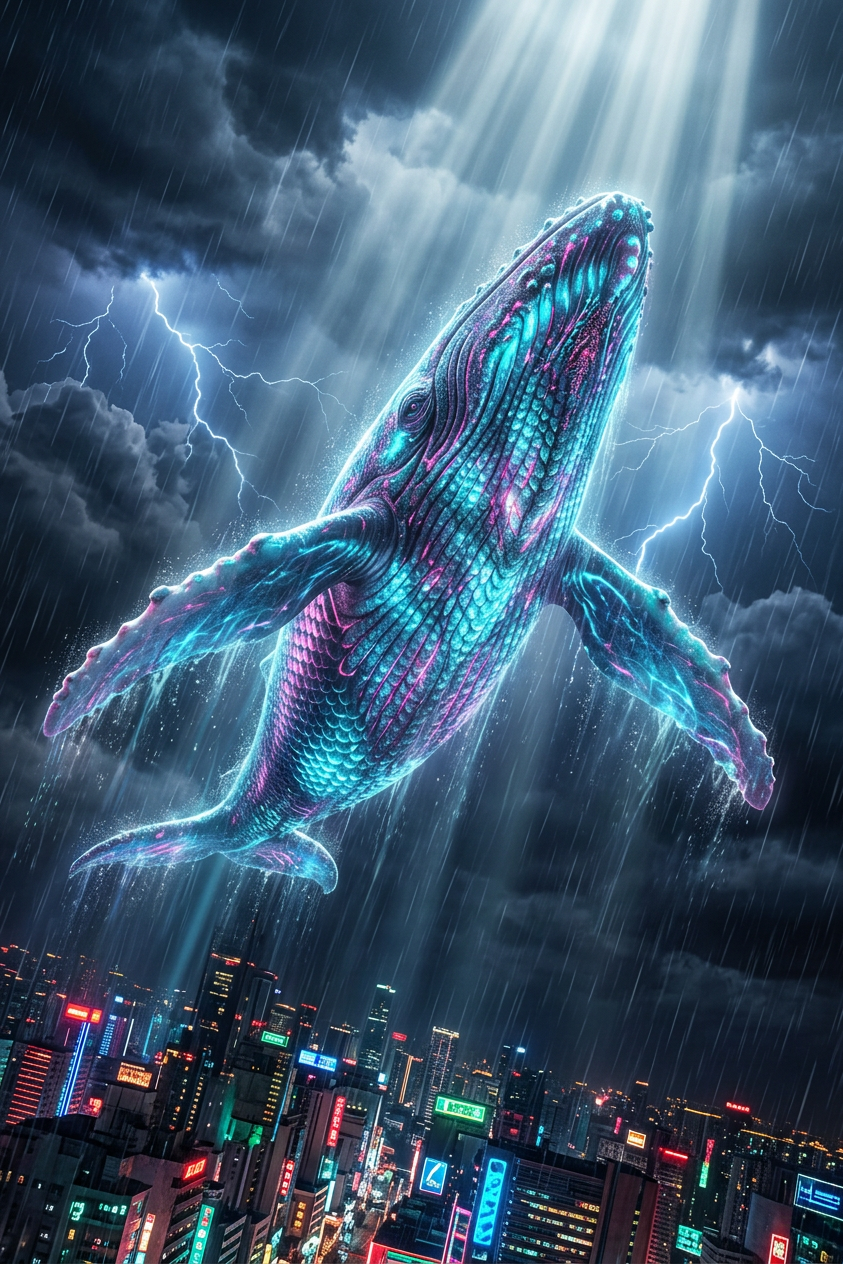
Neon Sky Whale
ai-image-editor
Any aspect ratio
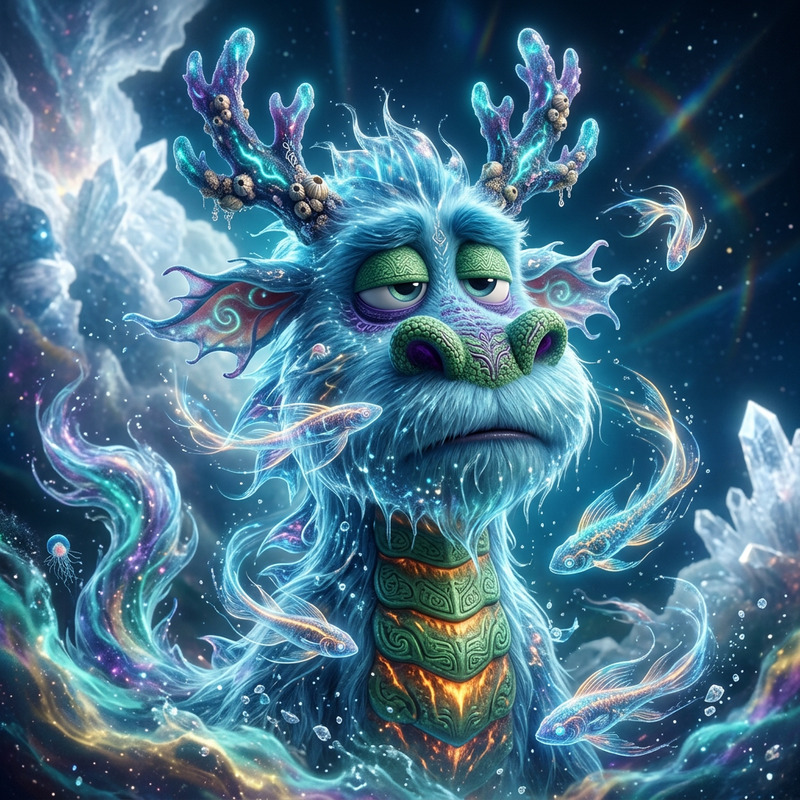
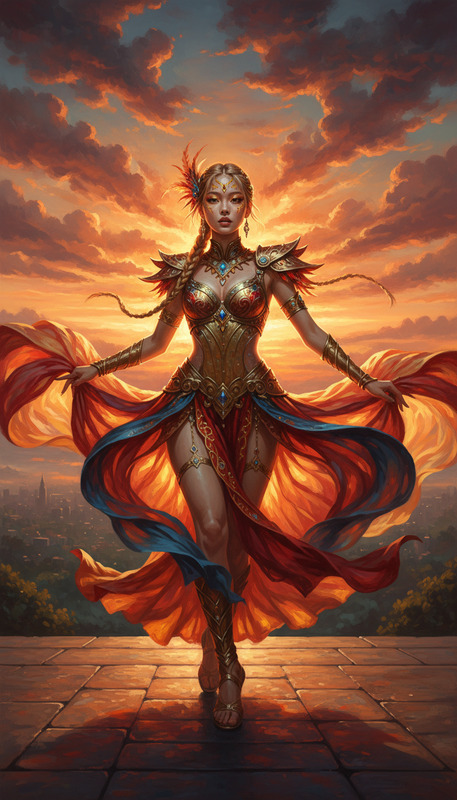
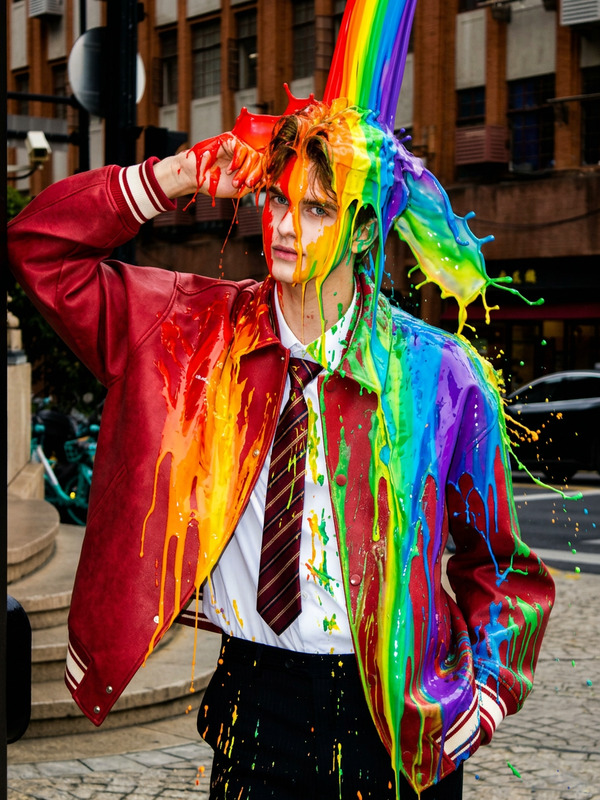
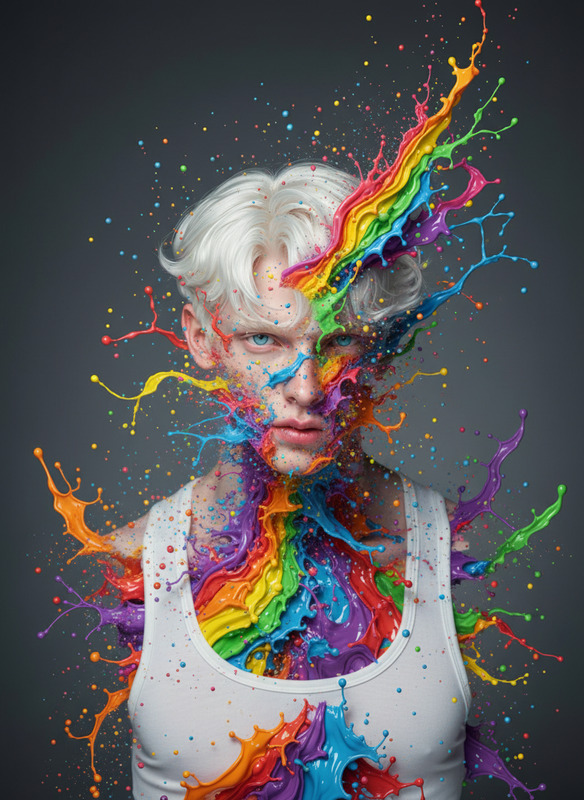
A cinematic ultra-detailed scene of a subject depicted as a colossal bioluminescent subject soaring through a stormy sky above a neon city, with rain streaks illuminated by lightning and volumetric god rays piercing the clouds, featuring shimmering cyan and magenta scales, captured from a dynamic low-angle perspective with no text or UI.
AI Image Editor Template: Turn Any Idea into a High-Impact Visual in Minutes
Use this template to transform, clean up, and enhance images with the AI Image Editor. Whether you’re refining product shots, removing distractions, generating concept art, or preparing social content, this template gives you a practical starting point you can easily remix.
What You Can Do with This Template
This AI Image Editor–based template is designed for fast, production-quality image work. Typical use cases:
Remove unwanted objects or backgrounds
Clean up photos by erasing logos, clutter, people, or text. For more specialized removal workflows, you can also explore AI Remover, Watermark Remover, and Remove Object from Photo.Replace or refine backgrounds
Instantly change environments (studio backdrop, lifestyle scenes, fantasy worlds, branded color fields). For background-heavy work, pair this with the AI Background Generator or Image Background Remover.Enhance quality and resolution
Fix soft, noisy, or low-resolution images so they’re usable for campaigns, decks, or product pages. The AI Image Upscaler and Unblur Image tools integrate well with this workflow.Edit faces and portraits
Adjust facial details, fix artifacts, or align a subject with a brand or character style. For more dedicated facial workflows, use AI Face Editor, AI Face Generator, Gender Swap, AI Headshot Generator, or AI Selfie Generator.Create brand-ready creative assets
Prepare ads, thumbnails, social posts, and pitch-deck visuals that match your aesthetic. Combine with Thumbnail Maker, AI Logo Generator, AI Icon Generator, AI Meme Generator, or Album Cover Generator.Concept art, characters, and IP development
Iterate on characters, environments, and visual systems for games, comics, or brands. For deeper concepting, see AI Character Generator, Animated Characters Generator, AI Anime Generator, AI Manga Generator, Dark Fantasy AI, and DND AI Art Generator.
How to Remix This Template in Magic Hour
You can use this template as-is or treat it as a repeatable pattern for your own editing flows.
1. Start from the template
Open the template in Magic Hour’s AI Image Editor. This gives you a pre-configured, end-to-end editing workflow: upload → edit → export.
2. Swap in your own source images
Use images from:
- Product photography or landing pages
- Founder portraits, team photos, or LinkedIn headshots
- User-generated content you want to clean up
- Concept art, storyboards, or prototype visuals
If you need a starting image, generate one first with:
Then open that output in the AI Image Editor to refine it.
3. Define your editing goal
Before you edit, be explicit about the outcome you want. This drastically improves results and consistency across a project. Typical patterns:
- “Clean, minimal product photo on light background”
- “Realistic lifestyle scene, same subject, different room/environment”
- “Polished LinkedIn headshot, neutral background”
- “High-contrast cinematic poster-style illustration”
You can mix this template with specialized tools to reach that goal. For example:
Need a hero visual + video teaser?
- Design the hero image with this template
- Animate it via Image-to-Video or Text-to-Video
Need a character pipeline?
- Start with AI Character Generator
- Refine the character art in the AI Image Editor
- Turn the character into motion with Animation or Video-to-Video
4. Iterate quickly
For production work, treat the template as a reusable “editing macro”:
- Run multiple images through the same pattern for consistent brand visuals
- Export variations and compare: different crops, backgrounds, or styles
- When you discover a combination that works, reuse this template as your team’s house standard
Example Workflows for Creators, Marketers, and Builders
For marketers & growth teams
- Clean up user photos and turn them into polished case-study visuals
- Standardize product imagery for ads and landing pages
- Create social content templates, then generate variants with AI Meme Generator, Thumbnail Maker, or AI QR Code Generator
For founders & startup teams
- Generate investor deck visuals via AI Art Generator, then refine with this template
- Build a consistent visual identity (backgrounds, headshots, app mockups) using the AI Image Editor plus AI Logo Generator and Book Cover Generator for reports or whitepapers
- Produce “fake-but-clear” product shots or UX scenarios when the actual product isn’t ready yet
For designers, artists, and technical creatives
- Block out quick concept art, then clean edges and details here
- Use the editor to prepare assets for comics or graphic novels alongside the Comic Book Generator
- Test multiple style directions and keep only what passes review
Combine This Template with Other Magic Hour Tools
This template becomes more powerful when used in a larger Magic Hour pipeline:
Image → Video
- Design stills here, then animate them via Image-to-Video, Animation, or Video-to-Video.
- Add lip sync or face-driven motion with Lip Sync and AI Talking Photo.
Face & identity workflows
- Generate or refine faces with this template and AI Face Generator
- Swap faces into video using Face Swap Video or into GIFs with Face Swap GIF
- Modify appearance with AI Clothes Changer, AI Outfit Generator, and Full Body Generator
Brand & content systems
- Use this editor to standardize the look of visuals
- Add voice and captions for distribution with AI Voice Generator, AI Voice Cloner, AI Voice Changer, and Auto Subtitle Generator
- Upscale final outputs for high-res use with Video Upscaler and AI Image Upscaler
Practical Tips for Better Results
Start with the highest-quality input you have
AI image editing performs best when the source is reasonably clear. If your image is low-quality, pre-process it with Unblur Image or AI Image Upscaler.Work from general to specific
First fix big issues (background, composition, major distractions), then handle fine details (facial features, minor cleanup, color balance).Stay consistent for brand work
Use this template repeatedly for similar assets so your ads, landing pages, and social posts all “feel” like they belong together.Chain tools instead of forcing one tool to do everything
For example:- Generate base art → 2) Edit with this template → 3) Animate with Image-to-Video → 4) Add voice with AI Voice Generator.
Who This Template Is For
- Creators and content teams who need a reliable, repeatable way to polish images at scale
- Developers and technical founders building AI-first products who want high-quality visuals without a full design team
- Marketers and growth leads optimizing creative for performance, not just aesthetics
- Designers and art directors using AI as a fast ideation and production layer
If you already know what you want your final image to communicate, this AI Image Editor template helps you get there faster—and makes it easy to remix that success into a repeatable workflow your entire team can use.