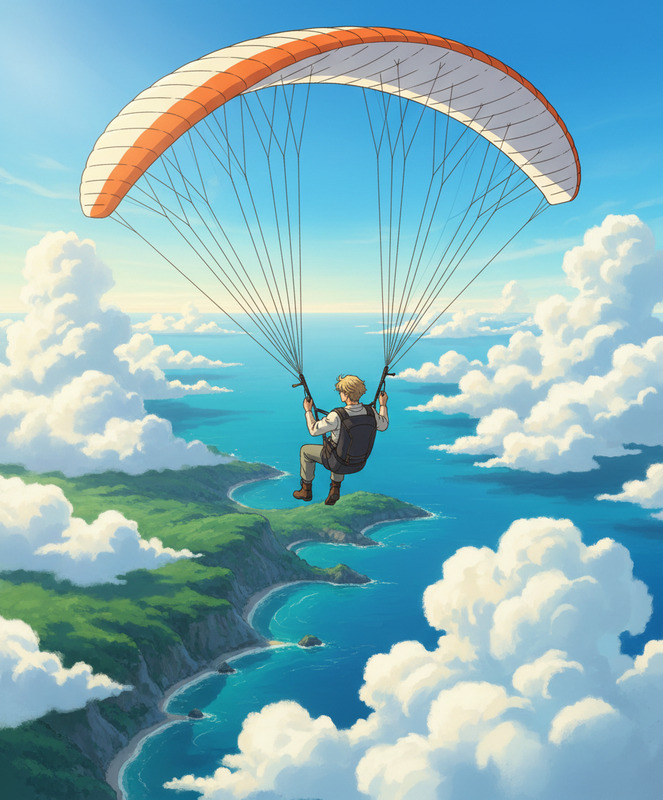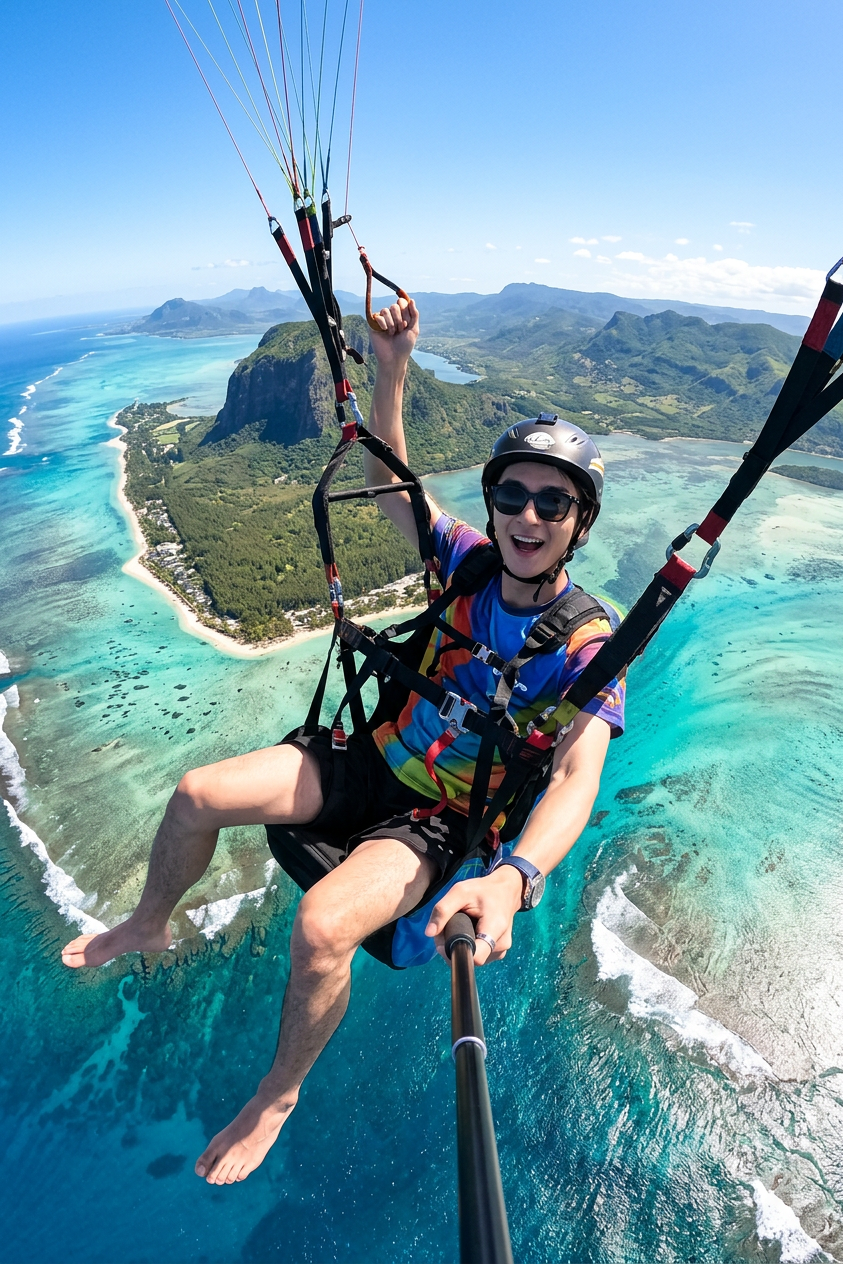
Paragliding Selfie Action Shot

Paragliding Selfie Action Shot

ai-image-editor

1 clip
2 uses

Any aspect ratio

Prompt

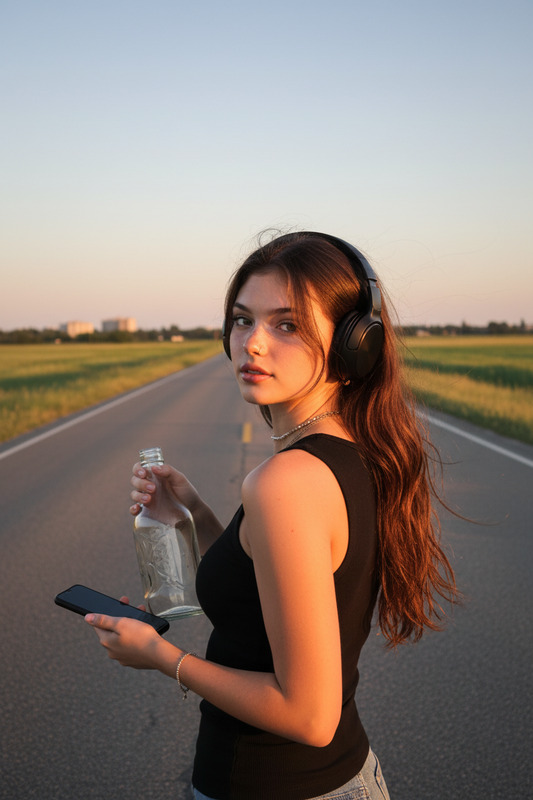
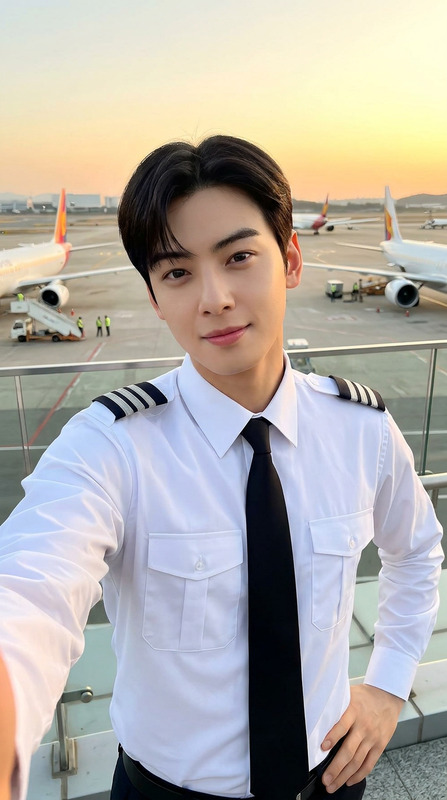
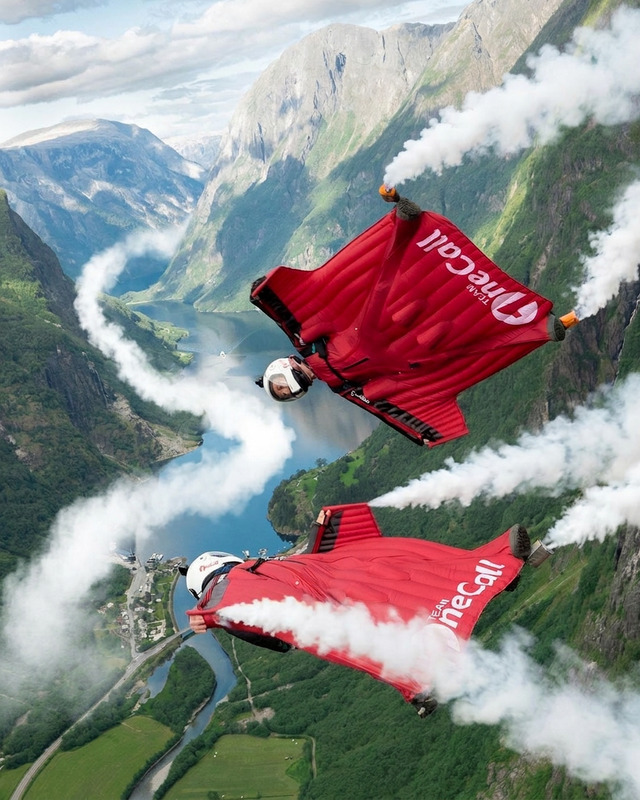
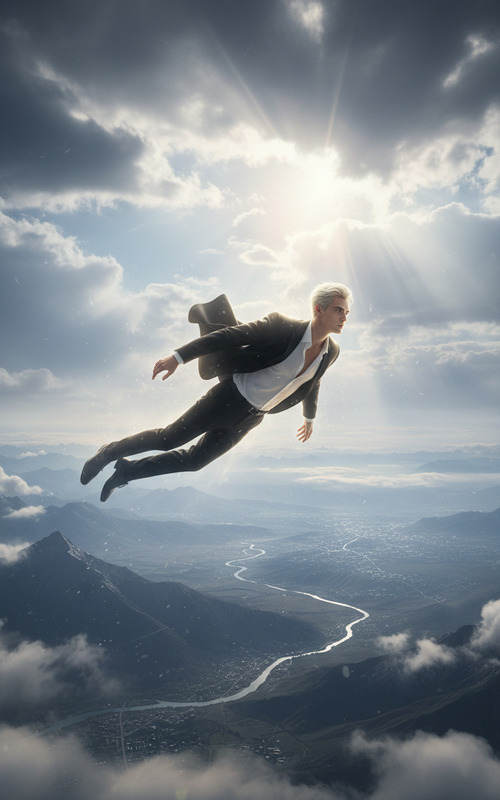
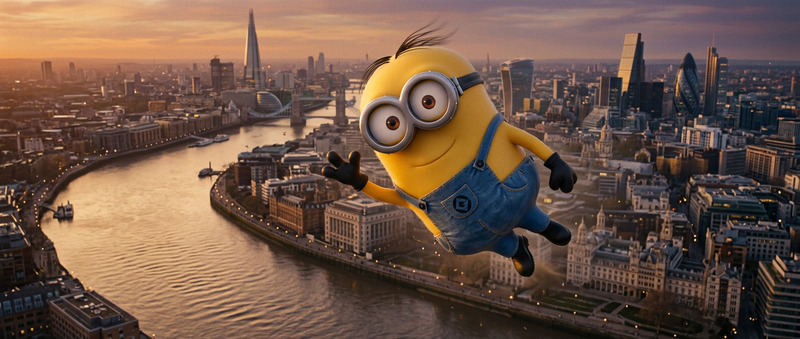
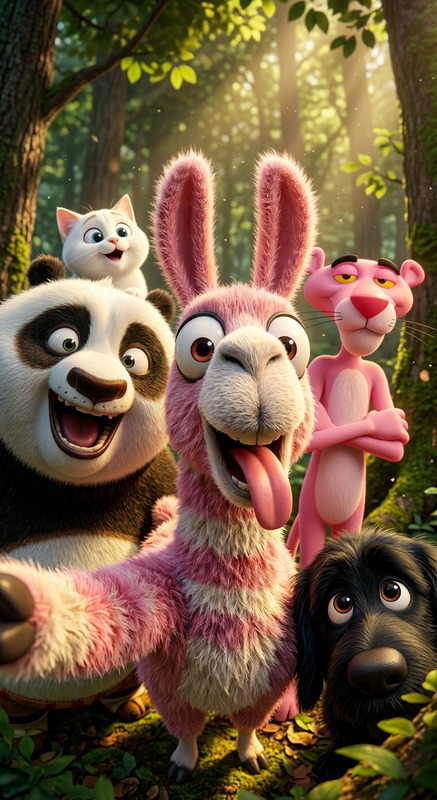
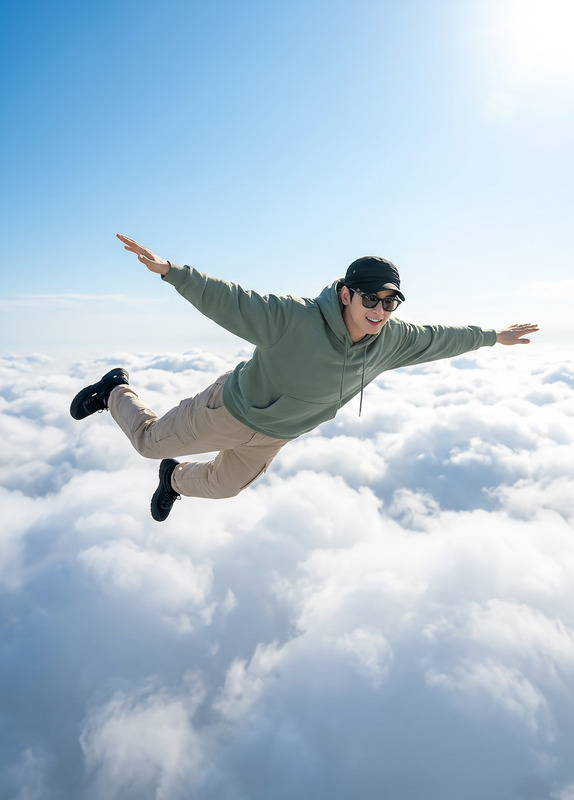
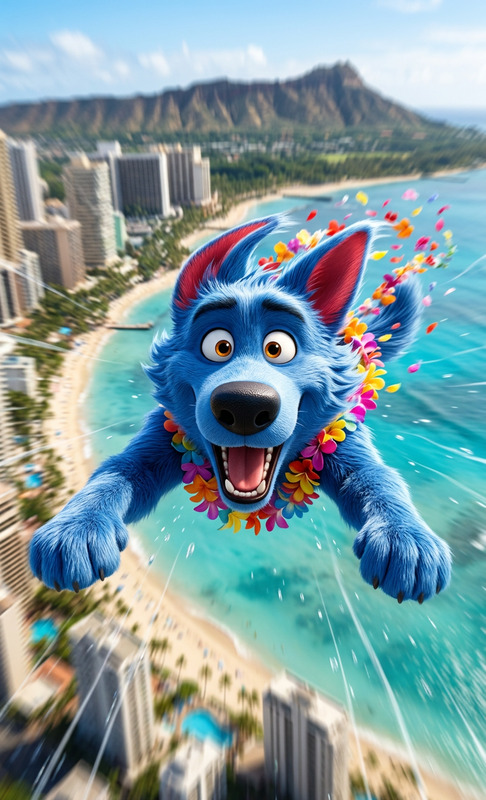
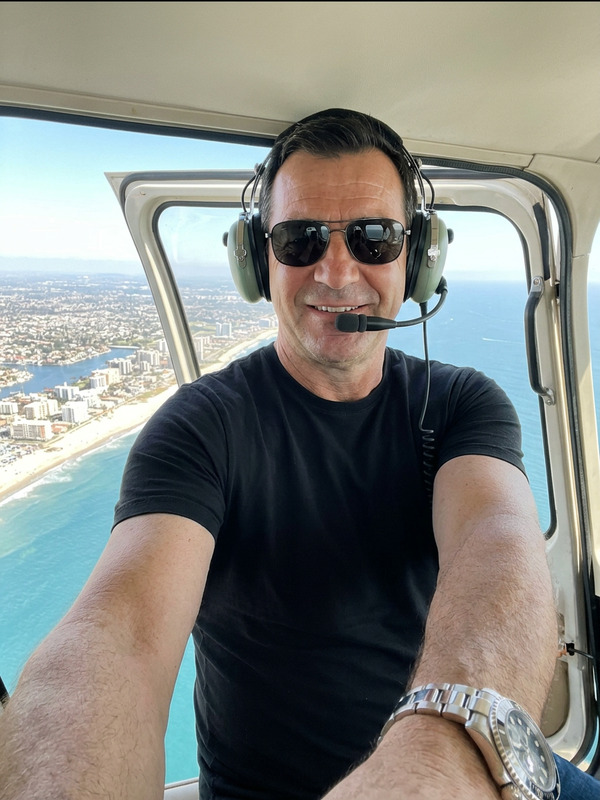
Subject is paragliding high above a tropical coastline; captured in a wide-angle selfie shot from a low perspective using a selfie stick; Subject is suspended in a harness with legs freely dangling, holding the control handle with one hand; bright daylight with clear blue sky and turquoise ocean below; dynamic motion, natural proportions, sharp focus, ultra-realistic photography style, high detail.

Transform Product Photos with AI Image Editor (Editable Template)

Turn ordinary product shots into scroll-stopping visuals in minutes with this editable AI Image Editor template. Use it as-is, or remix it into your own custom workflow for e‑commerce, ads, brand content, and social campaigns.


What This Template Does

This template is built on the AI Image Editor and is optimized for:

  • Replacing and enhancing backgrounds (e.g., studio, lifestyle, seasonal, UGC-style)
  • Cleaning up product photos (remove clutter, fix framing, improve composition)
  • Creating on-brand variations for A/B testing ads and thumbnails
  • Generating consistent visual sets from a small number of source photos

You can start from this template and quickly adapt it to your product, visual style, and channel (Amazon, Shopify, Meta Ads, TikTok, etc.).


How to Use & Remix This Template in Magic Hour

You can create your own version of this template in a few steps:

  1. Open AI Image Editor
    Go to AI Image Editor. This is the core tool powering this template.

  2. Upload Your Base Image

    • Use a clean product photo, lifestyle shot, or even a rough mockup.
    • Higher resolution images work best; if needed, sharpen later with the AI Image Upscaler.
  3. Describe the Transformation You Want
    In your prompt, be explicit about:

    • Background type (e.g., “soft studio gradient”, “modern kitchen”, “minimal tech workspace”)
    • Lighting and mood (e.g., “soft daylight”, “high-contrast cinematic”, “warm, cozy”)
    • Brand feel (e.g., “premium DTC skincare”, “playful Gen Z streetwear”, “minimal SaaS marketing”)
    • Output use-case (e.g., “optimized for Amazon main image”, “YouTube thumbnail hero image”, “Instagram carousel ad frame”)
  4. Iterate with Variations

    • Generate multiple variations and save your best-performing looks.
    • For consistent brand sets (e.g., full product lines), reuse the same style language and prompts across all images.
  5. Save as Your Own Template
    Once you have a result you like, save your settings and prompts as your own internal “Product Visual System” template so you can repeat it across future photos.


Ideas for Remixing This Template

Because it’s built on AI Image Editor, you can adapt it to a wide range of use-cases:

1. E‑commerce & Marketplace Optimization

  • Create “clean, compliant” catalog images for marketplaces
  • Generate lifestyle mockups without new photoshoots
  • Pair with Image Background Remover and AI Remover to:
    • Remove props, hands, or distractions
    • Swap in on-brand surfaces, rooms, or scenes

For Amazon-style images, consider a main image variant (simple, high contrast, isolated product) and secondary “storytelling” scenes.

2. Ad Creative & Social Content

Use this template as the base for performance creative:

You can maintain a consistent visual identity across:

  • Paid social
  • Organic social posts
  • Landing page hero images
  • Presentation decks and investor materials

3. Brand Systems & Visual Identity

If you’re a startup or brand builder, you can standardize:

  • Background archetypes: e.g., “single-color gradients”, “minimal product plinths”, “2‑point perspective desk scenes”
  • Lighting language: soft, hard, moody, clinical, cosmetic, techy
  • Contextual environments: tech offices, creator studios, kitchens, gyms, fashion streets

Once dialed in, you can:

4. Content & Media Teams

For content-heavy teams (newsletters, blogs, social):


Pairing With Other Magic Hour Tools

To build more advanced pipelines and templates, combine AI Image Editor with:


Advanced Visual Experiments

For more experimental or niche visual systems, this template can be remixed together with:


Best Practices for High-Performance AI Product Images

To get reliable, brand-safe, and conversion-focused results:

  1. Start from solid source imagery

  2. Be explicit in your prompts

    • Include camera angle, background style, lighting, and brand attributes.
    • Mention where the image will appear (PPC ad, hero banner, marketplace listing), as this often implies constraints (space for text, white space, aspect ratio).
  3. Iterate in sets, not one-offs

    • Generate multiple variants per concept.
    • Compare options in your ad accounts, email campaigns, or landing page A/B tests.
  4. Build re-usable internal templates

    • When you find a combination that works, treat it as a “visual recipe” you can apply to future campaigns and products.
    • Document your best prompts and pair them with specific tools (e.g., AI Image Editor + Image Background Remover + Video-to-Video template).
  5. Keep legal and brand guidelines in mind

    • Avoid using protected logos, trademarks, or recognizable brand assets you don’t own.
    • Ensure your generated visuals remain aligned with your style guide and any platform-specific ad policies.

Who This Template Is For

This AI Image Editor template is optimized for:

  • DTC and e‑commerce teams who need constant fresh creative without constant photoshoots
  • Performance marketers running structured ad experiments across channels
  • Founders and small teams that need professional visuals without a full in-house design function
  • Content studios and agencies building repeatable, scalable creative systems for multiple clients

Use it as your starting point, then progressively customize prompts, pair it with other Magic Hour tools, and turn it into your own visual engine for product storytelling.

More Like This

Insufficient credits