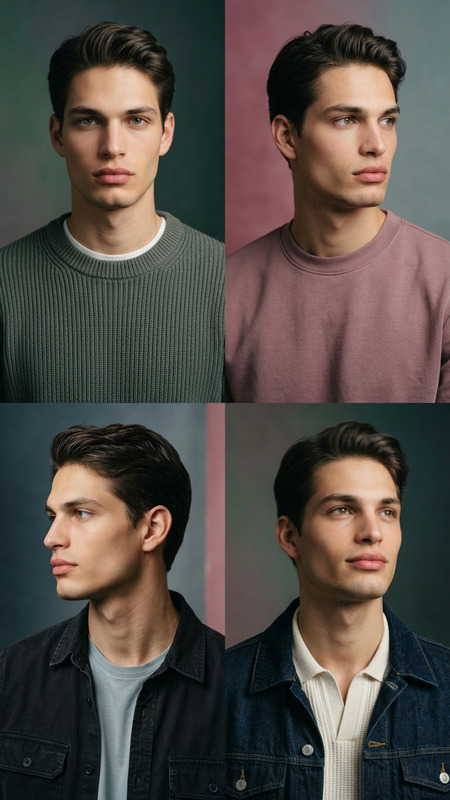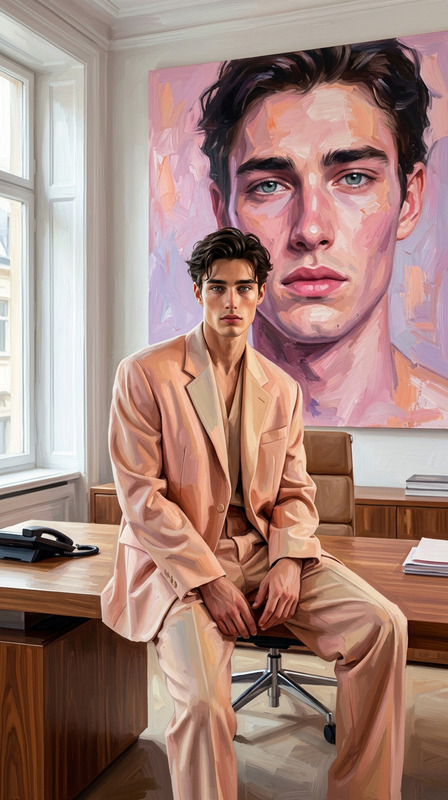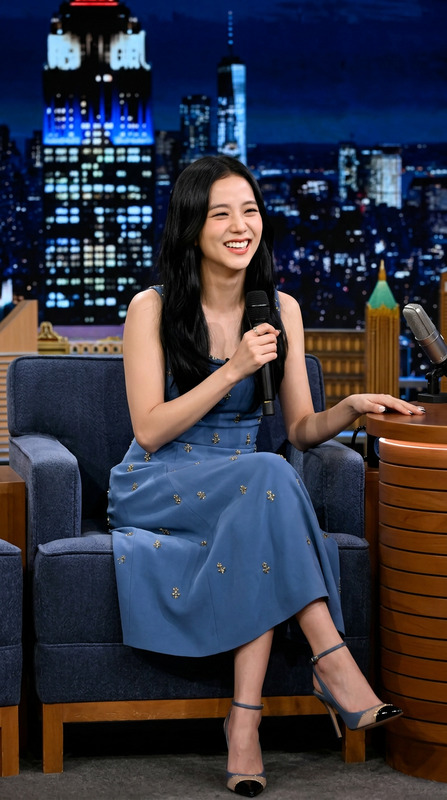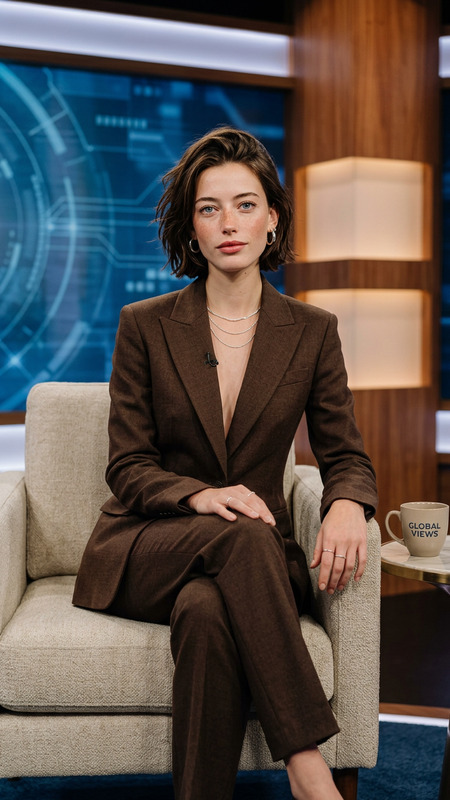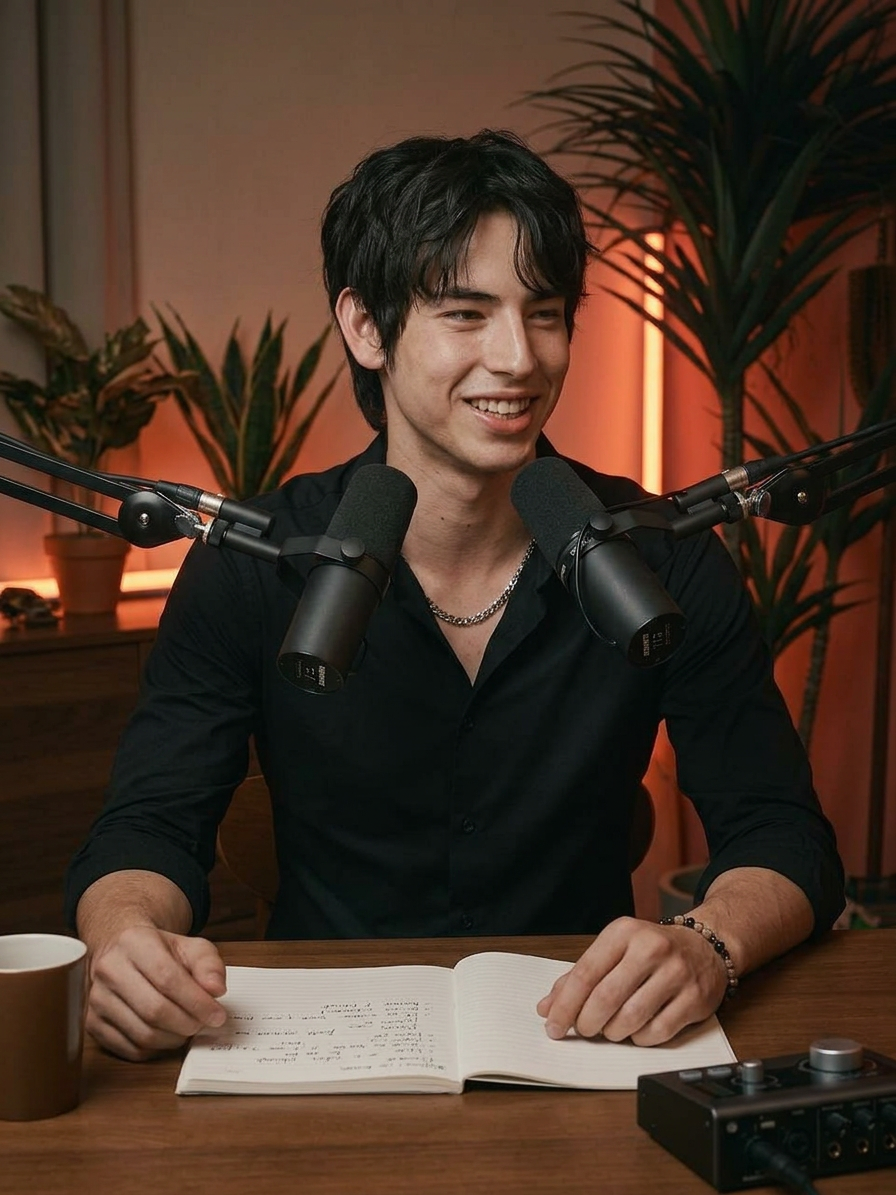
Podcast Studio Portrait
- Model
- Nano Banana 2
- Image
- 896 × 1195 px
Prompt
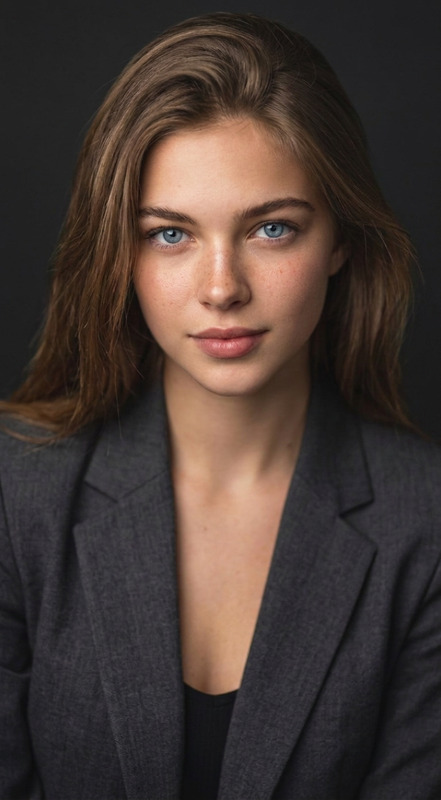
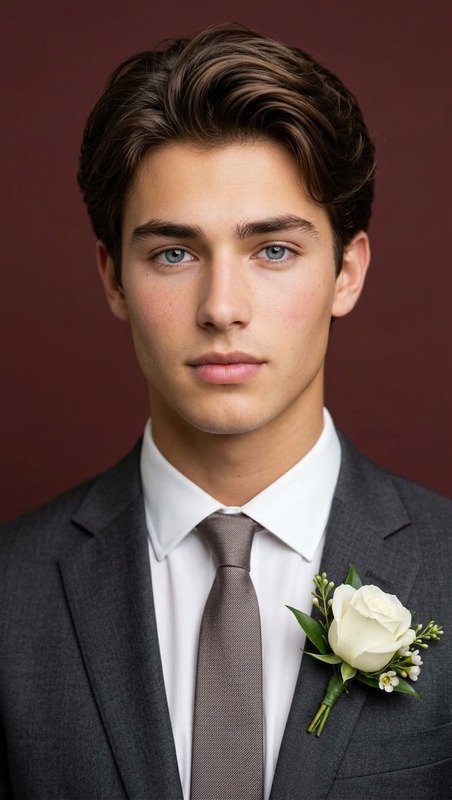
Subject transforms into a professional podcast host seated at a wooden desk in a modern studio, facing the camera with a confident, friendly expression. Subject wears a fitted black shirt and sits in a comfortable chair, with a high-quality microphone on a boom arm positioned close to the mouth. On the desk: a notebook with handwritten notes, a coffee mug, and an audio interface with connected cables. Background includes stylish indoor plants and warm red-orange accent lighting, creating a clean cinematic atmosphere. Soft key light on the face, subtle rim lighting, shallow depth of field. Shot on a 50mm lens at f/1.8, ultra-realistic detail, high contrast, professional color grading, 8K, YouTube podcast aesthetic.
Any aspect ratio
Overview
The Podcast Studio Portrait template is a versatile AI Image Editor tool crafted for transforming subjects into professional podcast hosts. Immerse yourself in a sophisticated studio setting with warm, inviting lighting that's perfect for personal or promotional uses. Whether you're a content creator or simply want to enhance your digital presence, this template ensures you stand out with ultra-realistic detail.
What It Does
This template employs the nano-banana-2 model to deliver exceptional 8K quality portraits that resemble a YouTube podcast aesthetic. It crafts an environment complete with a wooden desk, high-quality microphone, stylish indoor plants, and professional lighting that highlights the subject's features with a cinematic flair. Adjust elements like clothing or desk items to tailor the image precisely to your vision.
Who It's For
This template is ideal for podcasters, influencers, and marketers who need eye-catching visuals for promotional content. It's also suitable for businesses wanting to enhance visual marketing strategies. By using this template, creators can consistently produce high-quality images that suit various professional settings.
Summary
The Podcast Studio Portrait template combines AI Product Photography techniques with professional-grade lens settings to create a studio environment that feels authentic and engaging. With high contrast and precise color grading, your portraits gain an impressive, consistent aesthetic that leaves a lasting impression, whether you're updating a profile or crafting a cover image for your latest episode.
How To
Choose Your Template

Customize Your Inputs

Generate Your Image

Use Cases
Personal Branding
- LinkedIn profile updates
- Social media influencers
- Podcast cover photos
Marketing Campaigns
- YouTube thumbnails
- Email newsletters
- Digital ads
Creative Projects
- Graphic design projects
- Storyboards
- Mood boards
Best Practices
Maintain Focus
Ensure the camera focus and lighting remain on the subject's face to highlight features,Consistent Themes
Keep elements like clothing and desk items consistent with your usual podcast aesthetic.Experiment with Lighting
Adjust the accent lighting and key light to best match the mood you want to convey.