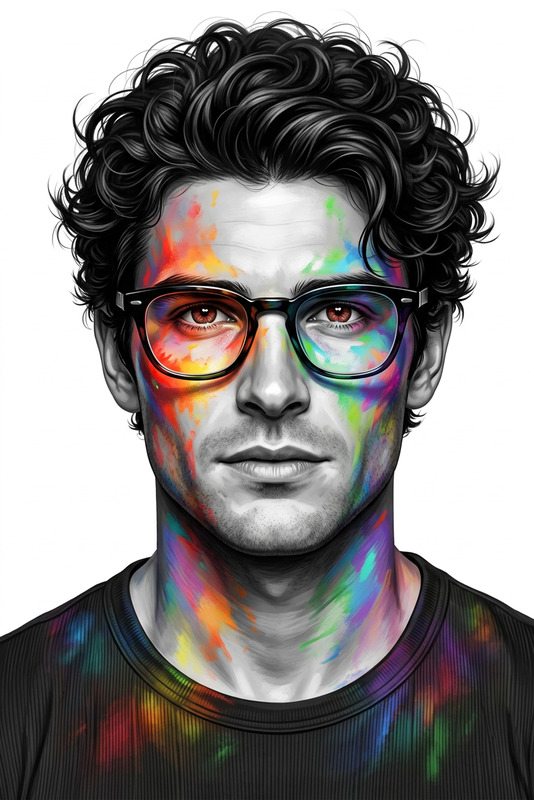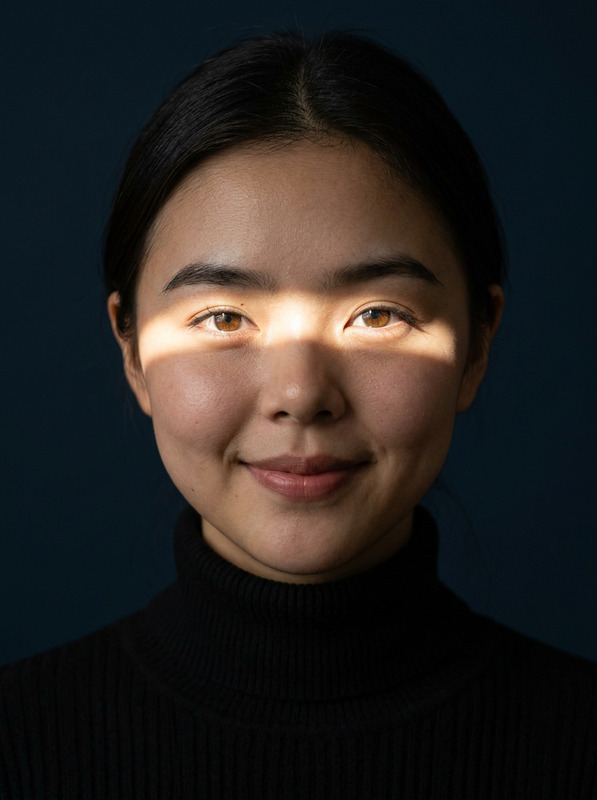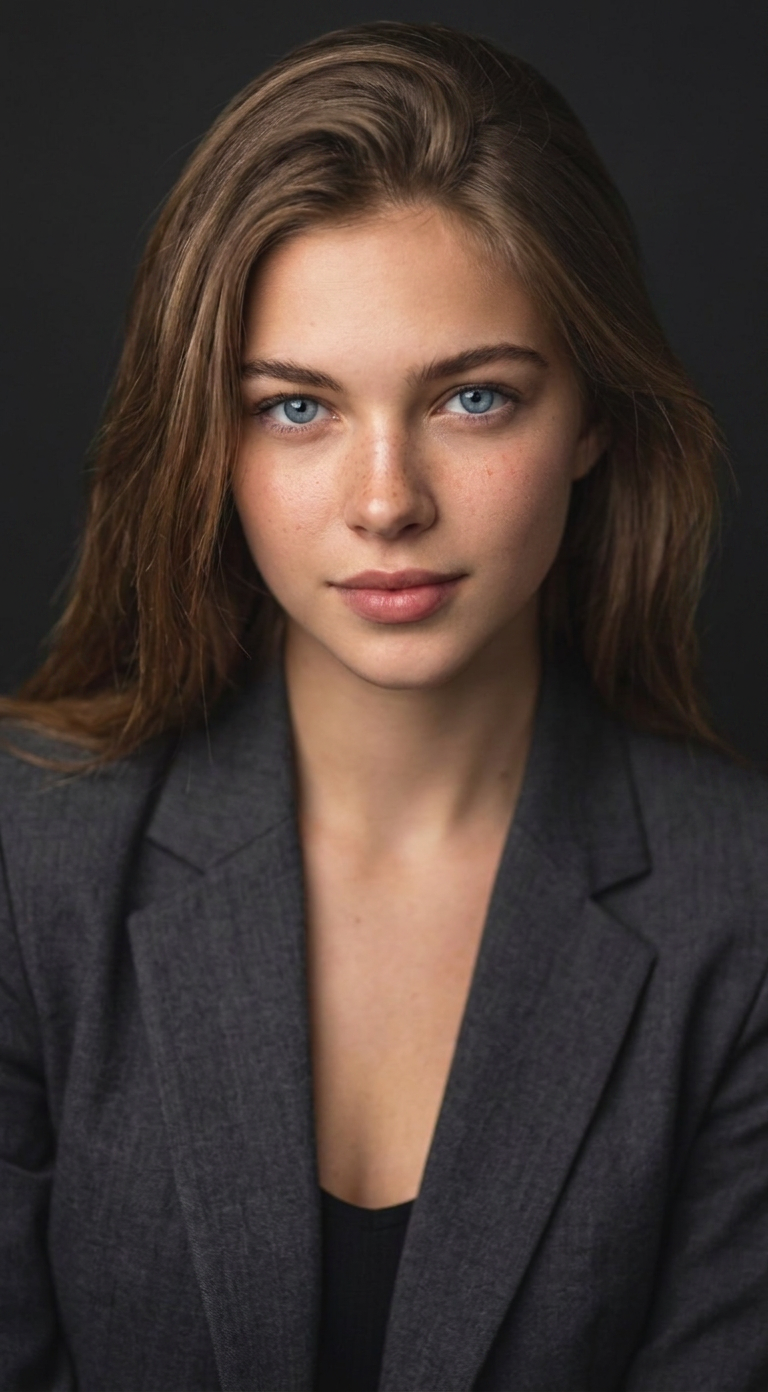
Premium Corporate Avatar
- Model
- Nano Banana Pro
- Image
- 768 × 1392 px
Prompt
Professional high-resolution portrait, retaining the subject's exact facial features and identity. Bust-up composition with ample headroom, straight-on angle, looking directly at the camera. Styled in a business suit against a solid '#141414' studio background. Shot from a high angle with bright, soft, diffused studio lighting creating a subtle catchlight. Use an 85mm f/1.8 lens for a shallow depth of field, with sharp focus on the eyes and soft bokeh. Ensure sharp details in fabric, hair, and natural skin texture. The mood is confident, professional, and approachable. Clean, bright cinematic color grading with subtle warmth for a modern, refined feel
Any aspect ratio
Overview
The Premium Corporate Avatar template is your go-to solution for creating stunning professional portraits. Designed specifically for those who need to edit and enhance their images to convey a confident and approachable persona, this tool is part of the versatile AI Image Editor suite. It produces high-resolution portraits with impeccable detail and a modern, corporate style.
What It Does
This template transforms ordinary images into high-quality corporate avatars. By focusing on facial features, clothing, and lighting, it ensures each portrait conveys professionalism and approachability. Using the powerful nano-banana-pro model, it generates images with precise facial feature retention and sophisticated color grading.
Who It's For
Ideal for business professionals, corporate teams, and entrepreneurs who want to maintain a polished appearance in their digital presence. Whether you're updating your LinkedIn profile, enhancing website imagery, or creating marketing materials, this tool supports all your professional imagery needs.
Summary
The Premium Corporate Avatar template offers a seamless way to enhance individual portraits. By integrating features from our AI Image Generator, this template ensures every image reflects professionalism at its best. Utilize the advanced capabilities of our toolset for consistent, high-quality results.
How To
Choose Your Template

Adjust Your Inputs

Generate and Download

Use Cases
Corporate Headshots
LinkedIn Profiles
Marketing and PR Materials
Best Practices
Start with High-Quality Images
Ensure that the initial images are of high resolution to maximize details and produce clear results.Focus on Composition
Adjust your original photography to fit a bust-up composition with adequate headroom and focus, as per the template's requirements.Review Lighting Conditions
Check the lighting settings to ensure they match the soft, diffused lighting for consistent, professional results.