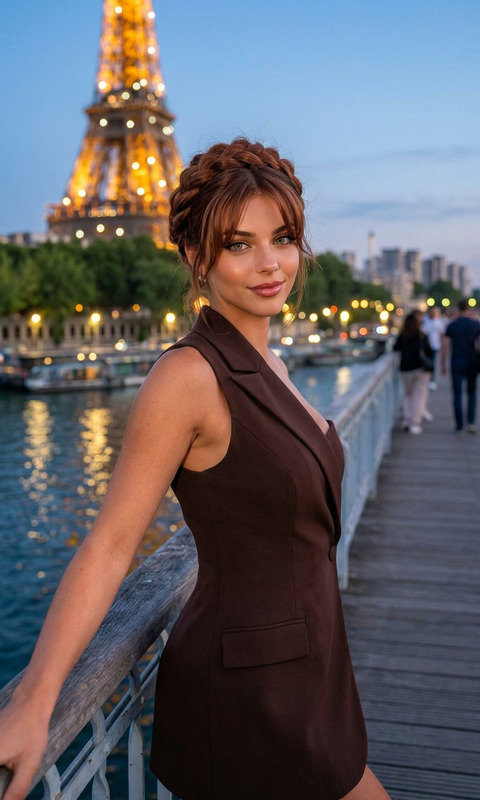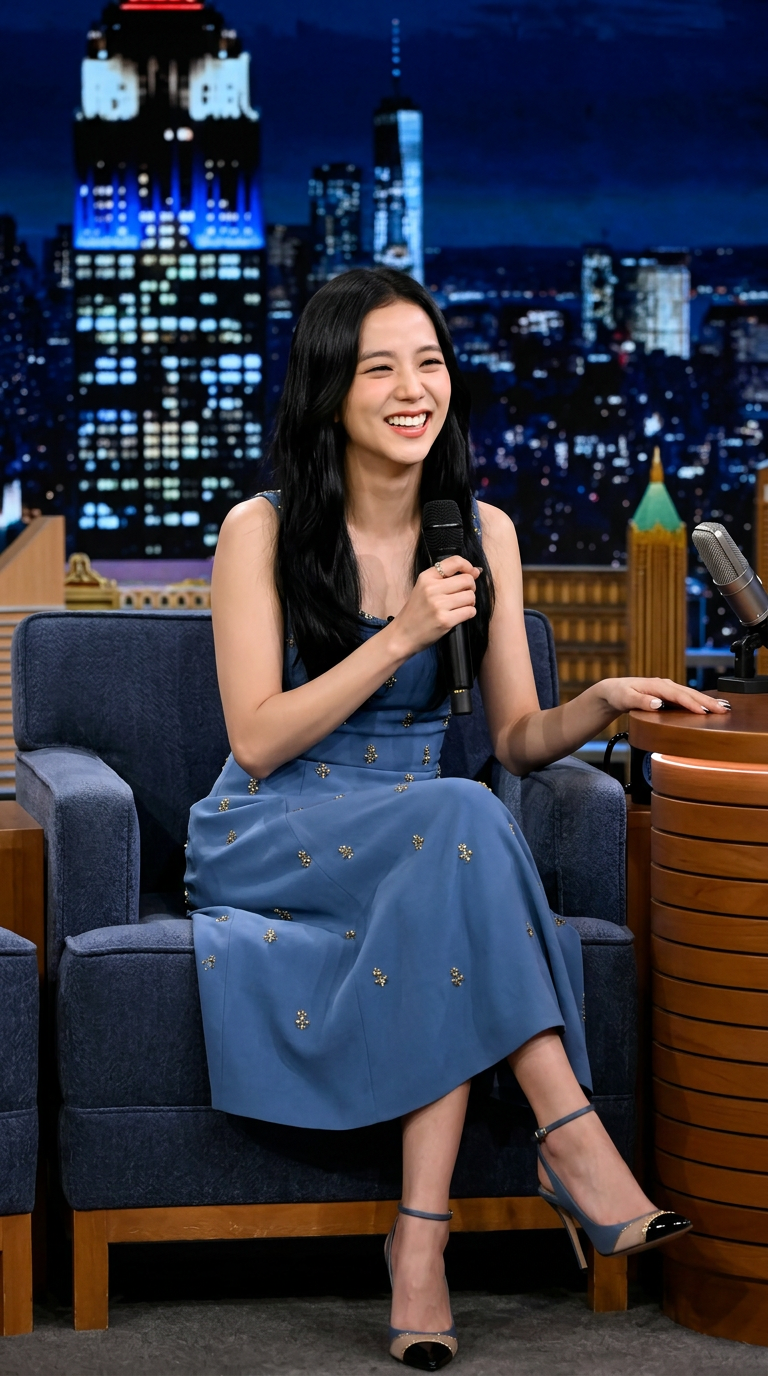
Talk Show Star Portrait
ai-image-editor
Any aspect ratio
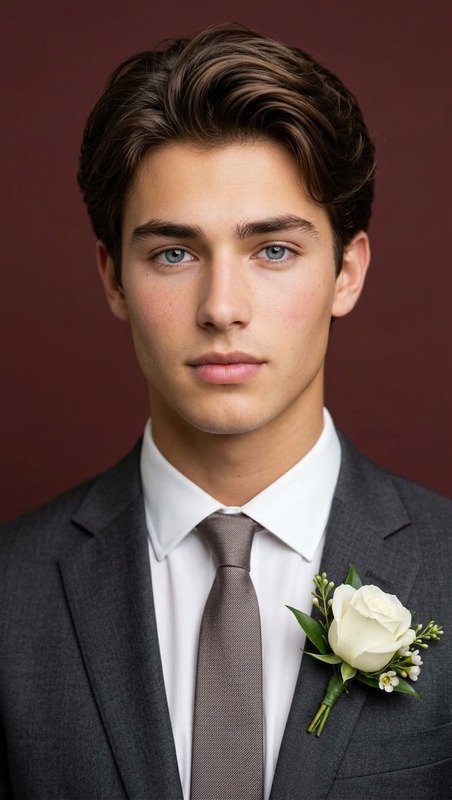
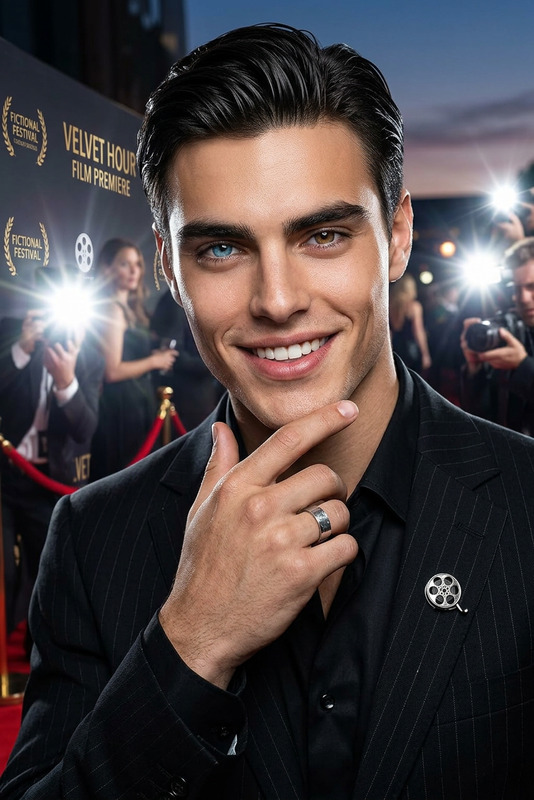
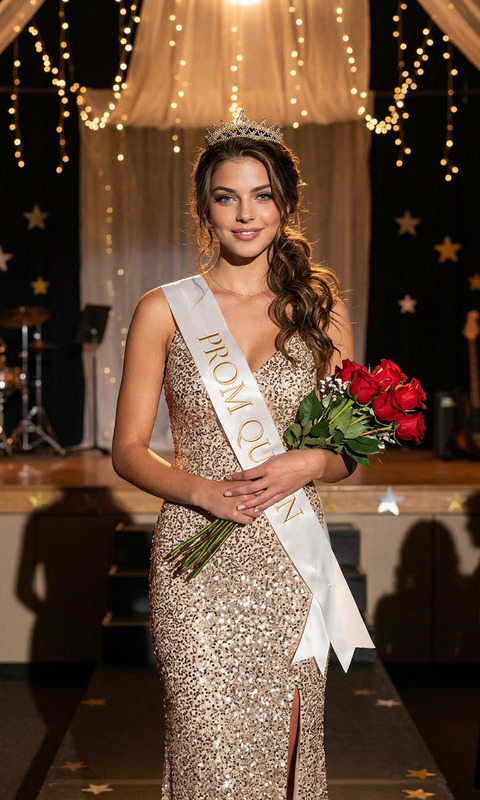
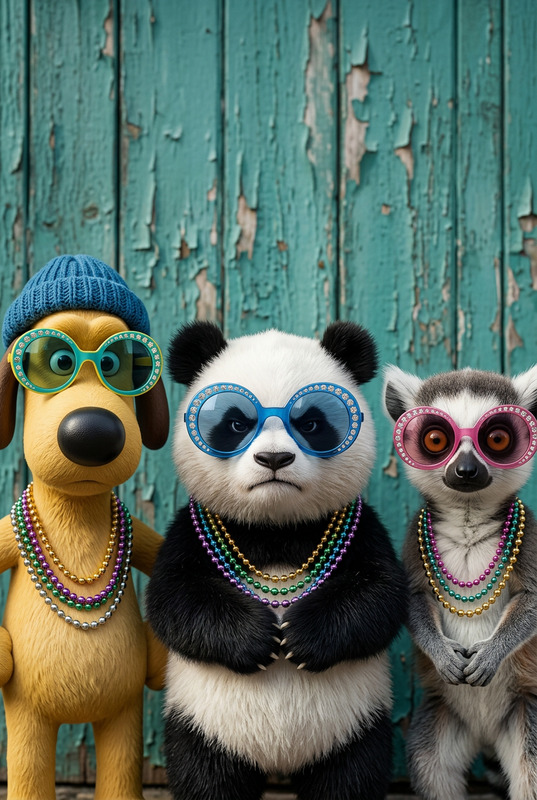
Subject with a bright, warm smile, inspired by a Hollywood style; sitting confidently at a late-night talk show desk with a microphone; wearing an elegant blue dress with subtle gold details and stylish heels; joyful expression, captured mid-laugh; background shows a nighttime city skyline through studio windows with soft bokeh lights; cinematic studio lighting with soft key light and rim light; shallow depth of field, 85mm lens look, ultra-realistic, high detail, 8K quality.
AI Image Editor Template: Turn Any Photo Into Clean, On‑Brand Visuals in Minutes
Use this template to quickly transform, fix, and restyle images with the AI Image Editor — directly in Magic Hour. It’s built for creators, marketers, founders, and technical teams who need production‑quality visuals fast, without a design team.
What This Template Is For
This AI Image Editor–based template is ideal for:
- Cleaning up product photos (remove backgrounds, objects, or distractions)
- Creating multiple creative variations of the same shot for A/B testing
- Turning rough screenshots or mockups into polished marketing assets
- Updating branding (colors, style, layout) across many images
- Repurposing a single photo into thumbnails, ads, social posts, and hero images
Because it runs on the AI Image Editor, you can mix traditional editing tasks (crop, remove, replace) with generative changes (add new elements, change environments, restyle characters).
How to Use or Remix This Template in Magic Hour
You can use this template as‑is, or treat it as a starting point and customize everything.
1. Start from this template
- Open the template in Magic Hour.
- Upload your base image (product photo, headshot, brand shot, screenshot, etc.).
2. Edit the image with AI Inside the AI Image Editor flow, you can:
Remove or replace elements
Use the same underlying tech as the AI Remover and Remove Object From Photo tools to clean up backgrounds, delete unwanted people, or remove logos/watermarks.Change the background or environment
Similar to the AI Background Generator and Image Background Remover:- Put products in lifestyle scenes
- Turn simple portraits into cinematic banners
- Swap plain backdrops for branded gradients, offices, or abstract worlds
Restyle the subject or brand look
Borrow ideas from tools like AI Art Generator, AI Illustration Generator, and AI Fashion Generator:- Change outfits (similar to AI Clothes Changer and AI Outfit Generator)
- Apply consistent color palettes and lighting
- Generate stylized versions: comic, anime, manga, minimal, flat illustration
Enhance quality and sharpness
Integrate capabilities from the AI Image Upscaler, Unblur Image, and Old Photo Restoration:- Upscale low‑res assets to marketing‑ready resolution
- Fix blur, restore older assets, improve clarity and detail
3. Export or extend to other Magic Hour products
Once you’re happy with the edited image, you can:
Turn it into a short video or animated asset with:
Build whole campaigns around it by sending it into:
- Face Swap Video or Face Swap for creator/UGC content
- Lip Sync or AI Talking Photo for talking‑head explainers
- Video to Video or Text to Video for full video creatives
Generate supporting assets:
- Avatars and profile images with the Avatar Generator or AI Selfie Generator
- Channel art and cover images with the Thumbnail Maker, Album Cover Generator, or Book Cover Generator
- Icons, logos, and UI elements using the AI Icon Generator and AI Logo Generator
Practical Use Cases for Teams
For marketers & growth teams
- Turn one photoshoot into dozens of ad variants (different scenes, crops, formats).
- Localize visuals for regions or segments without re‑shooting.
- Generate hero images, social carousels, and email headers from the same source asset.
- Combine with Auto Subtitle Generator, AI Voice Generator, and Video Upscaler for full funnel creatives.
For founders & product teams
- Create landing page visuals before you have final product photos.
- Translate simple wireframes or UI screenshots into clean marketing imagery.
- Produce investor deck graphics from basic sketches using tools like Photo to Sketch and AI Illustration Generator.
For creators & media teams
- Maintain a consistent visual identity across thumbnails, covers, and shorts.
- Generate character‑driven art with AI Character Generator, Animated Characters Generator, AI Anime Generator, or AI Manga Generator, then refine them with this image‑editing template.
- Turn photos into memes with the AI Meme Generator and polish them for brand use.
How to Remix This Template for Your Own Workflow
You can duplicate and customize this template to match your specific pipeline:
Define your input type
- Single product photo, team headshot, UI mockup, or brand illustration.
- For portraits, you can pair this with AI Headshot Generator or AI Face Generator.
Decide your outputs
- One master “hero” image, or a batch of platform‑specific versions (ad, story, thumbnail, blog header).
- You can design variations that connect to:
- AI QR Code Generator for interactive campaigns
- AI Art Generator for stylized alternates
- AI Background Generator for environment testing
Chain tools together
Build template flows that combine:- Generation → Edit → Upscale (e.g., AI Photo Generator → AI Image Editor → AI Image Upscaler)
- Edit → Animate → Voice (AI Image Editor → Image to Video or Animation → AI Voice Cloner or AI Voice Changer)
Save and reuse as a house template
- Standardize your brand look by keeping a reusable version of this template for ads, product shots, or content series.
- Teams can then plug in new images and get on‑brand outputs with minimal manual work.
Related Magic Hour Tools You Can Combine With This Template
If you want to extend or specialize what this template does, consider pairing it with:
Portrait & face tools
Creative & storytelling tools
Brand and marketing tools
Photography & restoration
Why Use an AI Image Editor Template Instead of Manual Editing?
Traditional workflows split across multiple apps: background removers, retouching tools, design software, then manual exports. This template centralizes those steps in Magic Hour:
- One place to clean, restyle, and enhance your image
- Easy to duplicate for recurring campaigns or clients
- Fast to adapt as your brand or product evolves
If your work depends on turning raw images into polished, conversion‑ready assets, this AI Image Editor template gives you a repeatable, remixable starting point you can plug into the rest of the Magic Hour ecosystem.