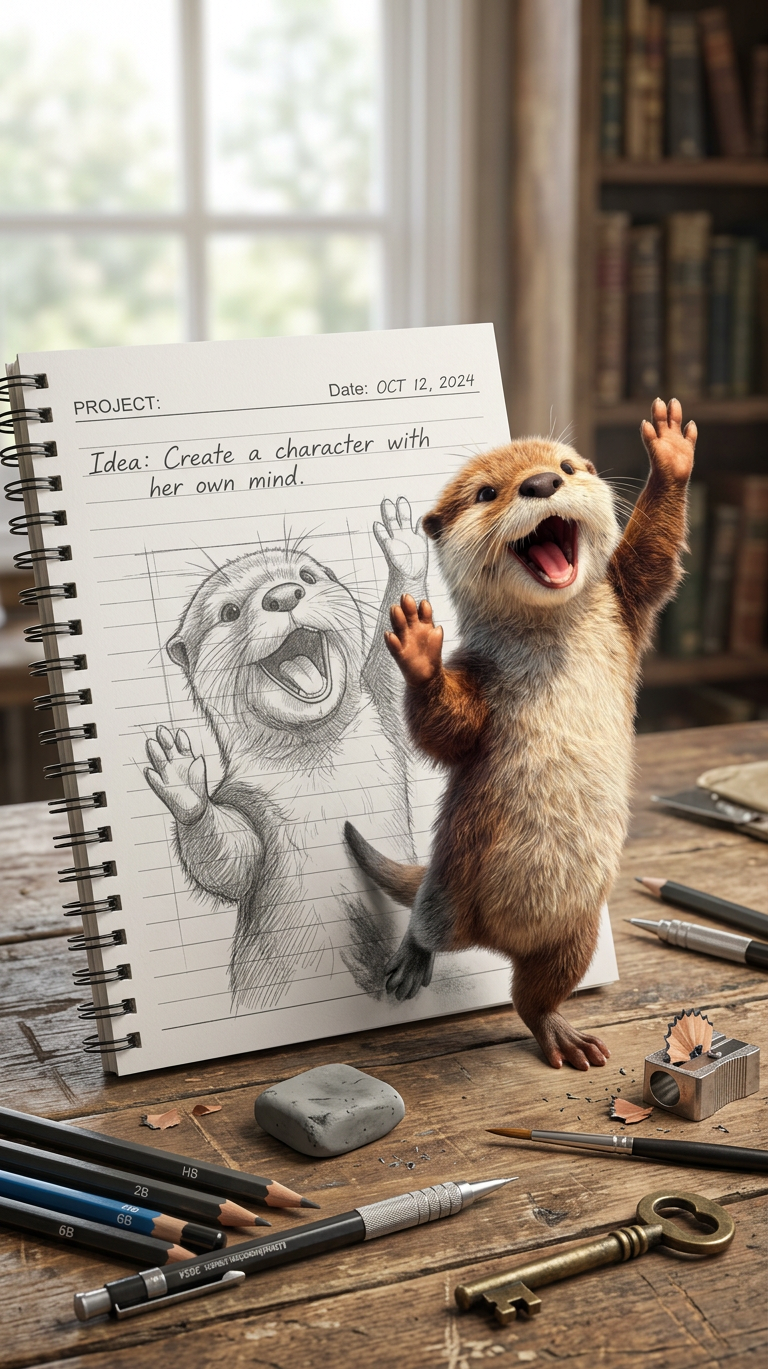
Sketch Comes Alive

Sketch Comes Alive

ai-image-editor

1 clip
0 uses

Any aspect ratio

Prompt

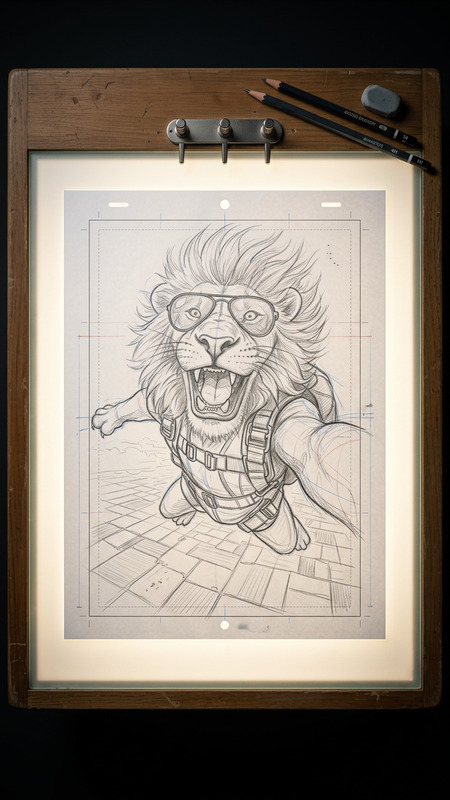
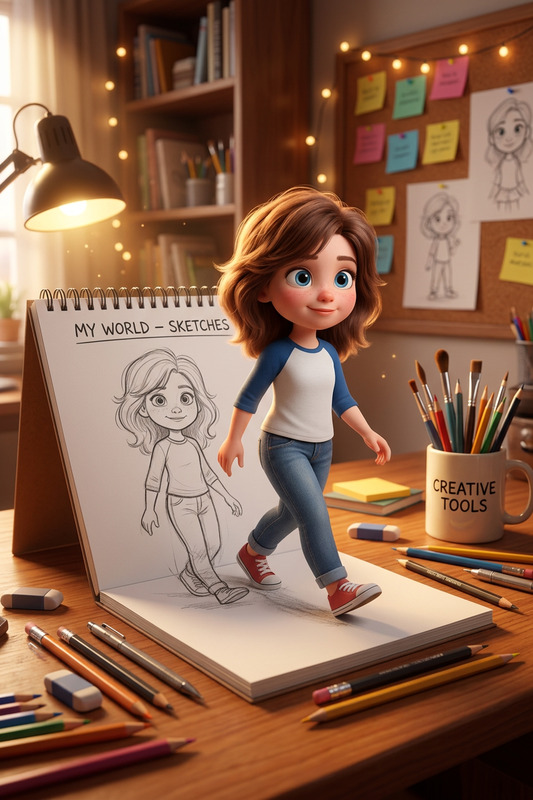
Highly detailed photorealistic scene of an open spiral-bound notebook on a rustic wooden workshop bench, softly lit by natural light with a blurred bookshelf and window in the background. On the lined page is a precise pencil sketch of a character, complete with construction lines and graphite texture, while a fully-realized version of the same character physically steps off the page onto the desk, matching the exact pose and form. The character features {character details} with facial features matching the uploaded reference. Handwritten notes on the page read “PROJECT:” (top-left), “Date:” (top-right), and “Idea: Create a character with her own mind.” Scattered around are {craft tools and props}, placed naturally. Cinematic depth of field, ultra-detailed, realistic lighting and textures.

Turn Any Photo Into a Magical Scene with AI Image Editor

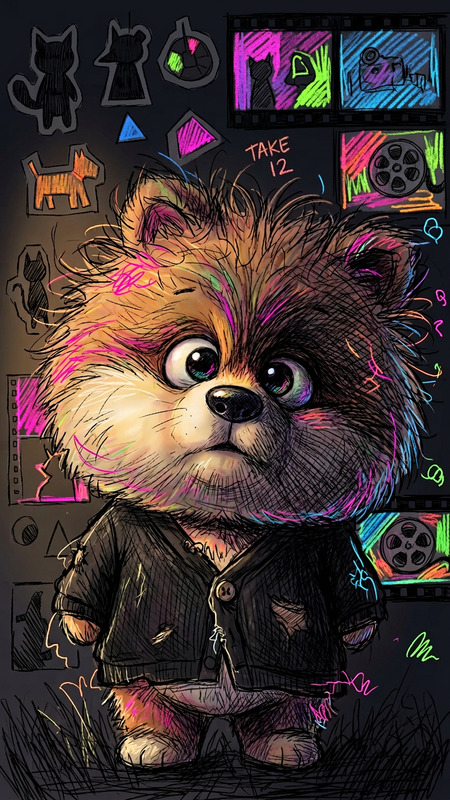
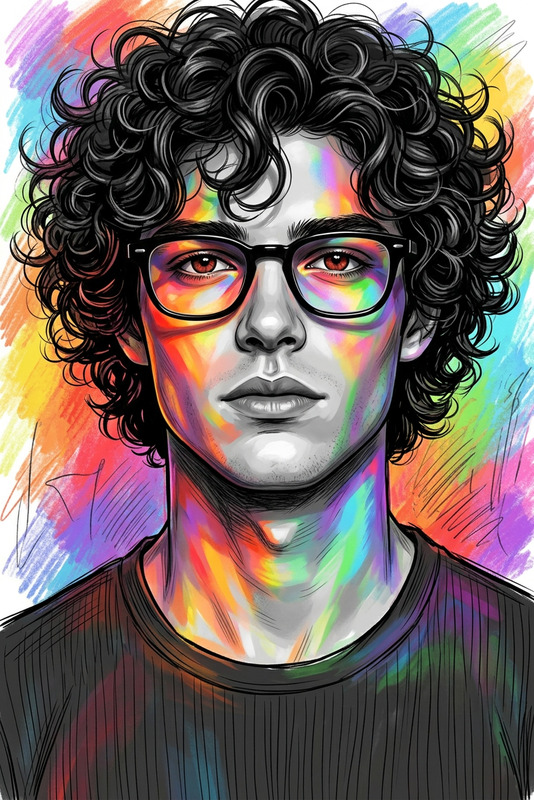
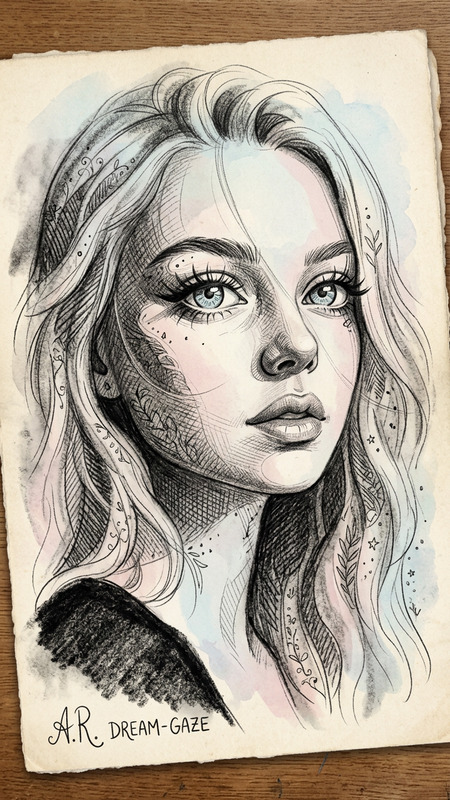
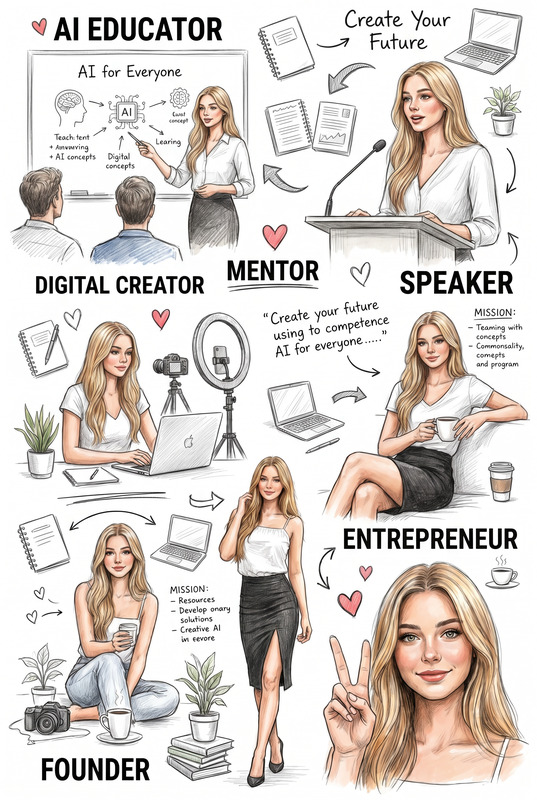
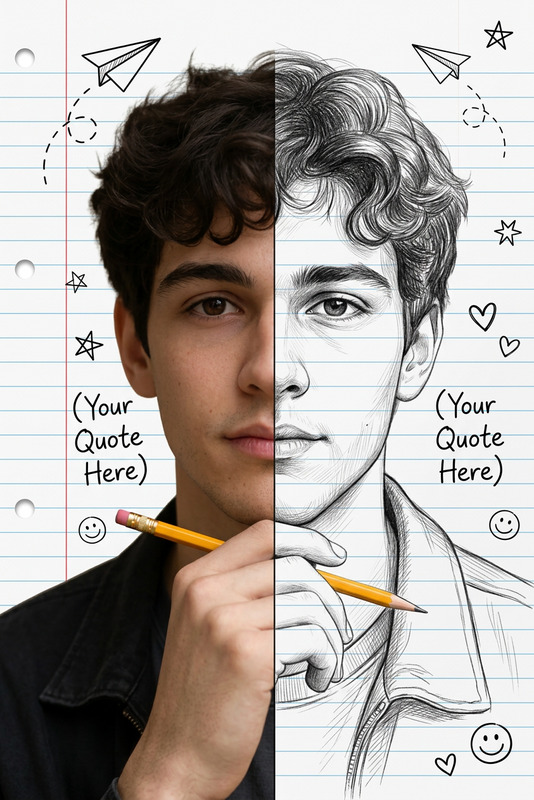
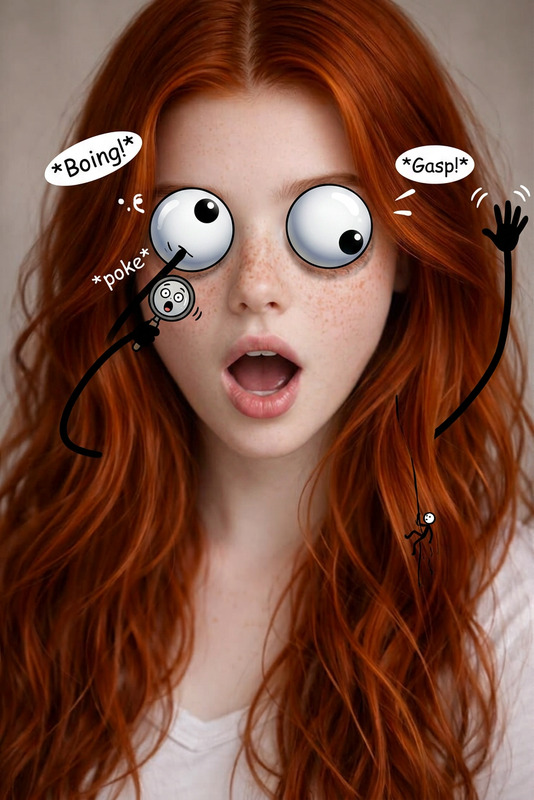
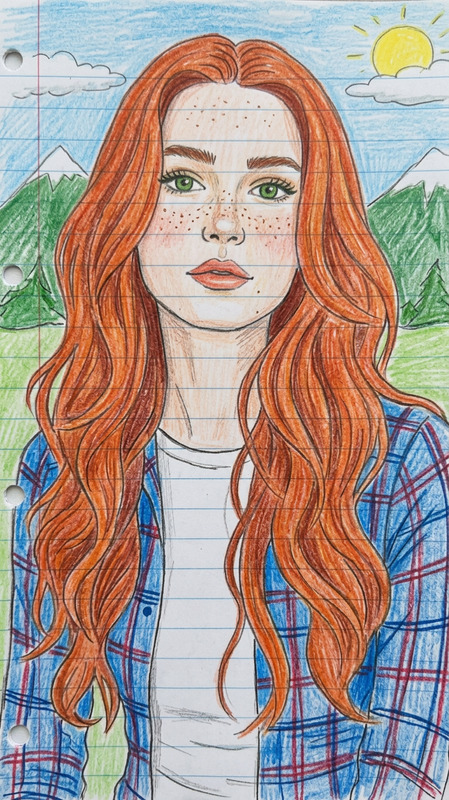
Use this template to instantly transform ordinary photos into stylized, cinematic, or surreal images using the AI Image Editor. Whether you’re a creator, marketer, or product builder, you can remix this template to build your own reusable editing workflow in minutes.


What This Template Does

This template demonstrates how to:

  • Upload an existing image (product shot, portrait, scene, illustration, etc.)
  • Apply AI-powered edits directly on top of the original
  • Change style, lighting, mood, and background while keeping key structure intact
  • Generate multiple variations quickly for A/B testing, campaigns, and content packs

Because it’s built on Magic Hour’s AI Image Editor, you can adapt it to:

  • Clean up or extend photos for landing pages, ads, and socials
  • Turn rough photos into polished marketing assets
  • Create on-brand visual systems from a single base image
  • Experiment with new creative directions without reshoots

How to Remix This Template in Magic Hour

You can use this template as a starting point and build your own version directly inside Magic Hour:

  1. Open AI Image Editor
    Go to the AI Image Editor.

  2. Upload Your Base Image
    Use any:

    • Product photo
    • Portrait or selfie
    • Illustration or concept art
    • Background or environment shot
  3. Describe the Transformation You Want
    In your edit prompt, be specific about:

    • Style: “cinematic”, “studio photography”, “anime”, “comic book”, “Disney-style”, “dark fantasy”
    • Mood & lighting: “golden hour”, “neon cyberpunk”, “soft daylight”, “dramatic contrast”
    • Changes to scene: new background, added props, different environment, season, or weather
    • What to keep: the product shape, face identity, brand colors, layout, etc.
  4. Generate and Compare Variations

    • Save the best versions as separate assets
    • Remix again with small prompt changes to iterate on style, color, or mood
    • Build a library of variants for ads, thumbnails, social posts, or pitch decks
  5. Save as Your Own “Template”

    • Reuse the same base image + similar prompts whenever you need new assets
    • Create different “recipes” for specific use cases (e.g. “winter campaign”, “LinkedIn headshot”, “YouTube thumbnails”)

Because the underlying tool is the AI Image Editor, any edit flow you like can effectively become your own custom template just by reusing the same image + prompt structure.


Practical Use Cases

Here are concrete ways creators and teams typically adapt this kind of template:

1. Marketing & Growth

  • Generate on-brand hero images and banners from a single base layout
  • Create multiple ad variations for paid campaigns without new photoshoots
  • Turn a basic product shot into lifestyle scenes, UGC-style content, and seasonal visuals
  • Combine with the AI Thumbnail Maker to rapidly produce high-converting YouTube or course thumbnails

Useful complementary tools:

2. Product & Startup Teams

  • Prototype brand visuals and product imagery early, before final design systems exist
  • Create investor deck imagery, concept visuals, and mockups from a single screenshot or frame
  • Use structured prompts so your team can repeat the style easily across pages and campaigns

Consider combining with:

3. Creators & Influencers

  • Turn selfies into polished portraits, posters, or cover art
  • Experiment with different styles (manga, anime, comic, Disney-inspired, dark fantasy, etc.)
  • Generate content packs for Patreon, merch, or digital downloads

Relevant tools to combine with this template:

4. Stylized & Genre-Specific Art

If you’re creating for a specific genre or fandom, you can start with a sketch or base photo and stylize it with this template, plus:

You can import outputs from any of these tools into AI Image Editor and use this template flow to polish, restyle, or adjust details.


Advanced Remix Ideas for Power Users

For teams and creators who want more systematic workflows:

Build Reusable Style Systems

  • Start with 3–5 reference images that represent your desired “look”
  • Use the AI Image Editor to iteratively converge on a style (color palette, lighting, texture)
  • Document the most successful prompts and reuse them as a style guide for future edits

You can generate additional raw material with:

Turn Static Images Into Motion

Once you’ve polished your image with this template, you can upgrade it into dynamic content:

For character or face-centric content:


Related Magic Hour Tools You Can Chain with This Template

You can combine the AI Image Editor and this template flow with other tools in the Magic Hour ecosystem to build more advanced pipelines:

All of these can feed into your AI Image Editor flow: generate → edit → upscale → animate.


Tips for Better Results

To get consistent, production-quality outcomes when remixing this template:

  • Be explicit in your prompts
    Mention style, lighting, camera feel, and what should not change (e.g., “preserve product label text”).

  • Iterate in small steps
    Make one type of change at a time: first background, then color mood, then minor details.

  • Think in systems, not one-offs
    Treat your prompt + base image as a design system. Reuse it across campaigns, landing pages, and channels.

  • Use upscaling and cleanup at the end
    Finish your pipeline with AI Image Upscaler, Watermark Remover, or Image Background Remover if needed.


Next Steps

  1. Open the AI Image Editor.
  2. Upload a base image similar to the one in this template.
  3. Write a clear edit prompt describing style, mood, and what to preserve.
  4. Iterate and save your best results as your own reusable “image template.”

Once you have a version you like, you can connect it with animation templates like Face Swap Video, Lip Sync, Video-to-Video, or Animation to build complete, end-to-end visual workflows in Magic Hour.

More Like This