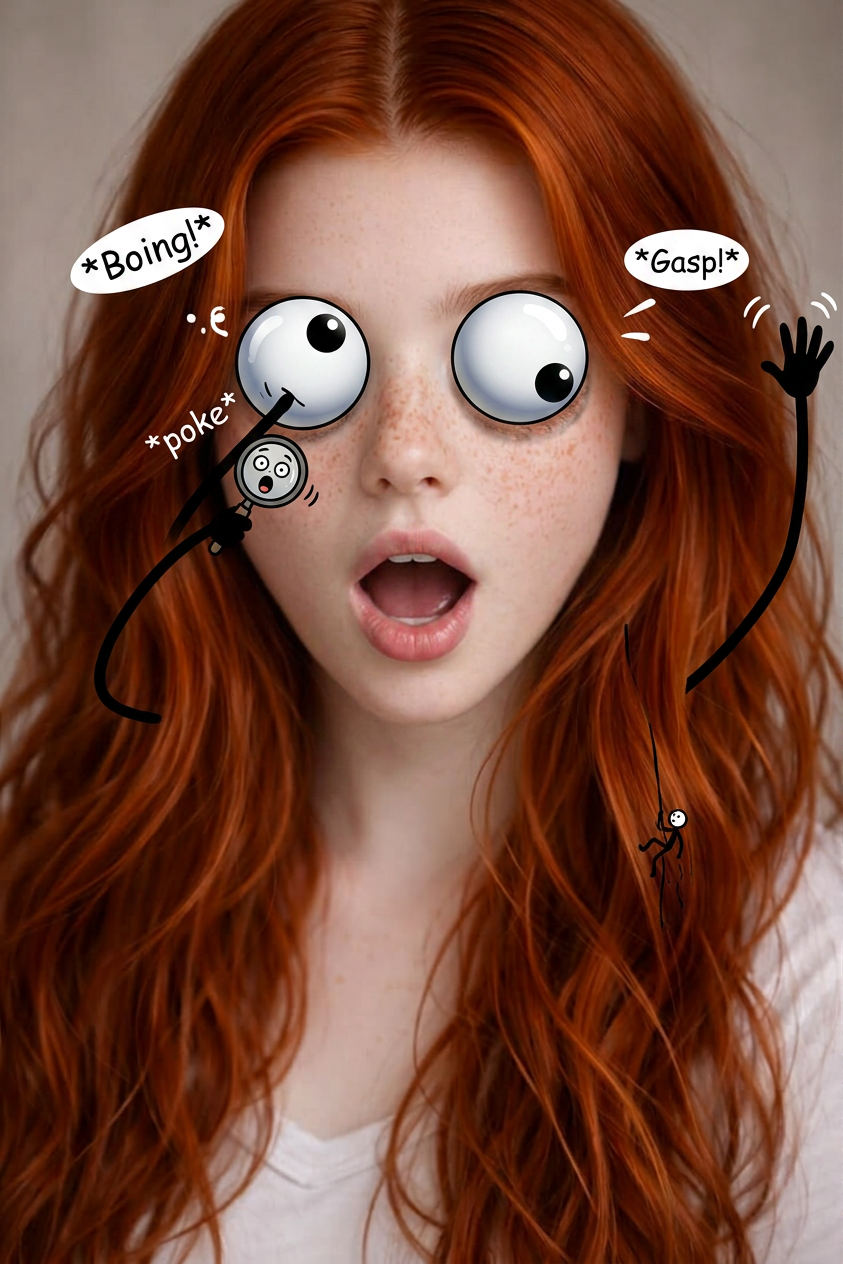
Googly Eyes Chaos
ai-image-editor
Any aspect ratio
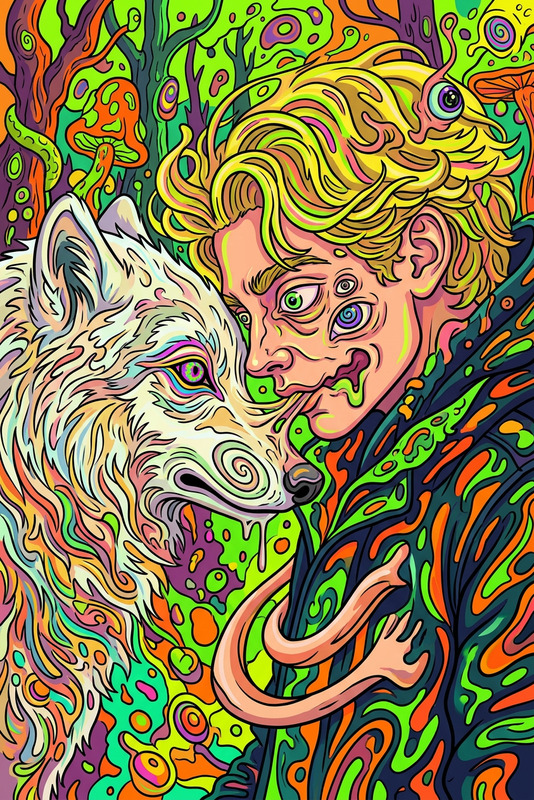
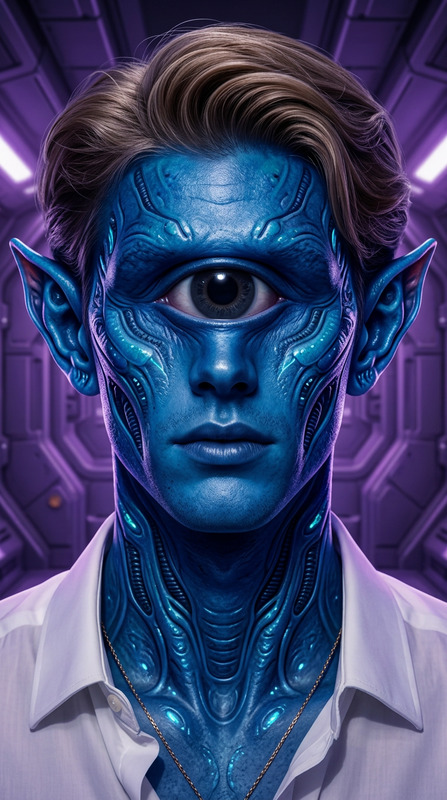
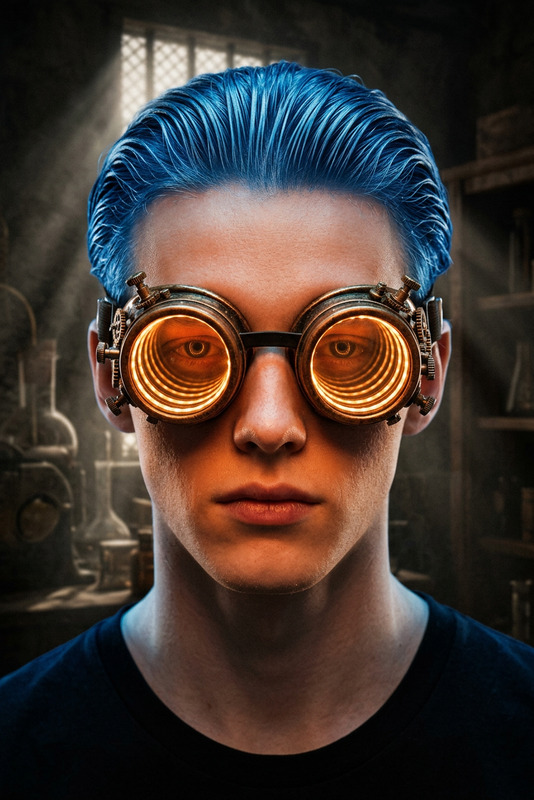
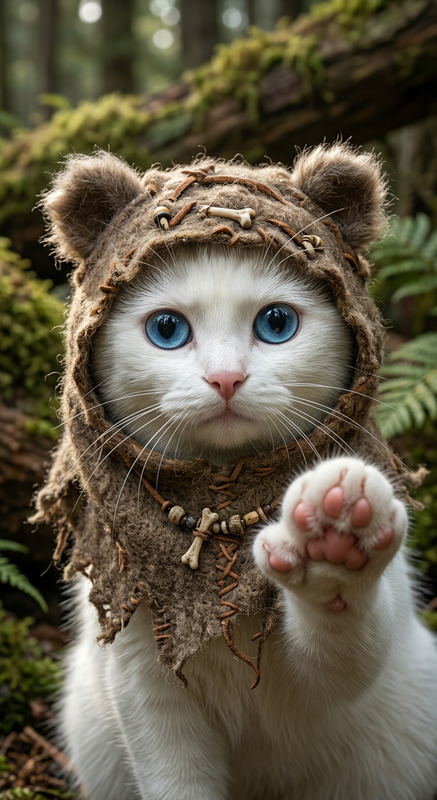
A photorealistic, high-detail scene featuring a subject or object with illustrated googly eyes and simple stick-figure hands added, posed in an exaggerated, comedic way as if it has come to life. The googly eyes are oversized and expressive, while the stick hands interact playfully with the environment or gesture dramatically. The composition blends realistic textures with cartoon-like overlays, creating a humorous contrast. Lighting is natural and soft, maintaining realism while enhancing the playful, surreal effect. The overall mood is fun, absurd, and lively, with a clean, high-detail finish.
AI Image Editor Template: Transform and Remix Any Image in Minutes
Use this template to turn a rough idea, draft design, or existing photo into polished, production-ready visuals with the AI Image Editor. It’s built for fast, iterative image editing—ideal for marketing visuals, product shots, social posts, prototypes, and creative experiments.
What This Template Is For
This AI Image Editor–based template is optimized for:
- Reworking existing images (marketing creative, product photos, moodboards)
- Cleaning up or enhancing user-uploaded photos
- Rapidly testing multiple creative directions from a single base image
- Creating consistent variations for campaigns, A/B tests, or client reviews
Typical use cases:
- Marketing & growth: repurpose one hero asset into platform-specific images (LinkedIn, X, product hunt banners, email headers).
- Product & startups: turn rough UI/UX screenshots into higher-fidelity visuals for pitch decks, landing pages, and investor updates.
- Creators: refine thumbnails, cover art, and social graphics without opening a full design tool.
- E‑commerce & DTC: upgrade product visuals, remove distractions, apply on-brand backgrounds, and generate alternate angles.
How to Use or Remix This Template in Magic Hour
You can use this template as-is, or remix it into your own custom workflow inside Magic Hour:
Start from this template
- Load the template in Magic Hour (from the template gallery or your saved templates).
- It will automatically use the AI Image Editor as the core tool.
Upload your base image
- Use any source: product photo, screenshot, brand asset, moodboard, or stock image.
- The AI works best with reasonably clear, high-resolution images (even if they’re unpolished).
Describe the transformation you want
- Example prompts:
- “Turn this into a clean SaaS landing hero image on a light gradient background.”
- “Make this product photo look like a studio shoot with soft shadows and neutral backdrop.”
- “Convert this portrait into a professional LinkedIn headshot with natural lighting.”
- “Create three variations with different background colors that still look on-brand.”
- Example prompts:
Iterate rapidly
- Duplicate the template and adjust your prompts to create multiple versions for testing.
- Use it as a repeatable workflow for campaign iterations, client revisions, or internal design reviews.
Remix into multi-step flows
- After editing your image, you can pass the output into other Magic Hour products:
- Animate your edited image with Image to Video or Text to Video.
- Turn a cleaned-up portrait into a talking avatar with AI Talking Photo.
- Use the enhanced asset in Face Swap Video templates or Lip Sync templates for dynamic content.
- After editing your image, you can pass the output into other Magic Hour products:
This approach lets you build your own “mini pipeline” without code: edit → enhance → animate → publish.
Remix Ideas: Create Your Own Specialized Variants
Because this template is built on the general-purpose AI Image Editor, you can fork and specialize it for different workflows:
1. Brand & Marketing Visuals
- Duplicate this template and tailor it for:
- On-brand background generation using the AI Background Generator
- Campaign-specific assets (launch graphics, announcement images, email headers)
- Thumbnail creation in combination with the Thumbnail Maker
Combine with:
- AI Art Generator for abstract or illustrative brand visuals
- Album Cover Generator or Book Cover Generator for content launches, playlists, and reports
2. People, Faces, and Portraits
Use the template as a “portrait workspace”:
- Refine selfies or portraits with the AI Face Editor and AI Headshot Generator
- Generate consistent profile photos across your team using AI Selfie Generator
- Experiment with identity-safe, stylized faces via the AI Face Generator
Then, route your edited portraits into:
- Face Swap or Face Swap GIF
- AI Talking Photo for spokesperson-style content
- Lip Sync templates combined with AI Voice Generator or AI Voice Cloner
3. Product, Fashion, and E‑commerce Workflows
Remix this template for product-led workflows:
- Clean up and refactor product shots via AI Image Editor
- Generate realistic apparel or outfit variations with:
- Use AI Image Upscaler and Unblur Image to improve low-res or slightly blurry product images
- Remove unwanted elements using Remove Object from Photo or AI Remover
From there, you can animate hero products with Image to Video or convert product photos into short, looping visuals using the AI GIF Generator.
4. Content, Memes, and Social Creative
Turn this editor template into a social content engine:
- Generate meme-ready base images with AI Meme Generator
- Create stylized avatars using the Avatar Generator
- Add or modify visual jokes and references with AI Illustration Generator
- Use AI QR Code Generator to embed scannable links into your final images
Then:
- Animate key visuals using Animation templates or Video to Video templates
- Add automatic captions over short video exports with the Auto Subtitle Generator
Advanced Creative & Worldbuilding Use Cases
For creators, game designers, and storytellers, this template can be the first step in a larger visual pipeline:
- Concept art and moodboards:
- Start with rough sketches or photos
- Clean and restyle them in the AI Image Editor
- Expand worlds with:
- Character design:
- Use AI Character Generator, Animated Characters Generator, or AI Anime Generator
- Refine poses and details through the AI Image Editor template
- Create full scenes with the Full Body Generator and AI Manga Generator
Image Cleanup, Restoration, and Enhancement
You can also adapt this template for purely technical improvements:
Restoration & colorization
- Fix old or damaged photos with Old Photo Restoration
- Add natural color to black-and-white images using Photo Colorizer
Background & object control
- Remove or replace backgrounds via Image Background Remover
- Clean specific objects with Remove Object from Photo and Watermark Remover
Upscaling and sharpening
- Upscale low-res images with AI Image Upscaler
- Fix soft or out-of-focus photos using Unblur Image
Use the AI Image Editor template as the “control room” where all these enhancements come together in one repeatable flow.
Design, Branding, and Visual Identity
If you’re building or iterating on a brand, this template can anchor your design system experimentation:
Generate and refine:
- Logos with AI Logo Generator
- Icons via AI Icon Generator
- Cover designs using Album Cover Generator and Book Cover Generator
- On-brand scenes for your website using AI Interior Design Generator and AI Background Generator
Post-process everything in the AI Image Editor:
- Align color palettes to your brand
- Normalize lighting and style across pages or campaigns
- Create quick variants for testing with real users
Connecting Images to Video and Audio
For richer experiences, use this template as the visual entry point before moving into video and audio:
Start with your edited images
Animate them via:
Add voices and sound:
- Create voiceovers with AI Voice Generator
- Clone your own voice using AI Voice Cloner
- Adjust voice style in post with AI Voice Changer
Combine with:
- Face Swap Video templates for dynamic persona-based content
- Lip Sync templates when syncing edited faces to generated or recorded speech
Getting the Most Out of This Template
To make this AI Image Editor template a core part of your workflow:
Create a library of remixed templates
- One for product images, one for social content, one for investor decks, etc.
- Keep prompts and flows consistent so your team can reuse them.
Standardize on a visual style
- Use the same base prompts and editing flows across:
- AI Photo Generator
- AI Image Generator
- AI Image Editor–based templates like this one
- Use the same base prompts and editing flows across:
Document your pipeline
- For each use case (e.g., “launch campaign visuals”), define:
- Input sources (screenshots, raw photos, mockups)
- Editing steps in this template
- Optional downstream tools (e.g., Image to Video, Auto Subtitle Generator, Thumbnail Maker)
- For each use case (e.g., “launch campaign visuals”), define:
By anchoring your process around this AI Image Editor template and remixing it for specific needs, you can move from idea to high-quality visuals significantly faster—without relying on a full design team for every iteration.