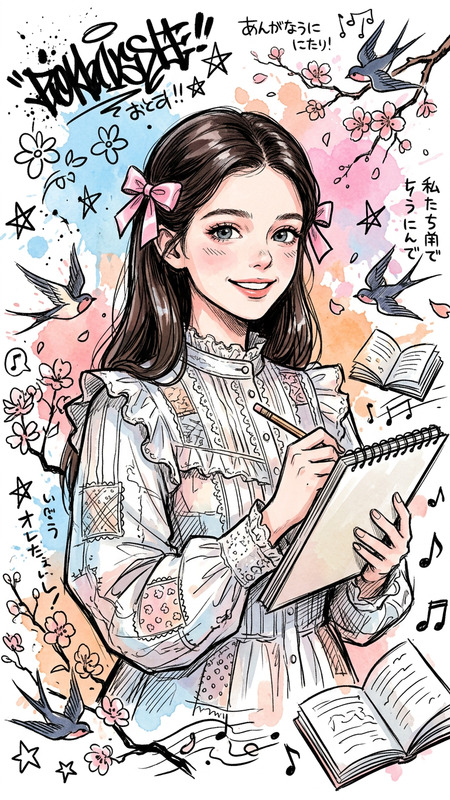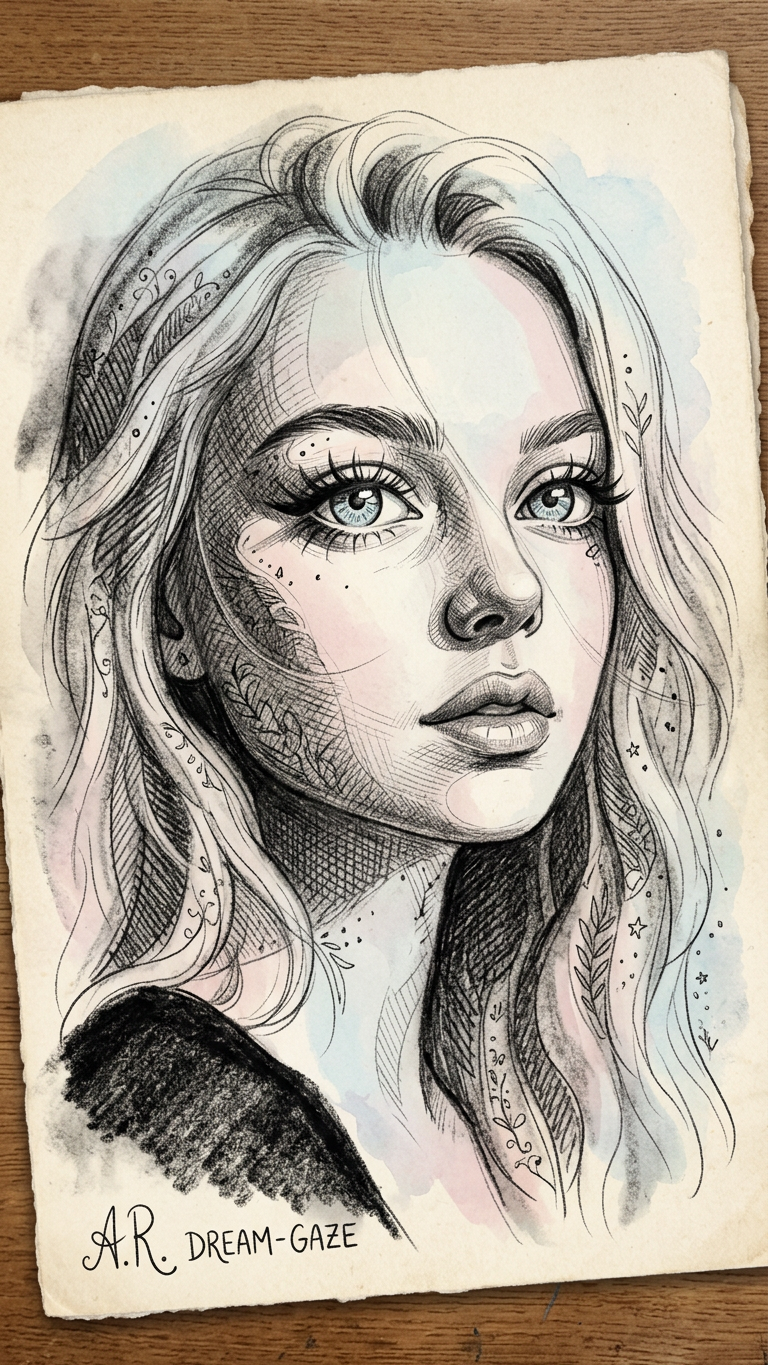
Barbizon Sketch
- Model
- Nano Banana 2
- Image
- 768 × 1365 px
Prompt
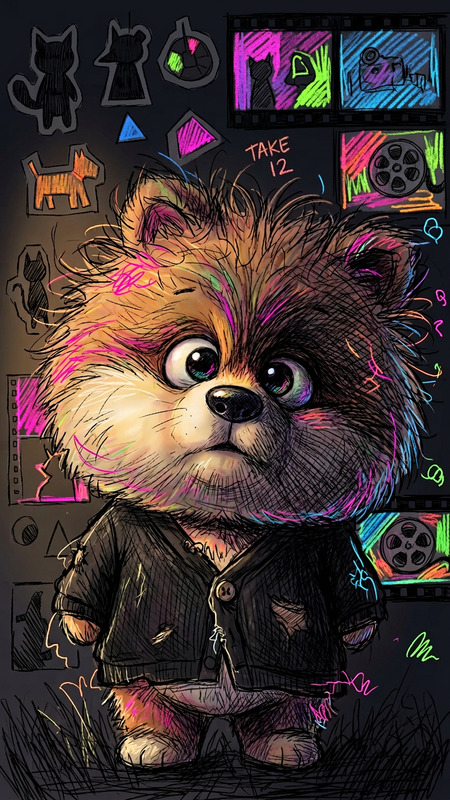
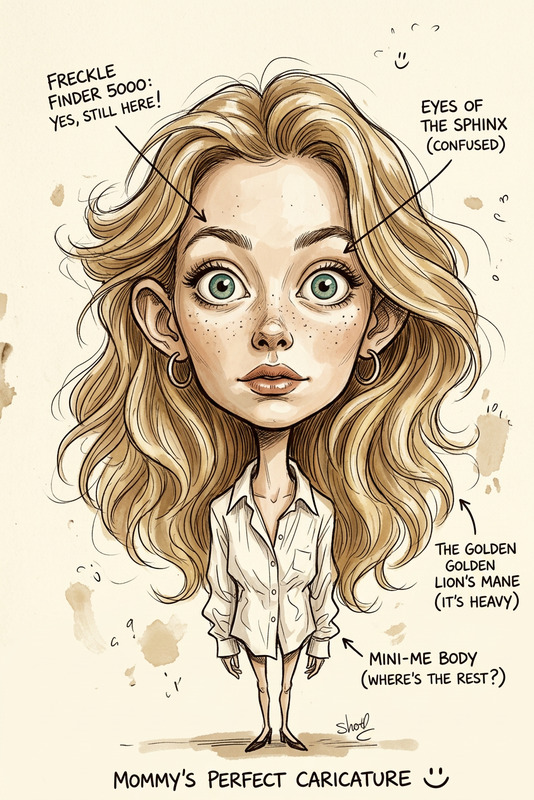
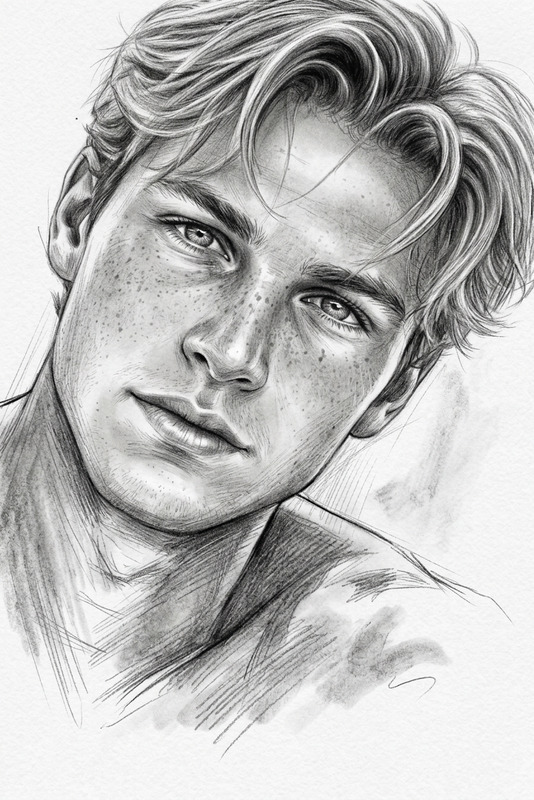
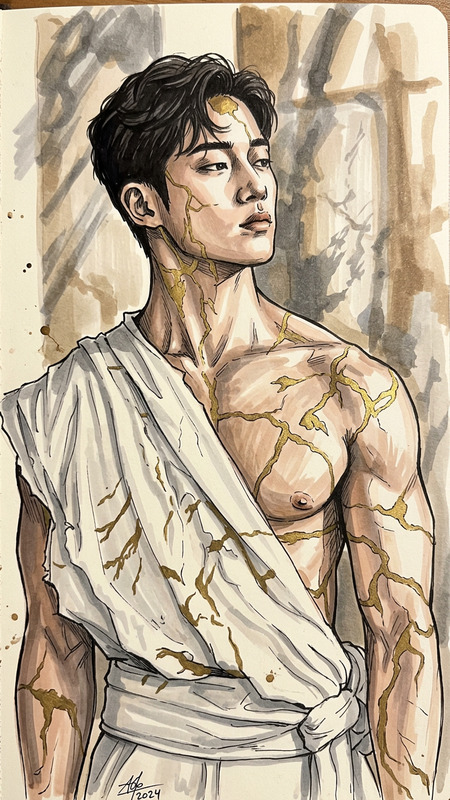
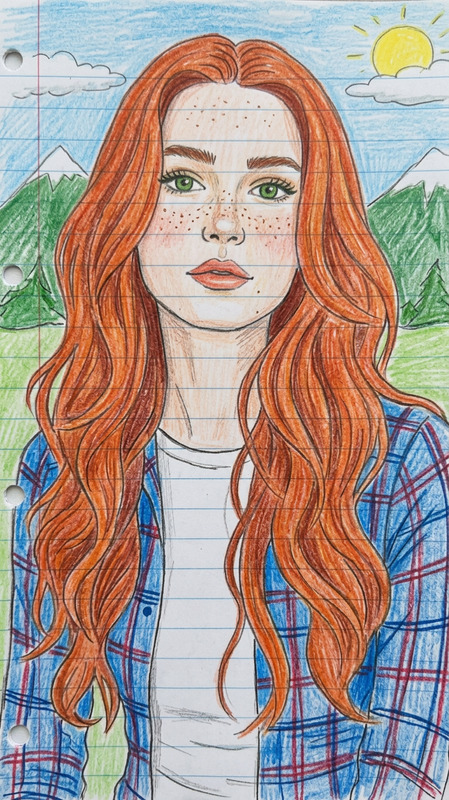
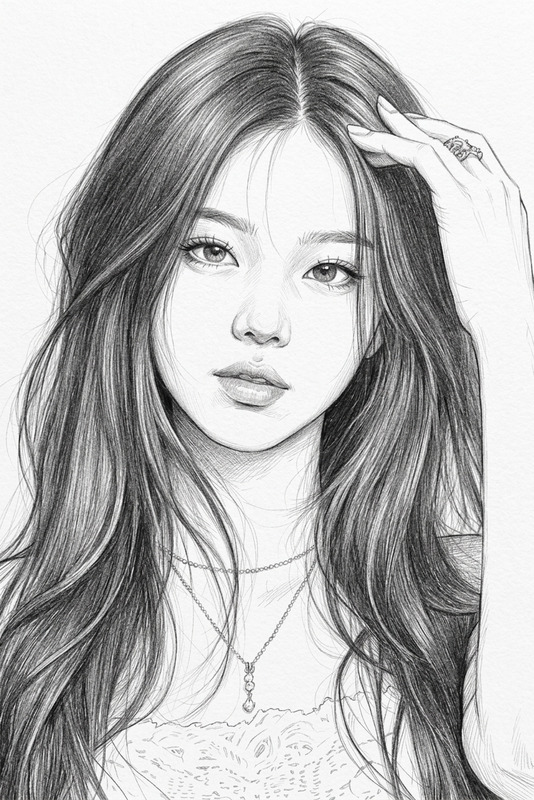
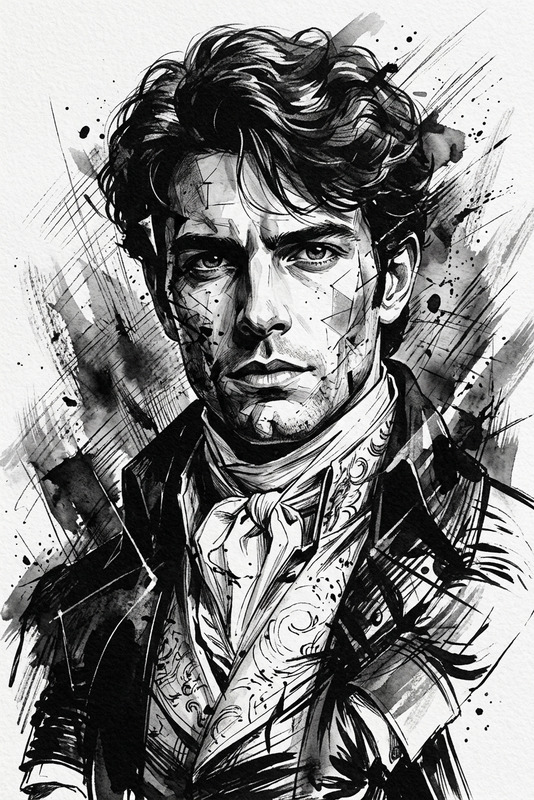
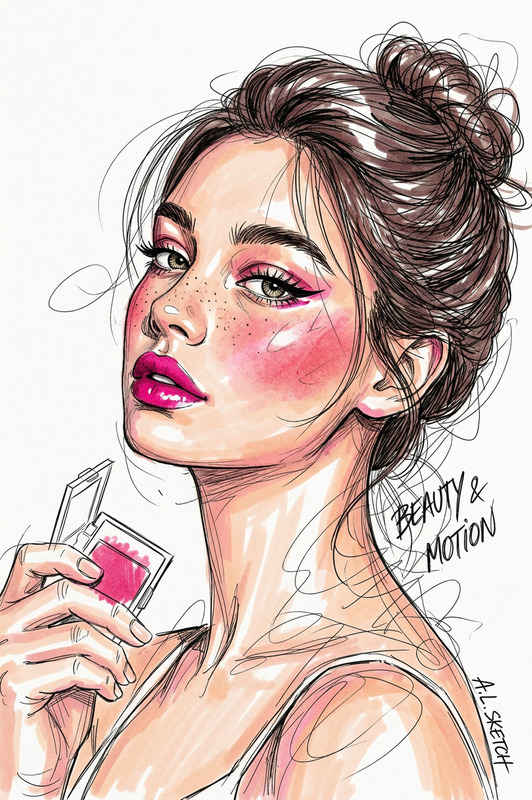
Sketch of a subject face with expressive eyes, blending anime aesthetic with the artistic flair of the Pont-Aven school, utilizing masterful and heavy shading techniques. The texture exploration brings a cute and dreamy essence, subtly inspired by the Barbizon school. The facial features are delicately detailed, capturing a sense of whimsy and charm
Any aspect ratio
Overview
The Barbizon Sketch template is a powerful AI Image Editor tool designed for artists and designers who wish to infuse their projects with a blend of anime aesthetics and the traditional charm of the Barbizon school. Utilizing the AI Image Editor, this template focuses on creating expressive portraits with detailed facial features and a whimsical flair.
What It Does
This template allows users to transform ordinary images into captivating works of art by applying advanced shading techniques and texture exploration. Your portraits get an artistic touch with a dreamy essence, capturing the essence of both anime styles and Barbizon school influences. It's perfect for those looking to add a cute, yet refined look to their images, leveraging AI Image Generator capabilities to refine artistic expressions.
Who It's For
Designed with fashion designers, illustrators, and digital artists in mind, the Barbizon Sketch template is perfect for anyone who wants to add a unique touch to their creations. Whether you're creating art for marketing, editorial spreads, or personal projects, this tool provides the precision and creativity you need. Enthusiasts of the AI Clothes Changer can also find new ways to integrate artistic sketches into their designs.
Summary
The Barbizon Sketch template is an essential tool for those aiming to create visually stunning images that carry an artistic and emotive appeal. By transforming images with expressive eyes and detailed features, this template enriches any artistic project. Explore more about its integration with other tools like the Face Swap to expand your creative possibilities.
How To
Choose the Template

Customize Your Input

Generate the Artwork

Use Cases
Editorial Illustrations
- Fashion magazines
- Artistic publications
Marketing Campaigns
- Social media ads
- Print banners
Personal Art Projects
- Digital art displays
- Personal collections
Best Practices
Focus on Eye Detail
Emphasize expressive eyes to capture viewer interest.Experiment with Shading
Adjust shading settings to explore different artistic effects.Combine with Other Tools
Use alongside the AI Face Editor to fine-tune facial features further.