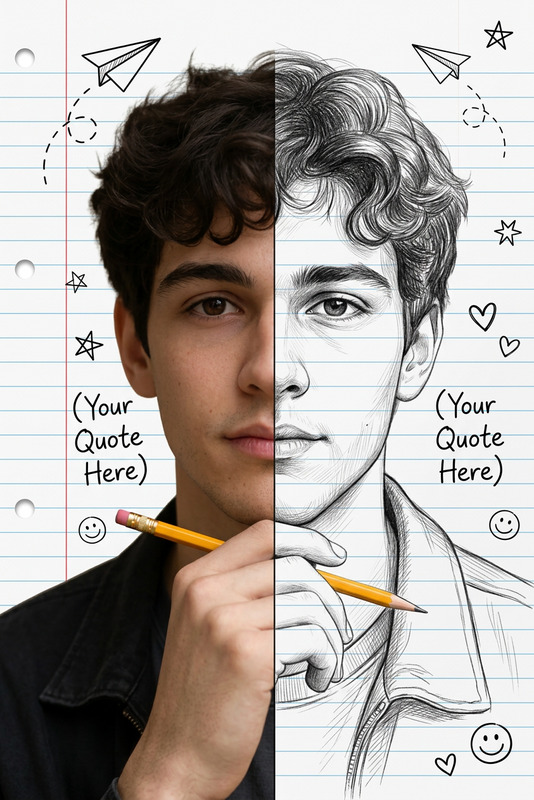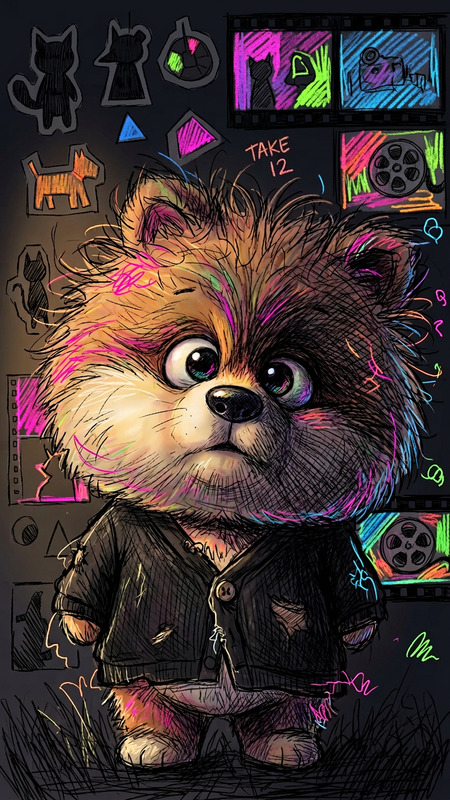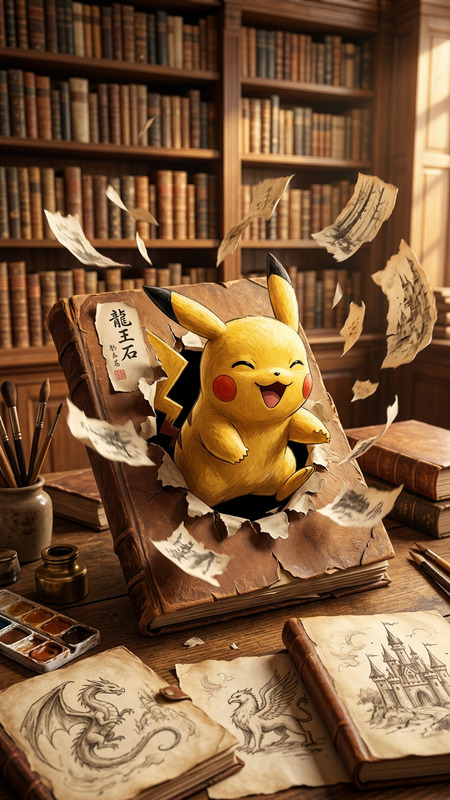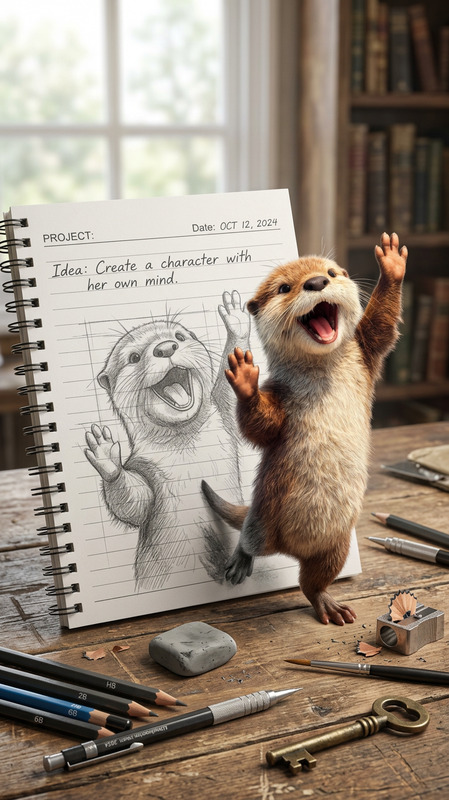
Sketchbook Come to Life
- Model
- Nano Banana 2
- Image
- 842 × 1264 px
Prompt
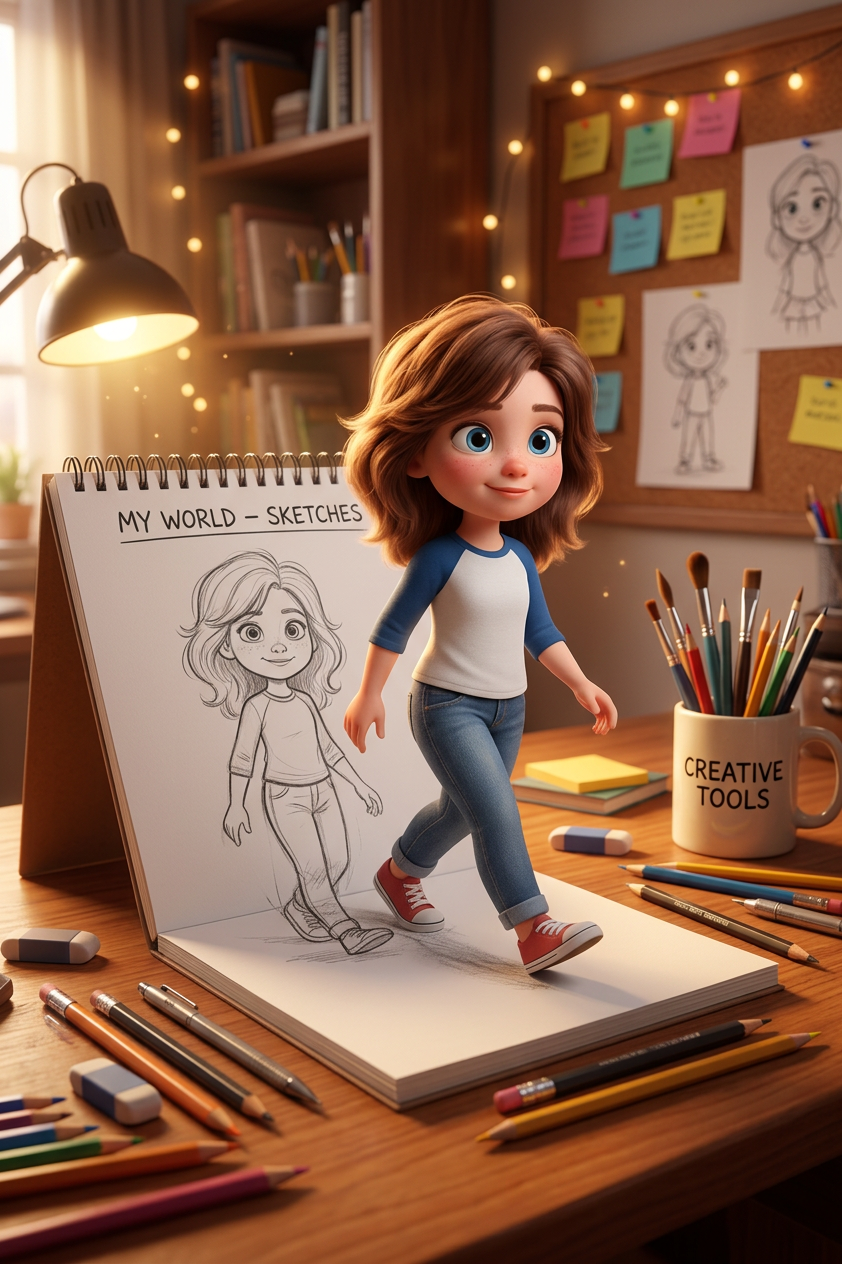
Cinematic 3D illustration of imagination materializing in a cozy creative workspace. A cute young cartoon subject steps out of a spiral sketchbook resting on a warm wooden desk. The open page shows a simple graphite line drawing of the same character labeled “MY WORLD – SKETCHES”, while the real version emerges as a fully detailed 3D animated figure. The subject matches the sketch but appears alive—soft rounded features, big expressive eyes, fluffy brown hair, gentle smile—wearing a white-and-blue raglan t-shirt, denim jeans, and red sneakers. One foot remains on the sketchbook page while the other steps onto the desk, with sketch lines subtly fading into 3D form at the transition. The desk is scattered with creative tools—colored pencils, graphite pencils, pens, erasers—and a ceramic mug labeled “CREATIVE TOOLS” filled with brushes and pencils. Background reveals a warm artist studio with fairy light bokeh, shelves of books and supplies, and a corkboard with colorful sticky notes. Shot from a slightly low angle, focusing on the stepping motion. Shallow depth of field keeps desk details sharp while the background softly blurred. Warm golden lighting, cinematic shadows, glowing highlights. Pixar/Disney-style 3D character with photoreal desk textures, global illumination, volumetric light, ray-traced reflections. Ultra-detailed, 8K, magical realism, storytelling composition
Any aspect ratio
Overview
The "Sketchbook Come to Life" template breathes life into your drawings, turning static sketches into dynamic 3D animations. This tool leverages the AI Image Editor capabilities of the Nano-Banana-2 model, blending traditional illustration with cutting-edge animation.
What It Does
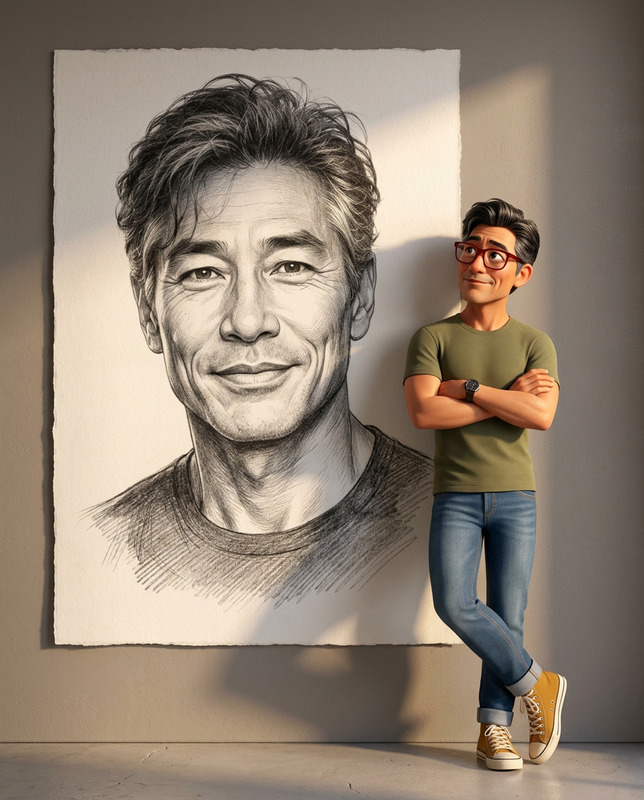
"Sketchbook Come to Life" revolutionizes static art by transforming a sketch into a vivid 3D character. The template uses AI to transition a graphite line drawing into a complete animated figure, set in a cozy and inviting art studio scene. The model captures the essence of your original artwork, offering a Pixar/Disney-style finish with photorealistic textures.
Who It's For
This template is designed for illustrators, animators, and creative professionals looking to elevate their artwork. Whether you're an animator wanting to bring a sketch to life or an artist seeking a unique presentation for your portfolio, this tool offers the perfect blend of technology and art. For more dynamic options, explore our AI GIF Generator.
Summary
"Sketchbook Come to Life" offers a magical fusion of art and animation, turning drawn characters into lively figures stepping into a vibrant workspace. Alongside the AI Video Generator, it enables you to showcase your creativity in captivating new ways, perfect for storytelling or personal artistic expression.
How-To
Choose the Template

Customize Your Inputs

Generate the Animation

Use Cases
Portfolio Enhancement
- Add animated characters to your online portfolio
- Impress potential clients with interactive presentations
Creative Marketing Materials
- Create unique advertisements
- Develop engaging social media content
Animated Storytelling
- Animate book illustrations for digital releases
- Enhance narrative videos with alive characters
Best Practices
Start with High-Quality Sketches
Ensure your initial sketch is detailed and clean to achieve the best results in the AI transformation.Adjust Lighting for Realism
Use the lighting options to enhance the 3D effect, focusing on shadows and highlights to create depth.Focus on Character Features
Pay attention to the character's unique features and adjust parameters to maintain these in the transition from 2D to 3D.