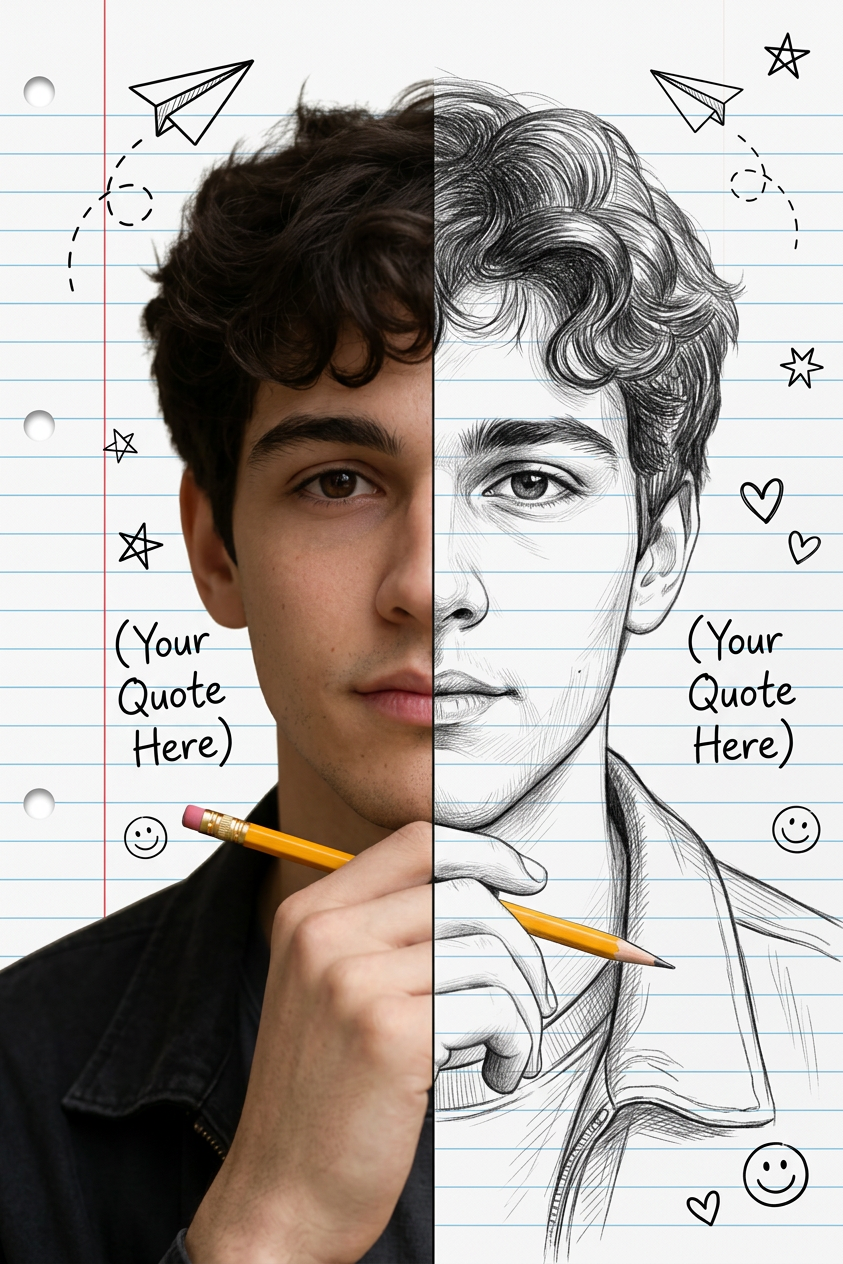
Split Face Sketch Notebook
- Model
- Nano Banana 2
- Image
- 843 × 1264 px
Prompt
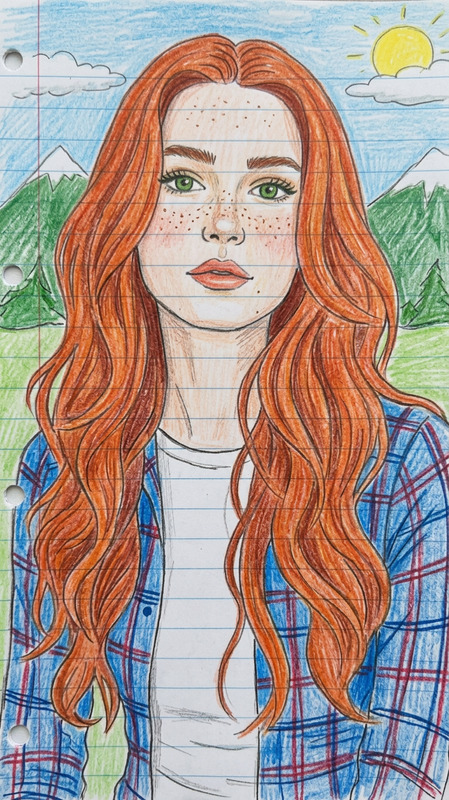
Split-face portrait of the exact same person, perfect identity lock on face, eyes, eyebrows, nose, lips, jawline, skin tone and hair texture. Left side photorealistic, right side highly detailed black-and-white pencil sketch of the same face. Seamless vertical split down the middle. White lined notebook paper background with red margin line and binder holes. Scattered cute doodles: paper airplanes with dashed flight paths, stars, hearts, smiley faces, sparkles. The person is holding a yellow pencil with pink eraser near the chin. Confident and motivated expression. Handwritten motivational text on left side: (Your Quote Here) Handwritten motivational text on right side: (Your Quote Here) Gender-neutral style that works perfectly for both male and female, exact facial features from reference --identity lock--, ultra-sharp contrast between realistic photo and pencil sketch, clean composition, motivational aesthetic, cinematic lighting, ultra-detailed, 8K quality, masterpiece.
Any aspect ratio
Overview
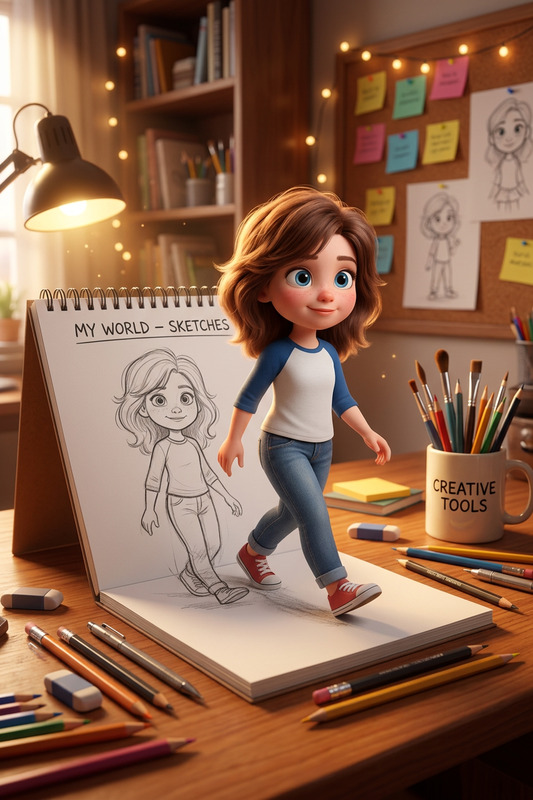
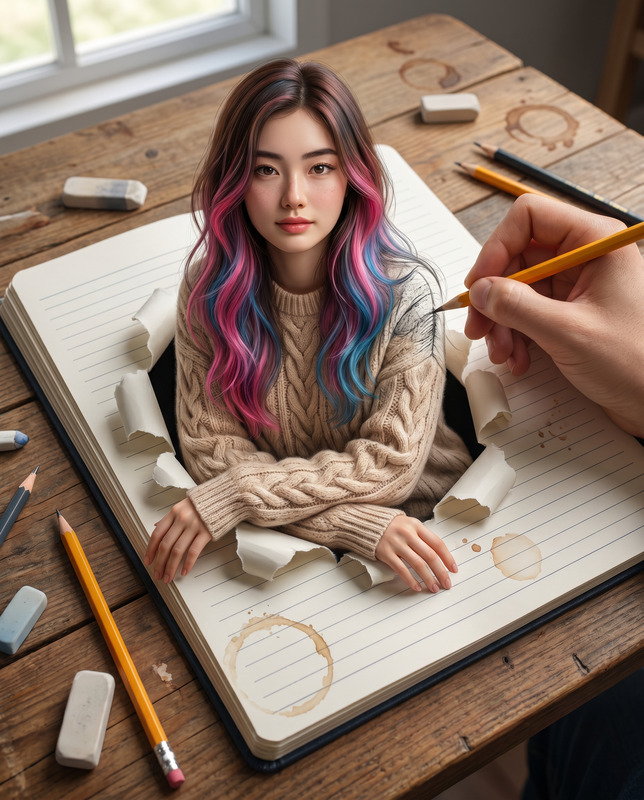
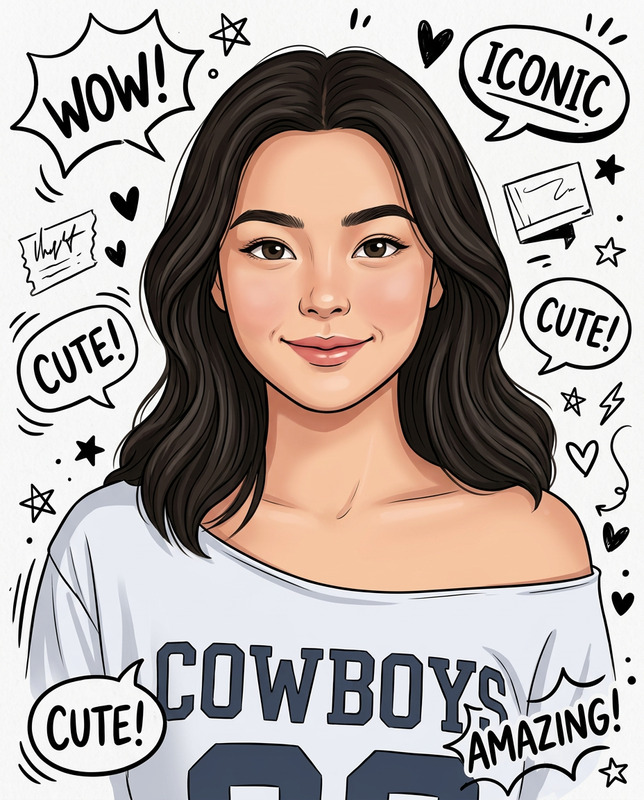
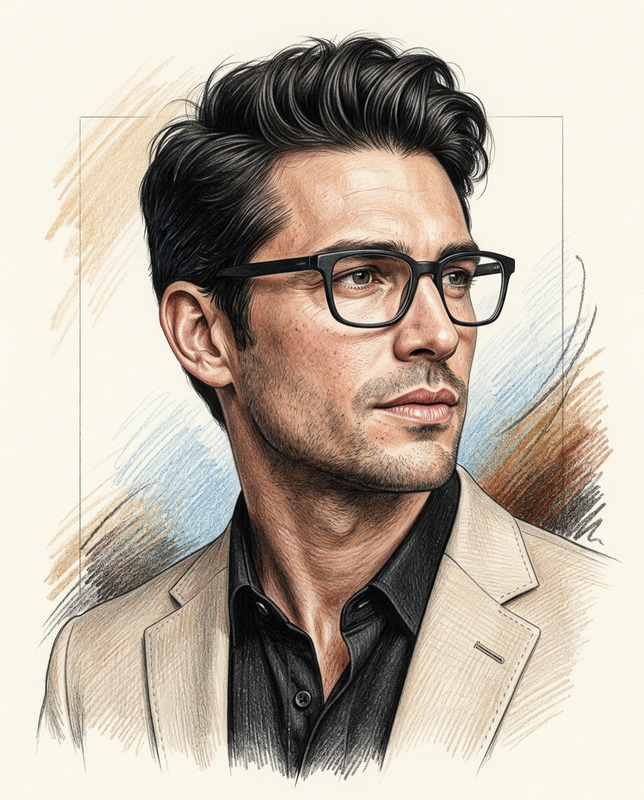
The Split Face Sketch Notebook template is designed for creating stunning portraits that blend realism with artistic flair. This AI Image Editor template utilizes the advanced capabilities of the nano-banana-2 model to craft images with an ultra-detailed split-face aesthetic. Perfect for creatives seeking a balance between a lifelike portrait and a classical pencil sketch.
What It Does
This template creates a split-face image with one side being a photorealistic image and the other a detailed pencil sketch. The setup includes a notebook paper background with red margins and doodles for a vibrant, visual storytelling effect. You'll find the image harmonizing with motivational handwritten quotes, adding to its dual aesthetic.
Who It's For
This tool is ideal for designers, artists, and visual storytellers looking to create images that pop. Whether you're working on a personal project or a professional presentation, this template provides the duality of photographic realism and artistic sketch. It's also great for educators creating visual content for courses or learning courses.
Summary
By unifying both a realistic photo and a pencil sketch, the Split Face Sketch Notebook template can enhance any visual narrative with its dynamic composition. Users can craft content that is both motivational and visually appealing. Perfect for artistic projects or digital portfolios, this template leverages high-quality rendering to deliver professional-grade visuals.
How To
Choose the Template

Customize Your Design

Generate the Image

Use Cases
Personalized Gifts
- Birthdays
- Graduations
Social Media Content
- Instagram stories
- Facebook posts
Artistic Projects
- Digital art showcases
- Gallery submissions
Best Practices
Select High-Quality Images
Begin with a high-resolution portrait to ensure clarity and detail.Consistency in Quotes
Use motivational quotes that align with the expression and tone of the portrait for cohesive storytelling.Experiment with Lighting
Adjust lighting settings for added depth and contrast—especially beneficial for differentiating between the realistic and sketch portions.