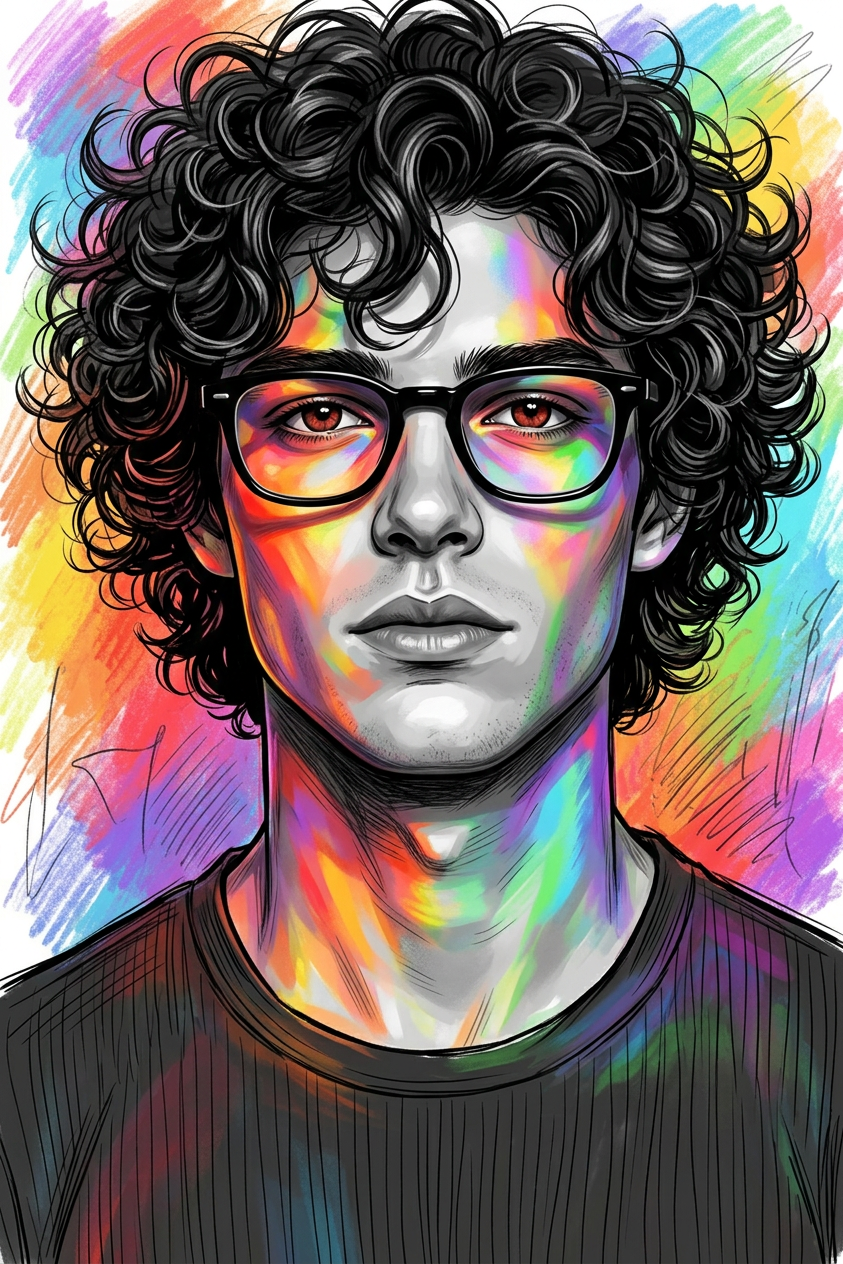
Chromatic Sketch Headshot
- Model
- Nano Banana 2
- Image
- 843 × 1264 px
Prompt
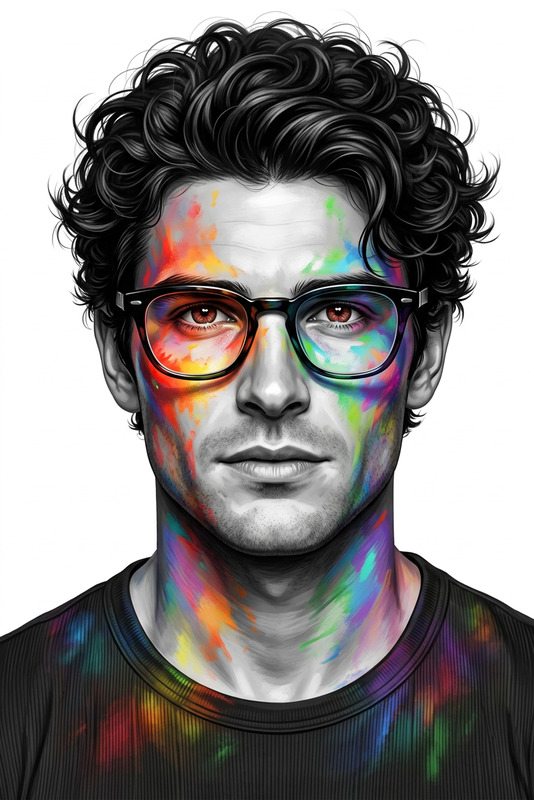
A highly detailed 8K digital illustration of a subject, using the uploaded face as reference, shown in a centered, close-up, eye-level headshot. The subject has voluminous, dark, curly hair with defined, slightly messy strands and wears distinct black-framed glasses. The eyes have a reddish-brown hue. The skin is rendered in a grayscale base, contrasted by vibrant multi-colored light (reds, oranges, yellows, greens, blues, and purples) appearing painted or projected across the face, neck, and shoulders. The subject wears a dark, ribbed t-shirt. Background is a colorful sketch-style backdrop, creating a bold, artistic, high-fashion visual.
Any aspect ratio
Overview
The Chromatic Sketch Headshot template offers a unique blend of digital artistry and portraiture, transforming ordinary faces into vibrant, high-fashion illustrations. It uses cutting-edge capabilities from the AI Image Editor to create striking visuals that retain photographic accuracy while adding an artistic flair.
What It Does
Utilizing the nano-banana-2 model, this template crafts an 8K digital illustration of your subject. The result is a dynamic headshot where vibrant, multi-colored lights paint the subject's grayscale foundation, alongside artistic details like voluminous curly hair and distinct eyewear. This makes it perfect for creating bold, artistic, and professional images.
Who It's For
This template is ideal for agencies, designers, photographers, and any creative professionals seeking to enhance their portfolio with standout headshots. It’s also suitable for individuals looking to create personalized artworks for professional or personal use.
Summary
With the Chromatic Sketch Headshot, you can quickly generate high-quality, artistic portraits using the powerful functionalities of AI Image Editor. This tool provides an excellent resource for anyone in need of visually compelling content creation.
How To Use
Choose Your Template

Customize the Inputs

Generate Your Headshot

Use Cases
Design Portfolios
- High-fashion styling
- Artistic portraiture
Social Media Content
- Profile pictures
- Artistic posts
Marketing Materials
- Brochures
- Ads
Best Practices
Quality Photos
Start with high-quality, well-lit photos to ensure detailed and accurate results.Experiment with Lighting
Adjust the colors and intensity of the light projection in the prompt for varied artistic effects.Contextual Backgrounds
Choose background styles in tune with the subject's theme for a cohesive look.