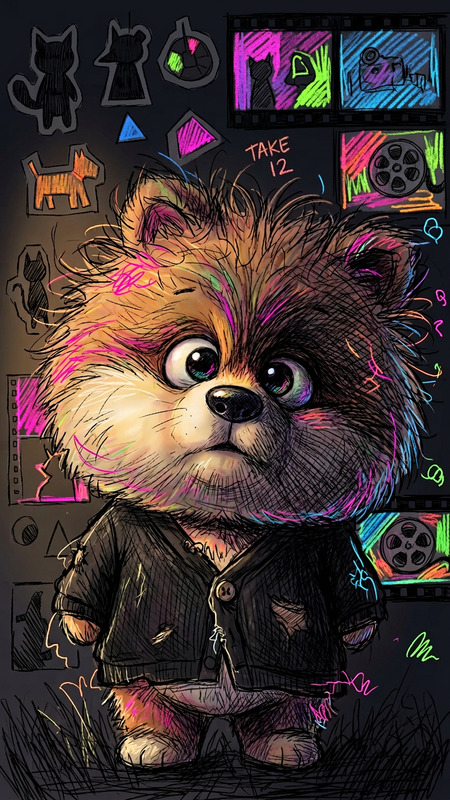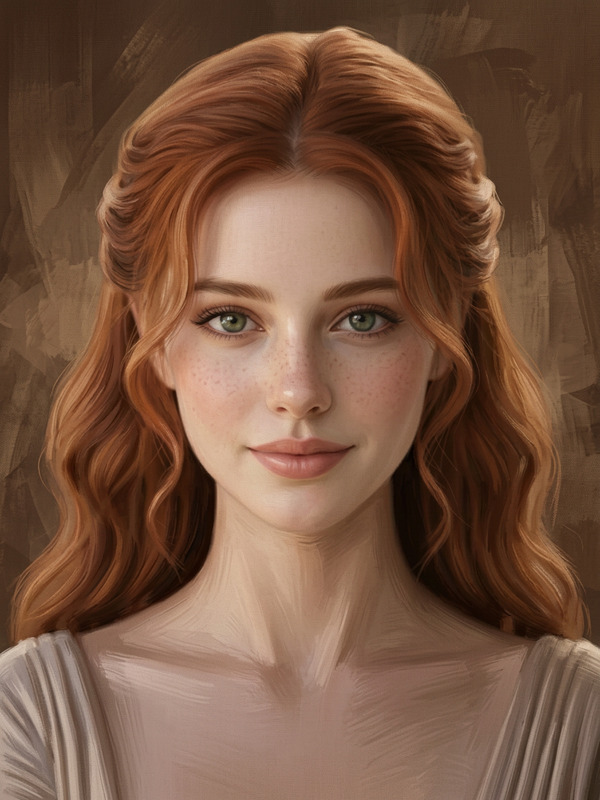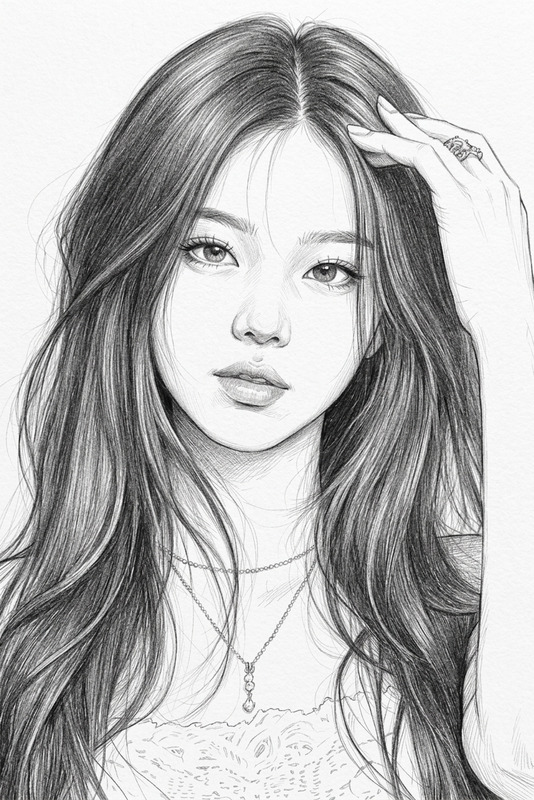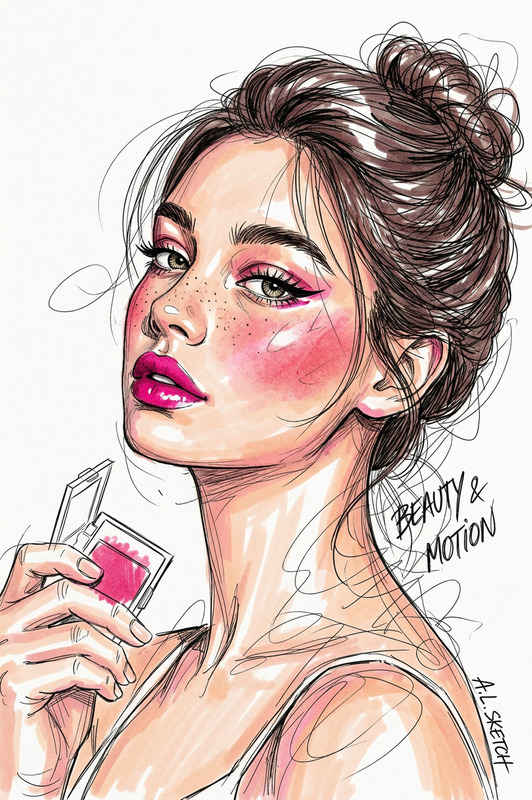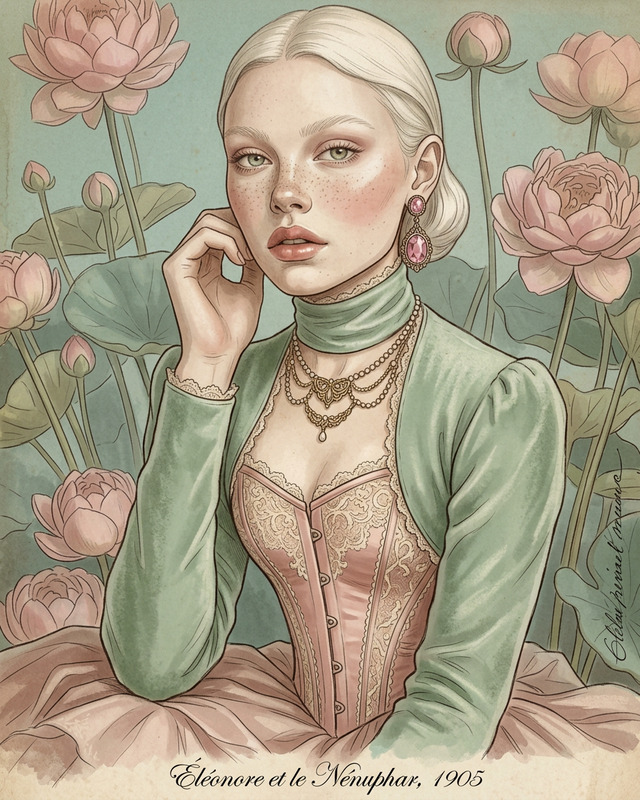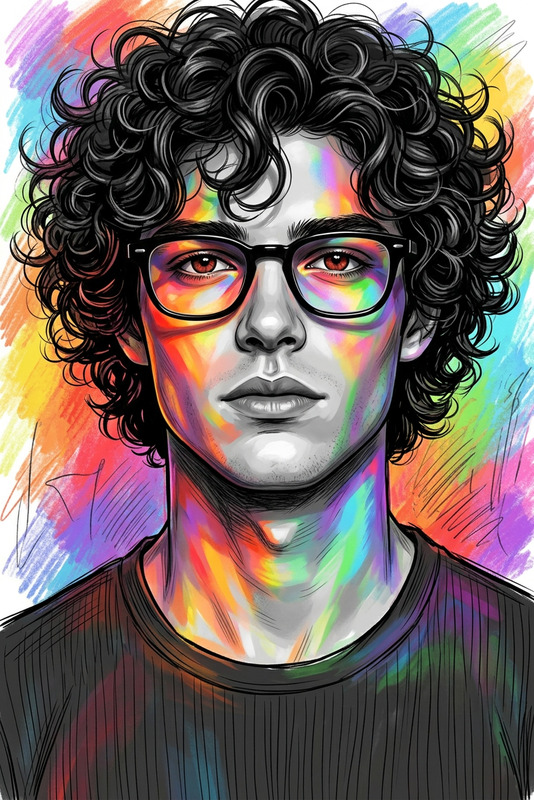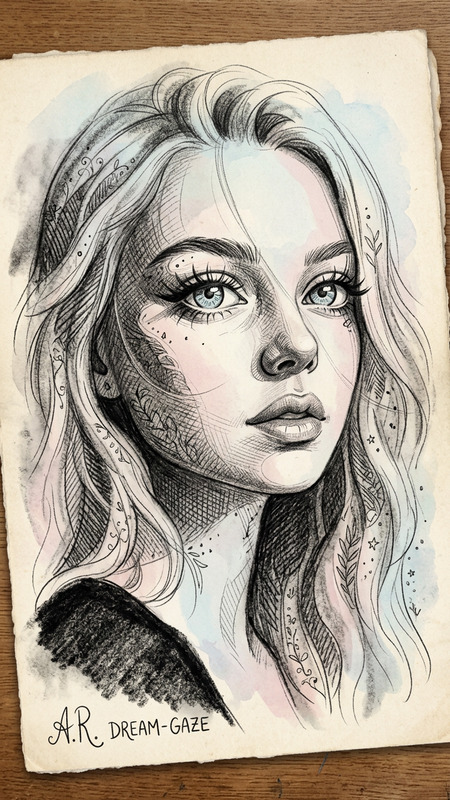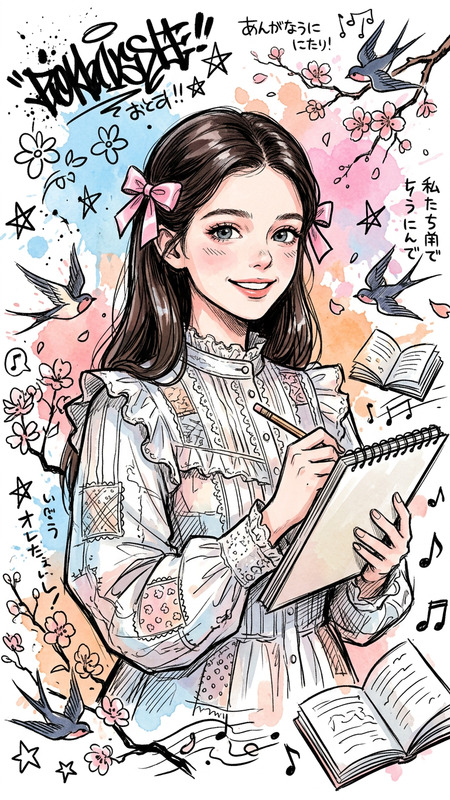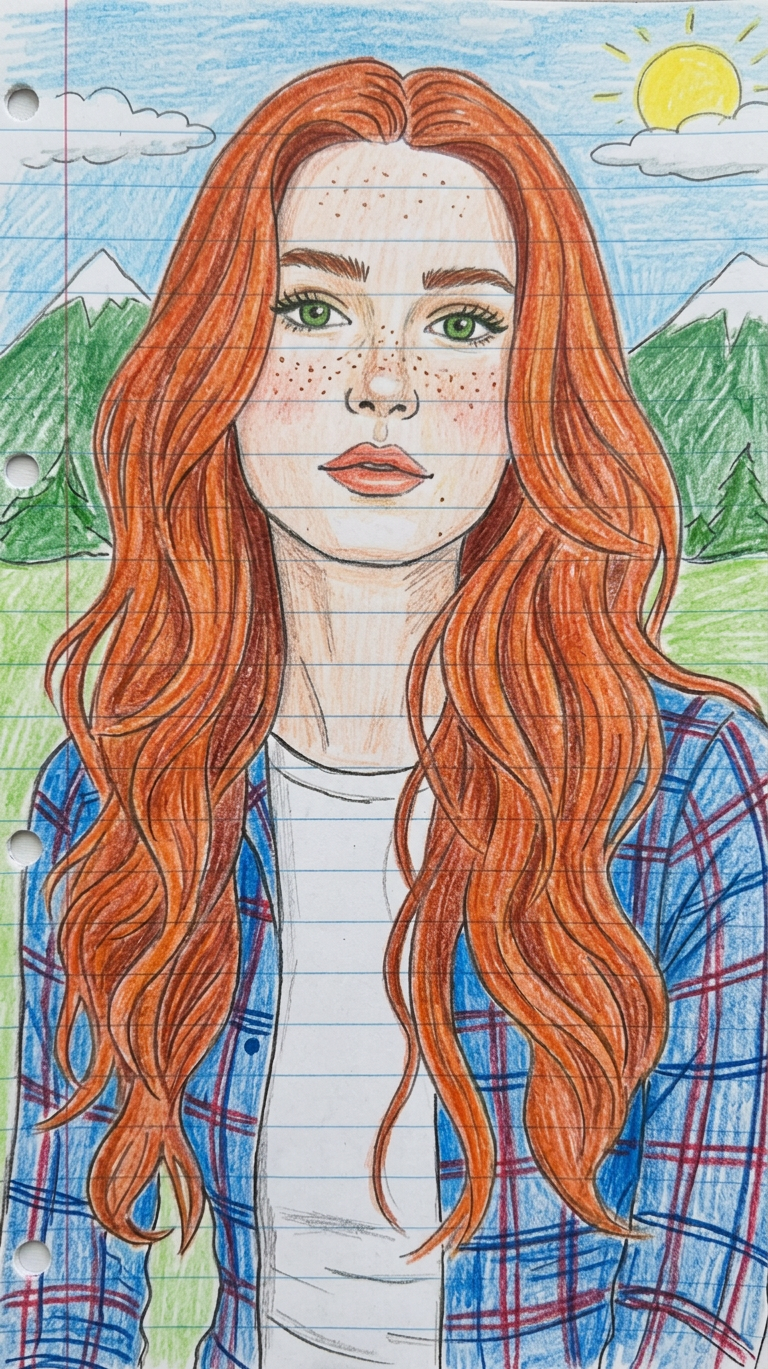
Naive Sketch Portrait
- Model
- Nano Banana 2
- Image
- 768 × 1369 px
Prompt
A portrait of a subject with 1:1 facial resemblance and the same hairstyle as the reference image, wearing a plaid shirt over a t-shirt. The scene is rendered in a childlike, naive art style on lined notebook paper, using colored pencil textures with vibrant but slightly uneven coloring and simple shading. The background features a charmfully amateur landscape with green mountains, a blue sky, a bright yellow sun, and simple blue clouds. The overall aesthetic is nostalgic, simplistic, and playfully imperfect.
Any aspect ratio
Overview
The Naive Sketch Portrait template is a wonderful way to convert your standard images into artistic sketches. It's designed to give your photos a charming, childlike makeover that recalls the simplicity of drawing with colored pencils on lined paper. This template is powered by the Nano-Banana-2 model, ensuring every stroke and shade enhances the nostalgic and playful nature of your image. Whether you are personalizing gifts or crafting unique visuals for creative projects, this template has you covered.
What It Does
This template transforms images into naive sketch portraits that maintain 1:1 facial resemblance and hairstyle accuracy. It adds a touch of whimsy with its vibrant use of colored pencil textures and a background that features a simplistic yet charming landscape. The template perfectly captures an amateur and nostalgic aesthetic suitable for various creative endeavors. Explore our AI Image Editor for more such creative modifications.
Who It's For
This tool is perfect for artists, educators, and nostalgia enthusiasts seeking to bring a playful art style to their projects. Whether you're creating engaging content for social media or adding a personal touch to educational material, the Naive Sketch Portrait template is an excellent choice. For fashion illustrators and design students, combining this tool with the AI Clothes Changer could result in some truly inspiring visuals.
Summary
The Naive Sketch Portrait template effectively transforms modern images into originals with a nostalgic twist. By rendering photos into childlike sketches, it imbues them with an art style that's both simple and expressive. Perfect for creatives and designers, it offers a quirky, vibrant alternative to traditional photo edits. Check out the AI Image Generator for more ways to unleash your creativity.
How to Use
Choose Your Image

Customize Your Sketch

Generate and Download

Use Cases
Social Media Content
- Instagram posts
- Facebook avatars
- TikTok content
Educational Materials
- Children's books
- Classroom posters
- Homework assignments
Gift Personalization
- Birthday cards
- Custom mugs
- Photo albums
Best Practices
Choose High-Quality Photos
Begin with clear and high-resolution images to ensure the final sketch retains detail and clarity.Align Elements Properly
Ensure the image's composition matches the prompted subject attributes, such as clothing and background settings.Experiment with Backgrounds
While the default background is charmingly simple, don't hesitate to explore customized scenes for a unique touch.