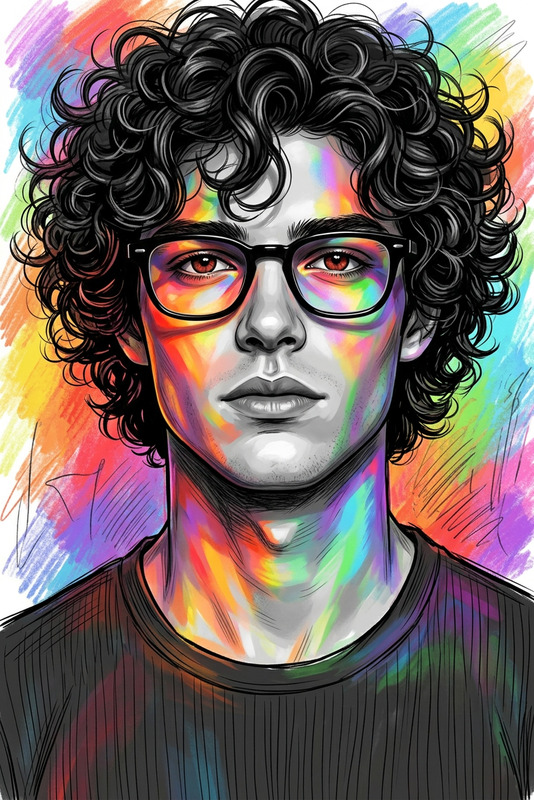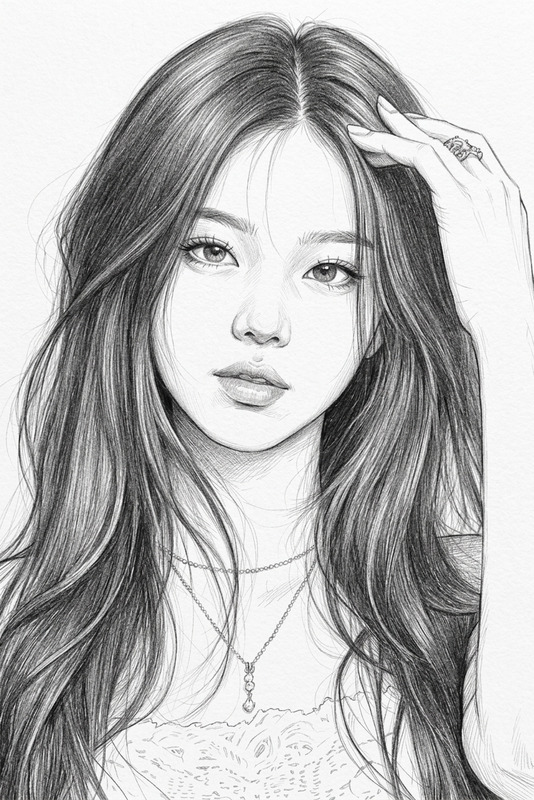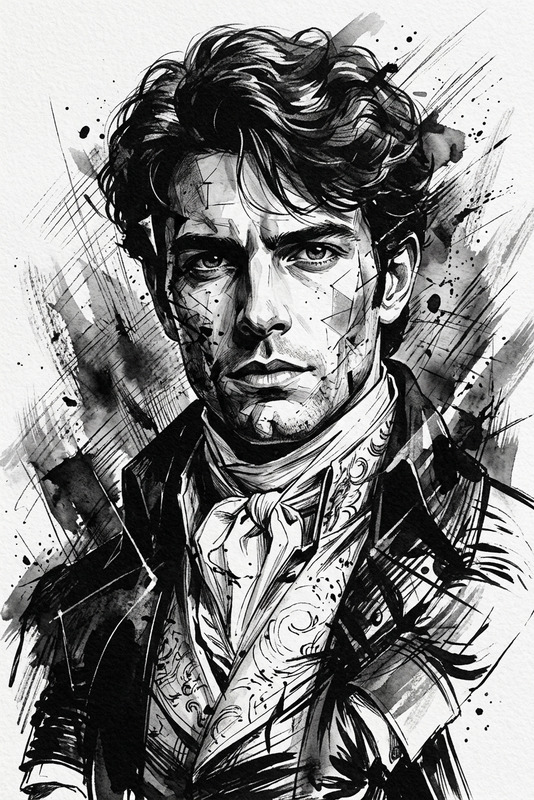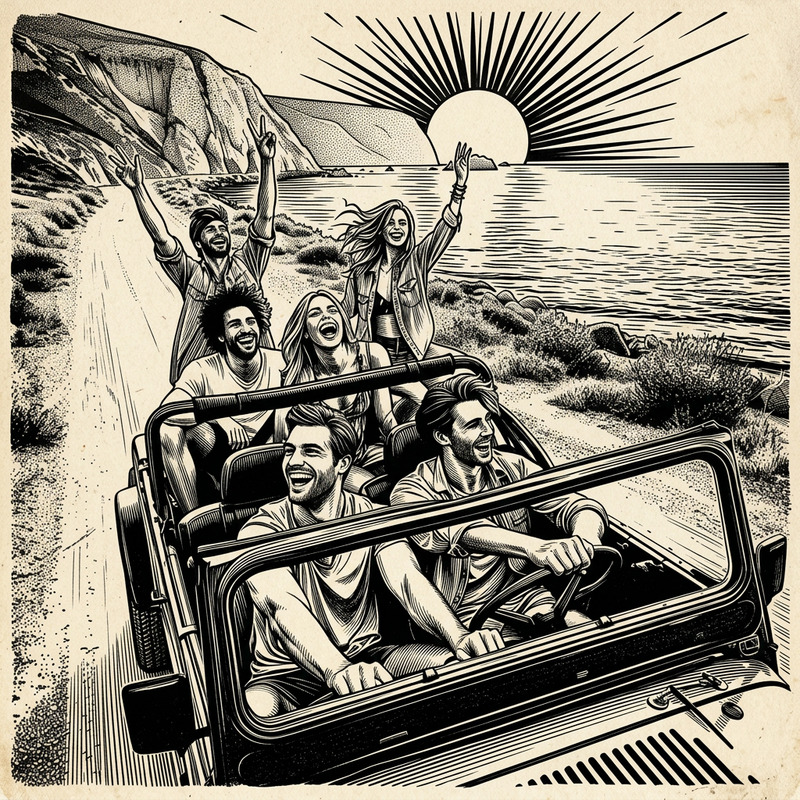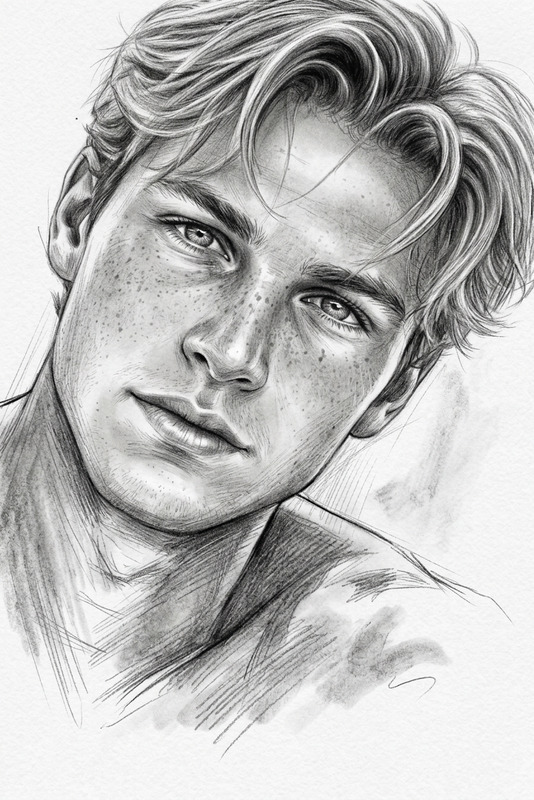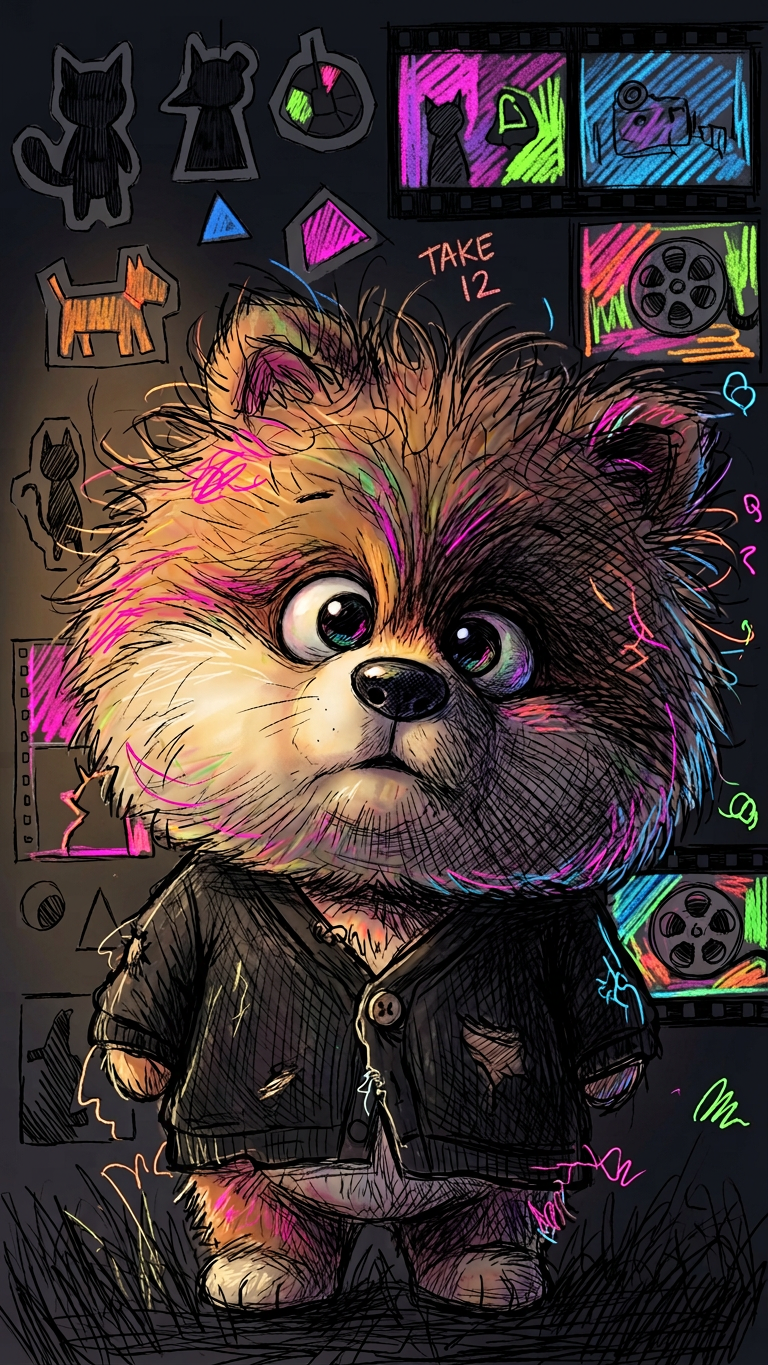
Colorful Sketch Shadow Study
- Model
- Nano Banana 2
- Image
- 768 × 1365 px
Prompt
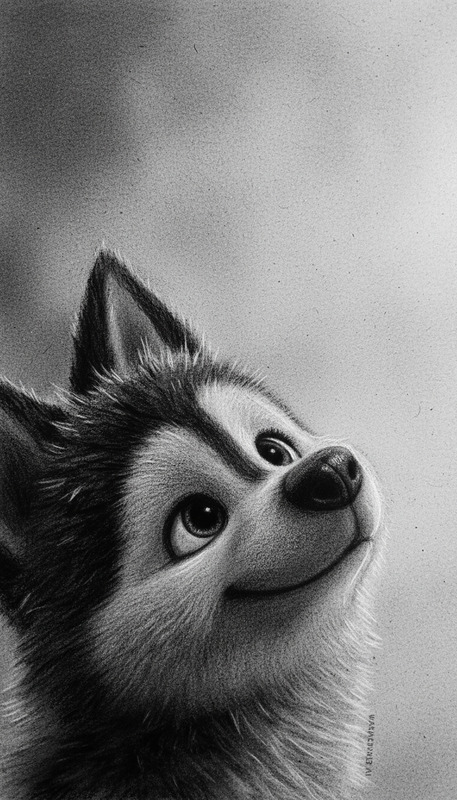
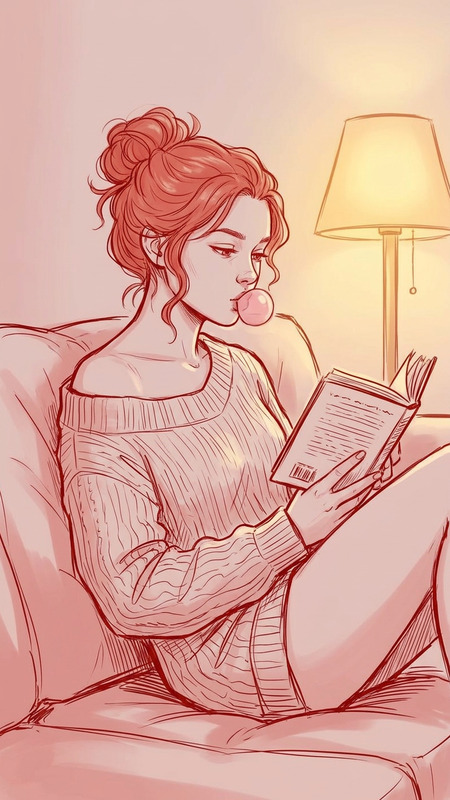
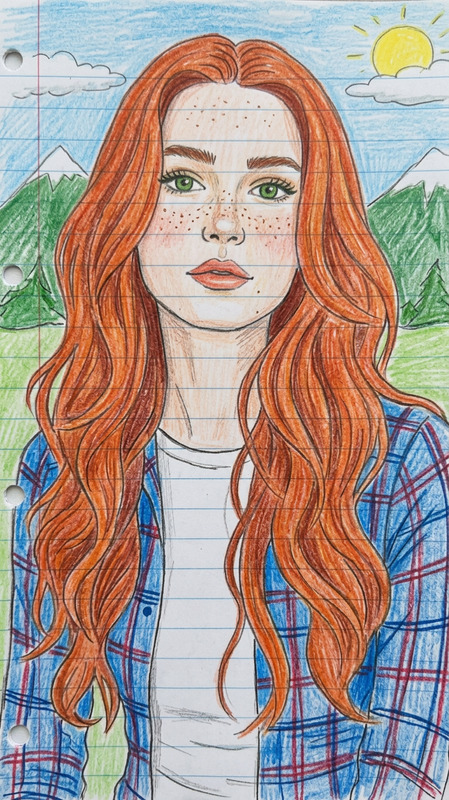
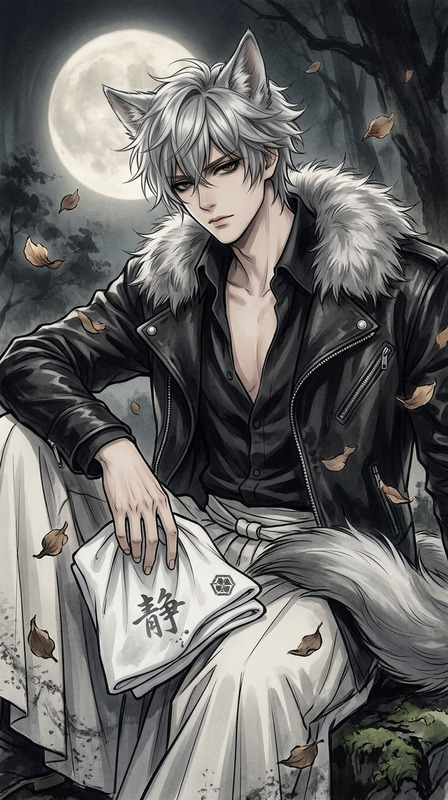
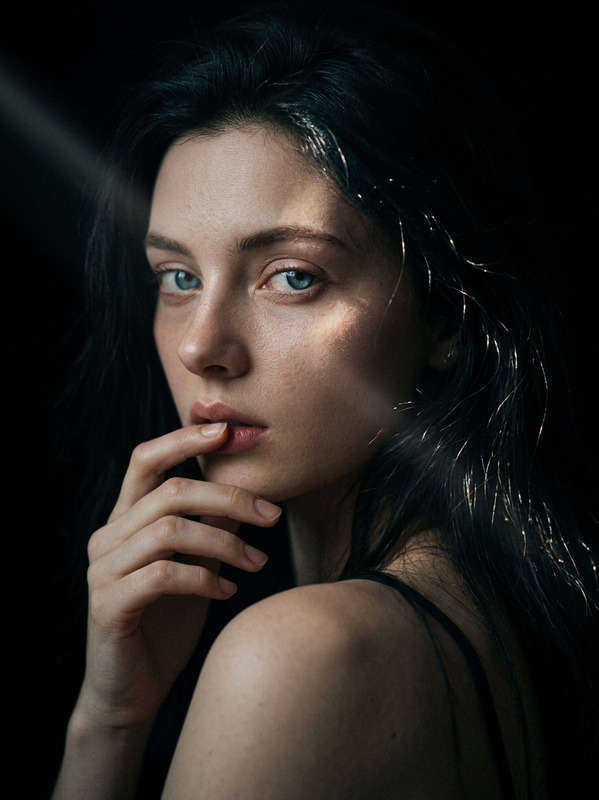
Subject wearing a worn black cardigan, same face preserved. Shot in near darkness with a dim window glow touching one cheek, shadows covering half the face, messy low-lit hair. Reimagined in a colorful sketch style with expressive hand-drawn lines, vibrant scribbles, and layered abstract strokes. Background filled with rough silhouettes of cutouts and film stills in bold colors. Underexposed feel mixed with neon accents, textured strokes, and artistic chaos, creating a moody yet vivid sketch aesthetic.
Any aspect ratio
Overview
The Colorful Sketch Shadow Study is a unique AI Image Editor template designed to transform your images into captivating sketches. Using the Nano-Banana-2 model, this template reimagines your photo as a colorful sketch with expressive lines and vibrant scribbles. Perfect for those seeking to create a mood that combines underexposed elements with neon accents and textured strokes.
What It Does
This template takes a specific scene description and infuses it with artistic abstraction. By preserving the subject's face and clothing details, while varying light and shadow elements, the template generates a vibrant and expressive sketch. With a blend of bold colors and textured strokes, it adds an underexposed feel with neon accents, simulating a moody yet vivid sketch aesthetic. Perfect for adding visual interest to your images.
Who It's For
This template is ideal for designers, artists, and marketers who wish to create visually engaging content. It's suited for creating distinctive visual styles for art projects or marketing materials. Additionally, photographers looking to experiment with sketch aesthetics can achieve impressive outcomes using this template.
Summary
The Colorful Sketch Shadow Study template offers a dynamic way to invigorate images with an abstract artistic flair. By leveraging the AI Image Editor capabilities, users can transform basic images into complex artistic canvases. Adept at delivering a dramatic and engaging visual experience, this tool is a go-to for creative professionals.
How-To
Choose Your Template

Customize Your Scene

Generate and Download

Use Cases
Artistic Projects
- Create complex, layered sketches
- Develop concept art with a moody atmosphere
Marketing Materials
- Design posters with bold sketch aesthetics
- Generate social media images that stand out
Photography Enhancements
- Create artistic versions of portrait photography
- Experiment with light and shadow effects
Best Practices
Fulfill Scene Requirements
Ensure your input aligns closely with the template's lighting and clothing descriptions to achieve accurate results.Focus on Facial Preservation
Keep the subject's facial details clear to maintain the intended style and aesthetic impact.Experiment with Background Colors
Try various bold colors in the background to complement the sketch's vibrant strokes effectively.