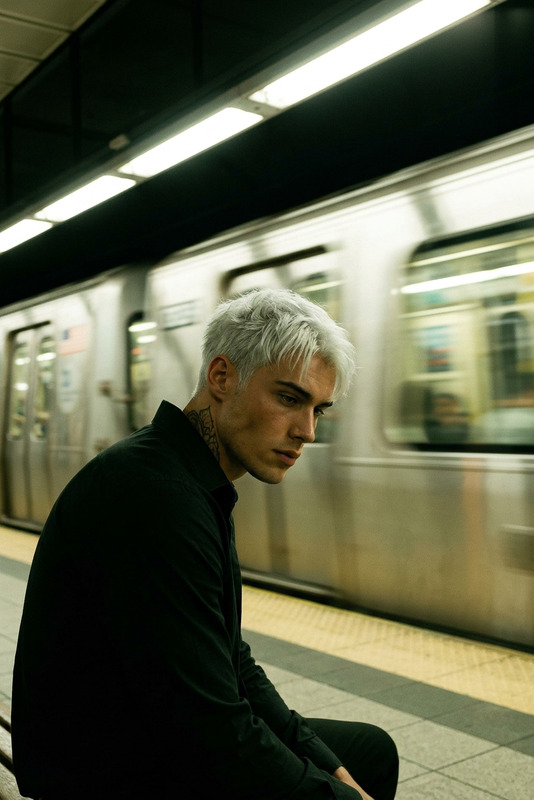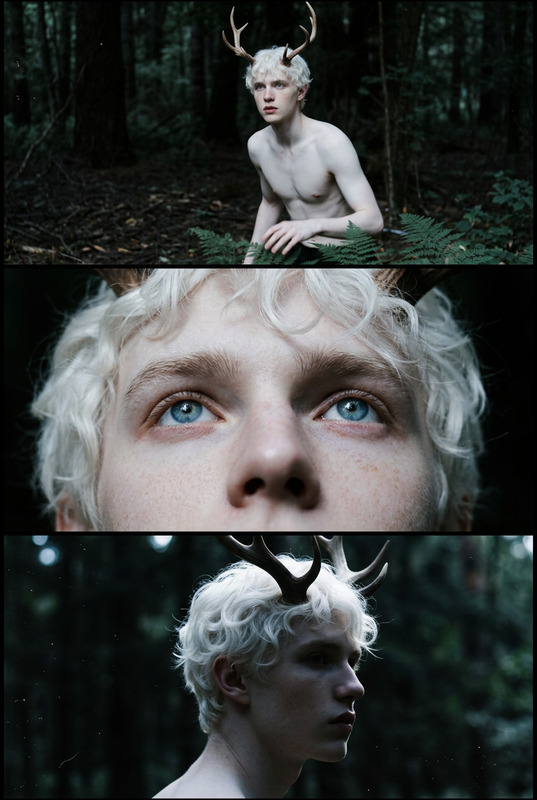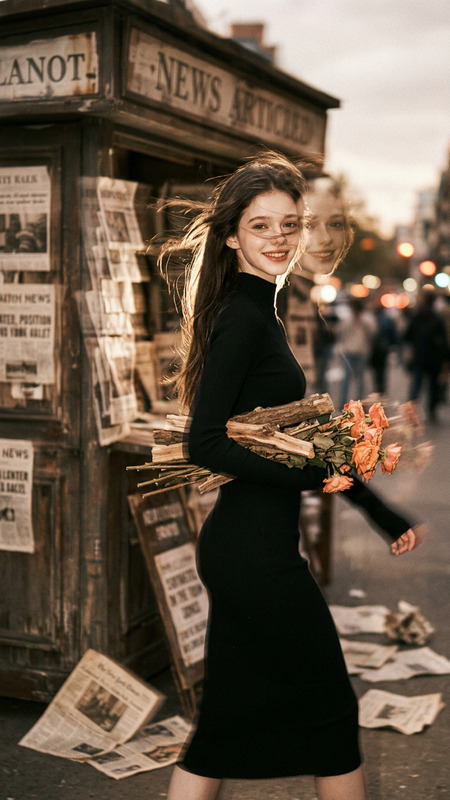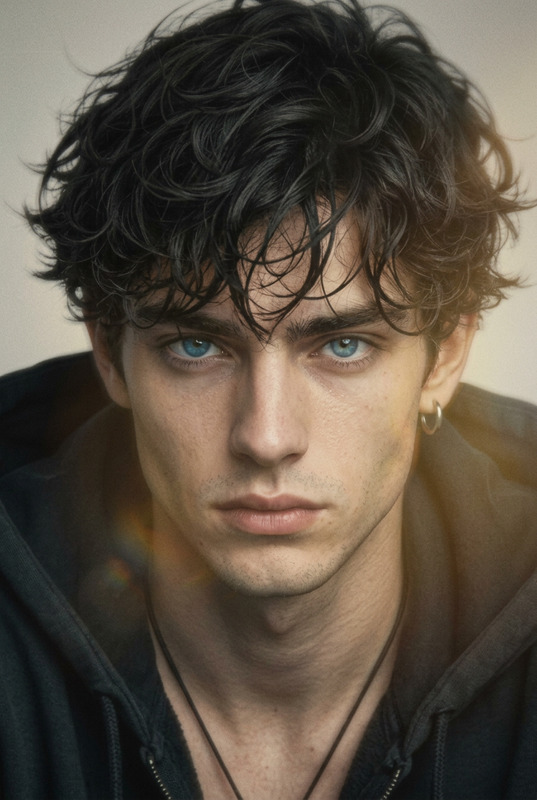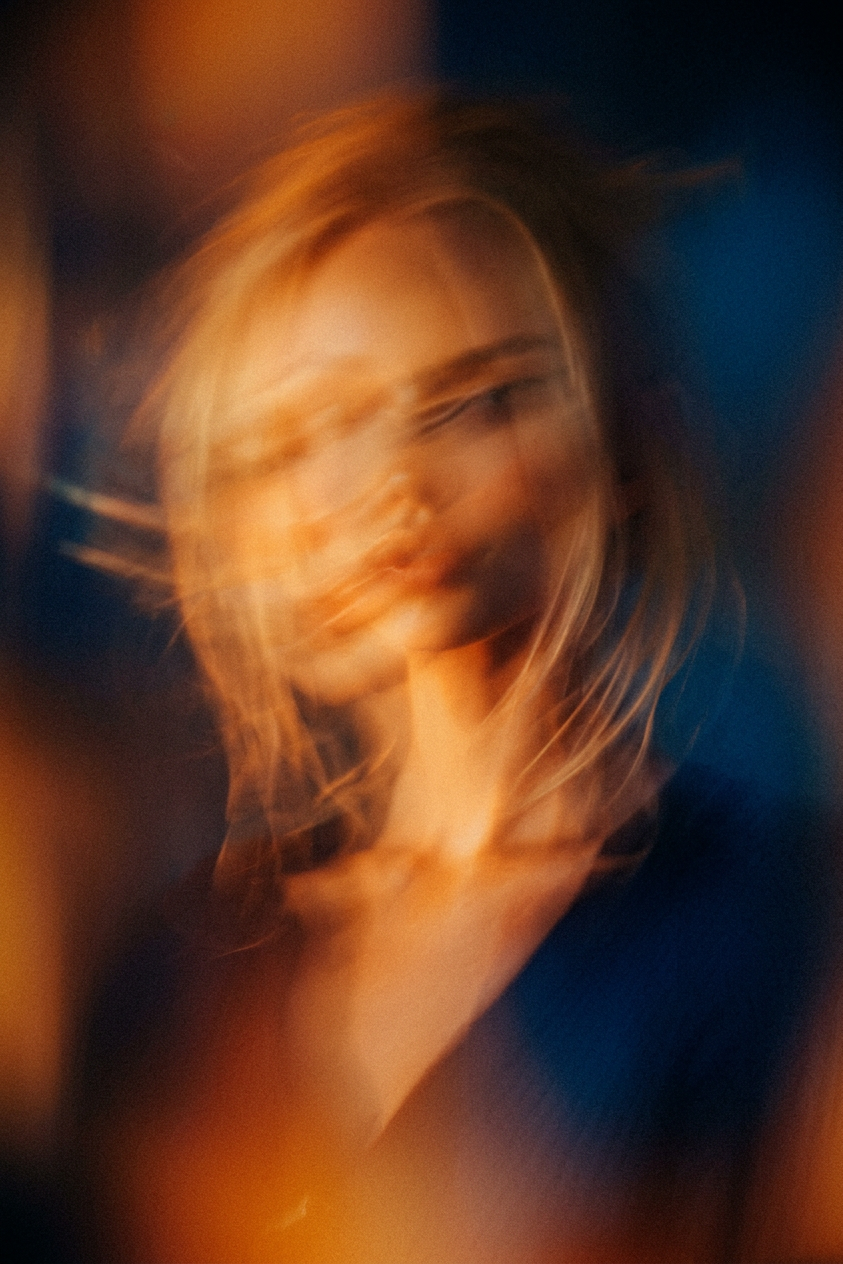
Abstract Analog Motion Portrait
ai-image-editor
Any aspect ratio
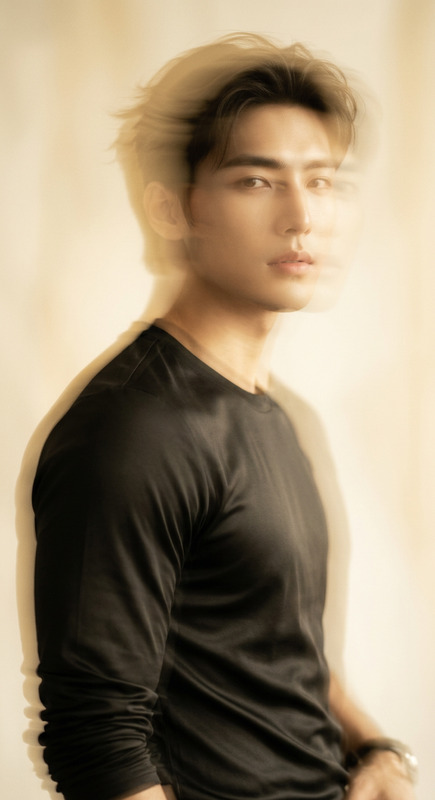
Generate an abstract analog portrait captured on a 35mm film camera, where the human face dissolves into streaks of light with no defined facial features, using heavy motion blur and soft focus to emphasize emotional abstraction rather than identity; the composition is built from warm orange and deep blue color fields that blend and collide like cinematic light leaks, creating a dreamlike and experimental film still aesthetic; the image carries strong analog film grain and the tonal character of Cinestill 800T, with a 50mm f/1.4 lens look, shot at f/1.4, 1/8s, ISO 800, producing natural motion streaking, low-light softness, and imperfect exposure; the overall mood is introspective, emotional, and surreal, evoking experimental cinema where form dissolves into light, color, and movement.
AI Image Editor Template: Clean Up, Enhance, and Transform Any Image in Minutes
Use this template to quickly edit, clean up, and transform images with the AI Image Editor. It’s designed for creators, marketers, and builders who need production-ready visuals fast—without spending hours in Photoshop.
What This Template Is For
This template is ideal if you need to:
- Remove unwanted objects or people from photos
- Clean up product shots for e‑commerce or ads
- Fix backgrounds, lighting, or composition
- Edit faces (subtle corrections or stylized changes)
- Prepare images for animation, video, or social content
- Rapidly A/B test different visual concepts
You can easily remix this template inside Magic Hour to create your own custom image-editing workflow, tailored to your brand or project.
What You Can Do With the AI Image Editor
The AI Image Editor combines multiple capabilities into a single, browser-based tool:
Object & Background Removal
- Cleanly remove distractions, logos, or clutter.
- Pair with:
Face & Portrait Editing
- Adjust or refine faces, expressions, and details.
- Combine with:
Enhancement & Upscaling
- Sharpen, unblur, and upscale older or low-res images.
- Useful with:
Creative Transformations
- Turn photos into illustrations, manga, sketches, or stylized art.
- Explore:
Design & Branding Assets
- Edit and refine visuals for campaigns, decks, and products.
- Complement with:
How to Remix This Template in Magic Hour
You can use this template as-is, or treat it as a starting point for your own custom workflows. To create your own version inside Magic Hour:
Start With Any Image
- Upload a product photo, portrait, brand asset, screenshot, or concept sketch.
- If you don’t have a base image, generate one first with:
Define Your Editing Goal Clearly
Examples of specific, remixable goals:- “Remove the background and create a clean studio look for e‑commerce.”
- “Retouch this headshot and make it consistent with our team page.”
- “Turn this product into a minimal, high-contrast social ad visual.”
- “Transform this sketch into polished line art, ready for animation.”
Apply Targeted Edits With AI Image Editor
- Use the AI Image Editor to remove, replace, or enhance elements.
- For complex scenes, focus on one task at a time: remove objects → refine background → adjust subject.
Chain With Other Magic Hour Tools (Optional)
Once you have a cleaned-up or stylized image, you can build a full content pipeline by linking other Magic Hour tools:Turn Edited Images into Video or Animation
Create Talking or Lip-Synced Content
Style Transfer / Video Repurposing
Save Your Remix as a Reusable Workflow
- Document which tools and steps you used (e.g., “Edit in AI Image Editor → Upscale → Animate → Add subtitles”).
- You can then re-run this pipeline for future assets to maintain visual consistency across campaigns.
Example Use Cases for This Template
1. Startup Landing Page Refresh
- Clean up hero images with AI Image Editor.
- Generate supplementary visuals (icons, illustrations) with the AI Art Generator and AI Icon Generator.
- Edit founder or team portraits using AI Headshot Generator plus subtle retouching in AI Image Editor.
2. DTC / E‑commerce Product Imagery
- Remove clutter and distractions with Remove Object From Photo and AI Image Editor.
- Create consistent, on-brand backgrounds via AI Background Generator.
- Upscale final images with AI Image Upscaler for marketplaces and ads.
3. Content Marketing & Social Media
- Turn edited visuals into short clips with Image to Video.
- Add auto subtitles using Auto Subtitle Generator.
- Generate memes and reactive content with AI Meme Generator using your edited base images.
4. Character & Worldbuilding for Games or Stories
- Edit concept art in AI Image Editor for clarity and consistency.
- Expand your universe with:
- Polish everything in AI Image Editor to match a unified visual style.
Advanced Combinations for Power Users
For more sophisticated creator workflows, you can combine this template with:
Face and Identity Pipelines
- Design a face using AI Face Generator.
- Refine and edit it in AI Image Editor.
- Reuse that identity across media with:
Brand & Campaign Systems
- Generate and refine outfits or looks for campaigns via:
- Edit final visuals in AI Image Editor so all assets feel cohesive.
Niche Visual Generators (then refine with AI Image Editor)
- Graffiti Generator
- AI Tattoo Generator
- Pokemon Generator
- Disney AI Generator
- Optical Illusion Generator
- Clean up edges, composition, and details using AI Image Editor.
Why Use This Template Instead of Manual Editing
- Speed: Complex edits (background changes, object removal, retouching) can be done in minutes.
- Consistency: Easily reproduce the same look across many assets, important for brand and product teams.
- Accessibility: No need for advanced design or photo-editing skills.
- Scalability: Once you’ve remixed this template into your own workflow, you can apply it to dozens or hundreds of images.
Industry research and benchmarks from creative automation platforms consistently show that AI-assisted image workflows reduce production time and increase experimentation, especially for marketing and product teams that need frequent asset updates.
Related Tools Worth Exploring
If you’re building a broader AI content stack around this template, these tools integrate naturally:
Image & Art Creation
Avatars & Profiles
Video, Audio, and Voice
Utility & Infrastructure
How to Get the Most Value From This Template
- Treat this template as a baseline system, not a one-off effect.
- Document your best-performing remix (tools used, order, prompts, and constraints) so your team can reuse it.
- Use it to standardize your visuals: launch pages, pitch decks, social posts, app store assets, or investor updates.
Start by editing a single image with the AI Image Editor, then iterate and chain other Magic Hour tools until you have a repeatable, end-to-end creative workflow that fits your brand and product.