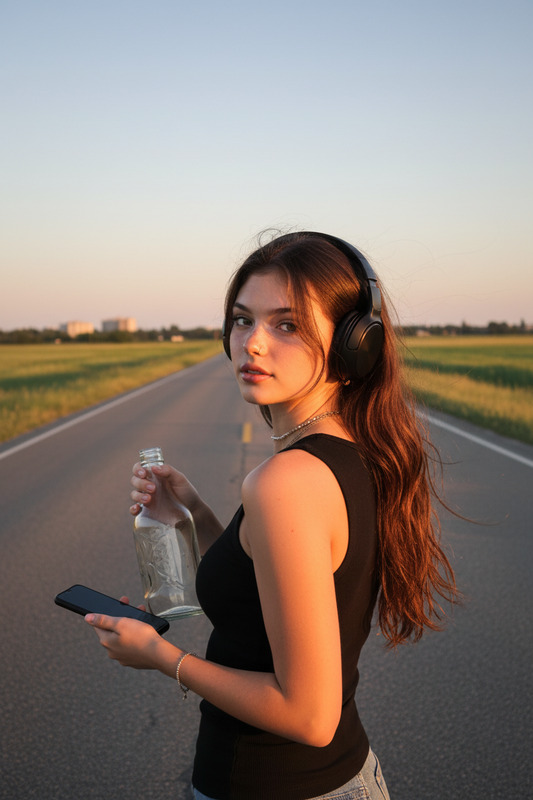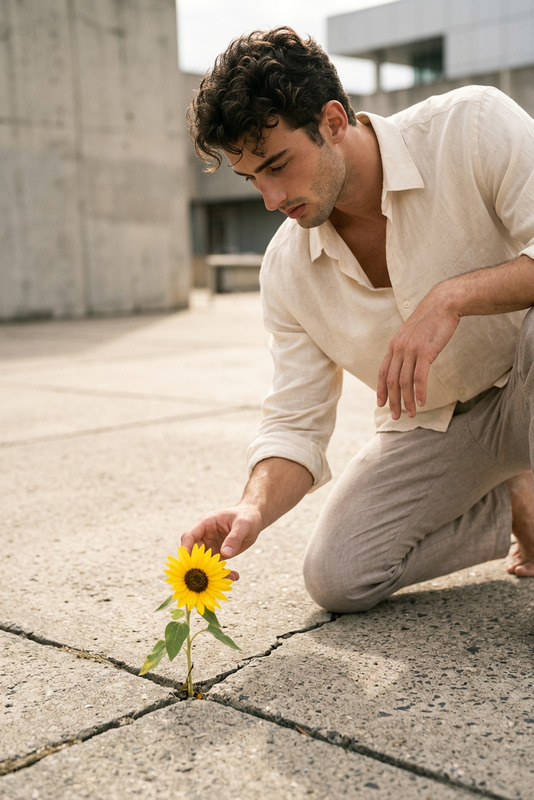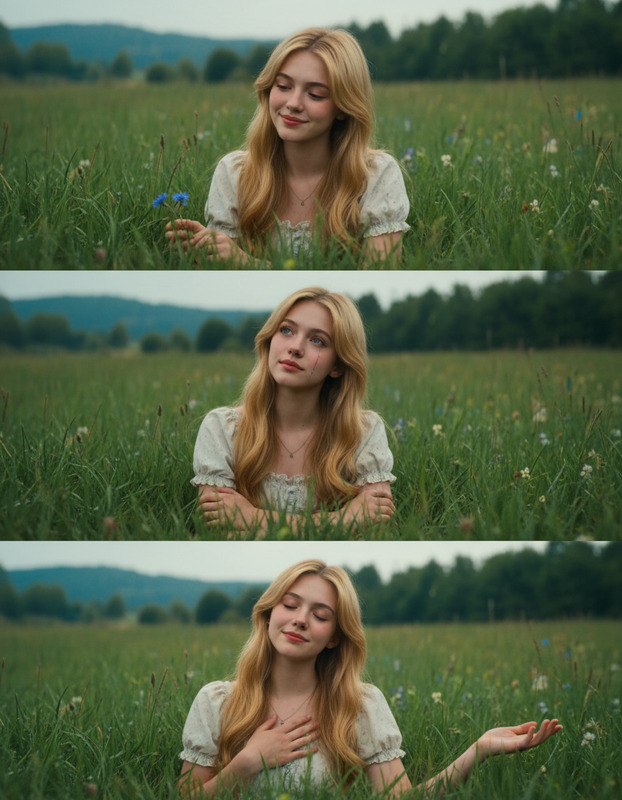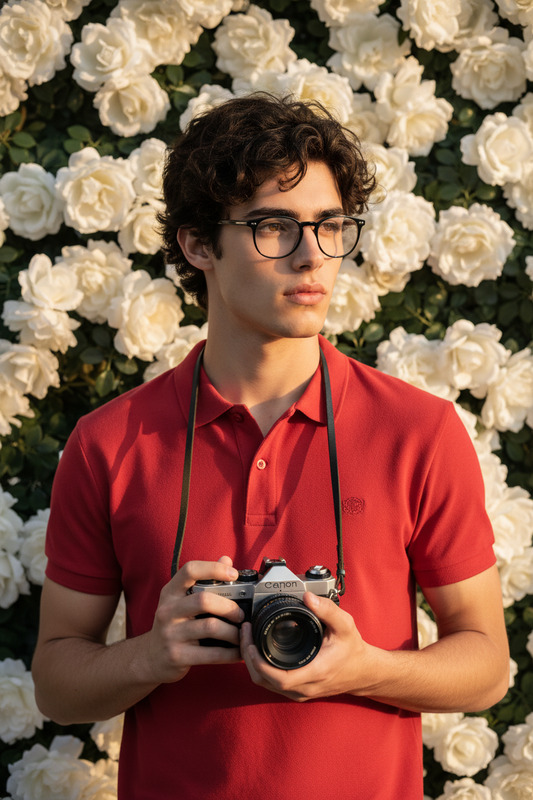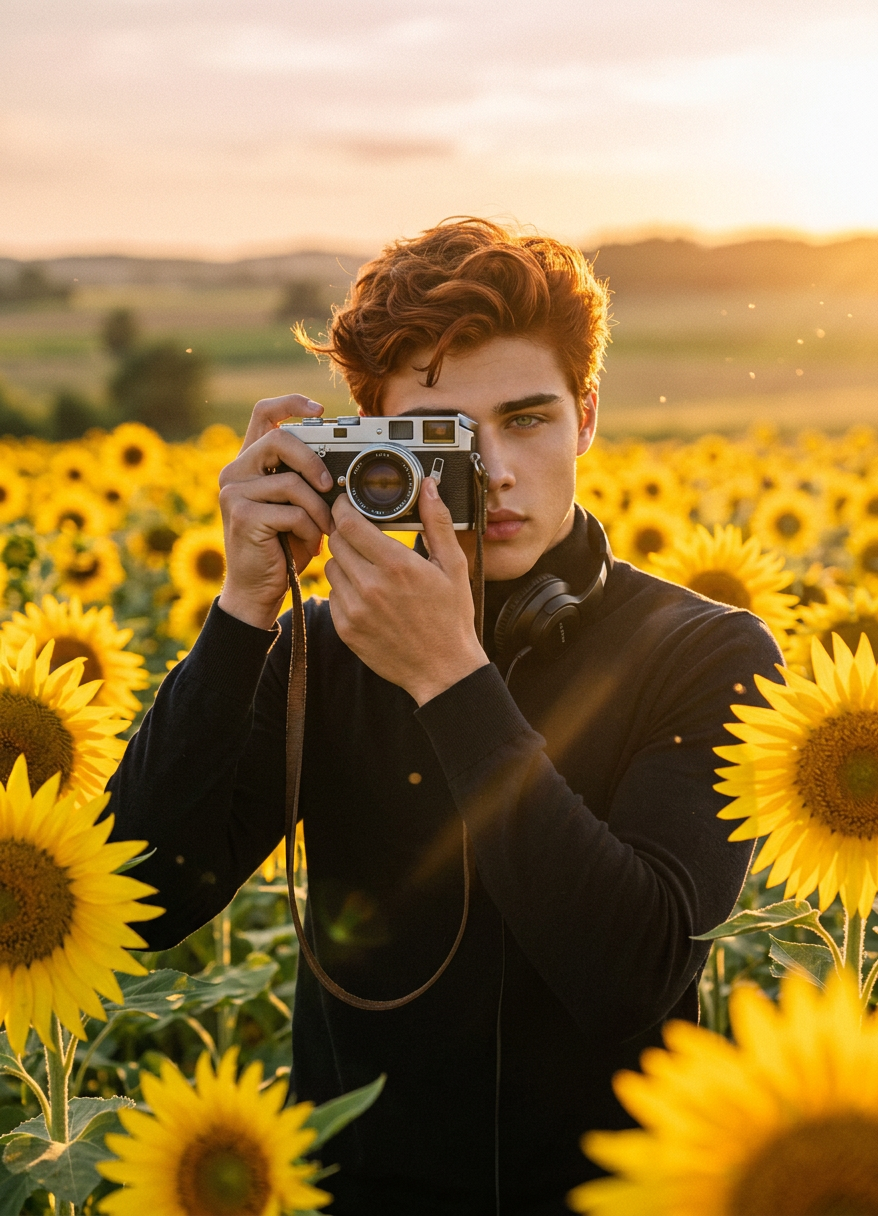
Sunflower Film Shot
- Model
- Nano Banana 2
- Image
- 878 × 1216 px
Prompt
Medium shot of a subject standing in a sunflower field, holding a vintage camera up and taking a photo. Warm golden sunlight, vibrant yellow flowers surrounding, soft breeze movement. Natural outdoor lighting, cinematic composition, shallow depth of field, nostalgic mood, photorealistic, film grain, high detail.
Any aspect ratio
Overview
The Sunflower Film Shot template leverages the power of AI image editing to create visually stunning scenes in a sunflower field, complete with a vintage aesthetic. Using the advanced capabilities of the AI Image Editor, this template allows creators to craft scenes with a warm, nostalgic feel, perfect for diverse visual storytelling applications.
What It Does
This template provides a medium shot of a subject in a vibrant sunflower field, capturing a vintage-inspired photorealistic image. With features like warm golden sunlight, a film grain effect, and a shallow depth of field, it evokes a nostalgic mood. Its AI-driven technology ensures high detail and cinematic composition, making it ideal for filmic projects and storytelling.
Who It's For
Designed for filmmakers, photographers, and content creators looking to enhance their visual projects with a cinematic touch. This template is also beneficial for anyone involved in nature documentaries or creative storytelling, offering a seamless tool to generate high aesthetic value content.
Summary
Optimize your storytelling with the Sunflower Film Shot template. Perfect for creating nature-centric films or adding a vintage look to last-minute projects, it integrates smoothly with other tools like the Text to Video and AI Video Generator. Enhance narrative depth and visual appeal effortlessly with this specialized AI image editor.
How To
Choose the Sunflower Film Shot template

Customize with your personal touches

Generate your cinematic image

Use Cases
Nature Documentaries
- Enhance visual narration
- Add nostalgic atmosphere
Creative Storytelling
- Great for short films
- Perfect for photo essays
Social Media Content
- Increase engagement with eye-catching visuals
- Perfect for Instagram and Pinterest
Best Practices
Adjust Lighting Intensity
Fine-tune the lighting in the prompt to match the desired mood and time of day for a realistic effect.Focus on Composition
Pay attention to the composition suggested in the prompt to maintain cinematic balance.Incorporate Film Grain
Utilize the film grain option to enhance the vintage feel of the image effectively.