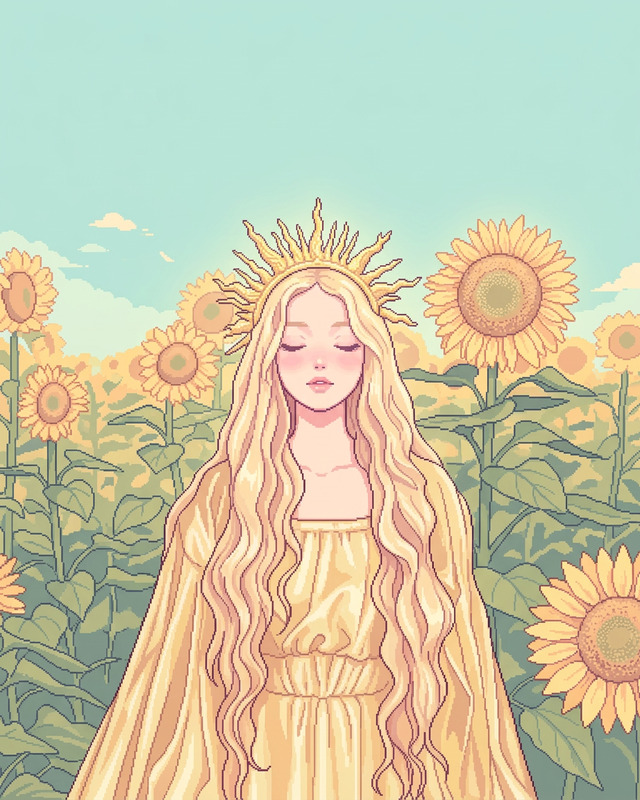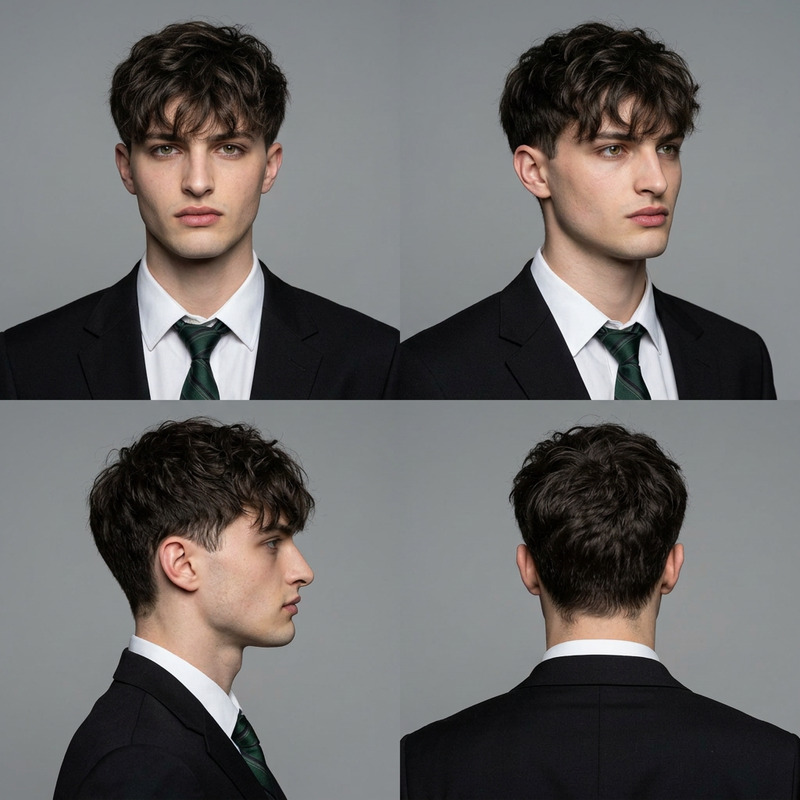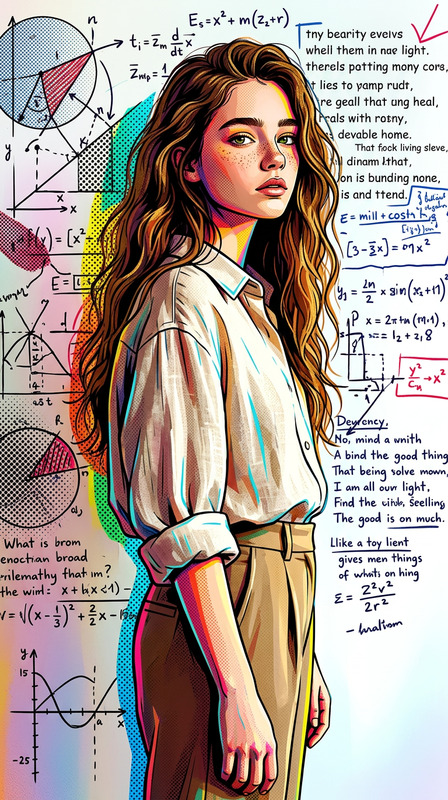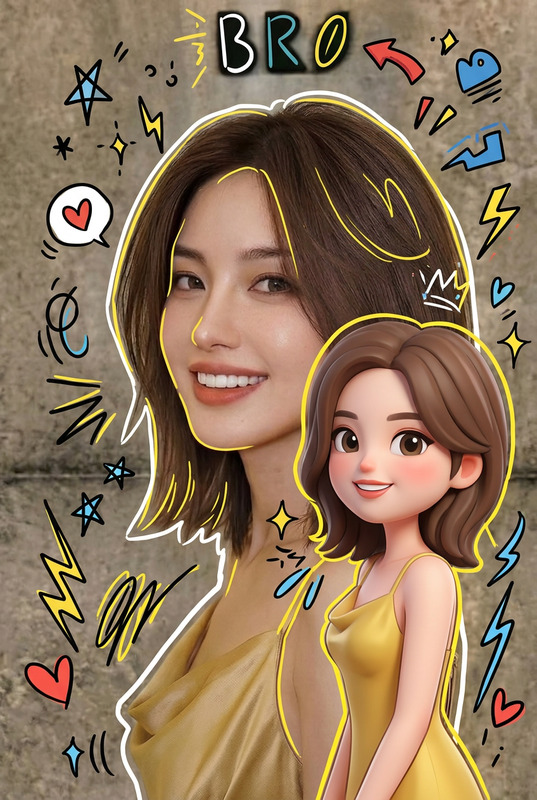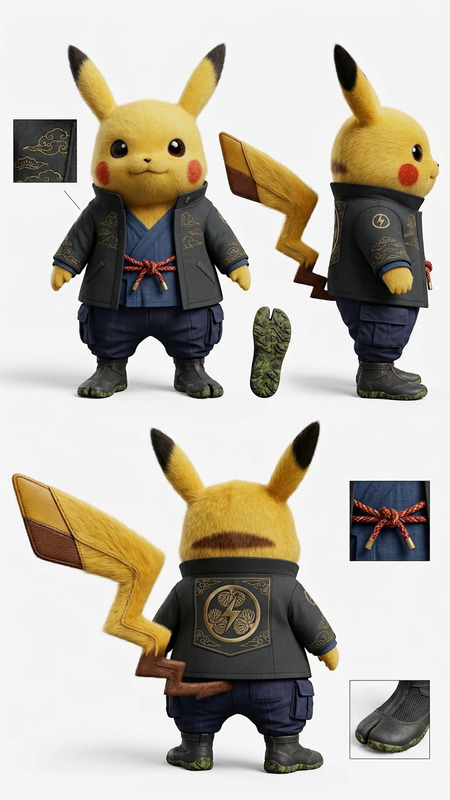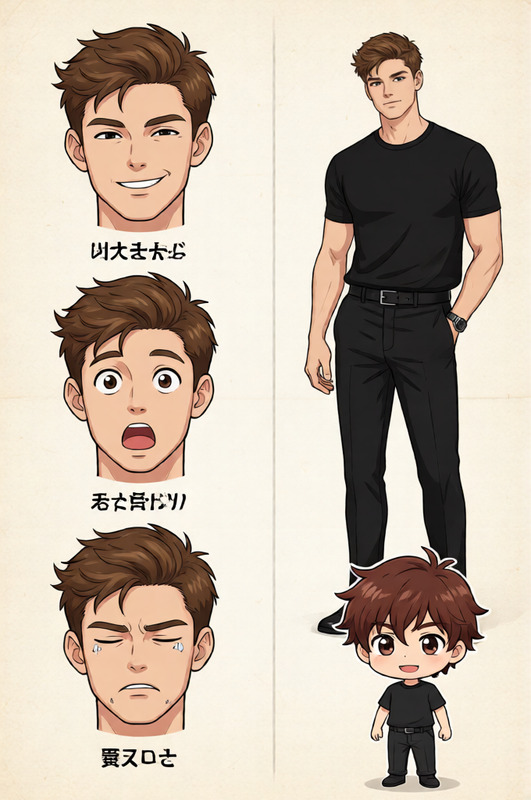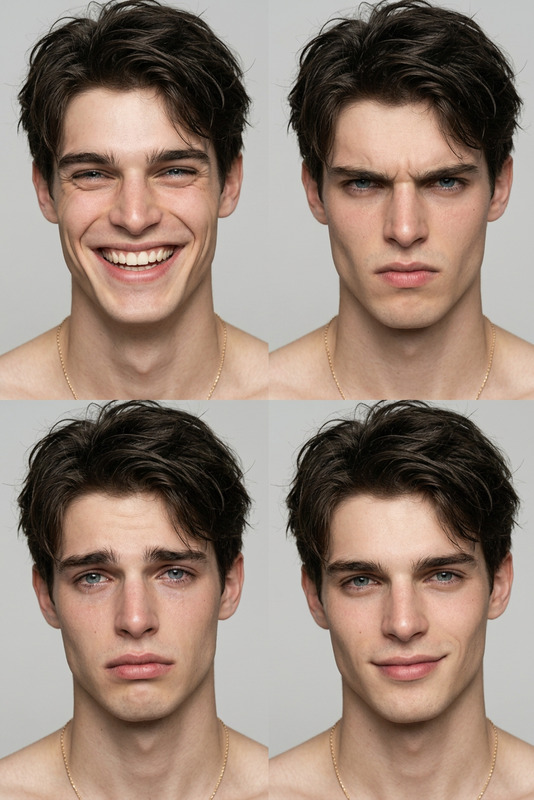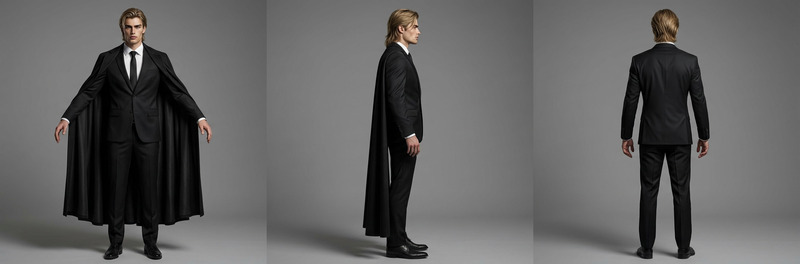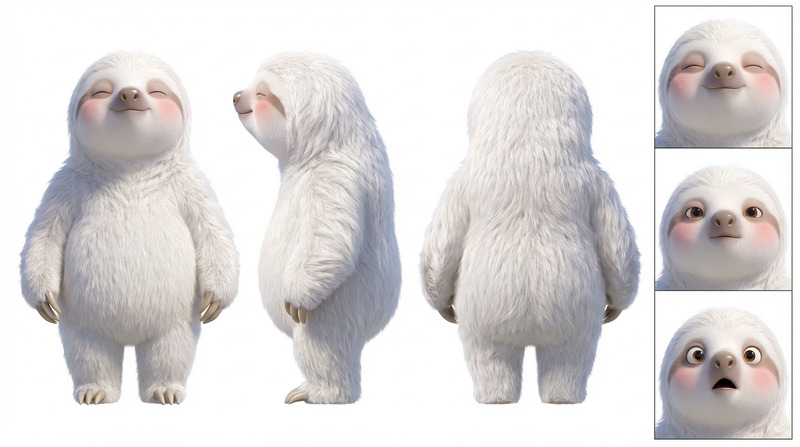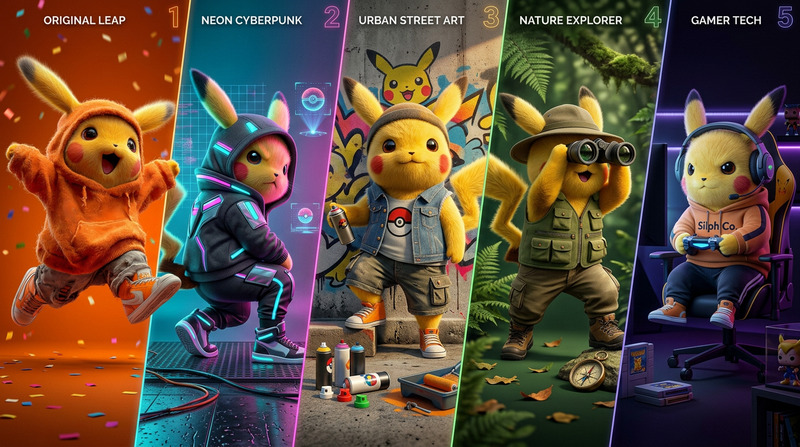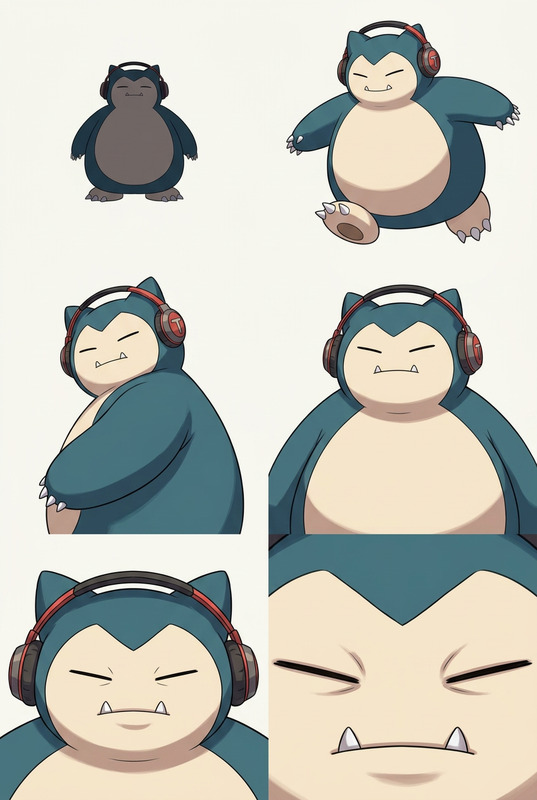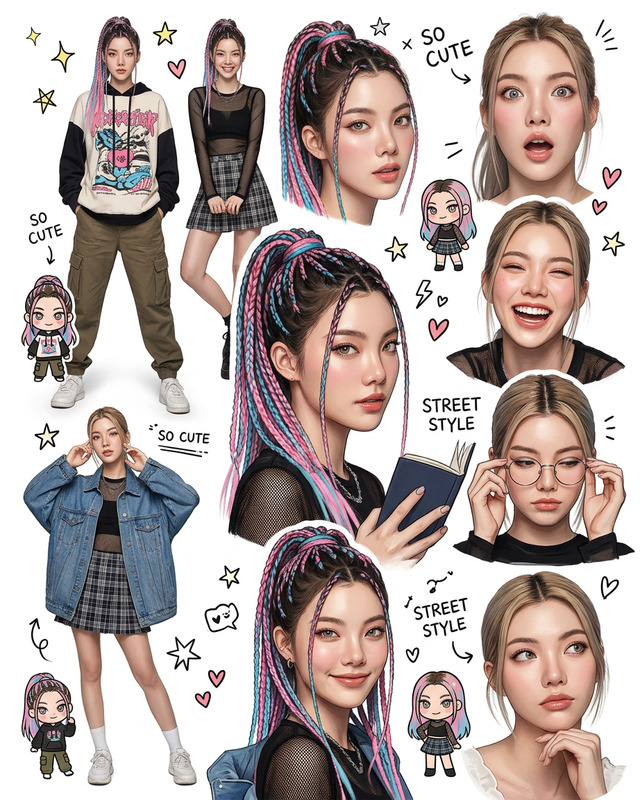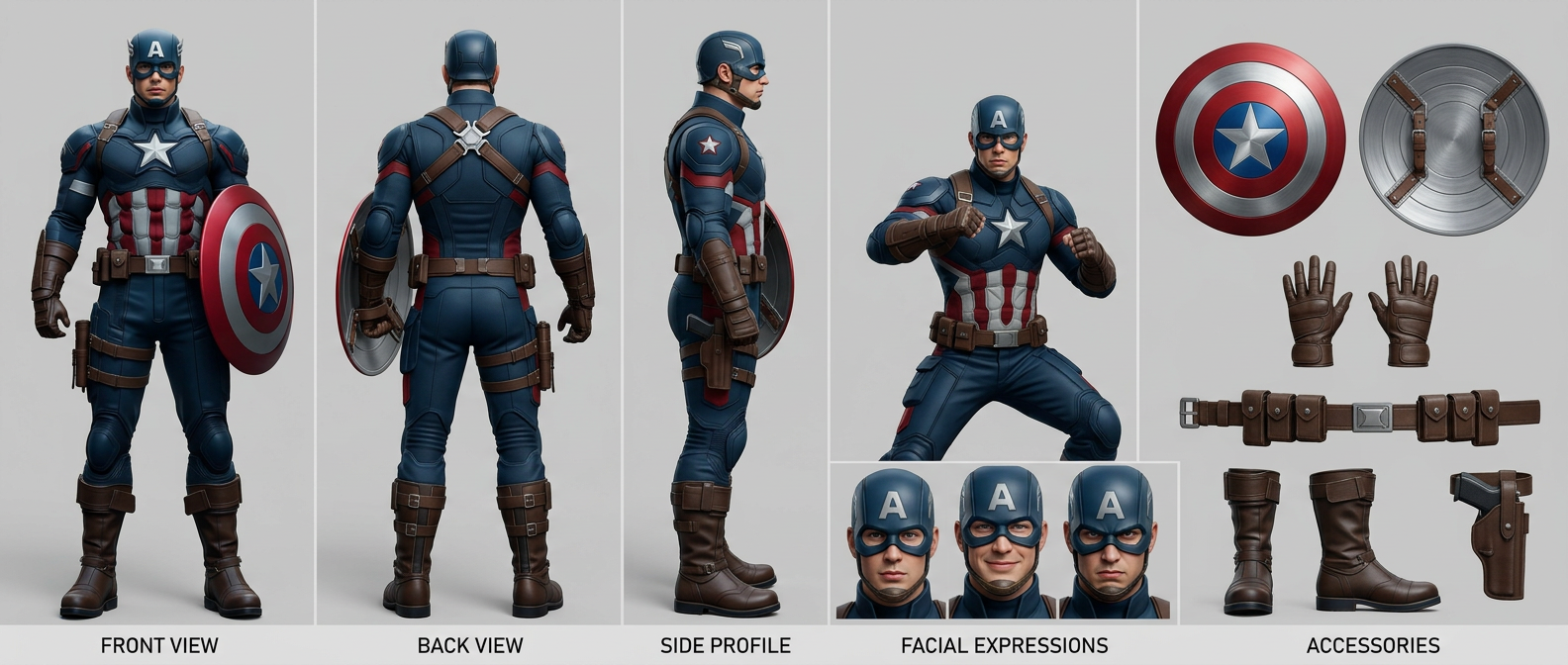
Unified Character Sheet (7-Panel Studio Layout)
- Model
- Nano Banana 2
- Image
- 1584 × 672 px
Prompt
Character sheet for {subject}, wearing {outfit}, rendered in {style type}. Clean 21:9 cinematic grid with evenly spaced panels on a neutral studio background, soft even lighting, minimal shadows. Strict identity consistency across all views. Includes: FRONT VIEW (full body neutral), BACK VIEW (accurate rear details), SIDE PROFILE (clean silhouette), ACTION POSE (dynamic personality pose), FACIAL EXPRESSIONS (neutral, angry, happy, sad, focused close-ups), and ACCESSORIES (isolated items). Ultra-detailed, sharp focus, professional studio presentation, orthographic feel. Labels centered under each panel only. Consistent proportions, colors, materials, and lighting across all panels. No clutter, no overlap, no style changes, no distortion.
Any aspect ratio
Overview
The Unified Character Sheet template offers a comprehensive and cohesive visual representation of characters suitable for any creative project. Designed with a 21:9 cinematic grid layout, it provides seven distinct panels to showcase your character from multiple perspectives. Using the AI Image Editor powered by the latest nano-banana-2 model, this template ensures that every detail is captured and displayed consistently.
What It Does
The template facilitates the creation of detailed character sheets featuring front, back, and side views, action poses, facial expressions, and accessories. It maintains strict identity consistency and professional presentation throughout. The soft, even lighting and neutral studio background ensure a clean and appealing output, perfect for role-playing games and storytelling needs.
Who It's For
This template is ideal for game developers, writers, and designers looking to create intricate character visuals. It's especially useful for those involved in storyboarding or developing visual content for gaming cinematics. The structured layout is also beneficial for showcasing characters in a consistent and professional manner.
Summary
With the Unified Character Sheet (7-Panel Studio Layout), you can produce stunning character depictions that emphasize identity consistency and professional aesthetics. Easily accessible through the AI Image Editor, this template streamlines the process of creating comprehensive character sheets for any creative project.
How-To Structure
Choose Your Template

Customize Your Inputs

Generate and Download

Use Cases
Role-Playing Games
- Preset dynamic poses
- Authentic expression panels
Creative Writing Projects
- Detailed character visuals
- Easy integration into stories
Animation Storyboards
- Consistent artistic style
- Multiple angles for clarity
Best Practices
Ensure Consistency
Keep the subject, outfit, and style parameters consistent across all panels to maintain visual harmony.Select Appropriate Styles
Choose a style that matches the intended mood or setting of your project, ensuring it complements your character's narrative.Use High-Resolution Images
For optimal results, ensure all images and textures are high resolution to maintain detail in all views.