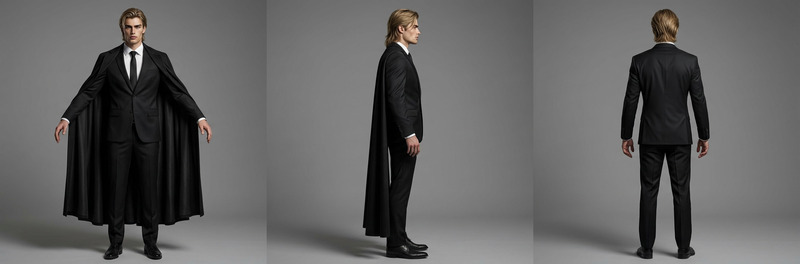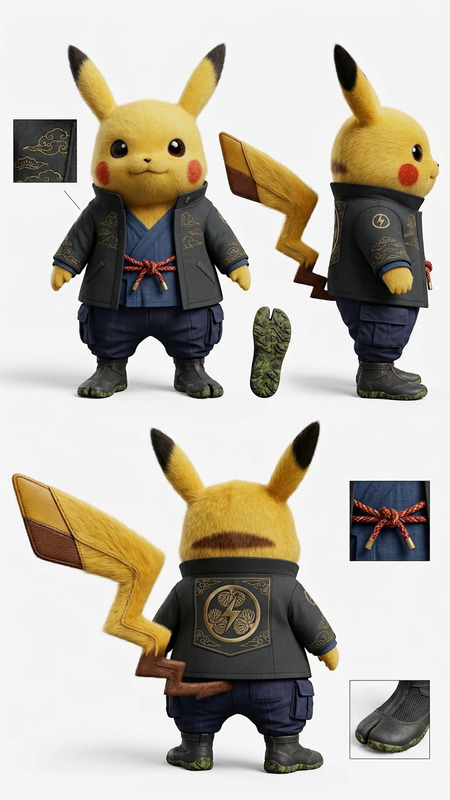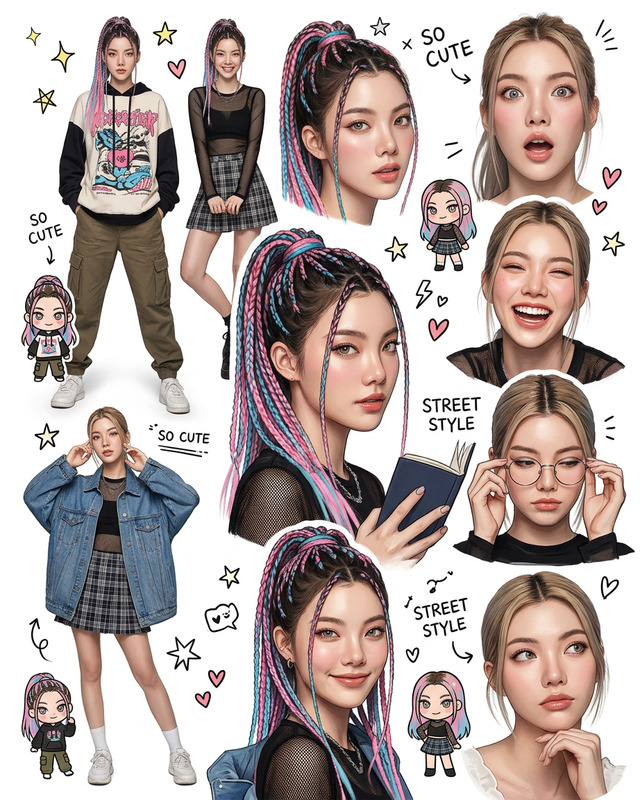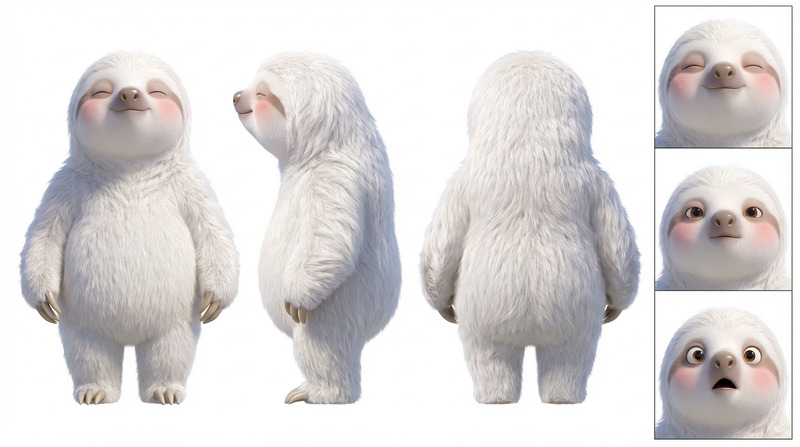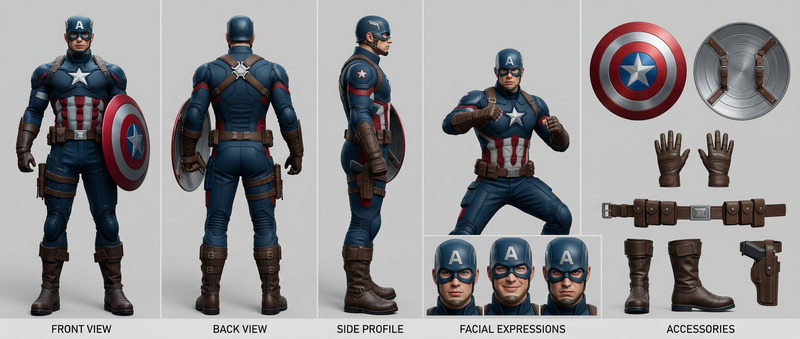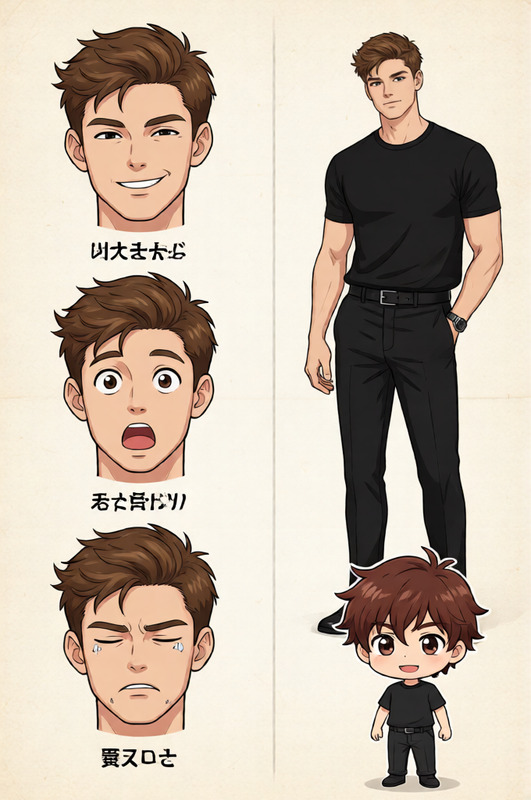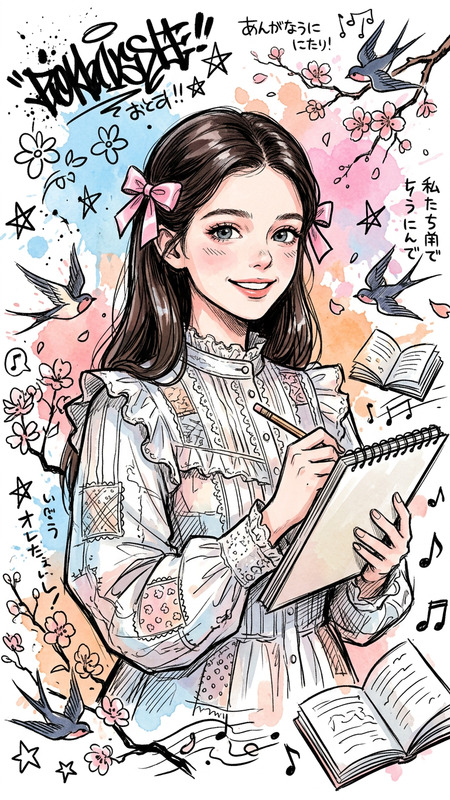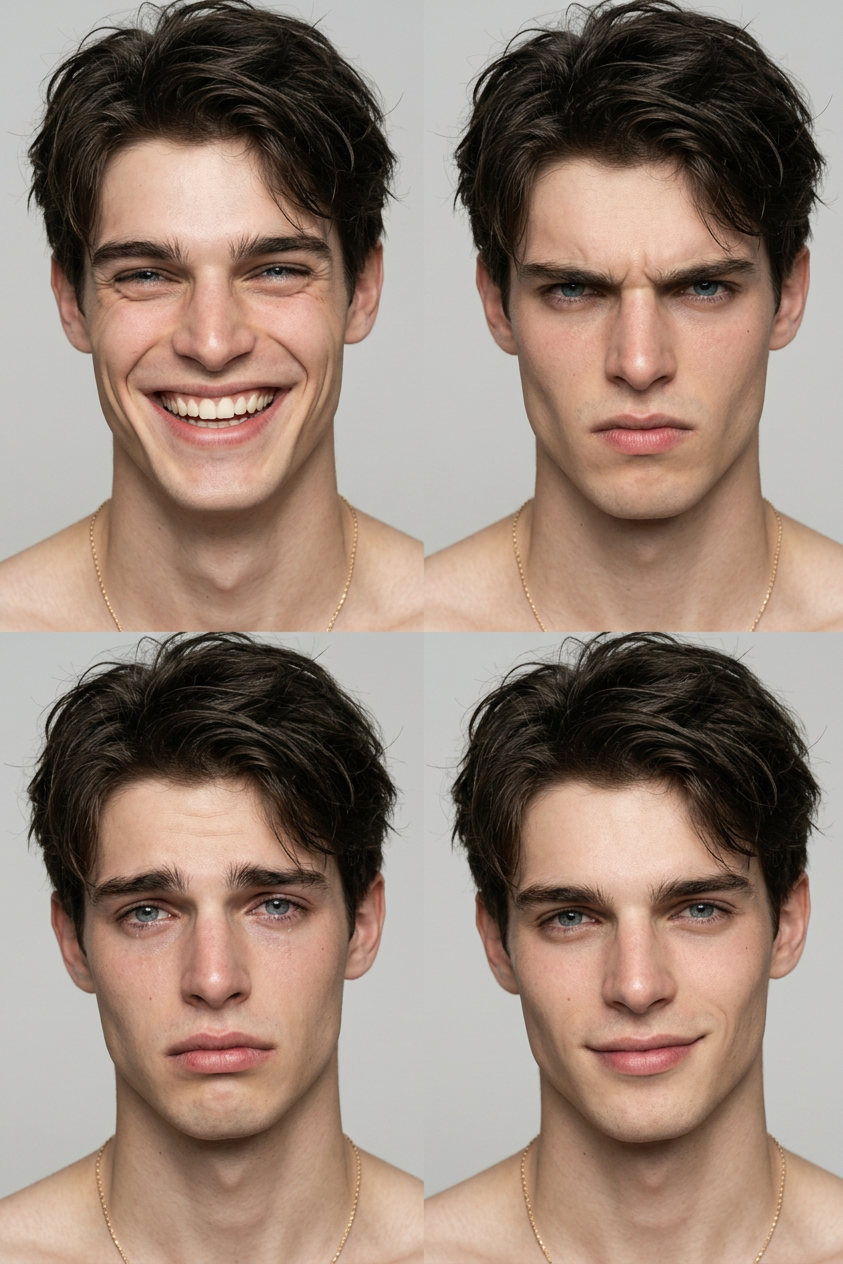
Character Expression Sheet
- Model
- Nano Banana 2
- Image
- 843 × 1264 px
Prompt
Create a character sheet based on the original image, preserving the subject’s identity and style. Display multiple facial expressions in a clean grid layout, including joy, anger, sadness, and happiness. Each expression should clearly show variation in eyes, eyebrows, and mouth while maintaining consistent facial structure. Use a neutral background and even lighting for all panels. Keep proportions and design consistent across all expressions. High detail, studio lighting, organized layout, 4K resolution.
Any aspect ratio
Overview
Develop your artistic vision by generating a detailed Character Expression Sheet using our advanced AI Image Editor. This template allows you to convert any original image into a comprehensive sheet showcasing various facial expressions. Designed for precision, each expression is rendered with high detail, capturing the nuances of emotion through eye, eyebrow, and mouth variations.
What It Does
The Character Expression Sheet template creates organized layouts with multiple facial expressions such as joy, anger, sadness, and happiness. The tool ensures each expression retains the subject’s unique identity and style in a neutral background with studio lighting. The final output is designed for 4K resolution, making it perfect for professional use.
Who It's For
This template is ideal for animators, storytellers, and visual artists who need to depict a range of emotions consistently across characters. It serves as a critical tool for those involved in storyboarding or character development work, providing a detailed guide to character expression without compromising the original style.
Summary
Whether you're crafting characters for video games, animations, or comics, the Character Expression Sheet template simplifies the creation of expressive, consistent character sheets. For additional manipulations, consider our AI Face Editor for further refining facial features.
How To
Choose a Template

Customize Your Inputs

Generate and Download

Use Cases
Animation and Storyboarding
- Create consistent emotional ranges for animated characters
- Enhance storytelling through varied facial cues
Game Development
- Develop character sheets for NPCs and main characters
- Ensure gaming avatars display appropriate emotional responses
Comics and Graphic Novels
- Illustrate a spectrum of emotions for comic characters
- Ensure character integrity across different panels
Best Practices
Maintain Consistency
Ensure each expression maintains the character's facial structure and style for coherence and recognizability.Optimize Lighting
Use even lighting to prevent shadows and highlights from obscuring facial details, enhancing clarity.Prioritize Detail
Focus on the eyes, eyebrows, and mouth for nuanced expression differences. This is crucial for conveying subtle emotions.