Chaotic Mind Profile
- Model
- Nano Banana 2
- Image
- 768 × 1370 px
Prompt
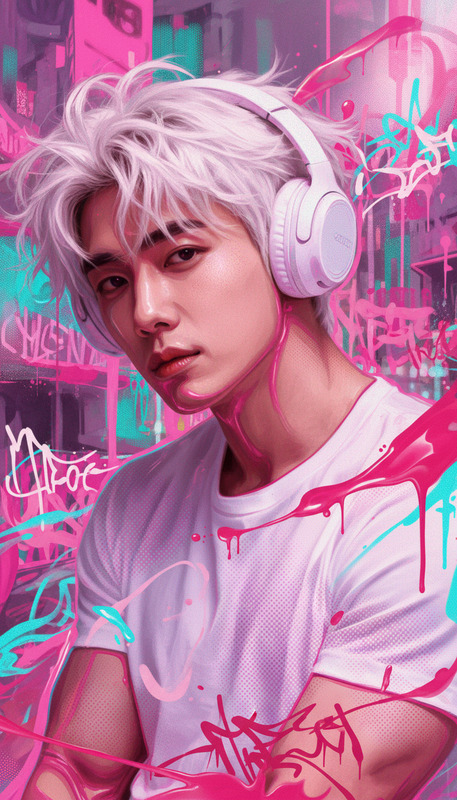
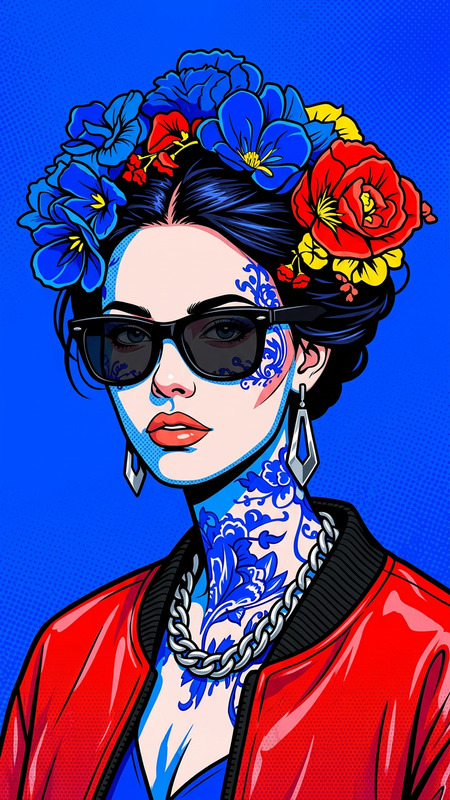
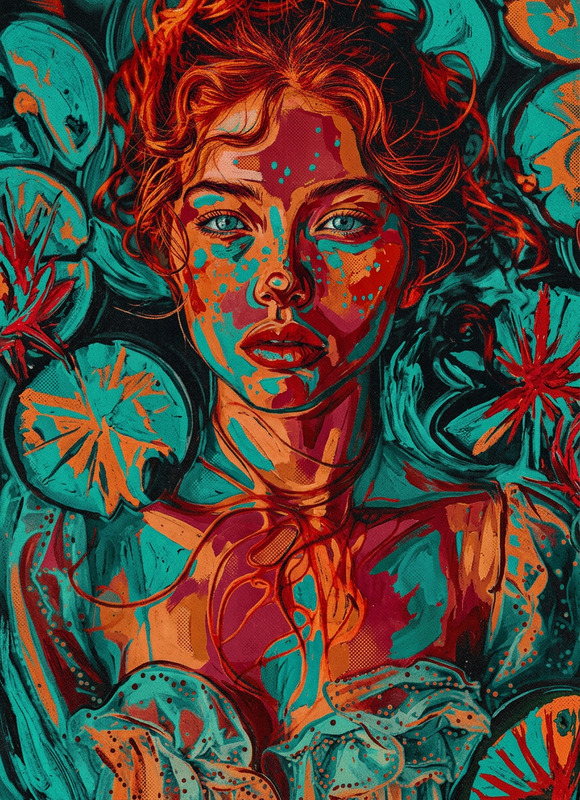
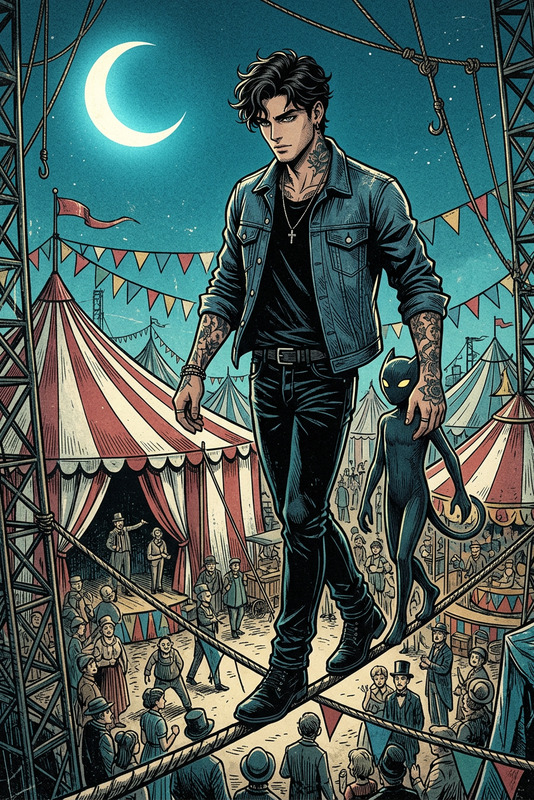
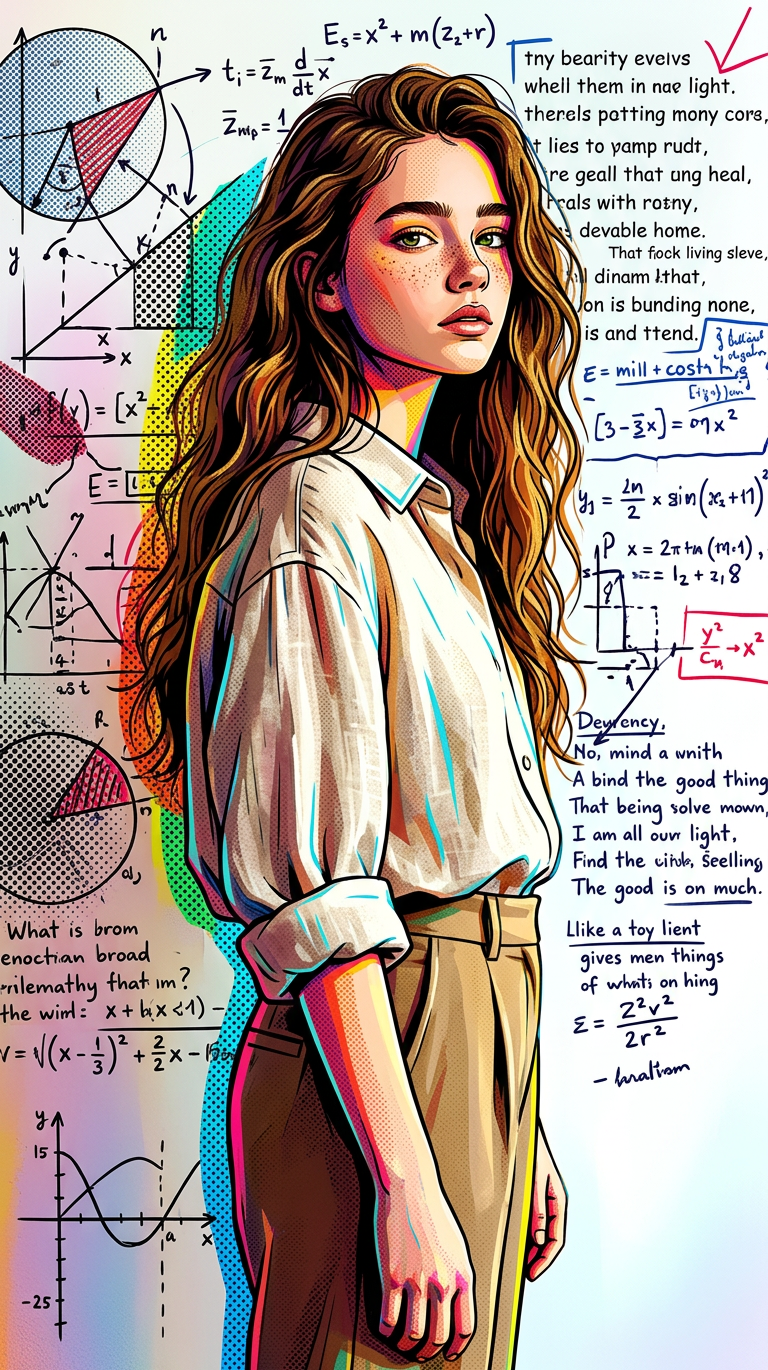
A stylized full-body portrait in bold pop art aesthetic, featuring a subject standing in profile against a wall covered in chaotic diagrams, mathematical equations, fragmented poetry, and layered handwritten notes in vibrant, contrasting inks. The scene is transformed into a colorful pop-art composition with high saturation, sharp graphic shapes, halftone textures, and dynamic comic-style patterns. The subject wears an oversized loose shirt with rolled sleeves and high-waisted trousers, posed in a relaxed yet confident stance. Strong graphic outlines define every form, with exaggerated shadows and punchy color blocking replacing natural lighting. The overall mood is intellectually intense yet visually playful, blending academic chaos with energetic pop-art rhythm, enhanced by flat yet layered collage aesthetics and striking visual contrast.
Any aspect ratio
Overview
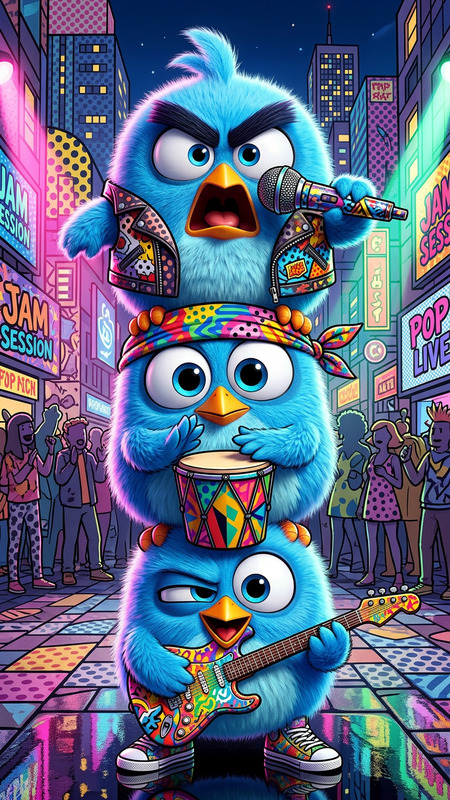
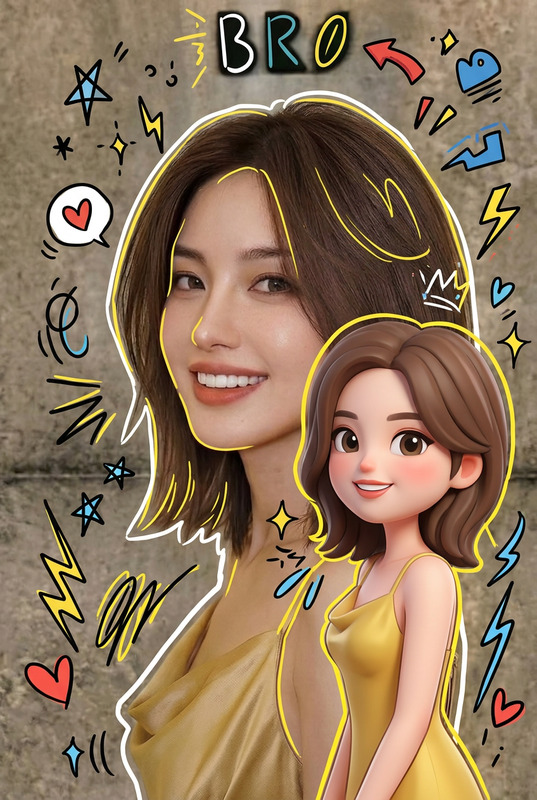
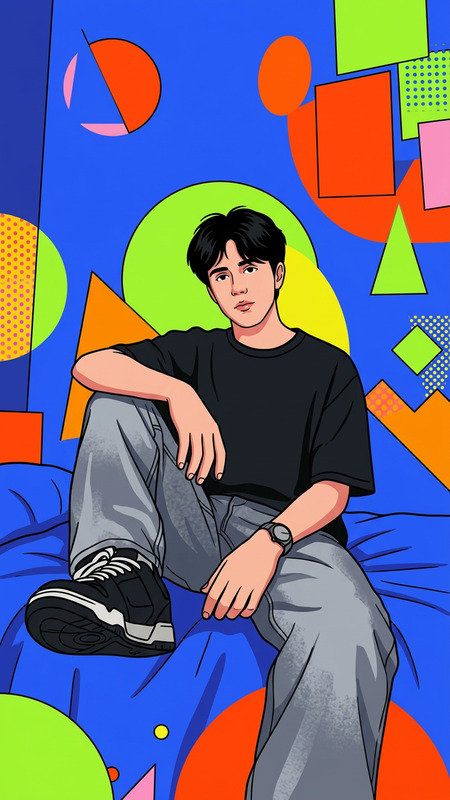
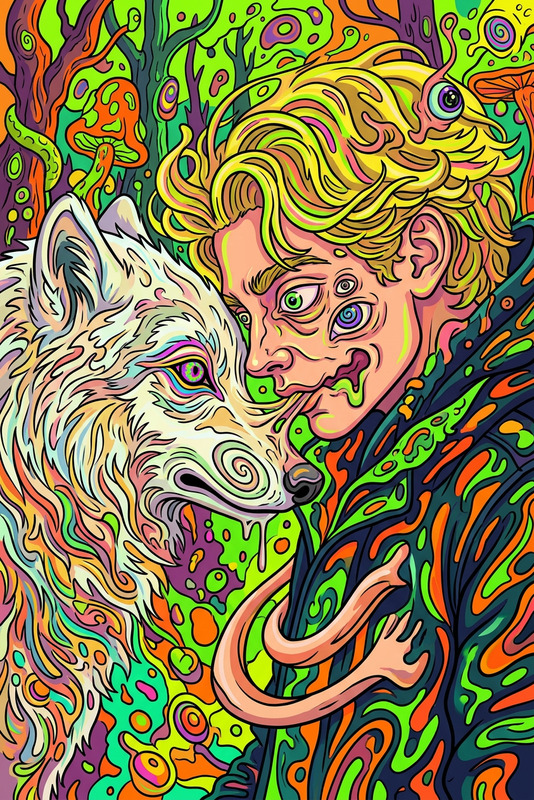
The Chaotic Mind Profile template is designed for creators seeking to craft eye-catching, pop art-inspired full-body portraits. Utilizing the capabilities of our advanced nano-banana-2 model, it transforms profile images into colorful, dynamic compositions with a focus on bold shapes and high saturation colors. Ideal for adding an energetic and intellectual vibe to your visuals, this template brings academic chaos to life through pop art aesthetics.
What It Does
This template transforms ordinary images into vivid pop art masterpieces. It applies striking graphic outlines, halftone textures, and dynamic comic-style patterns, turning each portrait into a lively depiction. The template captures the academic intensity and visually playful essence by overlaying chaotic background elements, such as equations and poetry, to create an immersive, artistic experience.
Who It's For
Perfect for artists, designers, and social media influencers looking to create distinctive and bold visual content. This template is particularly suited for those in creative industries who want to showcase a blend of intellectual and artistic expression. It is also an excellent tool for marketing professionals aiming to produce visually compelling profiles for brands or products.
Summary
Utilize the Chaotic Mind Profile template to turn standard images into vibrant pop art illustrations swathed in creativity and chaos. By leveraging advanced AI tools, this template makes it simple to produce engaging, high-energy visuals that resonate with a modern audience. Ideal for creating content that pops, it adds an academic yet playful dimension to your visual storytelling.
How To
Choose Template

Customize Your Image

Generate and Download

Use Cases
Artist Portfolios
- Enhance portfolio presentations
- Attract art enthusiasts and collectors
Social Media Campaigns
- Design Instagram posts
- Create standout profile banners
Brand Storytelling
- Develop brand identity visuals
- Craft campaign visuals
Best Practices
Consider Color Dynamics
Experiment with complementary colors to enhance visual contrast and highlight key features.Refine Textures
Use halftone textures judiciously to add depth without overwhelming the image.Test Different Backgrounds
Try various background designs with chaotic elements to see which enhances your subject best.