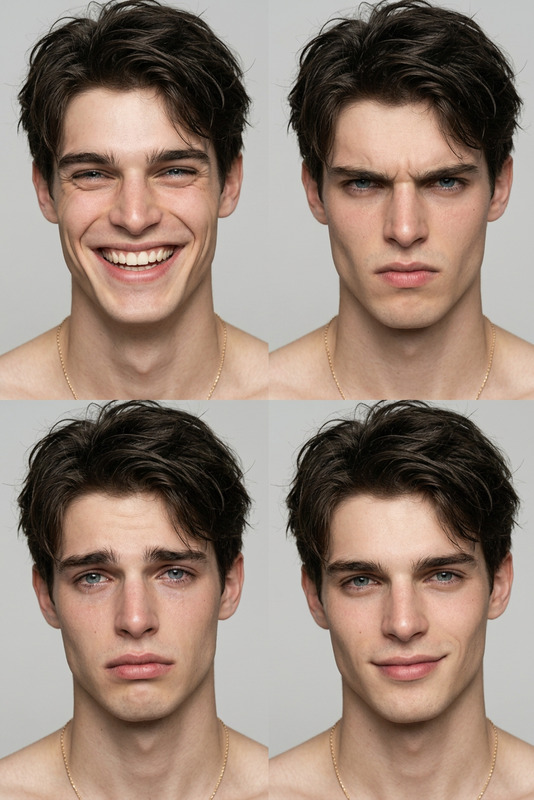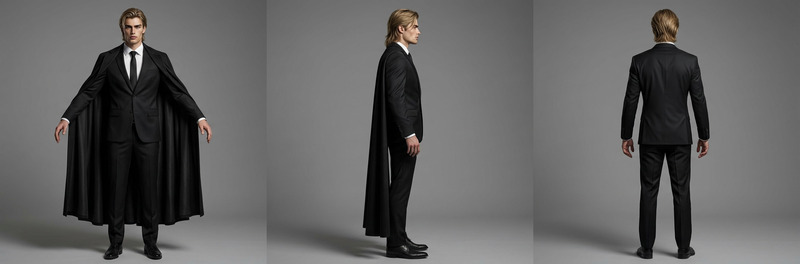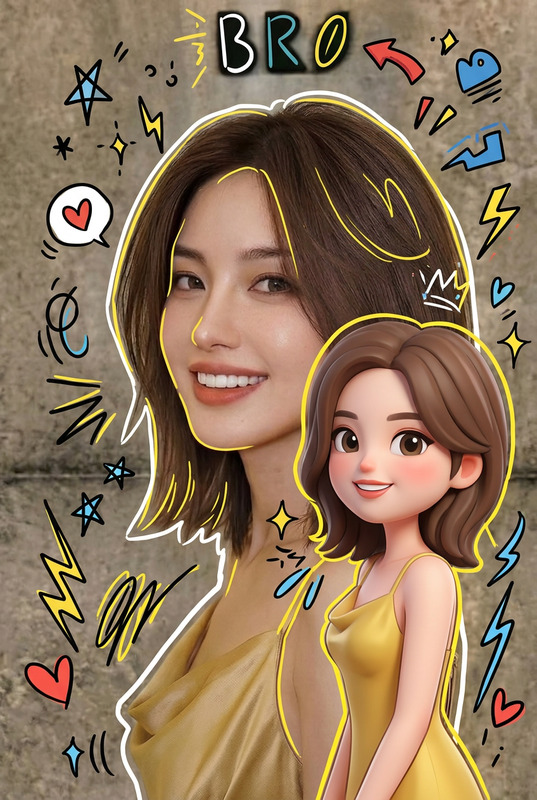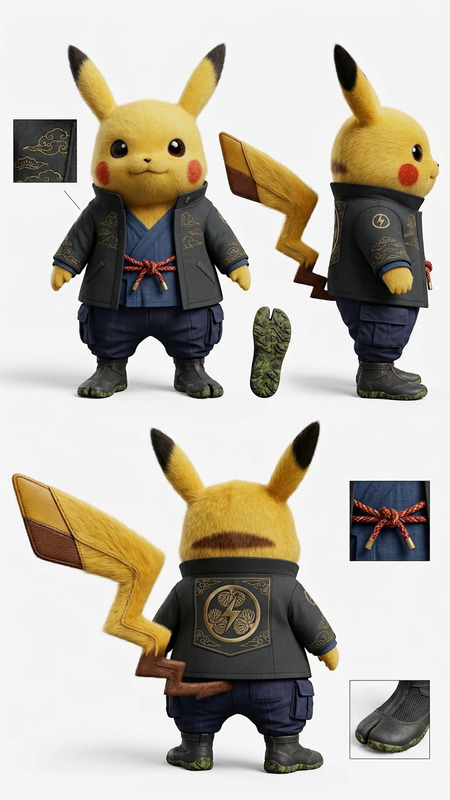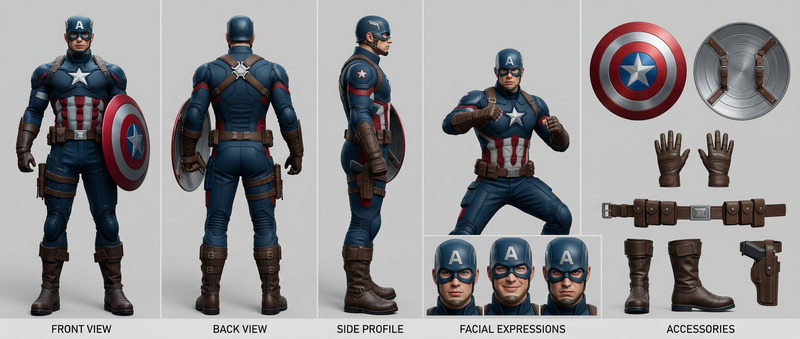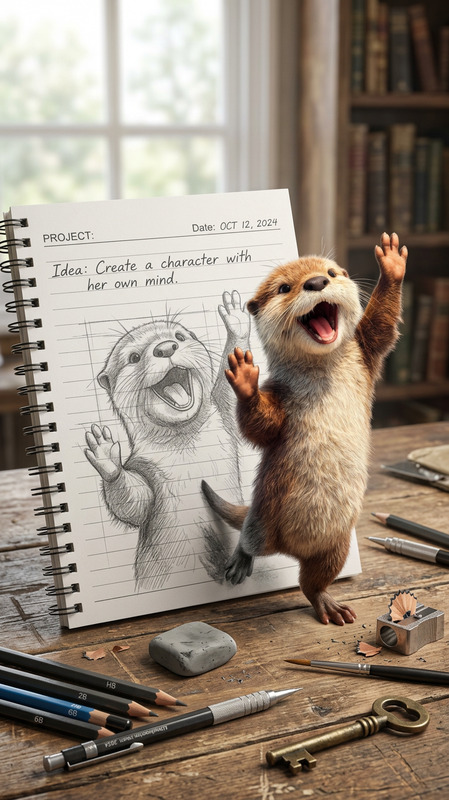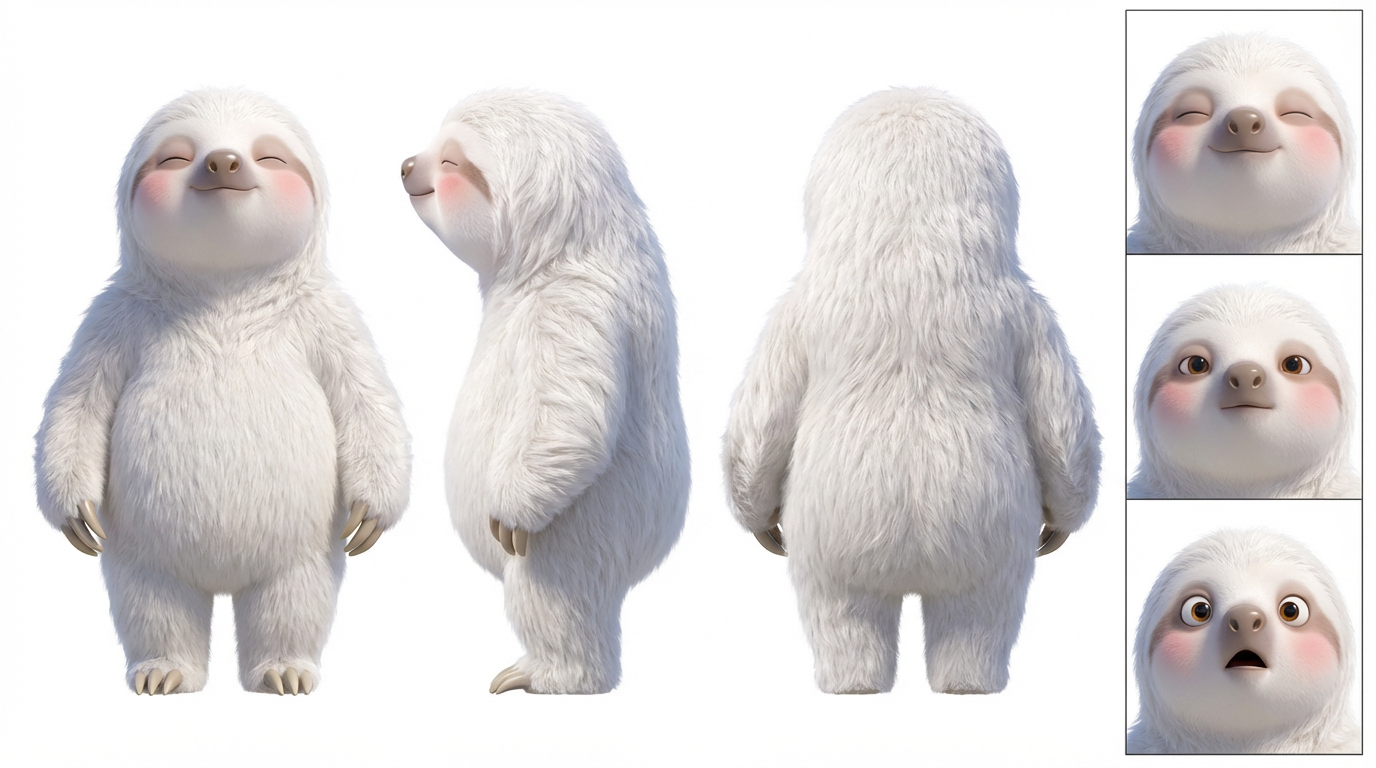
Character Turnaround – Clean 3 View Sheet
- Model
- Nano Banana Pro
- Image
- 1376 × 768 px
Prompt
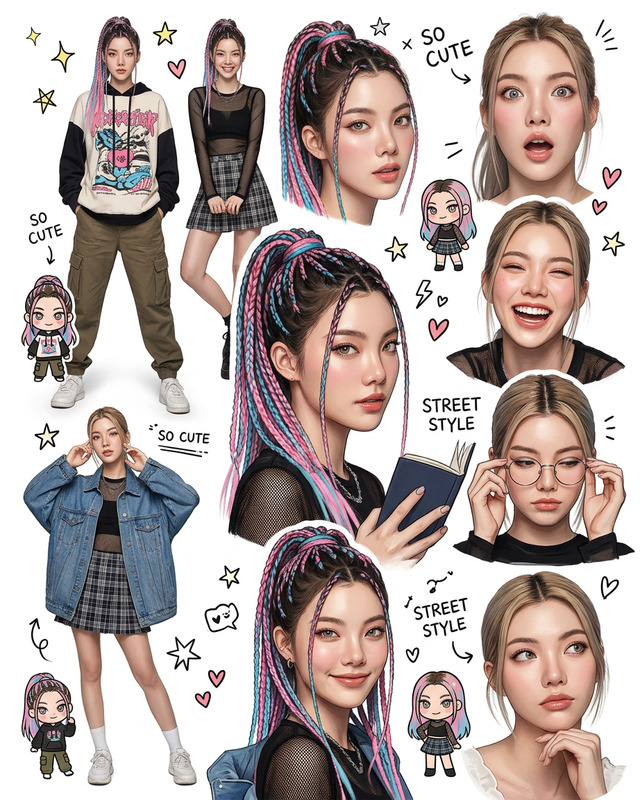
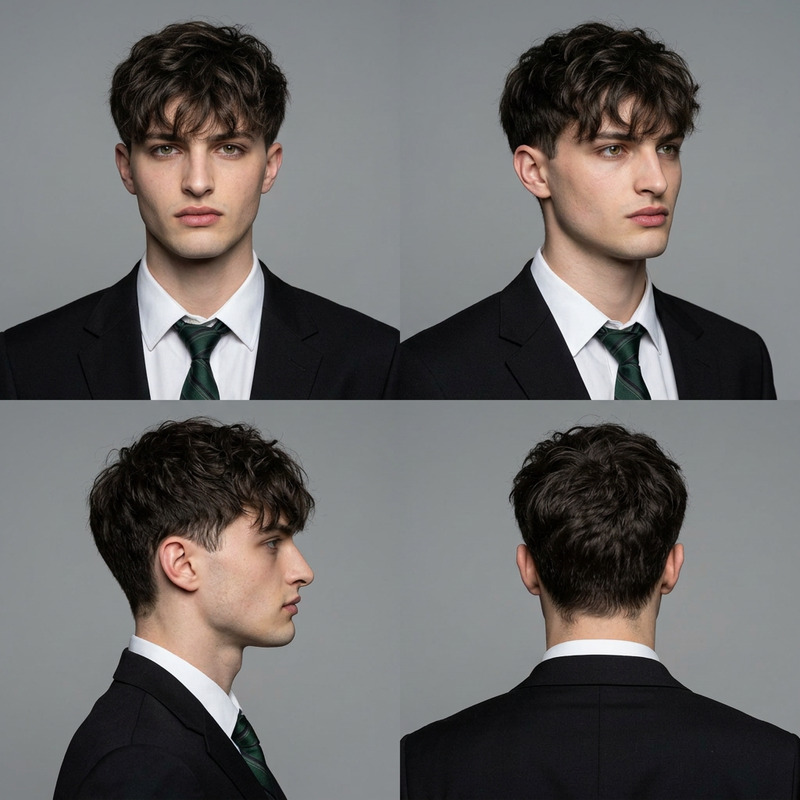
A professional 3-view character reference sheet (turnaround), featuring front, side, and back perspectives. The artwork depicts full-body views with all angles horizontally aligned, maintaining consistent character proportions and clothing details. The background is pure white, and the artistic style is realistic. The right side displays close-up details of the character's face, showcasing three distinct facial expressions. The image contains no accompanying text.
Any aspect ratio
Overview
The Character Turnaround – Clean 3 View Sheet template is part of our innovative AI Image Editor toolkit, pairing perfectly with precise, realistic depictions powered by the nano-banana-pro model. This template offers a structured layout for creating detailed character sheets, vital for animators and character designers looking for clear and consistent references.
What It Does
This template facilitates the generation of a professional 3-view character reference sheet, showcasing front, side, and back perspectives aligned horizontally. It features realistic full-body views with uniform proportions and intricate clothing details upon a clean, white backdrop. To add depth, it includes three distinct close-up facial expressions of the character. With no extraneous text, the focus remains strictly on the visual clarity and detail necessary for high-standard creative work.
Who It's For
This template is tailored for animators and character designers needing comprehensive and precise reference sheets. It's particularly beneficial for those engaged in storyboarding and storyboarding, where detailed visual consistency is key. Additionally, anyone involved in VFX previs or creating gaming cinematics will find this a valuable tool in ensuring their characters retain coherence across different angles and expressions.
Summary
In the realm of character design, having a precise, reliable reference tool is invaluable. The Character Turnaround template provides both designers and animators with a refined mechanism to generate highly accurate, artistically realistic character sheets critical for complex visual projects. Discover the efficiency of integrating this template with the Image to Video feature to convert your detailed designs into dynamic presentations.
How to Use
Select the Template

Input Character Details

Generate the Sheet

Use Cases
Character Design
- Consistent proportions across views.
- Detailed expressions for storytelling.
Animation Projects
- Simplifies character rigging.
- Enhances visual consistency across scenes.
VFX and Previs
- Reduces time in production phases.
- Seamless integration into previs workflows.
Best Practices
Maintain High Resolution
Ensure your initial character artwork is high resolution to retain detail and clarity.Consistent Styles
When inputting multiple character views, keep styles consistent to ensure the turnaround remains visually cohesive.Use Detailed Prompts
Be specific in your prompt instructions to capture every aspect of the character's design and expressions accurately.