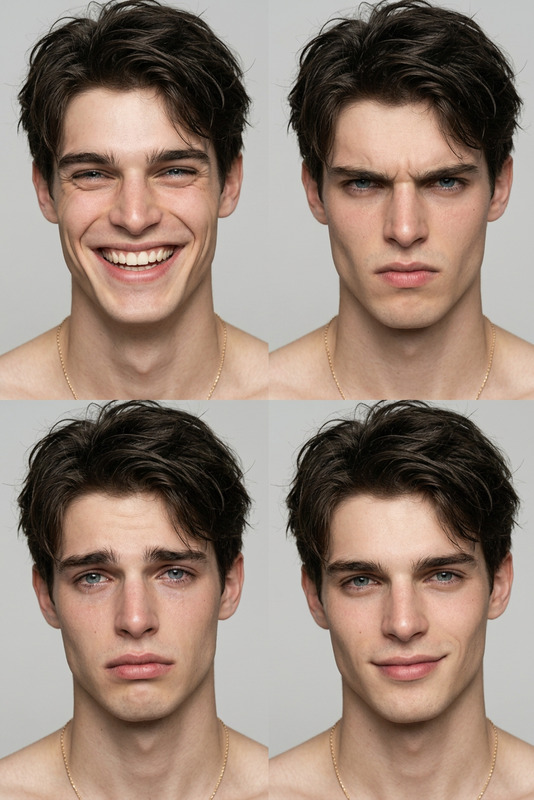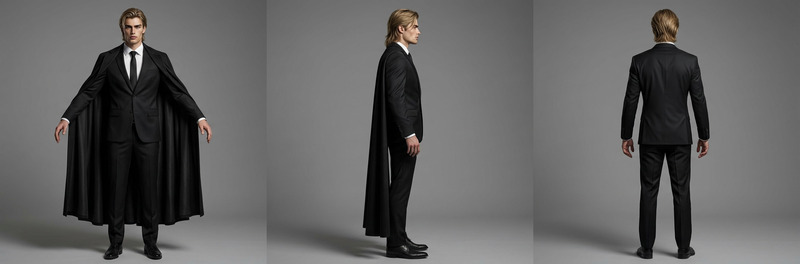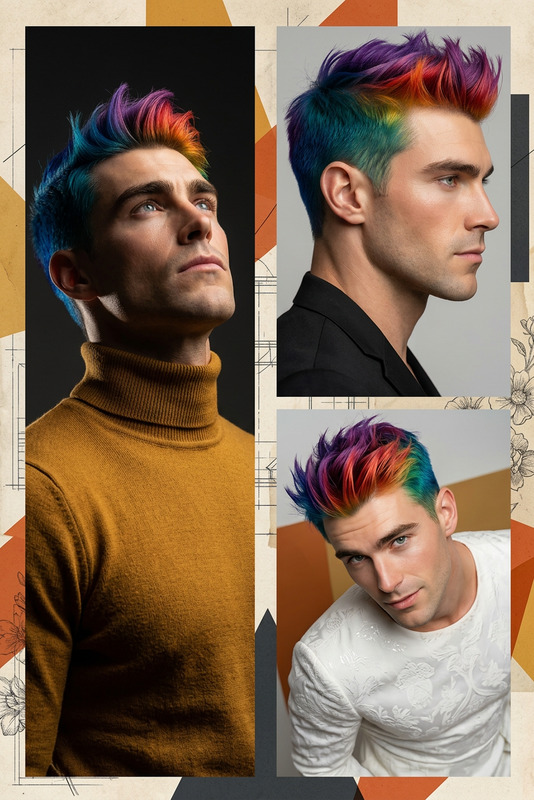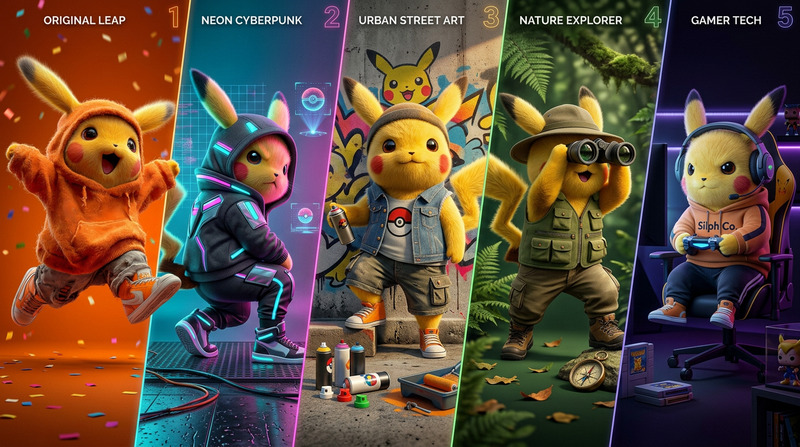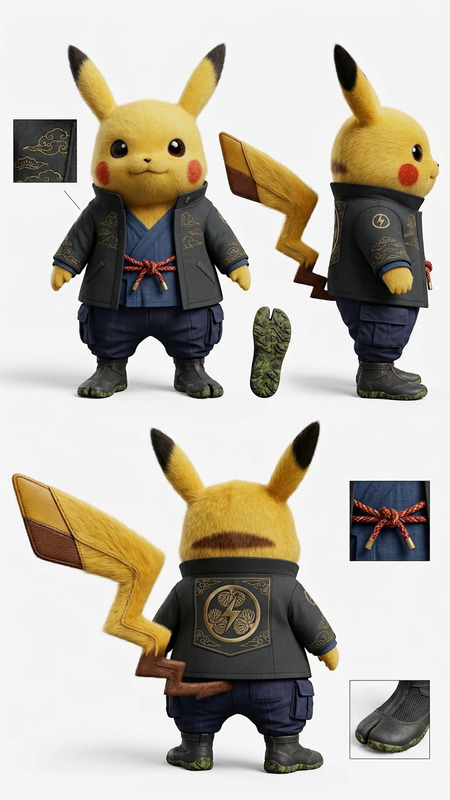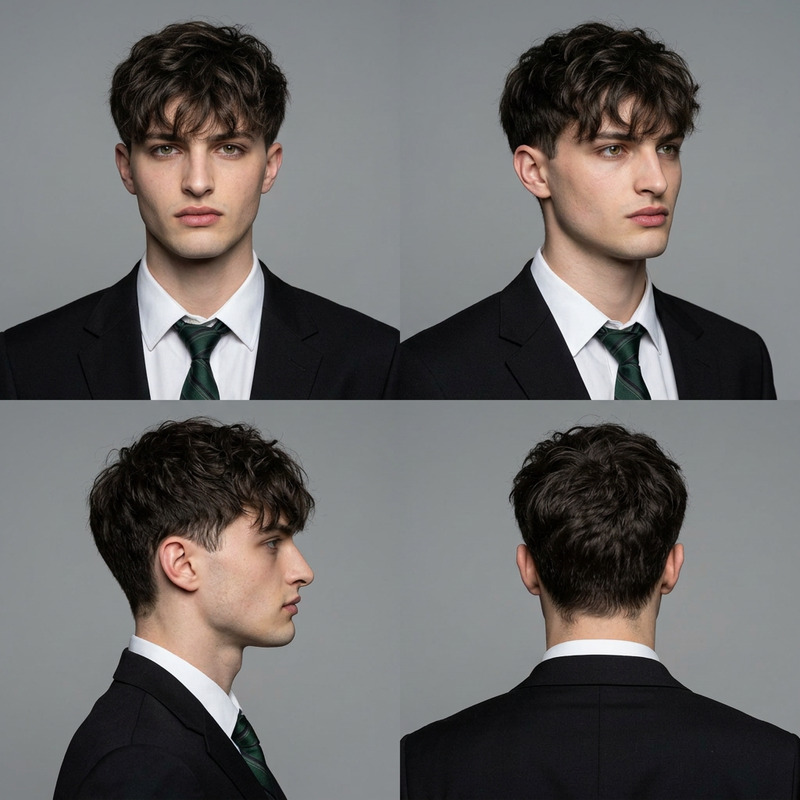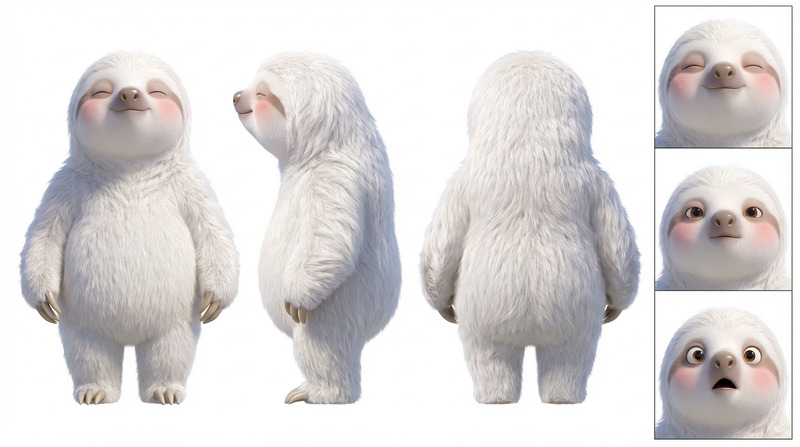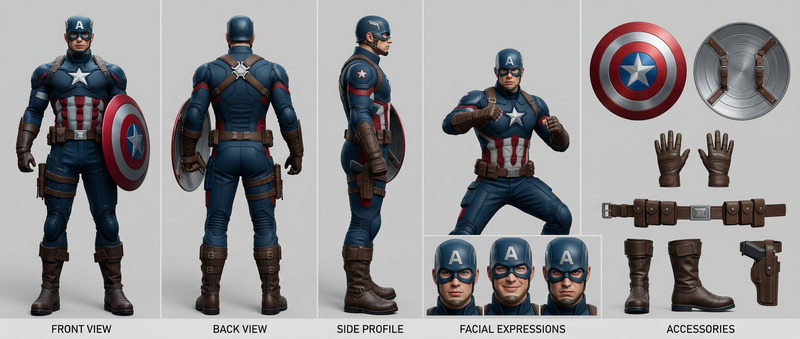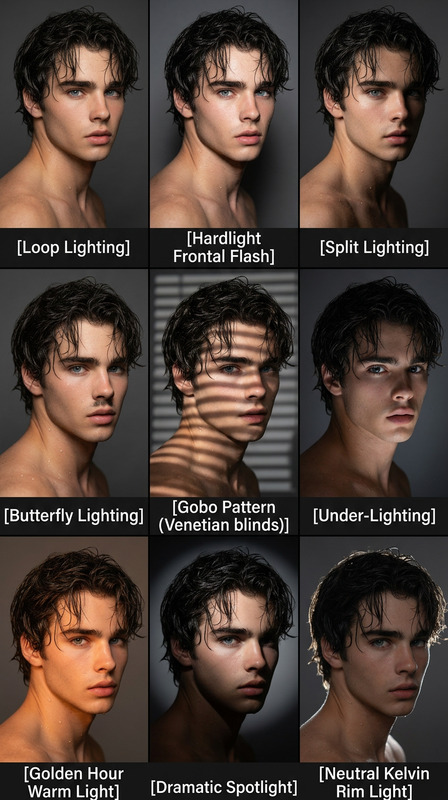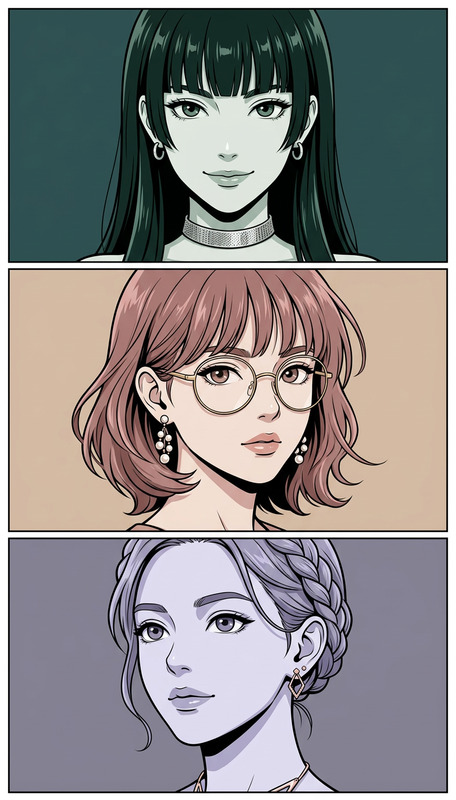
6-Panel Character Perspective Study
- Model
- Nano Banana 2
- Image
- 848 × 1264 px
Prompt
2×3 perspective study grid of a reference character on a solid off-white background. Six panels in strict order: (1) extreme wide silhouette focus, (2) full-body dynamic pose, (3) waist-up torso twist, (4) bust shot with strong posture, (5) face close-up expression, (6) extreme close-up of facial details/eyes. Maintain identical facial structure, hair, and proportions across all panels. Adjust posing by distance (large gestures in wide shots, subtle detail in close-ups). Consistent lighting and unified style across all panels. Clean presentation with no borders, text, or background elements.
Any aspect ratio
Overview
The 6-Panel Character Perspective Study template is designed for creators who want to explore visual narratives through dynamic character perspectives. This AI Image Editor tool leverages the advanced capabilities of the nano-banana-2 model. It allows you to create a detailed 2x3 grid layout that captures a character's varying perspectives, from silhouette to intricate facial details, all with uniformity in aesthetics.
What It Does
This template arranges your reference character into six distinct panels, each showcasing a unique angle and depth of field to offer a comprehensive perspective study. With consistent elements maintained across all panels, this tool ensures a cohesive portrayal of characters. Use it alongside the AI Clothes Changer to explore attire alterations while preserving the study's integrity.
Who It's For
If you are a graphic designer, comic artist, or storyboard creator, the 6-Panel Character Perspective Study template is crafted for you. It supports efforts to refine character development through visual storytelling. Educators and art students can also use this tool to examine character structure and consistency in visual mediums.
Summary
By focusing on both macro and micro visual details, this template enhances storytelling dimensions. From professional art to educational use, it provides a structured platform for character analysis. Pair it with the Face Swap product for consistent facial features across different scenes and artistic explorations.
How to Use It
Choose the Template

Customize Your Inputs

Generate Your Study Grid

Use Cases
Character Development
- Detailed visual narratives
- Consistent facial and body features
- Distinctive poses for storytelling
Art Education
- Visual aids for teaching
- Demonstrations of perspective shifts
- Building consistency in art
Best Practices
Maintain Consistency
Ensure that all panels retain identical facial features and proportions for better character consistency.Adjust Lighting Carefully
Use consistent lighting across panels to create a seamless visual aesthetic.Prioritize Detail Variation
Incorporate more detailed expressions and features in closer panels to emphasize subtlety.