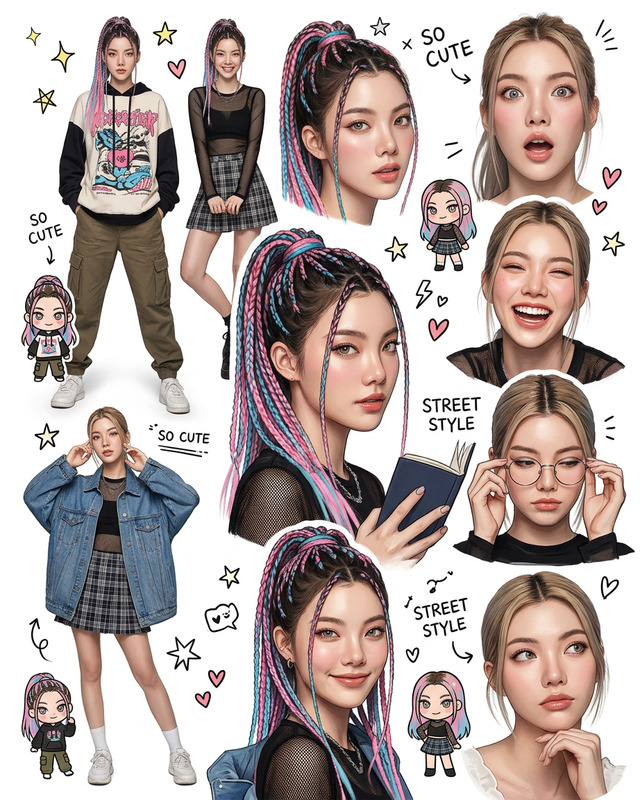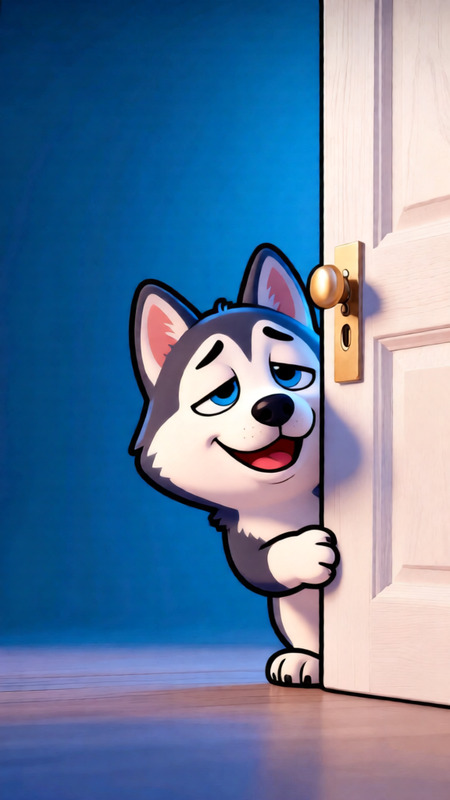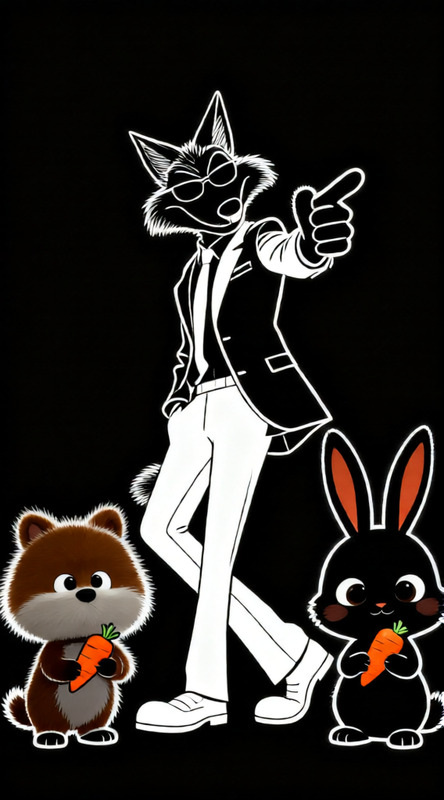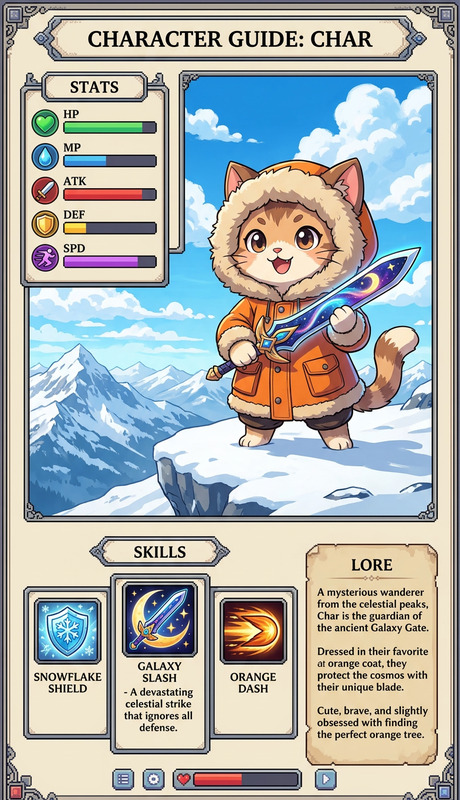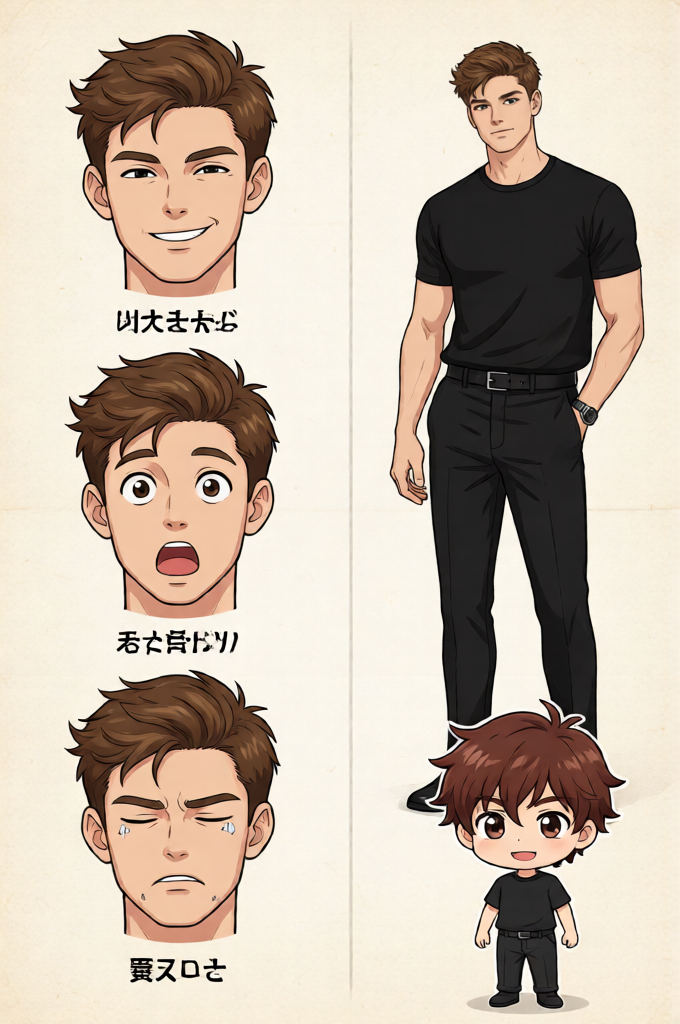
Character Sheet Expressions
ai-image-editor
Any aspect ratio
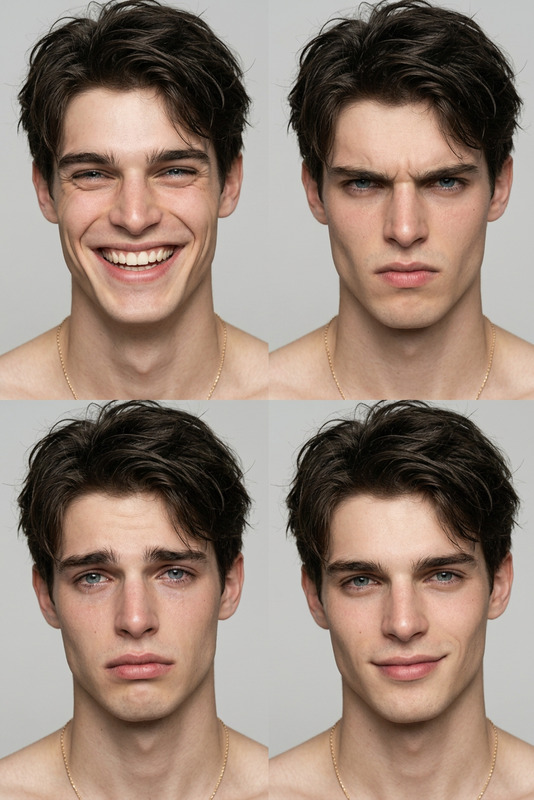
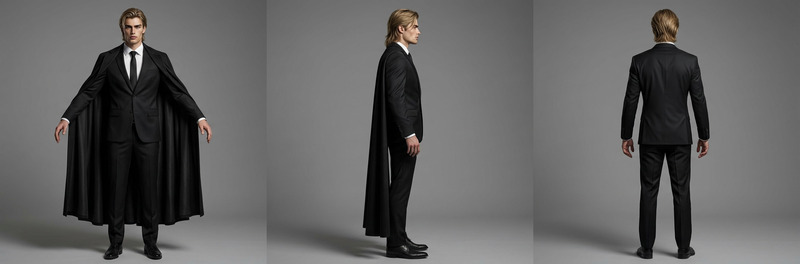
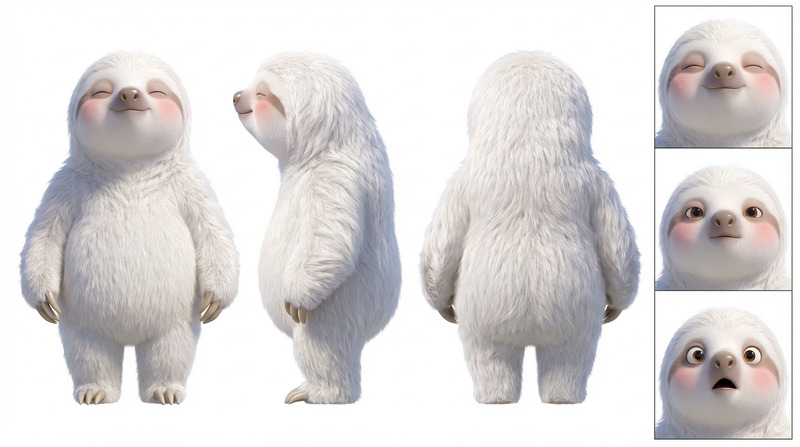
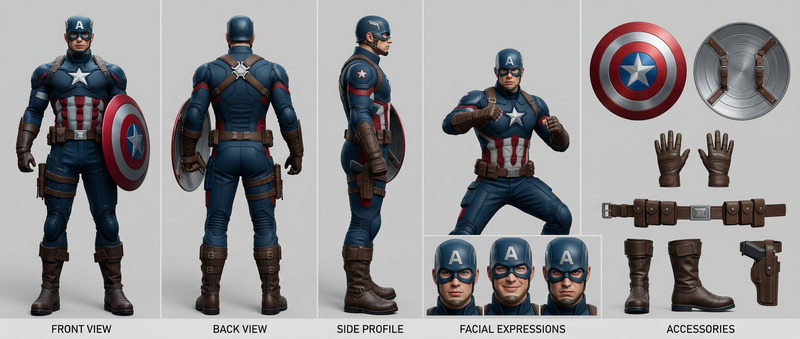
Subject is a clean character setting sheet; left side shows a character with multiple facial expressions (smile, surprise, tired) labeled in Japanese; right side shows full-body and chibi (SD) version of another character; simple layout, easy to read; background uses soft washi paper style; clean design, high quality, no clutter, sharp details.
Transform any image in seconds with this Magic Hour template powered by the AI Image Editor. Use it as-is to get fast, high‑quality edits, or remix it to build your own custom workflows for creative production, marketing, product shots, and social content.
What this template does
This template is built for precise, high‑quality image editing with AI, ideal for:
- Replacing or cleaning up backgrounds
- Removing unwanted objects, text, or logos
- Reframing/repurposing existing assets for different formats
- Enhancing portraits and product images
- Quickly iterating creative variations for campaigns, thumbnails, or mockups
Because it’s powered by Magic Hour’s AI Image Editor, you can:
- Upload any image (photos, screenshots, renders, mockups, illustrations)
- Describe what you want changed in natural language
- Get multiple AI‑generated variations you can pick from or remix further
How to remix this template in Magic Hour
You can use this template directly, or treat it as a starting point for your own editing system. To create your own version:
Duplicate or start from similar tools
- Open this template in Magic Hour.
- To expand your workflow, you can also combine it with:
- AI Image Editor for detailed edits and object removal
- AI Image Generator or AI Photo Generator to create base images from text
- Image Background Remover or AI Background Generator to quickly swap or clean backgrounds
- AI Remover or Remove Object From Photo to polish details
Define a clear editing goal
Decide what this remix will specialize in, for example:- “Polished ecommerce product photos on white background”
- “Clean LinkedIn headshots for founders and executives”
- “High‑impact YouTube thumbnails with bold backgrounds”
- “Concept visuals for pitch decks and startup landing pages”
Design your input workflow
In your remix, you can guide users to:- Upload a source image (product, portrait, screenshot, UI mockup, etc.)
- Add a short text instruction (e.g., “place this on a studio‑grade white background with soft shadows,” “make this look like a cinematic movie still,” “clean face blemishes but keep natural texture”)
Chain tools for richer results
If you want a more advanced template, you can chain other Magic Hour capabilities around the AI Image Editor, for example:- Generate → Edit → Enhance
- Create base art with AI Art Generator or AI Illustration Generator
- Refine composition, remove artifacts, or adjust style with this AI Image Editor template
- Upscale and sharpen with AI Image Upscaler or Unblur Image
- Photo → Edit → Repurpose
- Start from a real photo (product, selfie, or brand shot)
- Use AI Image Editor to change background, remove objects, or adjust mood
- Turn the final image into a GIF with AI GIF Generator or into a short clip using Image to Video
- Generate → Edit → Enhance
Specialize your remix for a use case
Some high‑leverage variants you can create as templates for your own team or users:- Founder / team headshots
- Use AI Headshot Generator or AI Selfie Generator as a base
- Edit with AI Image Editor to match your brand’s background, colors, and lighting
- Ecommerce & DTC product imagery
- Clean backgrounds via AI Image Editor or Image Background Remover
- Create on‑brand context scenes using AI Background Generator or AI Fashion Generator for apparel
- Marketing creatives & social content
- Turn raw screenshots into polished visuals for landing pages or decks
- Combine with Thumbnail Maker, Album Cover Generator, or Book Cover Generator depending on channel
- Brand & character systems
- Generate core characters/mascots with AI Character Generator, Animated Characters Generator, or Avatar Generator
- Use AI Image Editor to place them into different scenes, campaigns, and storyboards
- Founder / team headshots
Example workflows you can build with this template
Use this AI Image Editor template as the backbone for more advanced pipelines:
1. High‑converting ecommerce product pipeline
- Start from a simple product photo
- Remove clutter and fix imperfections with AI Image Editor or AI Remover
- Generate multiple lifestyle backgrounds with AI Background Generator
- Upscale for marketplaces and ads using AI Image Upscaler
2. Professional headshot & profile image system
- Generate or upload a portrait
- Optional: create base portraits with AI Headshot Generator or AI Face Generator
- Use AI Image Editor to standardize backgrounds, lighting, and color grading across your team
- Extend to talking profiles with AI Talking Photo or short intros using Text to Video
3. Content repurposing engine for marketers
- Take a single brand visual (hero image, founder photo, product shot)
- Use AI Image Editor to localize it for different channels (LinkedIn, X, landing page, ads, blog headers)
- Convert some outputs into:
- Short explainers via Image to Video
- Animated avatars with AI Talking Photo
- Meme‑style social assets using AI Meme Generator
Combine with video and animation templates
If your workflow extends beyond static images, this template plays well with Magic Hour’s video and animation tools. After editing your image, you can:
- Turn portraits into talking clips with AI Talking Photo, then sync to custom voices using AI Voice Generator or AI Voice Cloner
- Animate a character or product using the Animation template or Image to Video
- Map faces into video content via the Face Swap Video template or Face Swap for more control
- Create lip‑synced explainers or social clips from edited headshots using the Lip Sync template
- Stylize existing video with new looks by feeding your edited frames into the Video to Video template
Advanced ideas for creators, developers, and teams
Because this template is built on a general‑purpose AI Image Editor, you can:
- Standardize brand visuals across a startup or agency by sharing your remixed template internally
- Prototype product UI, app screens, or pitch visuals without a design team by combining AI Art Generator and AI Image Editor
- Develop concept art and story worlds using niche tools like Dark Fantasy AI, Fantasy Map Generator, DND AI Art Generator, or Disney AI Generator, then refine details via AI Image Editor
- Build specialized services on top of Magic Hour (e.g., automated headshots, product mockups, comic panels, or interior mockups) by remixing this template and combining it with tools like:
Why use Magic Hour’s AI Image Editor for this
Modern AI image editors can localize, restyle, and recompose visuals with high fidelity. Magic Hour’s ecosystem gives you:
- Consistent multi‑tool workflows – generate, edit, remove, upscale, animate, and voice‑over in one place
- Template‑driven repeatability – once you like a setup, you can reuse or remix it across campaigns and clients
- Interoperability – edited images can move directly into face swap, animation, video, meme generation, background generation, and more
Use this template as your starting point, then remix it into a tailored editing system that matches your brand, your clients, or your product needs.