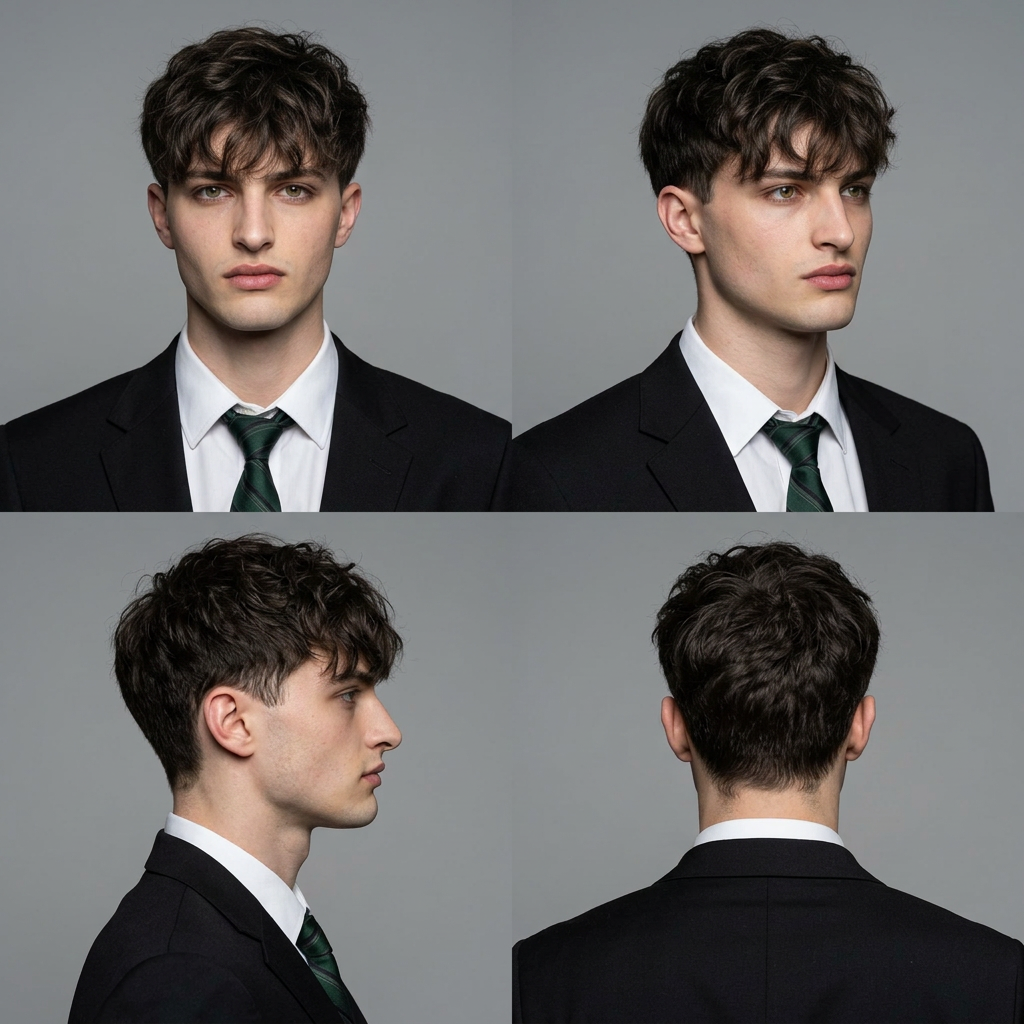
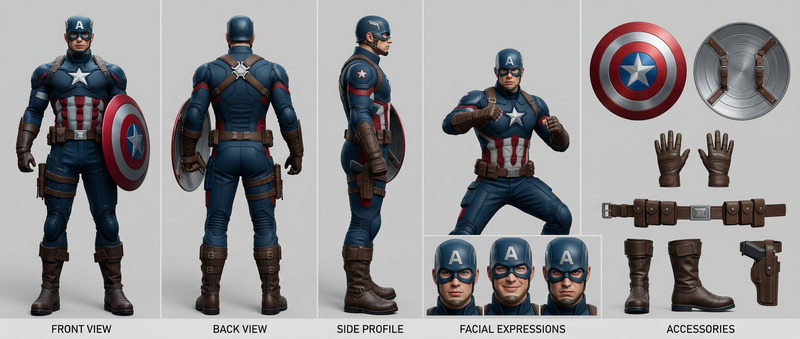
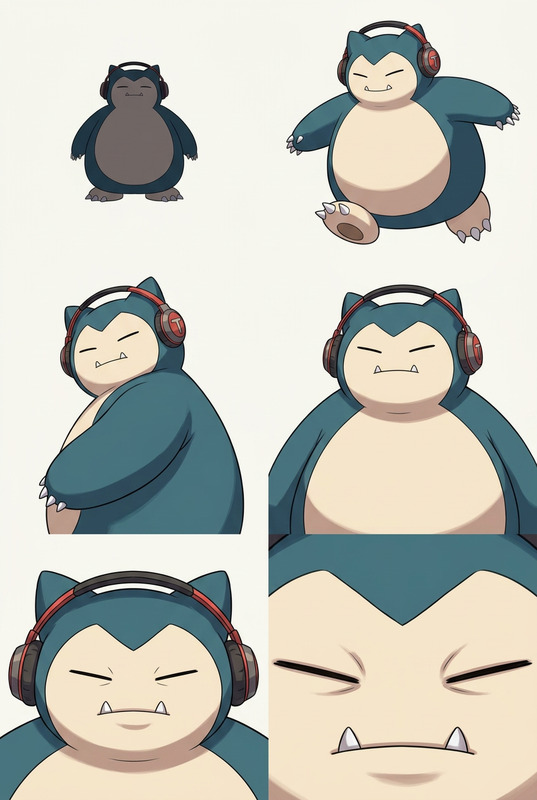
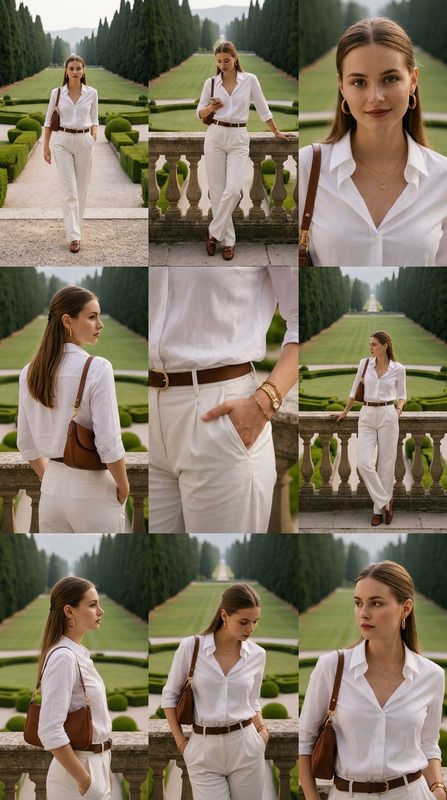
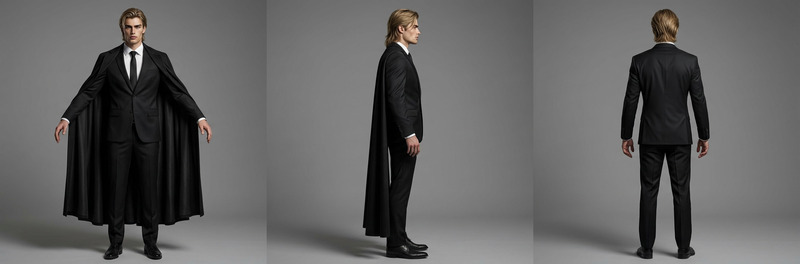
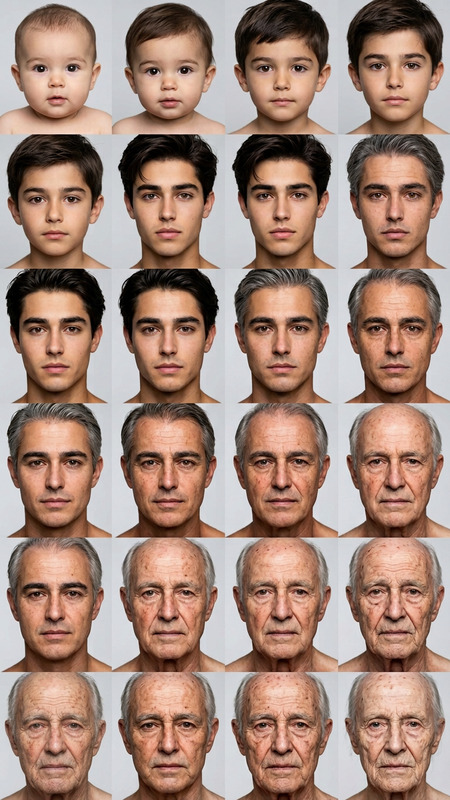
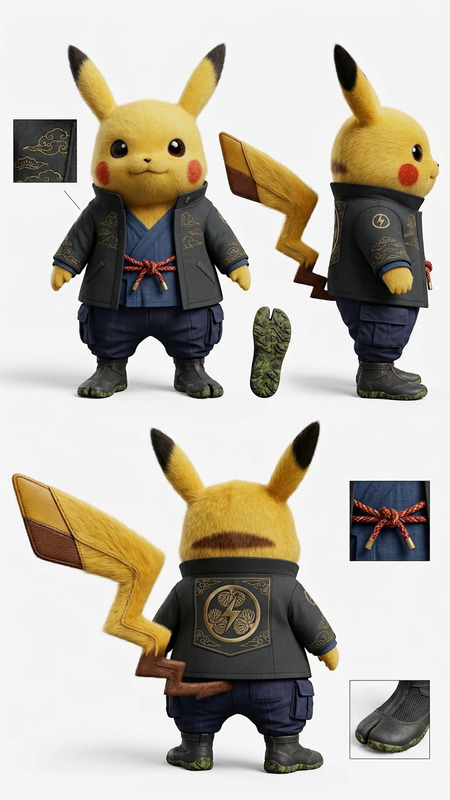
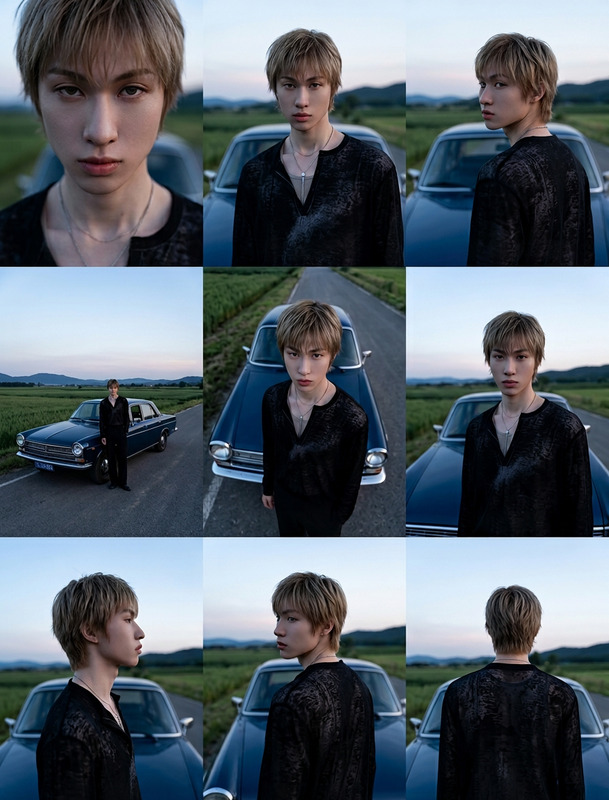
A professional 2x2 character reference grid for motion mapping with 4 high-resolution studio shots of the same subject: front view (neutral expression), 45-degree angle, full profile side view, and back view. Consistent studio lighting, neutral grey background, sharp focus, skin texture detail, 8K realism, no artistic filters, clean technical reference style.
Any aspect ratio
Overview
The 4-View Character Motion Grid template utilizes the robust nano-banana-2 model to produce a high-fidelity visual reference for character design and animation. This AI Image Editor is perfect for creating consistent and sharp 2x2 grids featuring four high-resolution shots of the same subject. With neutral grey backgrounds and 8K realism, each image is designed to serve as a precise technical reference without any distracting artistic filters.
What It Does
This template generates a professional character reference grid by capturing four distinct angles of the subject: front view, 45-degree angle, full profile side view, and back view. Each image maintains consistent studio lighting and sharp focus, emphasizing skin texture in a clean technical style. The result is a comprehensive motion grid that is ideal for video projects requiring detailed character motion mapping.
Who It's For
The 4-View Character Motion Grid is designed for video creators, animators, and game developers needing high-quality reference images. Creative professionals who utilize AI Image Editor tools for enhancing video projects will find this template especially useful for building seamless and detailed animations. It also suits those in character design and animation who require precise visual references to inform their work.
Summary
If you're aiming to elevate your animation projects, this AI image editor template allows you to create accurate 4-view character motion grids effortlessly. By leveraging the capabilities of the AI Multi-Angle Generator and similar tools, users can deliver stunning, realistic character references within a structured framework.
How To
Create detailed 4-view character grids using the AI Image Editor template.
01
Choose Your Template
Navigate to the AI Image Editor category on Magic Hour. Look for the '4-View Character Motion Grid' template and select it to begin.
02
Customize Your Inputs
Upload high-resolution images of your subject and ensure they follow the prompt criteria: front, 45-degree angle, side, and back views with consistent lighting.
03
Generate and Download
Click the 'Generate' button to create your motion grid. Once processing is complete, download your high-resolution 4-view character grid.
Use Cases
Explore how the 4-View Character Motion Grid can be applied in various scenarios.
🎨
Animation Studios
Ideal for animators requiring detailed character reference grids for accurate motion capture and animation workflows.
🎮
Game Development
Supports character designers in video game production by providing essential visual references for 3D modeling and texture application.
🎬
Film Production
Assists in pre-visualization processes, where detailing character movement dynamics is vital.
Best Practices
Enhance your experience with the 4-View Character Motion Grid using these expert tips.
Ensure Consistency
Maintain the same lighting and background settings across all image shots to achieve a uniform look in your motion grid.
High-Resolution Images
Use 8K resolution images to capture intricate details, which ensures that every element of the character is visible.
Neutral Backgrounds
Keep the background simple and neutral to focus solely on the subject, as recommended by the AI Image Editor guidelines.
Related Tools
Explore other tools that complement the 4-View Character Motion Grid.