Paper Layers
ai-image-editor
Any aspect ratio
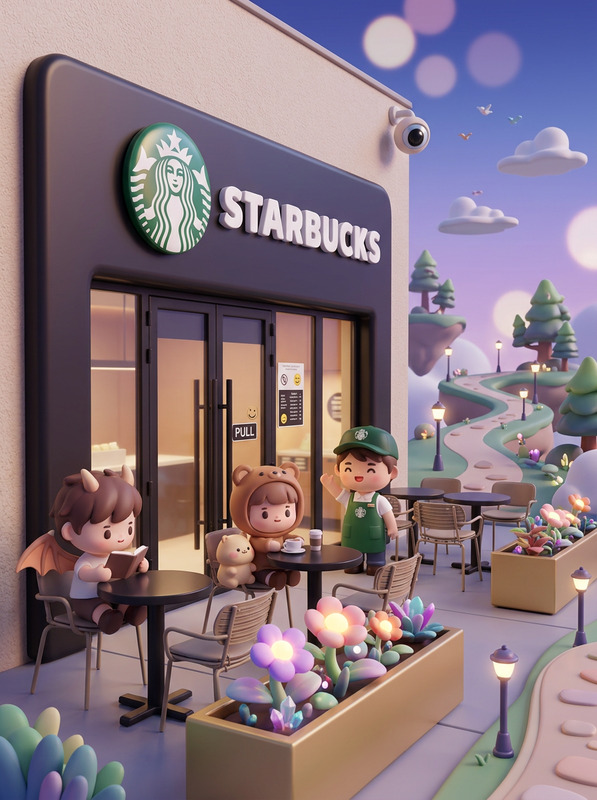
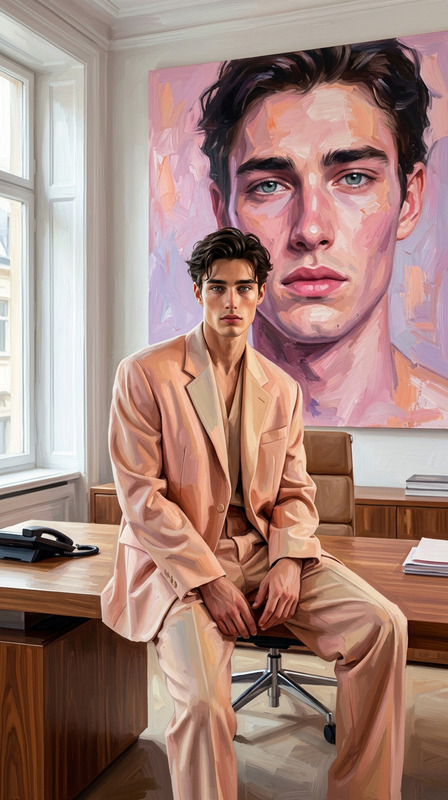
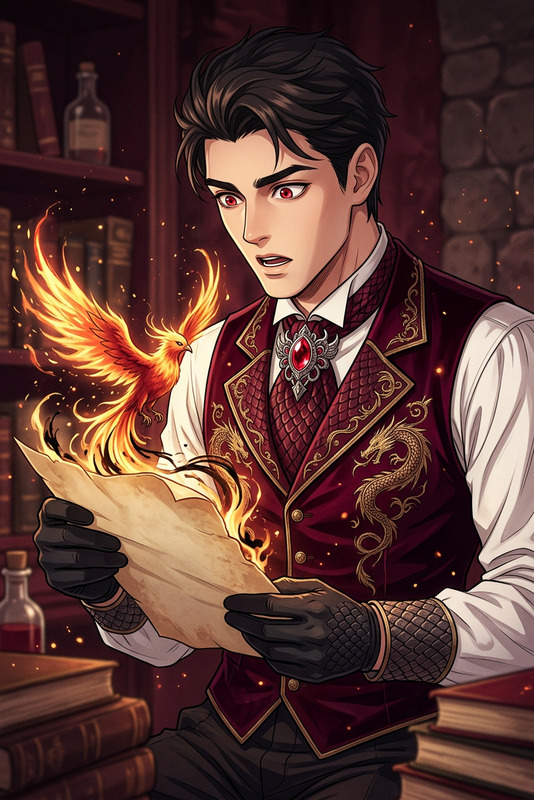
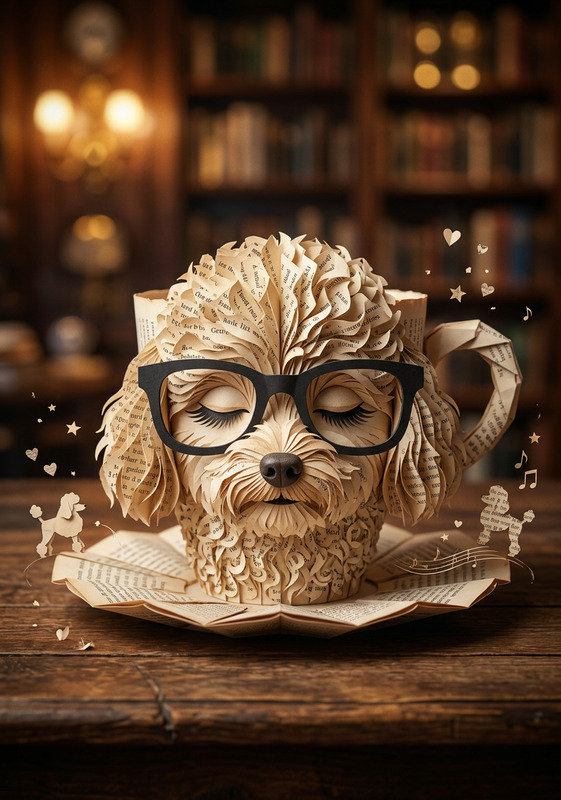
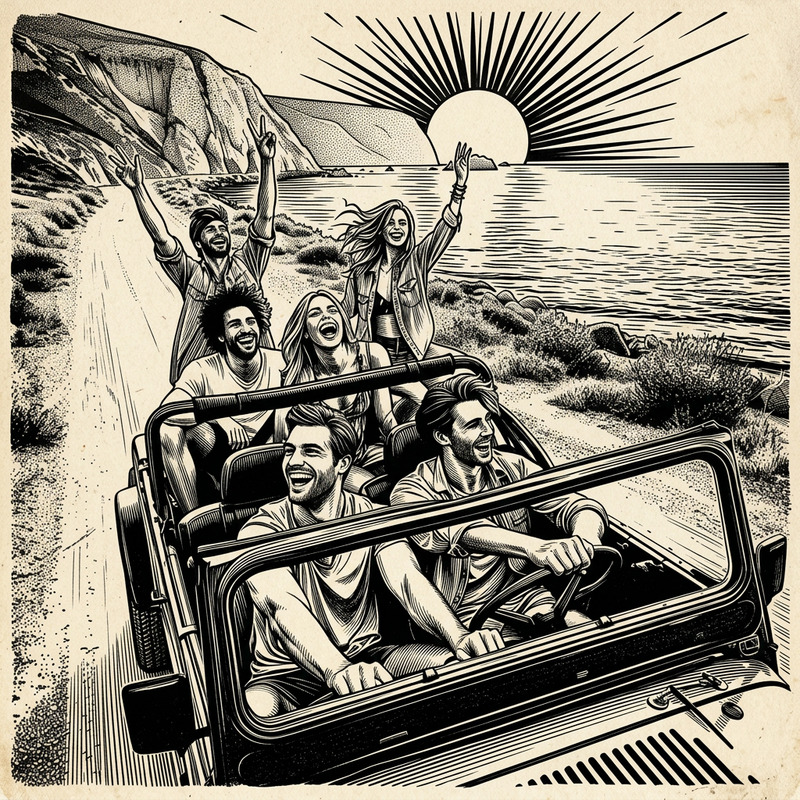
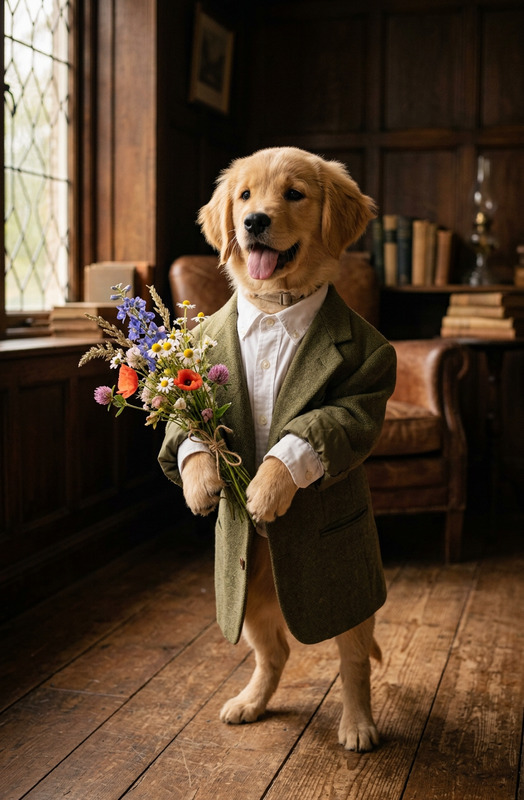
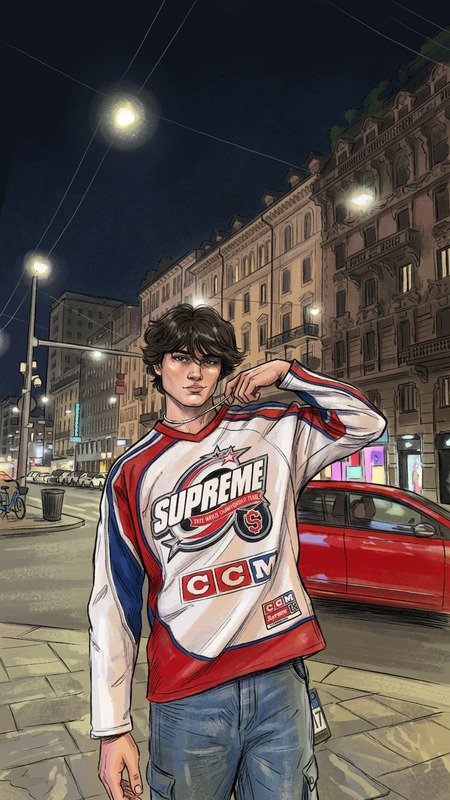
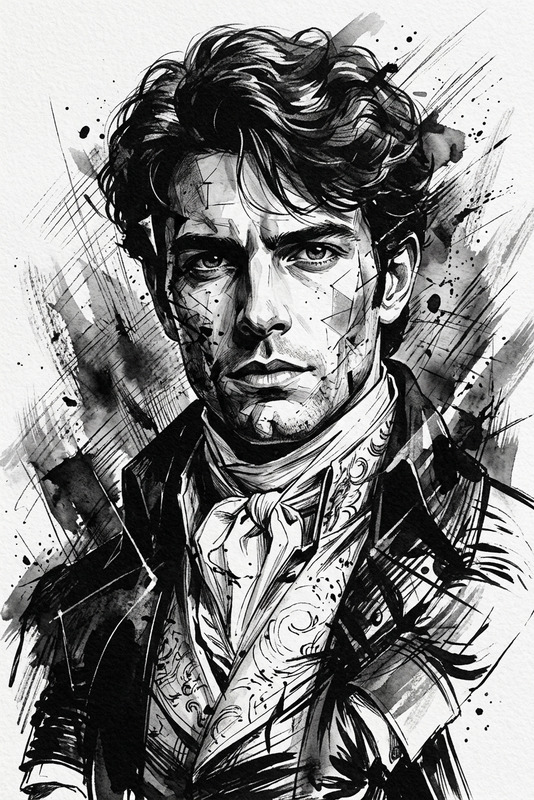
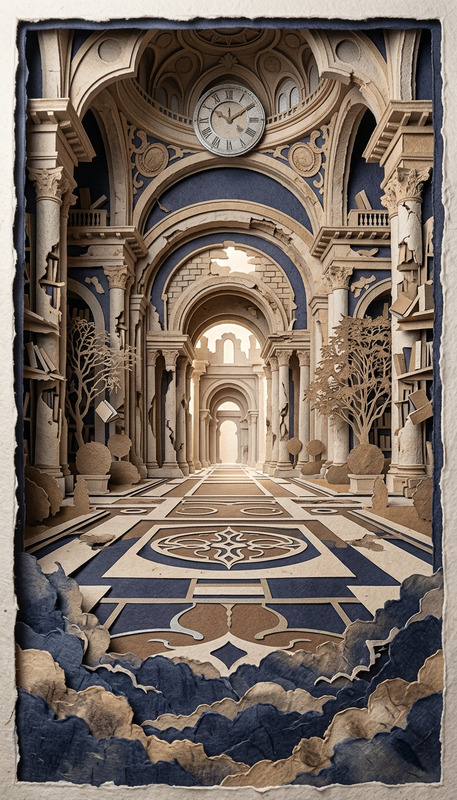
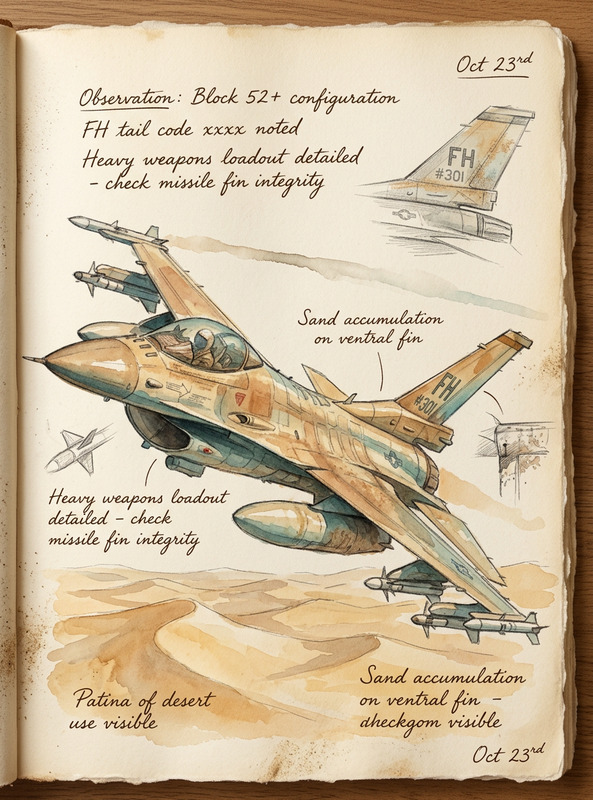
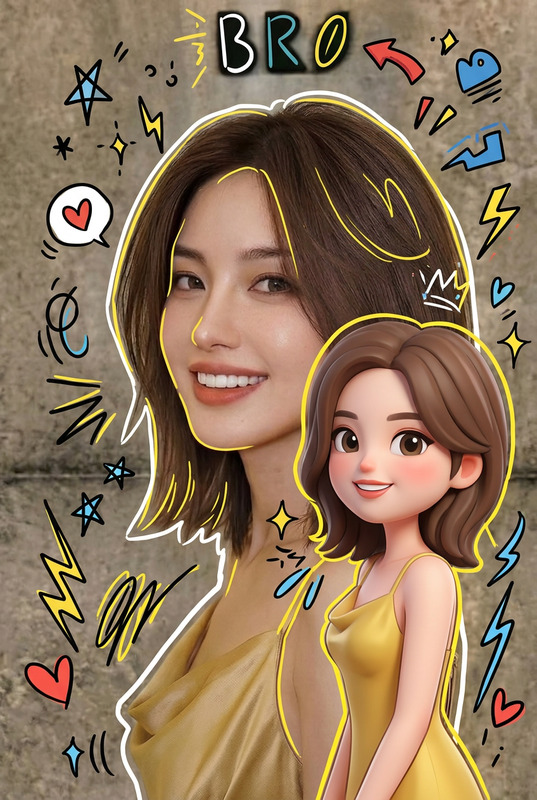
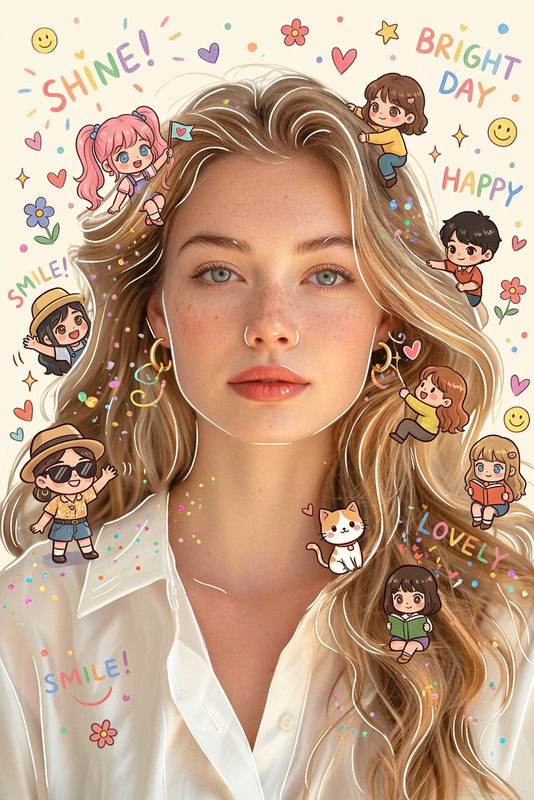
Subject transformed into a soft handcrafted paper-cut diorama illustration; simplified cute proportions with minimal facial details (dot eyes, blush cheeks); composed of stacked paper layers with clear depth, clean laser-cut edges, and subtle layer shadows; each main subject outlined by a thick white cut-paper border like a sticker backing; pastel color palette of muted blues, greens, and warm neutrals; matte tactile textures resembling cardstock or craft foam; soft, diffused lighting with gentle depth; cozy, wholesome, storybook-like mood with a polished handcrafted aesthetic.
AI Image Editor Template: Turn Any Photo Into a Polished, On‑Brand Visual in Minutes
Use this template to quickly transform a rough photo into a clean, high-impact asset—perfect for landing pages, ads, social posts, pitch decks, or product shots. Built with the AI Image Editor, it’s designed for creators and teams who need production-quality visuals without a full design pipeline.
What This Template Is For
This AI image editing template is ideal when you need to:
- Clean up or retouch existing photos (remove distractions, fix lighting, sharpen details)
- Change backgrounds to match your brand, campaign, or product story
- Enhance faces and portraits for profiles, decks, and campaigns
- Repurpose a single asset into multiple formats (web hero, ad variant, thumbnail, etc.)
- Prototype visual ideas quickly before handing off to design or production
If you’re already using Magic Hour for things like AI photo generation, AI headshots, or AI logos, this template is a natural add-on to refine, localize, and remix what you’ve created.
How to Remix This Template in Magic Hour
You can recreate and customize a version of this template directly in Magic Hour using the AI Image Editor:
Open AI Image Editor
Go to the AI Image Editor. This is the core tool behind this template.Import Your Base Image
- Use a product photo, portrait, environment shot, UI mock, or even an AI-generated image from the AI Image Generator.
- For best results, start with a reasonably clear, well-framed image (even if it’s not perfect—this template is built to fix that).
Refine the Subject
- Clean up faces or expressions with the AI face editor if needed.
- If you want a fully new face or persona while keeping the same composition (e.g., for privacy or creative reasons), generate a new subject with the AI face generator and composite it using the editor.
Edit or Replace the Background
- Remove a cluttered or off-brand background with the image background remover.
- Generate a new, on-brand scene using the AI background generator or rebuild the setting with the AI art generator.
- For more specialized looks, you can pull in assets from tools like the AI interior design generator or architecture generator.
Remove Distractions & Clean Up Details
- Erase objects, logos, text, or people you don’t want using the AI remover or the dedicated object removal tool.
- If you’re cleaning legacy or low-quality assets, restore and enhance them with old photo restoration and photo colorizer.
Upscale and Sharpen for Production Use
- Once the composition looks right, increase resolution and clarity with the AI image upscaler or unblur image.
- This is especially helpful for turning quick mockups or screenshots into production-ready visuals for marketing and product.
Generate Variants for Different Use Cases
- Create multiple crops and versions (e.g., hero image, ad creative, social thumbnail) using the same base edit.
- Use the thumbnail maker for YouTube and content previews, or the album cover generator and book cover generator for media projects.
This template is intentionally modular: you can skip, reorder, or repeat steps depending on your workflow. The core is always the AI Image Editor, with specialized tools plugged in as needed.
Practical Use Cases (For Creators, Marketers, and Builders)
1. Landing Page & Product Shots
- Start with a simple product photo (phone shot, early render, or AI mock).
- Clean it, place it on a branded or contextually relevant background, remove distracting elements, then upscale.
- Use the same base edit to generate variants for: hero images, feature sections, and paid ads.
- Combine with AI QR code generator to embed scannable CTAs into visuals.
2. Founder & Team Portraits
- Improve consistency of team photos for sites, decks, and investor updates using:
- AI headshot generator for new portraits.
- AI clothes changer to align wardrobe with brand guidelines.
- AI background generator for unified backdrops.
- Final polish happens inside this AI Image Editor template: color, clarity, cropping, and export.
3. Content & Social Campaigns
- Repurpose one core photo into a campaign system:
- Hero artwork using AI art generator overlays.
- Meme versions using the AI meme generator.
- Animated variants via AI GIF generator.
- For character-driven campaigns, generate personas with the AI character generator or animated characters generator, then refine them with this editor.
4. IP, Games, and Worldbuilding
- Use this template to clean and unify key art for:
- TTRPG or game assets coming from the DnD AI art generator or fantasy map generator.
- Character sheets generated via full-body generator or AI anime generator.
- The AI Image Editor stage is where you finalize composition, remove artifacts, and ensure style consistency.
Going Beyond Static Images: Connect to Video & Motion
Once your edited images are dialed in, you can push them into motion with other Magic Hour products:
- Animate a photo to speak or move using AI talking photo or image-to-video.
- Create full scenes or explainer videos from text plus your visuals with text-to-video.
- Turn portraits into dynamic clips using face swap video templates or lip sync templates.
- Stylize or transform videos derived from your images with video-to-video templates or bring still assets to life via animation templates.
- Clean up and scale your final videos using the video upscaler and add accurate captions with the auto subtitle generator.
This makes the AI Image Editor template a key “first mile” step in a larger image-to-video pipeline.
Tips for Better Results
- Start with purpose: Decide whether this image is for performance (ads), clarity (docs, internal comms), or brand (site, decks). That choice should drive how aggressive you are with edits.
- Preserve realism when needed: For founder photos, investor decks, or trust-sensitive surfaces, lean on subtle clean-up and consistent backgrounds rather than full surreal transformations.
- Use AI generation where photos fall short: If you’re missing the perfect angle, shot, or environment, generate it with the AI image generator or AI photo generator, then refine it using this template.
- Standardize for scale: Once you find an editing pattern that works (e.g., “product on desaturated studio background + soft shadow + light vignette”), apply the same flow to all future inputs to maintain a consistent visual system.
Related Magic Hour Tools That Pair Well With This Template
This AI Image Editor template becomes much more powerful when combined with:
- AI clothes changer – for marketing, fashion, and profile photo consistency.
- AI outfit generator and AI fashion generator – to explore style variations and creative directions.
- Watermark remover – for cleaning licensed or internal assets where you have rights but need presentable versions.
- AI icon generator and emoji generator – to create UI elements or micro-brand moments you can then polish and integrate into product screenshots.
- AI logo generator – to explore brand marks and refine them visually through this template.
Why Use an AI Image Editor Template Instead of Manual Editing?
For creators, marketers, and startups, the tradeoff is usually between:
- Paying for design and retouching for every iteration, or
- Burning time in traditional editors (Photoshop, Figma) for tasks that are structurally repetitive.
This template, powered by the AI Image Editor, gives you:
- Fast, repeatable steps you can run yourself
- High-quality outputs at web and campaign scale
- A clear handoff point for designers (when needed) with already-clean assets
- A workflow that extends cleanly into video, voice, and interactive experiences using other Magic Hour tools
Use it as your default starting point whenever you have a “good but not ready” image that needs to become a reliable, on-brand asset—without waiting on a full production cycle.