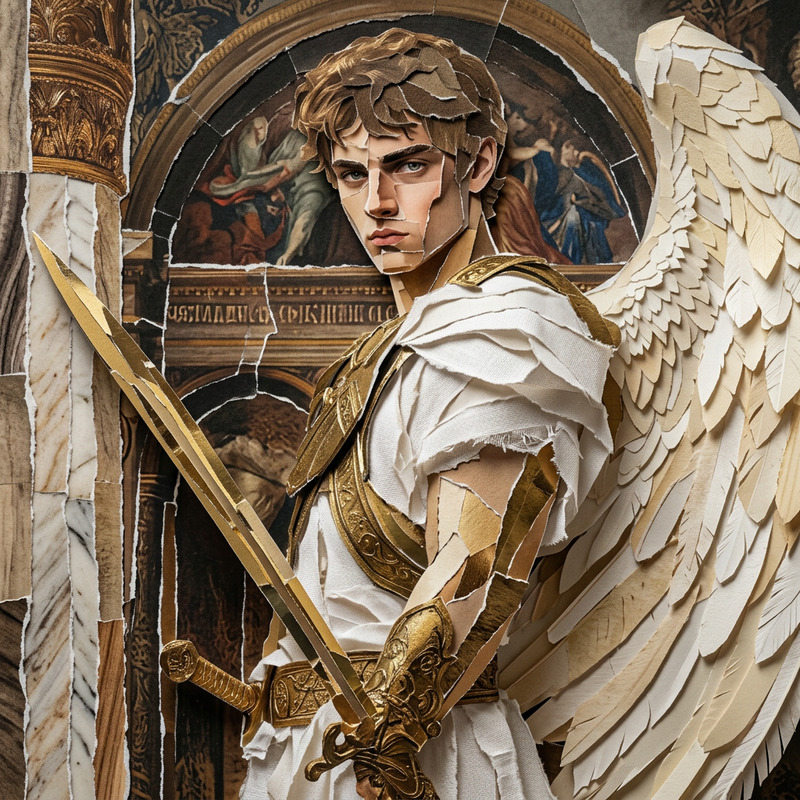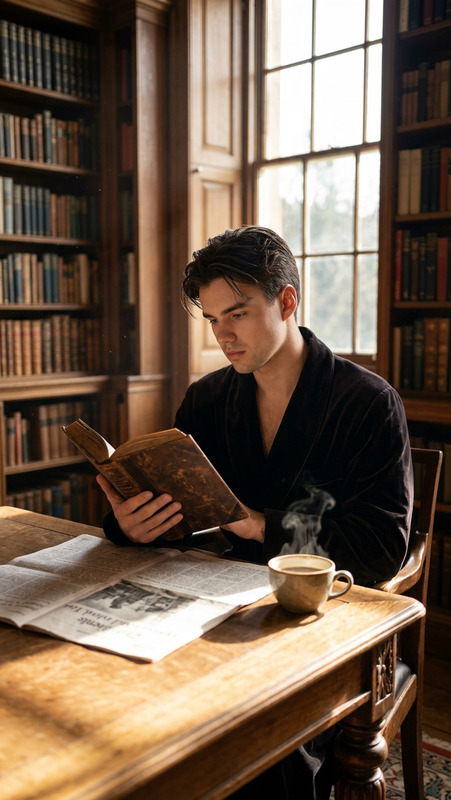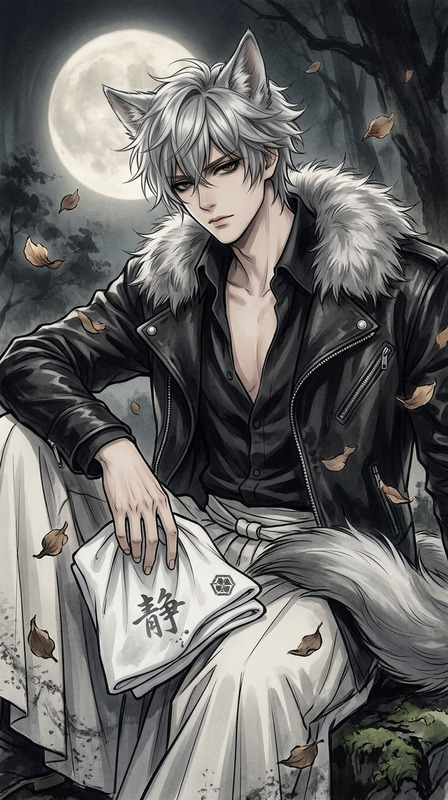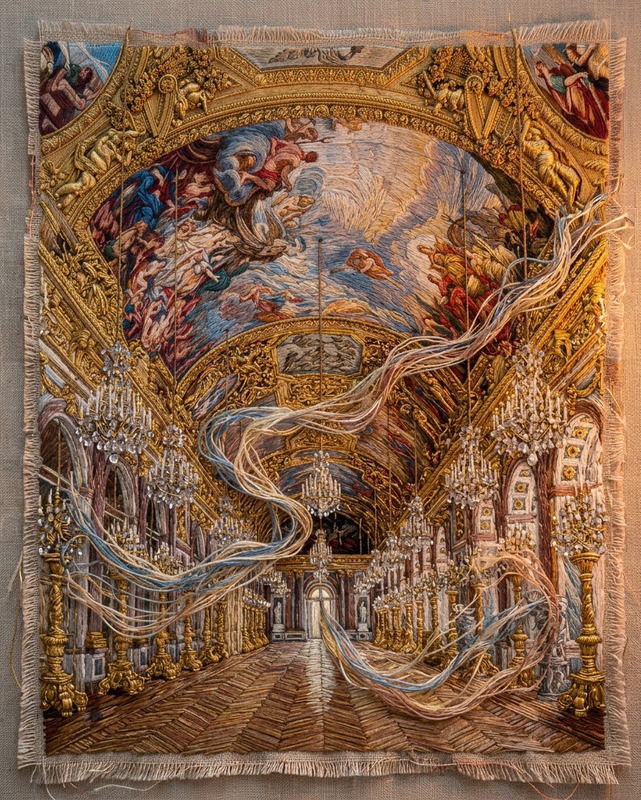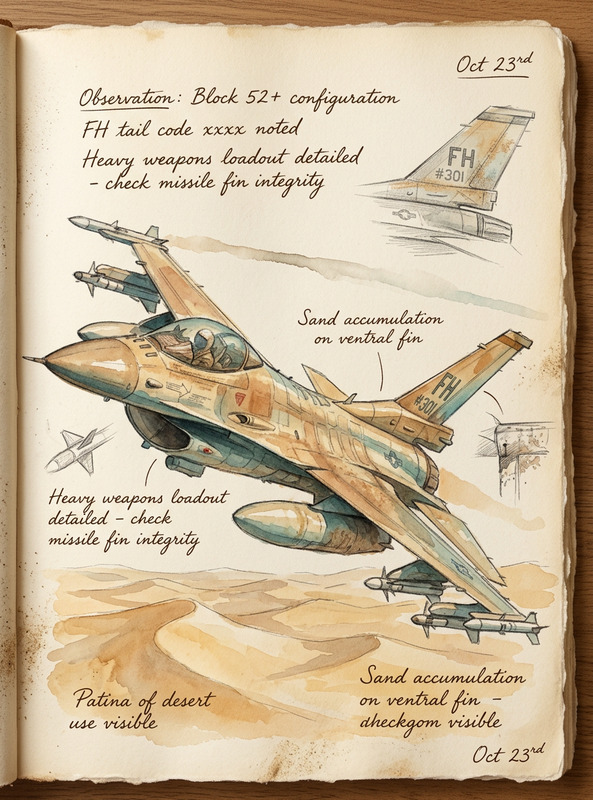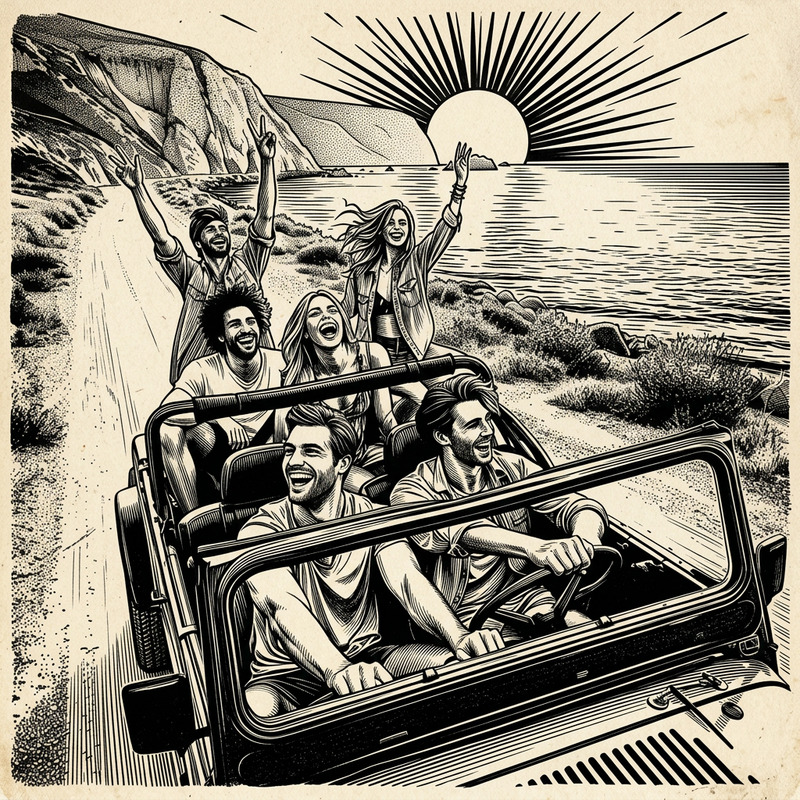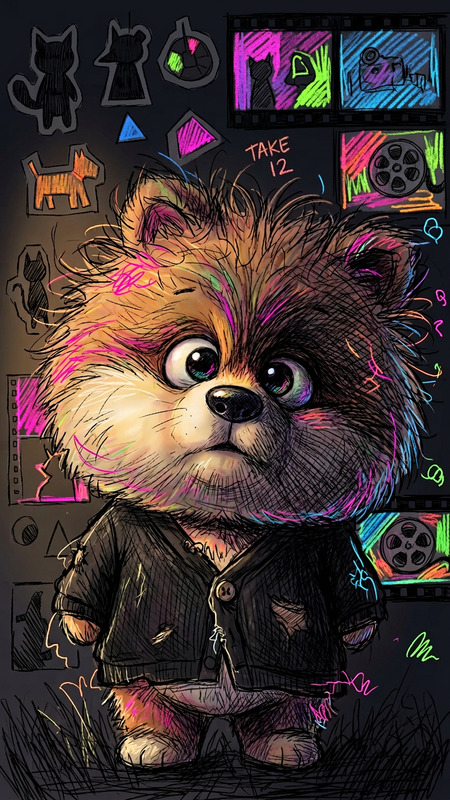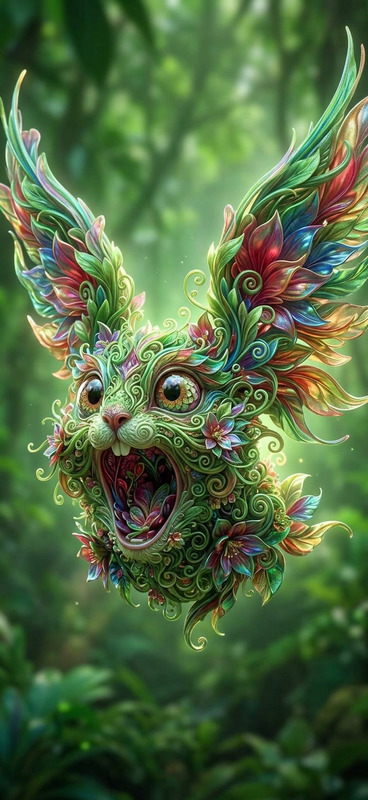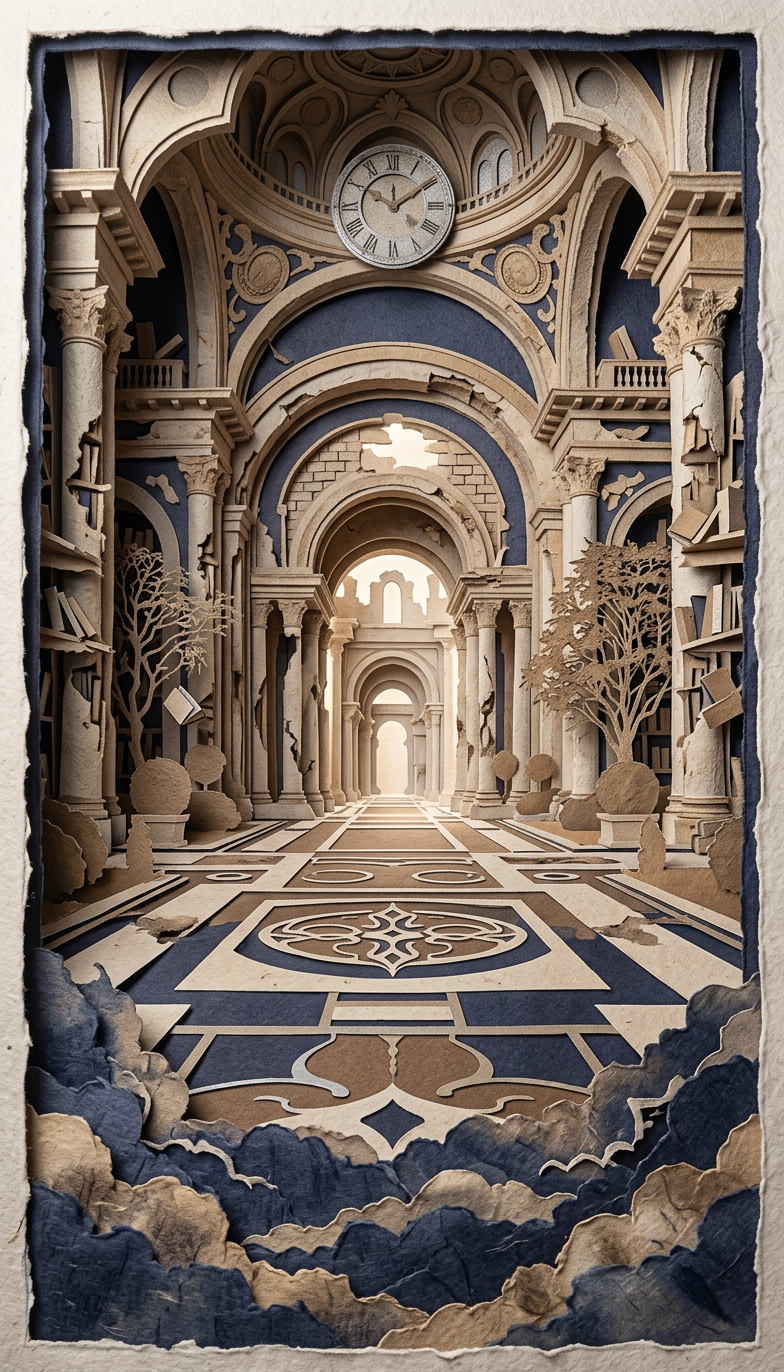
Layered Paper Silhouette
- Model
- Nano Banana 2
- Image
- 784 × 1372 px
Prompt
Subject depicted as an intricate multi-layer paper-cut silhouette of a crumbling ancient library floating above storm clouds; crafted from heavy handmade paper with visible fibers and rough cut edges; stacked layers create depth with soft shadows between them; color palette of muted indigo, sepia, and silver; gentle backlighting enhances dimensionality and atmosphere; traditional folk-art silhouette style combined with surreal scale and composition; tactile, handcrafted, and poetic visual aesthetic.
Any aspect ratio
Overview
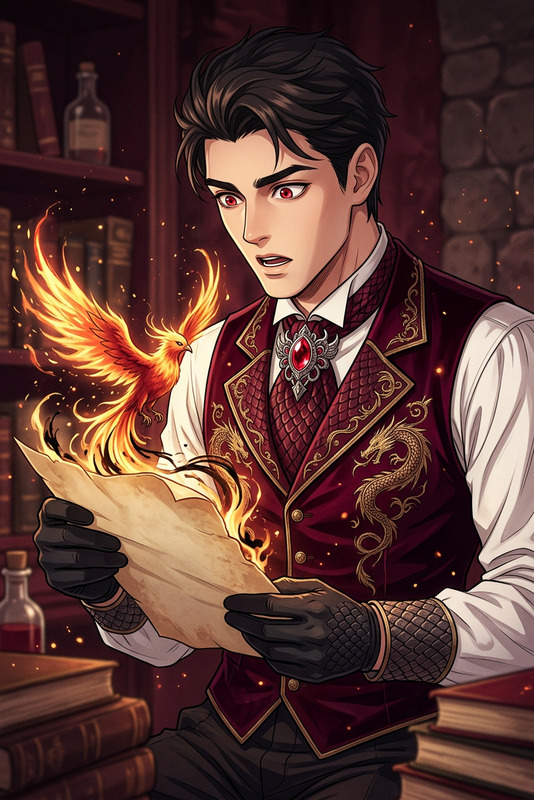
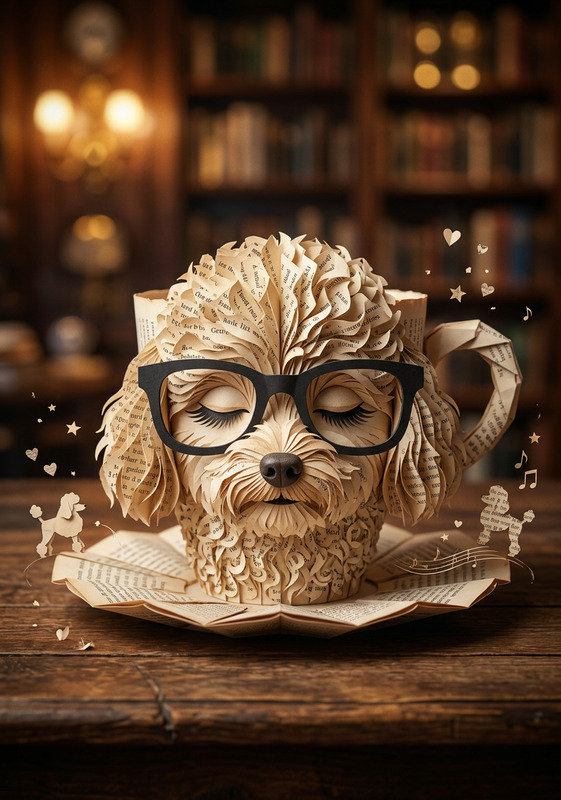
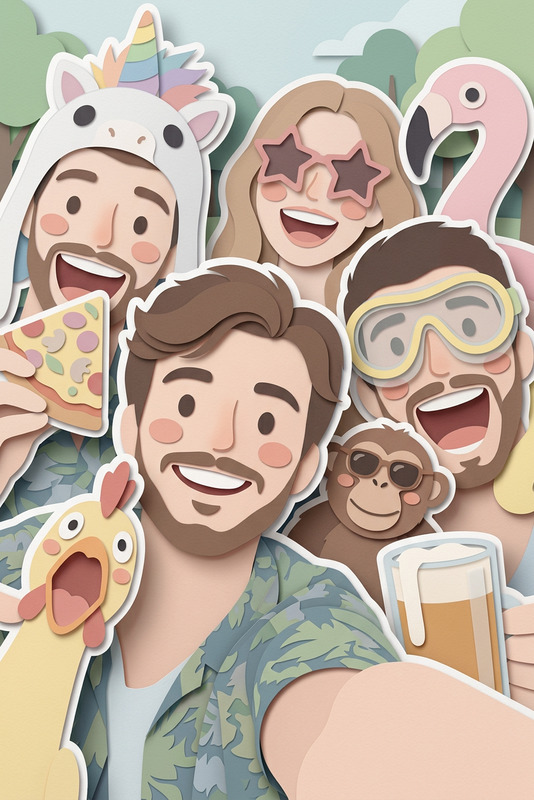
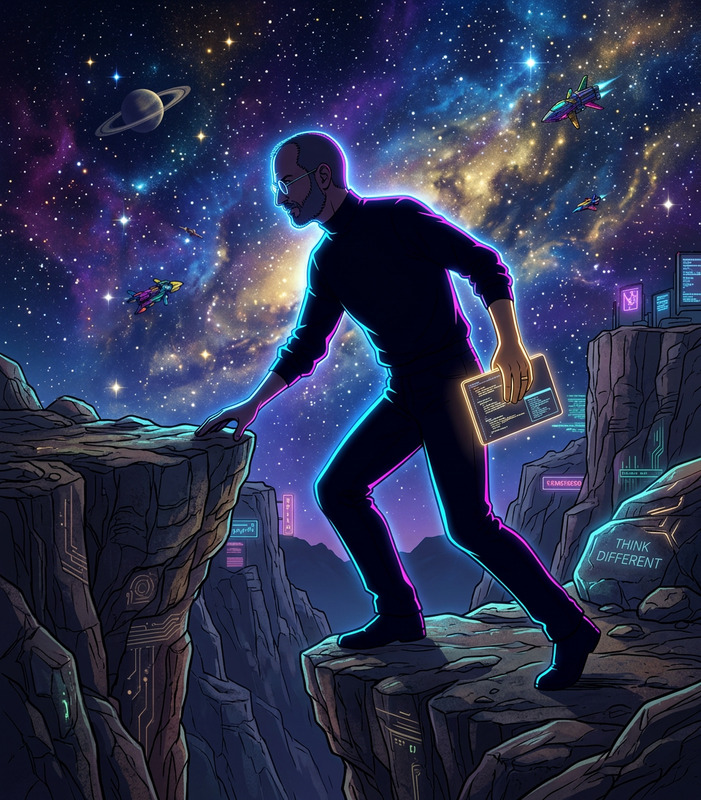
The Layered Paper Silhouette template in our AI Image Editor leverages the nano-banana-2 model to transform your images into intricate paper art. This template captures the essence of a crumbling ancient library, floating above a stormy sky, using multi-layer paper-cut techniques. The aesthetic combines muted indigo, sepia, and silver hues against soft shadows for an enriching visual effect.
What It Does
This template produces an AI-rendered image depicting your chosen subject as a meticulously crafted multi-layered paper silhouette. Each layer of the composition is designed to mimic handcrafted paper textures, enhancing depth and ambiance. The result is a striking fusion of traditional folk-art style with a touch of surrealism, perfect for projects that require a unique and tailored appearance.
Who It's For
The Layered Paper Silhouette template is ideal for artists, graphic designers, and storytellers looking to add a poetic and tactile quality to their projects. Whether you're developing explainer videos or enhancing product launch presentations, this template provides a unique aesthetic that stands out.
Summary
Enhance your visuals with the Layered Paper Silhouette template, which creates an exquisite paper-cut effect using AI technology. Perfectly suited for adding a handcrafted artistic flair, this tool is seamlessly integrated with the capabilities of our AI Image Generator for further creative refinement.
How To
Choose Your Template

Customize Your Inputs

Generate Your Image

Use Cases
Storytelling and Narration
- Design book covers with a handmade feel.
- Create illustrations for children's tales.
Marketing and Branding
- Enhance product ad visuals.
- Develop branded content with artistic value.
Artistic Projects
- Generate gallery-worthy digital artwork.
- Compose unique posters and prints.
Best Practices
Optimize Image Choice
Select images with strong contrasts and defined shapes to best utilize the layered and textured effects of the template.Adjust Lighting
Fine-tune backlighting options to intensify the depth and shadows between the layers, enhancing the dimensionality of the final image.Blend with Other Effects
Combine this tool with features from the AI GIF Generator for dynamic assets or with the AI Background Changer to add further creativity to your compositions.