Living Paper Metamorph

Living Paper Metamorph

ai-image-editor

1 clip
11 uses

Any aspect ratio

Prompt

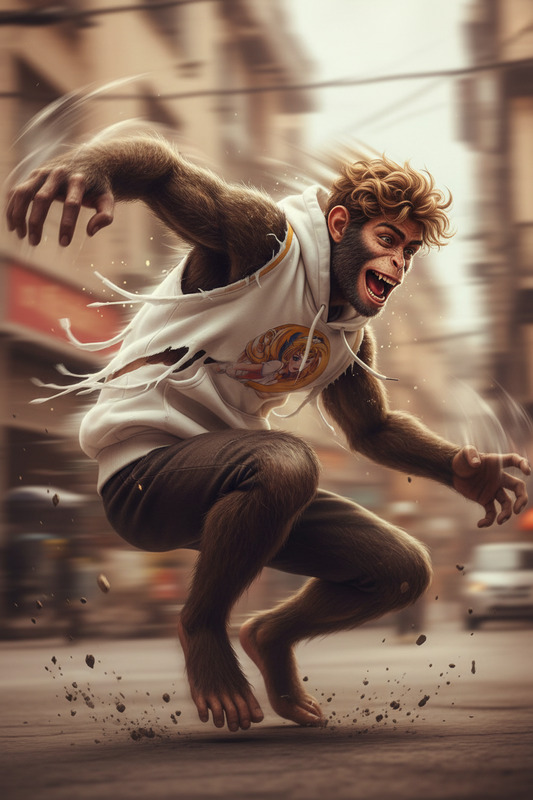
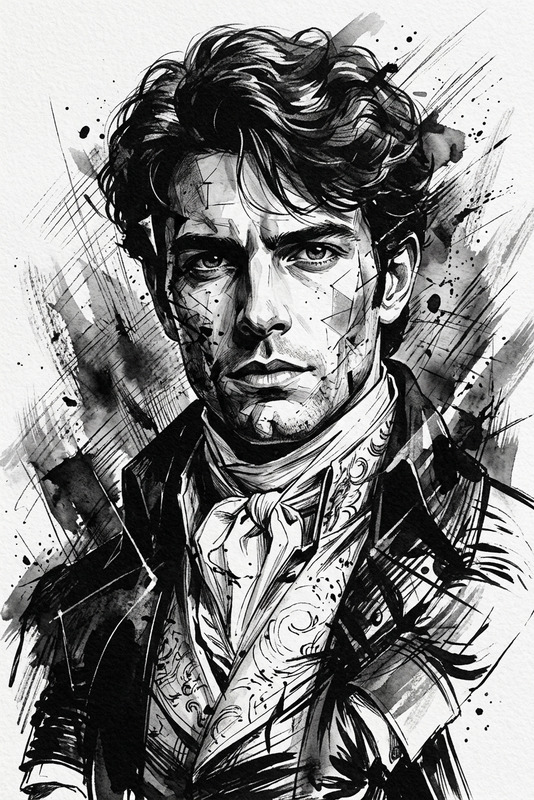
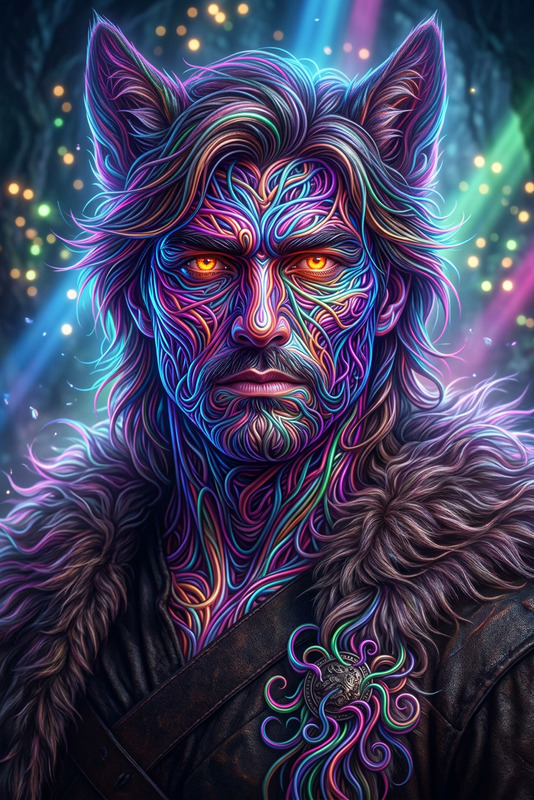
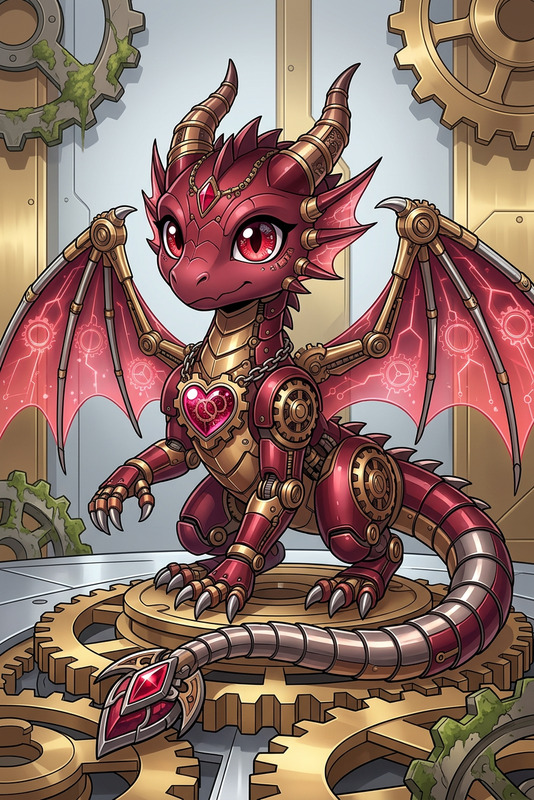
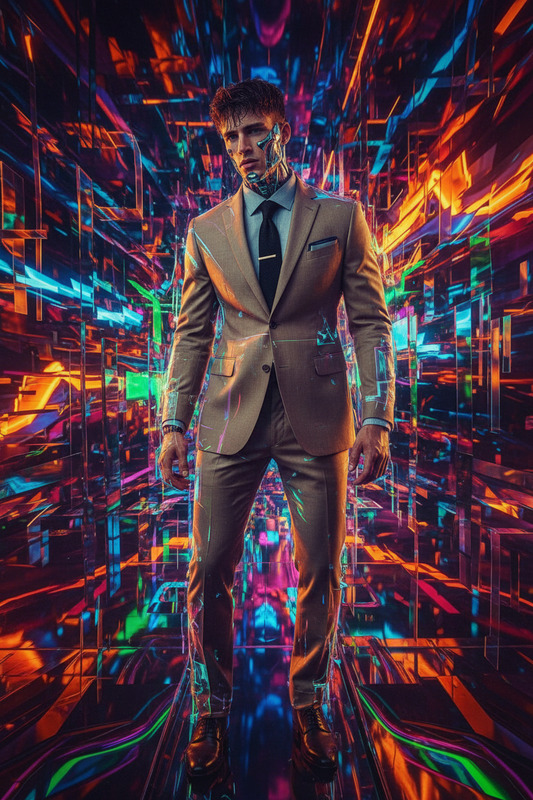
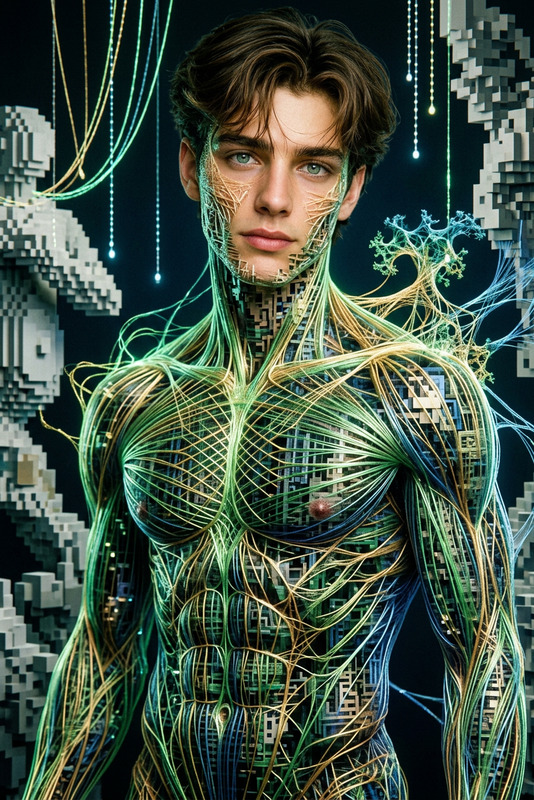
Subject transforms into an anime-style figure clutching a sheet of paper that morphs into a vibrant animal, expression filled with awe. Intricate costume design with strong realism, highly detailed textures. Deep red and brown palette with bold artistic accents. Crisp, film-like clarity, refined yet raw atmosphere with subtle imaginative distortion.

AI Image Editor Template: Professionally Enhance and Redesign Any Image with Magic Hour

Turn rough images into polished, on-brand visuals in minutes. This AI Image Editor–based template is designed for creators, marketers, founders, and designers who need fast, consistent, high‑quality imagery for campaigns, product pages, pitch decks, and content.

Use it as-is or remix it into your own reusable workflow inside Magic Hour.


What This Template Is For

This template is built on the AI Image Editor and is ideal for:

  • Reworking product photos (e.g., new backgrounds, lighting, or composition)
  • Polishing marketing visuals and social creatives
  • Updating brand imagery without reshooting
  • Quickly testing different visual directions for landing pages or ads
  • Cleaning up and refining user-submitted or UGC-style content

Because it’s non-destructive and prompt‑driven, you can iterate rapidly while keeping the core subject intact.


How to Use This Template in Magic Hour

You can use this template directly, or remix it into your own custom variation. A typical workflow:

  1. Open the template in Magic Hour

    • Start from this template inside the Magic Hour interface.
    • You’ll be working with the AI Image Editor, so you can modify, replace, or enhance any part of the image.
  2. Upload or select your base image

    • Product shots, portraits, UI mockups, logos, or concept art all work well.
    • Higher-resolution, well-lit images generally yield cleaner results. If needed, you can later enhance output with the AI Image Upscaler.
  3. Describe the transformation you want

    • Use clear, outcome-focused language (e.g., “minimalist studio lighting,” “sleek tech product hero shot on dark gradient background,” “editorial fashion photo with soft shadows”).
    • You can guide style, mood, environment, or specific visual elements. For more stylized outputs, pair with the AI Art Generator for reference-style prompts.
  4. Edit locally or globally

    • Use the template’s structure to target specific areas (product, background, props, text areas) vs. the entire image.
    • For object-level cleanup (removing unwanted items, wires, or logos), you can also lean on the AI Remover and Remove Object from Photo.
  5. Iterate and compare

    • Generate several variations and compare side-by-side.
    • Save promising directions as a new “version” of the template and reuse it across multiple images for consistency.
  6. Export and repurpose

    • Download the final asset for landing pages, pitch decks, ads, or social.
    • For campaign-level consistency, create multiple template variants (e.g., “product hero,” “testimonial image,” “founder portrait”) and run them across your asset library.

How to Remix This Template into Your Own

You can treat this template as a starting point and build your own reusable AI editing system inside Magic Hour:

  1. Clone the template

    • Duplicate this template in Magic Hour so you can adjust it without touching the original version.
  2. Align it with your brand

    • Define a repeatable visual identity in your prompts:
      • Brand colors, lighting style, textures
      • Tone (playful, minimal, enterprise, luxury)
      • Typical environments (studio, office, outdoor, abstract gradients)
    • If you’re creating people-focused content, consider pairing this with the AI Headshot Generator or AI Selfie Generator to build a library of on-brand faces.
  3. Create specialized variants

    • Product e‑commerce variant: Clean white or soft gradient backgrounds, clear shadows, and consistent angles.
    • Social media variant: Bold colors, text-safe areas, and space for overlays or CTAs. You can refine covers with the Thumbnail Maker or Album Cover Generator.
    • Presentation / pitch deck variant: Subtle gradients, generous negative space, and neutral tones suitable for B2B decks.
  4. Integrate with other Magic Hour tools

  5. Standardize for your team

    • Save a set of “approved” templates that your team can apply across campaigns.
    • Encourage designers and marketers to remix the base template, then converge on a small number of production-ready variants.

Example Use Cases for Teams and Builders

1. Product & SaaS Marketing

  • Rapidly create polished homepage and feature-page images for A/B tests.
  • Generate variations of UI mockups in realistic devices or stylized environments using AI Photo Generator plus this template.
  • Produce consistent brand imagery for launch announcements, blog headers, and ad creatives.

2. E‑commerce & DTC

  • Replace inconsistent or low-quality backgrounds with studio-quality setups.
  • Generate seasonal or themed visuals by updating background style only, while keeping the product identical.
  • Upscale legacy product images for new marketplaces or ad platforms via the AI Image Upscaler.

3. Personal Branding & Creator Economy

4. Creative Concepting & Prototyping


Advanced Workflows: Connecting Images, Faces, and Video

Once you’ve established a strong image-editing template, you can chain it with other Magic Hour tools:


Best Practices for High-Quality Results

  • Use high-quality source images whenever possible
    Better input yields more accurate and detailed edits. For low-res assets, enhance first with the AI Image Upscaler or Unblur Image.

  • Be explicit in your descriptions
    Instead of “make it nicer,” specify:

    • “Clean studio photo with soft shadows and neutral background”
    • “High-contrast, cyberpunk-inspired lighting with neon blue and magenta accents”
    • “Minimalist, enterprise-style layout with lots of white space”
  • Keep a consistent visual language
    Reuse the same descriptive terms for successful outputs across campaigns. Over time, this template becomes a codified version of your brand’s visual style.

  • Iterate in small steps
    If a change is too drastic, try incremental adjustments or chain multiple editing passes. This is particularly effective when combined with tools like AI Background Generator or AI Interior Design Generator for staged environments.


Related Magic Hour Tools Worth Exploring

If you find this AI Image Editor template useful, you may also want to explore:


By starting with this AI Image Editor template and then remixing it for your own brand, you can build a repeatable, scalable visual pipeline: consistent images, fast experimentation, and easy collaboration across your team—all inside Magic Hour.

More Like This

Insufficient credits