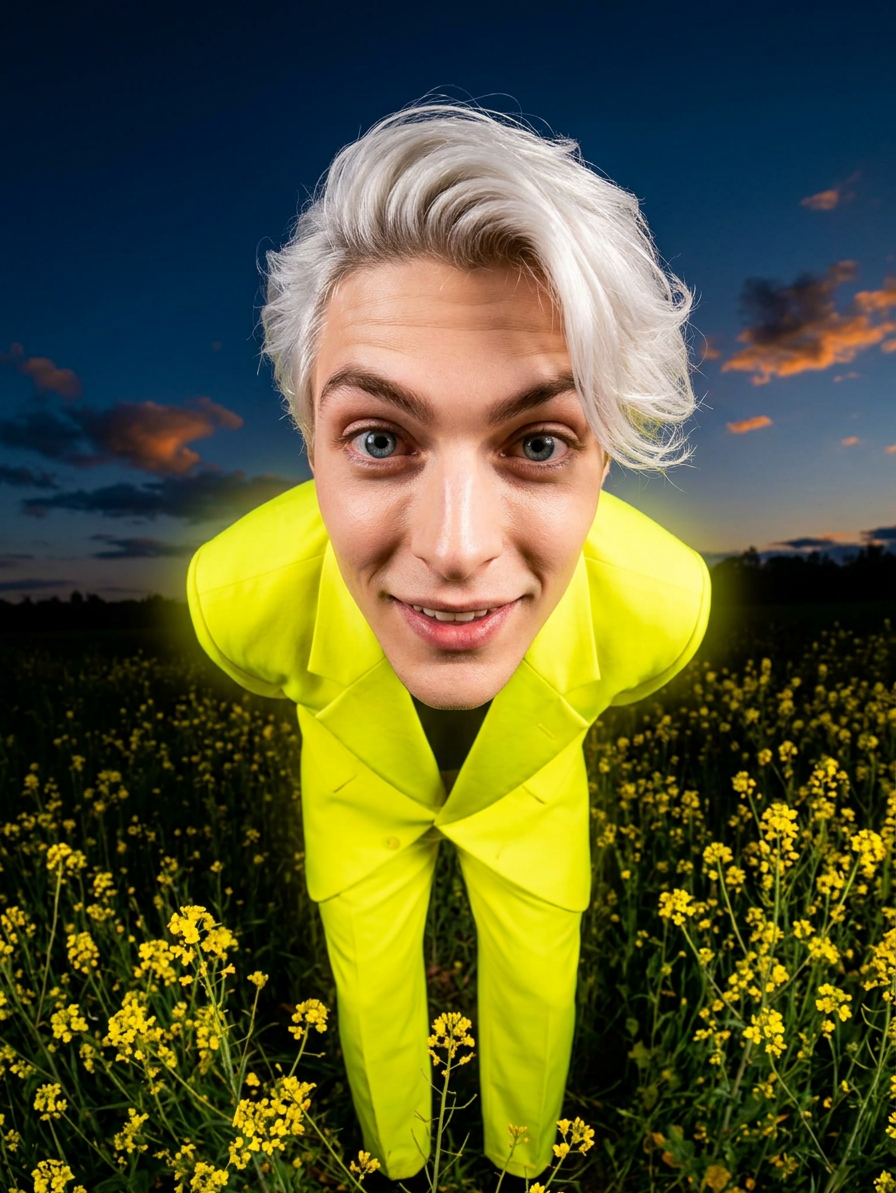
Retro-Futuristic Fisheye Editorial Portrait
ai-image-editor
Any aspect ratio
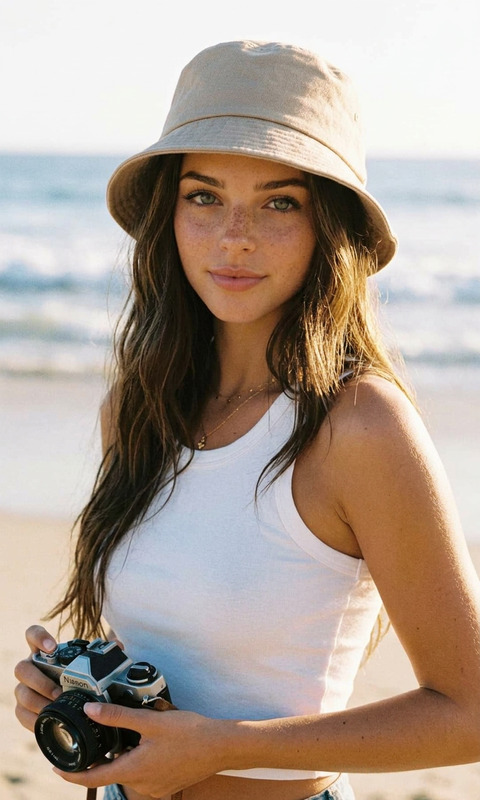
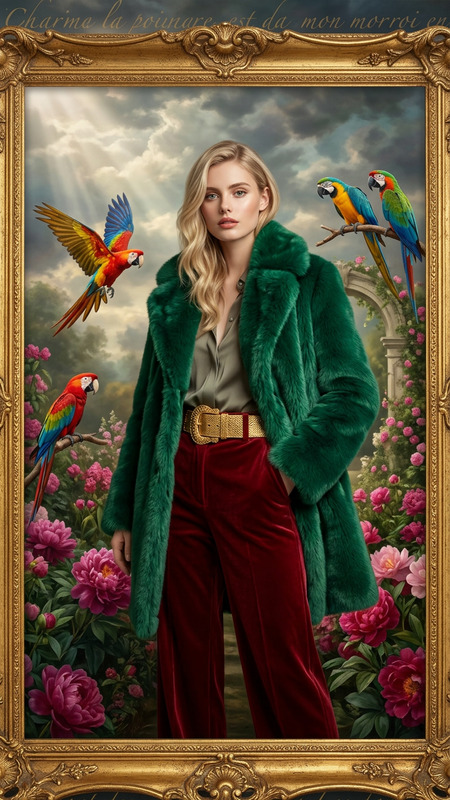
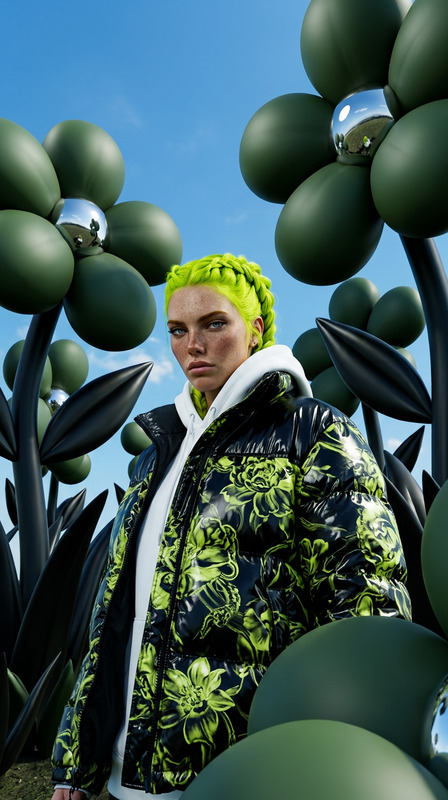
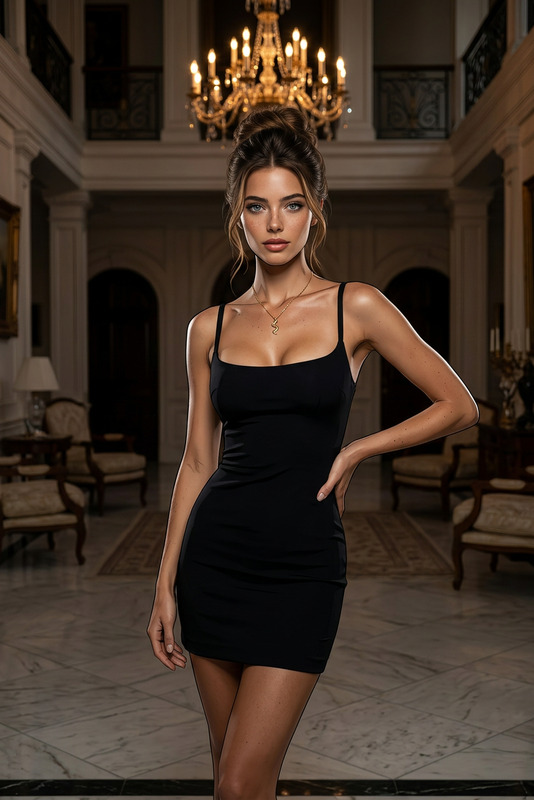
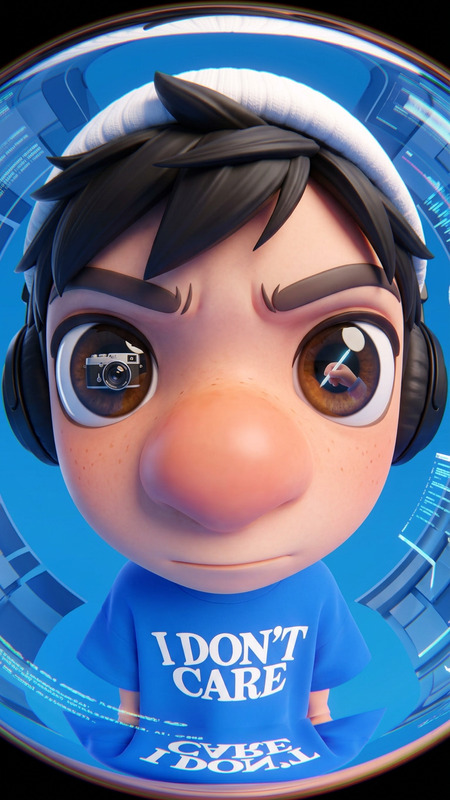
A quirky, stylized portrait of the subject wearing a bright oversized suit, standing in a field of yellow wildflowers at twilight. The subject leans toward the camera, captured with an ultra-wide or fisheye lens that creates strong perspective distortion, exaggerating the subject’s tousled hair and expressive eyes. Dramatic artificial lighting gives the subject a surreal glow against a darkening sky with scattered clouds. The scene blends vibrant fashion, a whimsical pose, and a natural setting to create a bold, retro-futuristic editorial aesthetic with playful energy
AI Image Editor Template: Smart, Fast Visual Editing for Teams
Use this template as a starting point to quickly clean up, enhance, and rework any image with Magic Hour’s AI Image Editor. It’s designed for creators, marketers, product teams, and founders who need professional, on-brand visuals without a full design stack.
What you can do with this template
Remix this template to:
- Remove distractions: Erase unwanted objects, people, text, or logos using the AI Remover or Remove Object from Photo tools.
- Fix backgrounds: Replace messy, outdated, or off-brand backgrounds in one step with Image Background Remover and AI Background Generator.
- Enhance quality: Sharpen blurry, low-res assets with the AI Image Upscaler or Unblur Image.
- Modernize old visuals: Restore and colorize vintage or product archive photos with Old Photo Restoration and Photo Colorizer.
- Edit faces naturally: Subtly refine portraits and product shots with the AI Face Editor and AI Face Generator.
- Reframe content for different channels: Turn one base image into variations for ads, social, landing pages, and thumbnails using Thumbnail Maker, AI Icon Generator, and AI Art Generator.
- Prep assets for video & motion: Clean up and standardize still images that you’ll later animate with Image to Video, AI GIF Generator, or AI Talking Photo.
Think of this template as an “image editing workspace” that you can adapt to your workflow: product shots, UGC, ad creatives, pitch decks, or internal docs.
How to remix this template in Magic Hour
You can recreate or adapt this template in minutes:
Import your base image
- Upload product photos, portraits, screenshots, app UI mockups, or existing brand visuals.
- For new concepts, first generate a starting image with the AI Image Generator or AI Photo Generator, then bring it into the AI Image Editor.
Define your editing goal
Common high-impact use cases:- Make a hero image for a landing page
- Turn a cluttered photo into a clean ad creative
- Remove competitors’ logos from case study images
- Clean up investor deck slides (mockups, dashboards, product UI)
- Create multiple language/market variants from a single visual
Apply focused edits with AI tools
Depending on your goal, chain together the relevant tools:- Cleanup & removal:
- Remove stray objects, watermarks, and text with AI Remover or Watermark Remover.
- Background & layout:
- Isolate subjects with Image Background Remover.
- Generate new backgrounds that match your brand or scenario using AI Background Generator.
- Quality & restoration:
- Upscale small assets while preserving detail with AI Image Upscaler.
- Fix blur and compression artifacts with Unblur Image.
- Improve legacy assets with Old Photo Restoration and Photo Colorizer.
- Cleanup & removal:
Create variations for testing and channels
From one edited master, generate channel-specific variants:- Ad creatives: Try different crops, backgrounds, and compositions with Thumbnail Maker and AI Art Generator.
- App / SaaS visuals: Turn product screens into clean mockups using AI Illustration Generator or AI Icon Generator.
- Social content: Remix into memes and reactive content with the AI Meme Generator.
Optional: Connect images to video and voice
Once your images look right, you can extend them:- Animate them using Image to Video or Text to Video.
- Turn characters or product mascots into moving avatars with AI Talking Photo, Animation, or Animated Characters Generator.
- Add voice with AI Voice Generator or clone a brand voice using AI Voice Cloner.
Practical use cases for creators, marketers, and founders
This template is especially useful if you:
Run ads or growth experiments
- Quickly generate multiple high-conversion visual variants from a single product photo.
- Remove friction from UGC or influencer content (bad lighting, messy backgrounds, irrelevant objects).
Maintain a lean brand & design system
- Standardize images for decks, docs, and product pages without a full-time designer.
- Refresh older assets to match current brand guidelines (color, mood, style).
Prototype content for new products or features
- Mock up UI, feature announcements, and app flows visually before engineering is finished, using AI Illustration Generator, AI Icon Generator, and AI Art Generator.
Improve personal or team visuals
- Generate professional profile pictures with AI Headshot Generator or AI Selfie Generator, then fine-tune them in AI Image Editor.
- Create custom avatars for communities and products via the Avatar Generator and Full Body Generator.
Combine this template with other Magic Hour templates
To build richer, end-to-end workflows:
From photo to short-form video
- Start by polishing images with this AI Image Editor template.
- Then animate faces or characters using:
- Add auto subtitles for social-ready clips using the Auto Subtitle Generator.
From still product shots to fully branded campaigns
- Clean and enhance core product photos here.
- Turn them into scroll-stopping visuals with:
- AI Fashion Generator and AI Outfit Generator for apparel and lifestyle brands.
- Book Cover Generator or Album Cover Generator for media and publishing.
- AI Logo Generator for early-stage branding concepts.
Tips for getting high-quality AI edits
- Start with the best image you have: Higher-resolution inputs consistently produce sharper AI-driven results, especially when combined with AI Image Upscaler.
- Keep one “master” version: Do your initial cleanup and enhancement once, then branch copies for each channel or experiment.
- Iterate in small steps: Instead of over-editing in a single pass, apply focused operations (remove → enhance → background → variations). This tends to preserve realism and brand consistency.
- Leverage style consistency: For recurring formats (e.g., weekly newsletter graphics, recurring ad sets), reuse this template and your preferred pipeline so your visuals stay recognizable.
Who this template is for
- Founders & marketers who need production-ready visuals without depending on a large design team.
- Content and growth teams running constant A/B tests across channels.
- Developers and startups building demos, pitch decks, and marketing sites on tight timelines.
- Agencies and studios that want fast, consistent AI-assisted edits for client assets.
Use this AI Image Editor template as a base, then remix it to match your brand, product, and workflow. Combine it with complementary tools like AI Background Generator, AI Image Upscaler, and AI Art Generator to build a repeatable, high-throughput editing system inside Magic Hour.