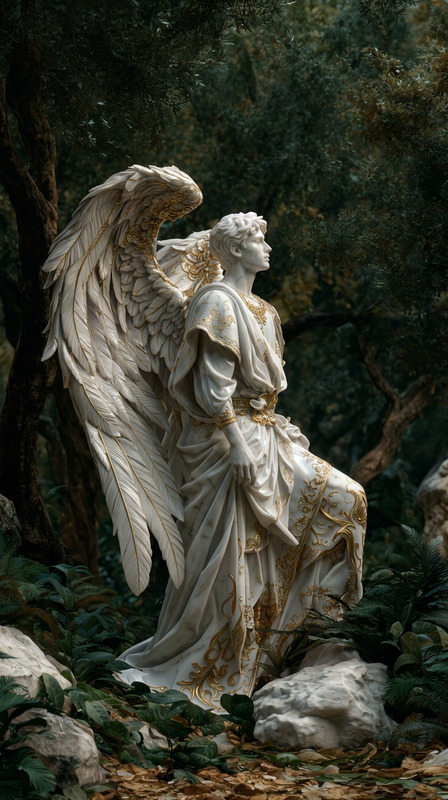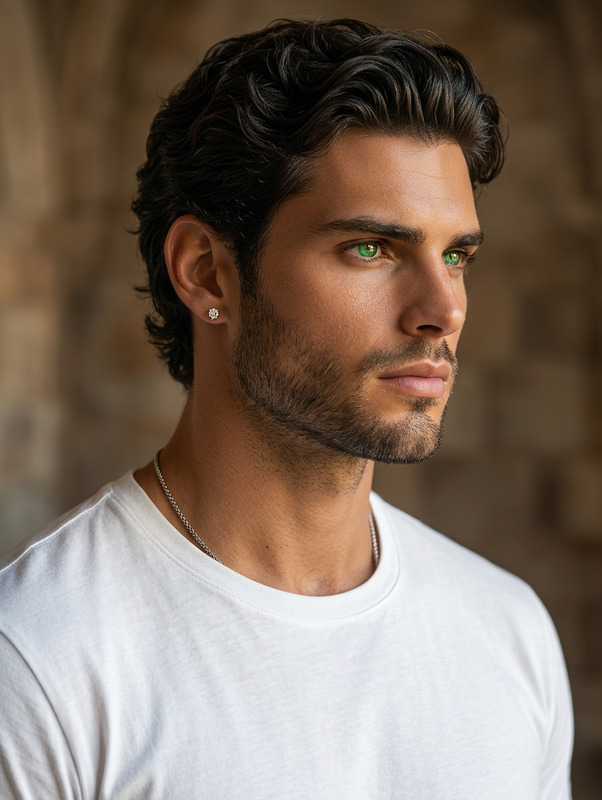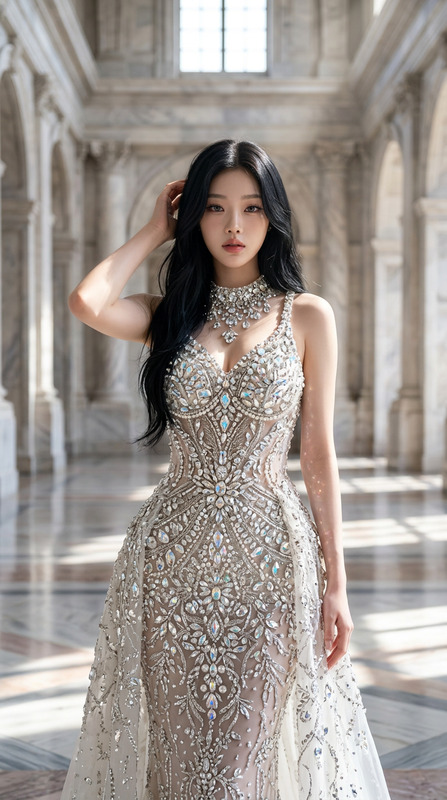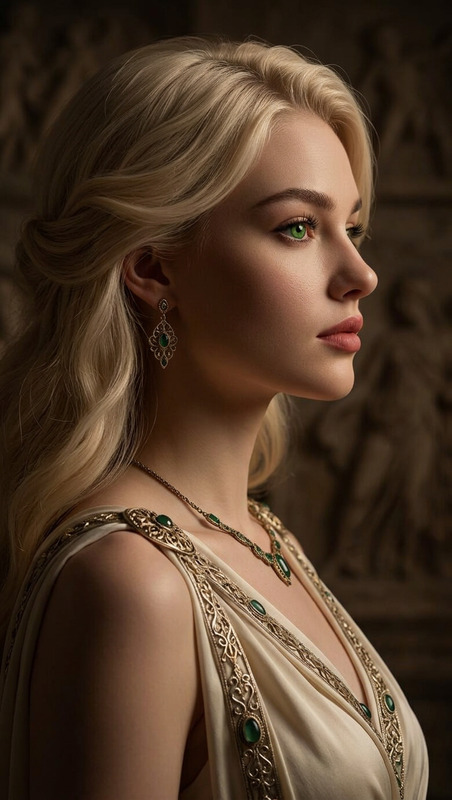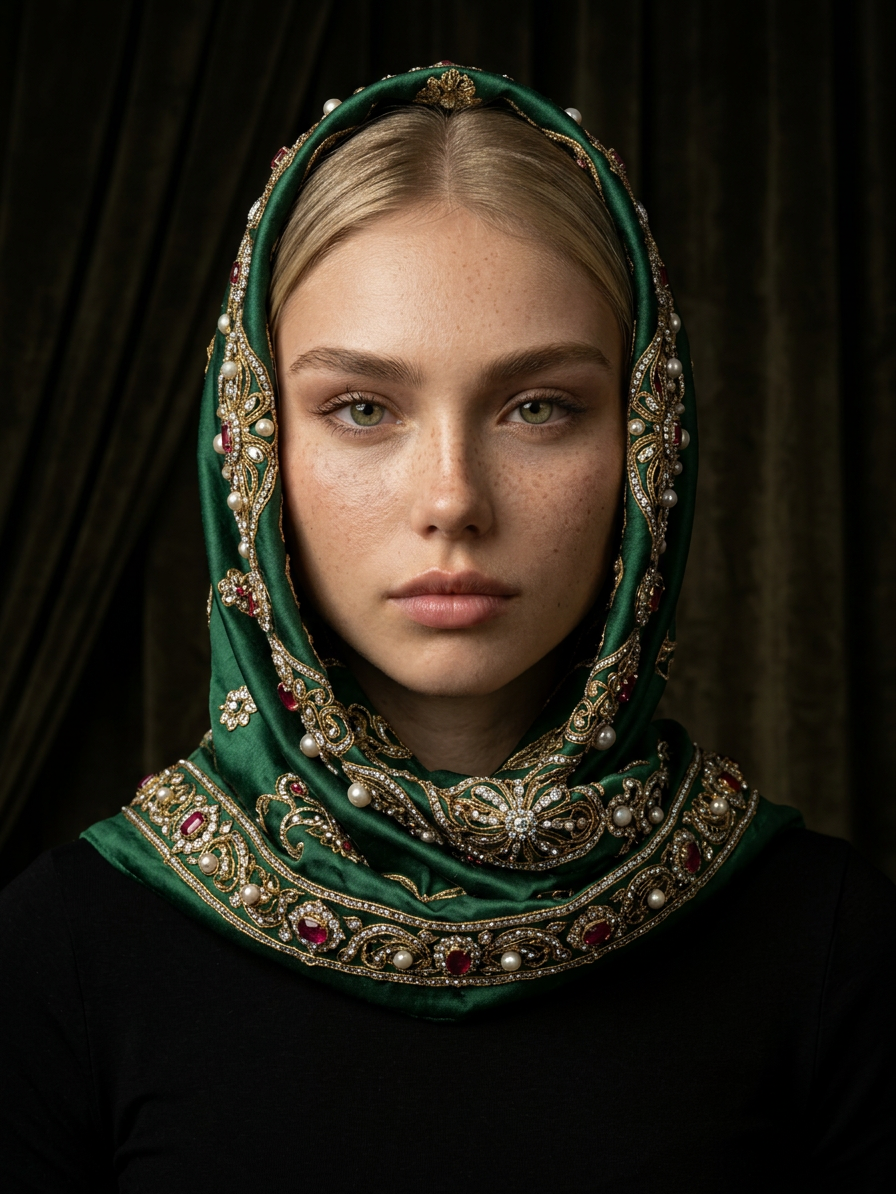
Jeweled Veil Portrait
- Model
- Nano Banana 2
- Image
- 896 × 1194 px
Prompt
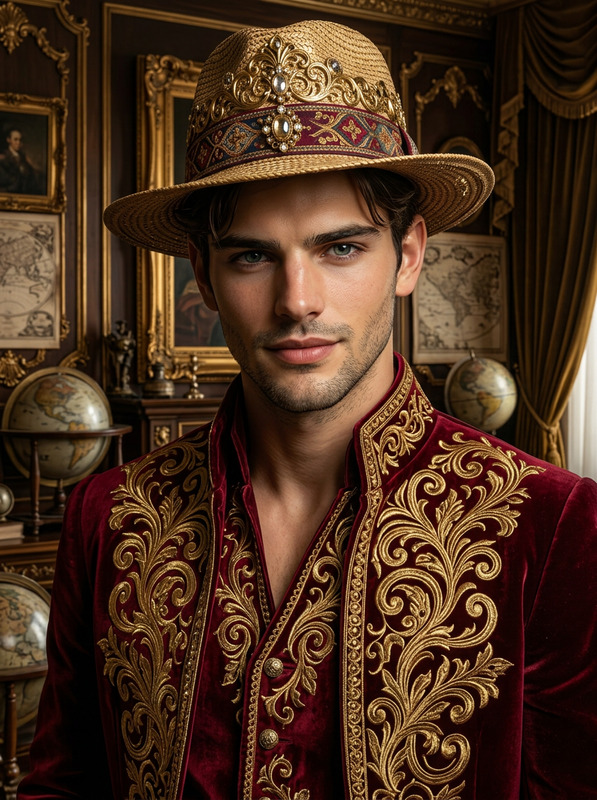
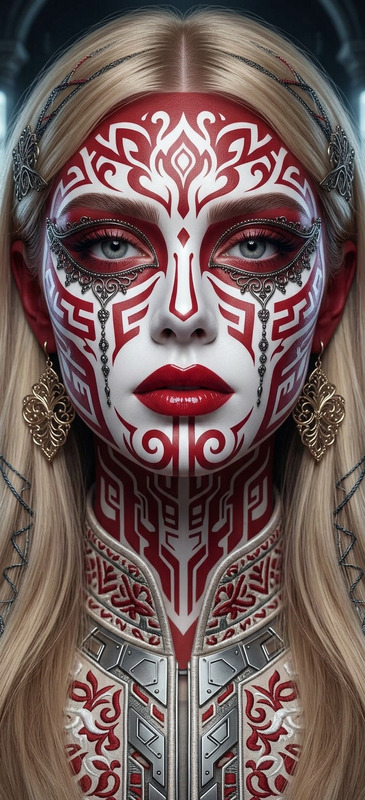
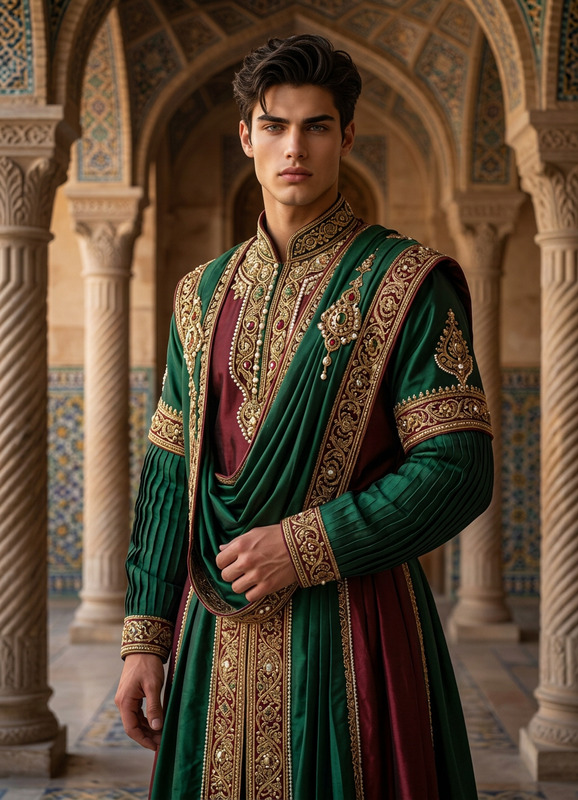
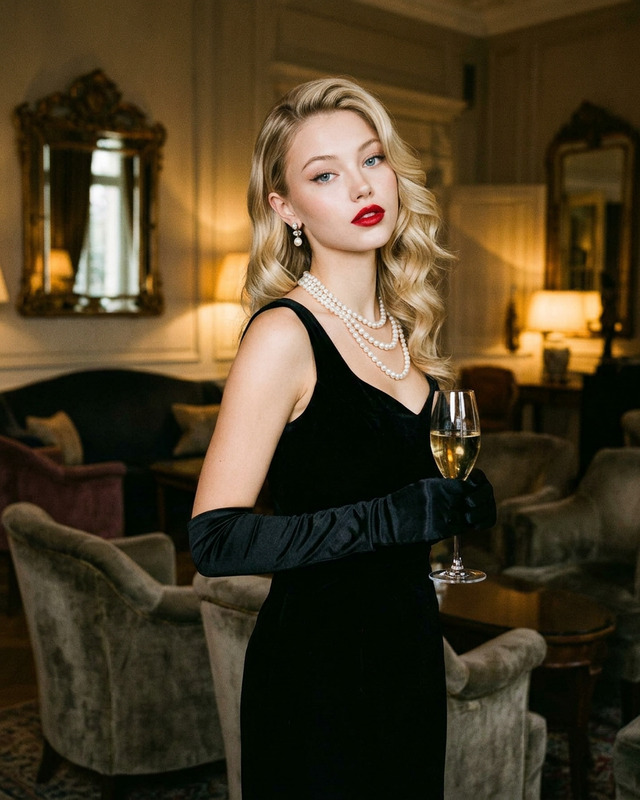
Subject transforms into a refined portrait figure wearing an ornate jeweled headscarf. Dramatic, moody lighting with rich deep hues and lifelike textures. Classical portrait influence blended with modern hyperrealistic photography. High-resolution, emotive, timeless masterpiece aesthetic.
Any aspect ratio
Overview
The Jeweled Veil Portrait template is an advanced AI Image Editor tool that allows users to transform photographs into refined portraiture with an elegant jeweled headscarf motif. By leveraging the power of the nano-banana-2 model, this template blends classical portrait influences with contemporary hyperrealistic photography.
What It Does
This template focuses on creating high-resolution images that resemble classical portraits with a modern twist. The subject receives a transformation into a figure adorned with a sophisticated jeweled headscarf, set against moody, dramatic lighting. The result is a lifelike masterpiece filled with emotive and timeless qualities, perfect for artistic projects.
Who It's For
Artists, photographers, and digital illustrators will find this template particularly beneficial for enhancing visual narratives. It's an ideal choice for professionals seeking to create captivating imagery that merges traditional and modern elements. Those involved in portraiture and fine art photography projects can make significant use of this tool.
Summary
Offering a fusion of classical portrait aesthetics with modern detail, the Jeweled Veil Portrait template is an essential asset for any artist looking to enrich their digital creations. Whether you're an artist or a photographer, the template's capabilities in providing emotive, high-resolution results can significantly elevate the quality of your visual storytelling.
How-To
Choose Your Template

Customize Your Input

Generate Your Portrait

Use Cases
Artistic Portfolios
Gallery Exhibitions
Promotional Imagery
Best Practices
Subject Clarity
Ensure your base image is high-quality, with the subject's face well-lit and clear to maximize the template's effectiveness.Adjust Lighting
Experiment with moody and dramatic lighting to enhance the classical aesthetic, making full use of the built-in settings.Color Depth
Leverage deep hues to enrich the final image and add more life-like textures to your portrait.