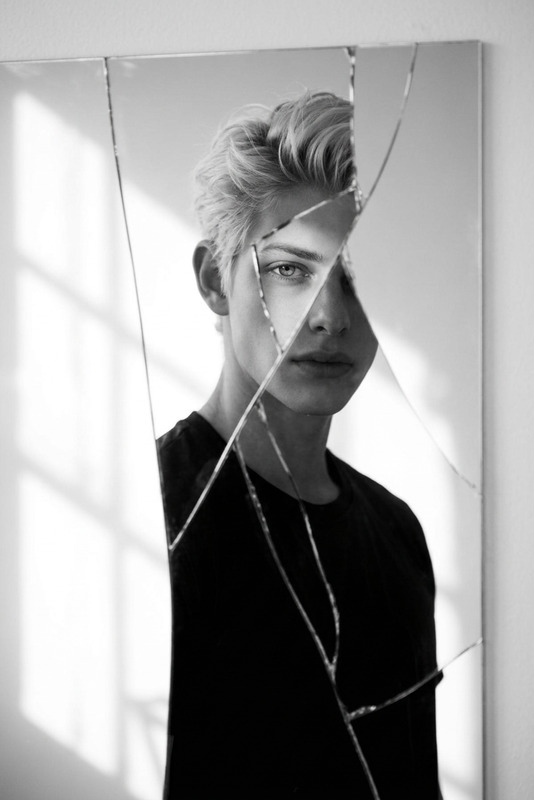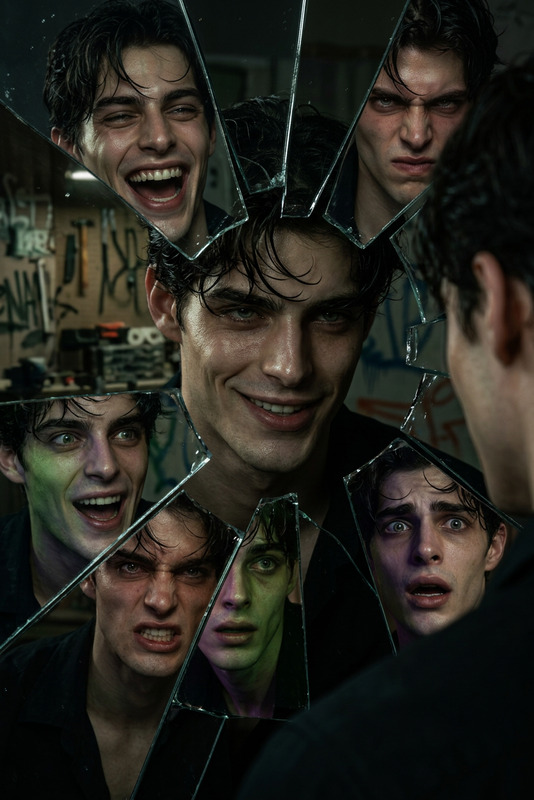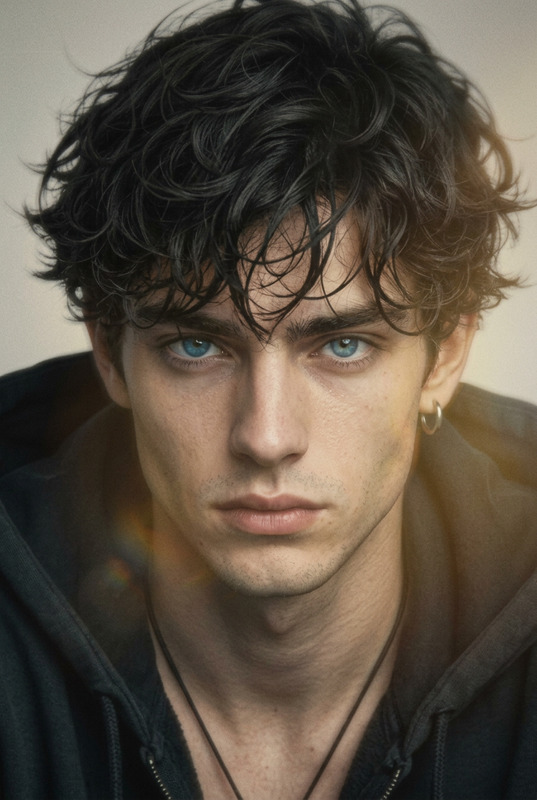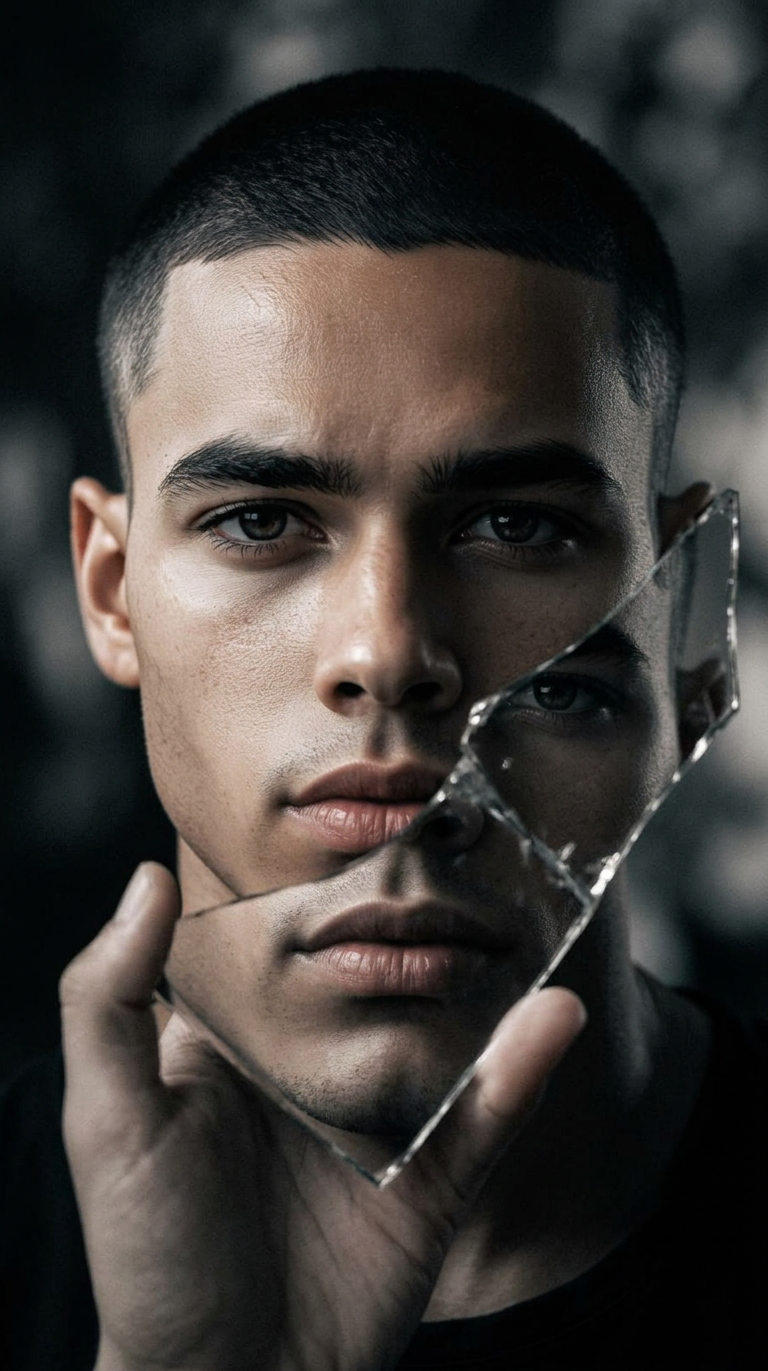
Shattered Reflection
- Model
- Nano Banana 2
- Image
- 768 × 1371 px
Prompt
Close-up subject’s face and reflection of the subject’s face from lips to eyes in a broken mirror held in hand. Almost monochrome palette, soft contrast, blurry dark background, intimate and moody atmosphere.
Any aspect ratio
Overview
The Shattered Reflection template in the AI Image Editor allows you to craft visually compelling imagery by imitating a fractured mirror effect. It's designed to turn mundane images into captivating scenes through a combination of unique reflections and a subdued, almost monochrome palette.
What It Does
This template meticulously focuses on the subject's face and creates an illusion of its reflection in a shattered mirror. Using the nano-banana-2 model, it delivers a soft contrast and a moody atmosphere, making each image intimate and intriguing.
This transformation provides a creative way to highlight facial features while maintaining an artistic ambiguity in the reflection.
Who It's For
The Shattered Reflection template is ideal for photographers, digital artists, and content creators looking to add a touch of artistic flair to their portraits. Those in fashion, advertising, and editorial work can particularly benefit from this distinct visual style to evoke emotional depth and intrigue in their imagery.
Summary
With the Shattered Reflection template, redefine how reflections can play a role in storytelling within your visuals. This tool is part of our broader suite of image manipulation tools that include the AI Clothes Changer and AI Image Upscaler.
How to Use
Choose Shattered Reflection

Customize Your Image

Generate and Download

Use Cases
Portrait Enhancements
- Social media profile pictures
- Magazine covers
- Art portfolio imagery
Advertising Imagery
- Billboard designs
- Online ads
- Fashion marketing
Creative Projects
- Art installations
- Film poster design
- Graphic novel illustrations
Best Practices
Select High-Resolution Images
For best results, use high-resolution images. This ensures that the reflection effect is clear and the overall image quality remains high.Experiment with Angles
Try different angles of both the original subject and the reflection to find the most dynamic composition.Consider Lighting
Use the lighting conditions to your advantage. Soft lighting helps to maintain the moody and intimate atmosphere intended by the template.