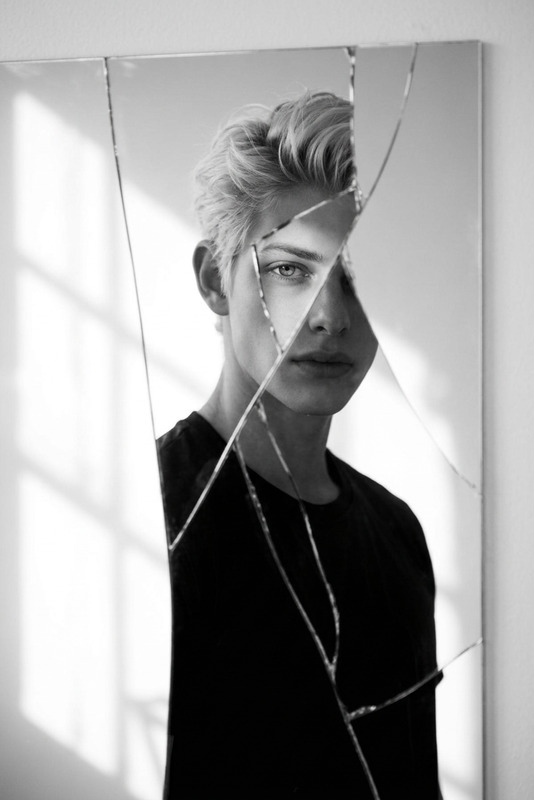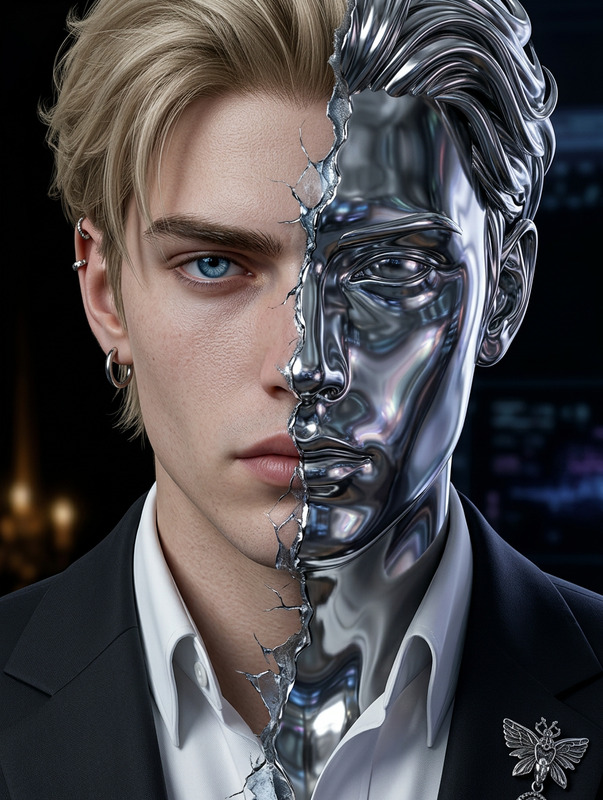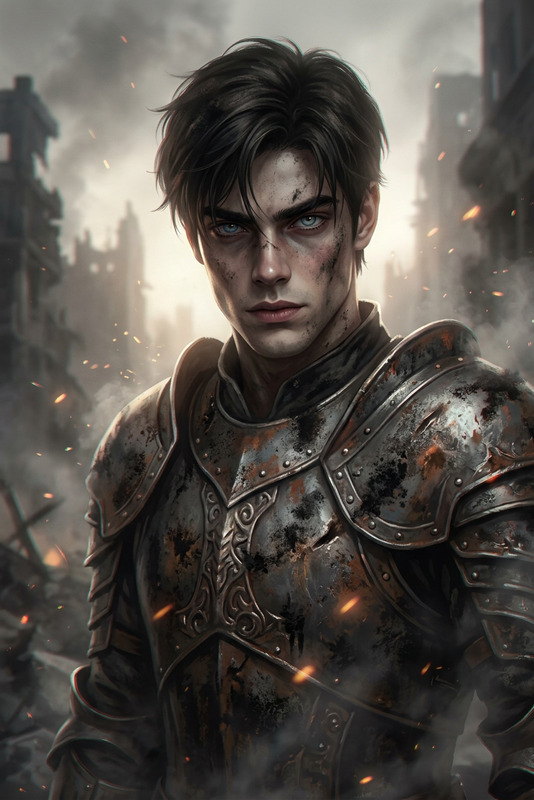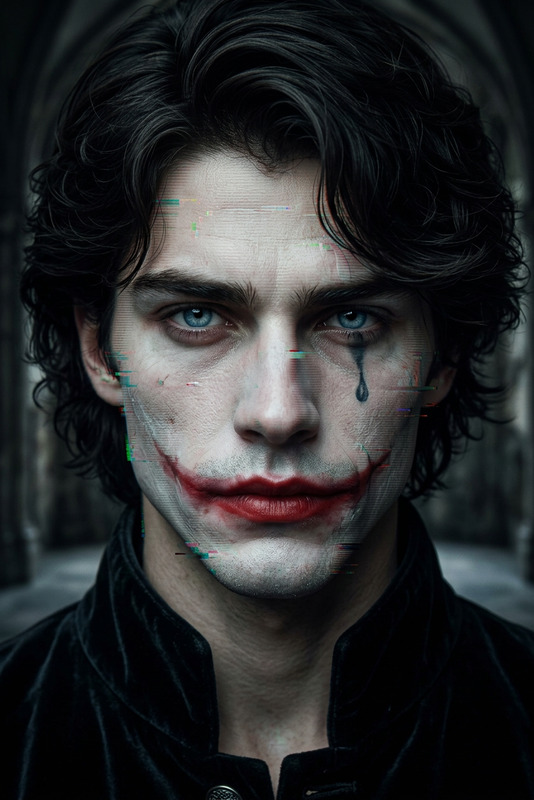
Shattered Mirror Villain Portrait

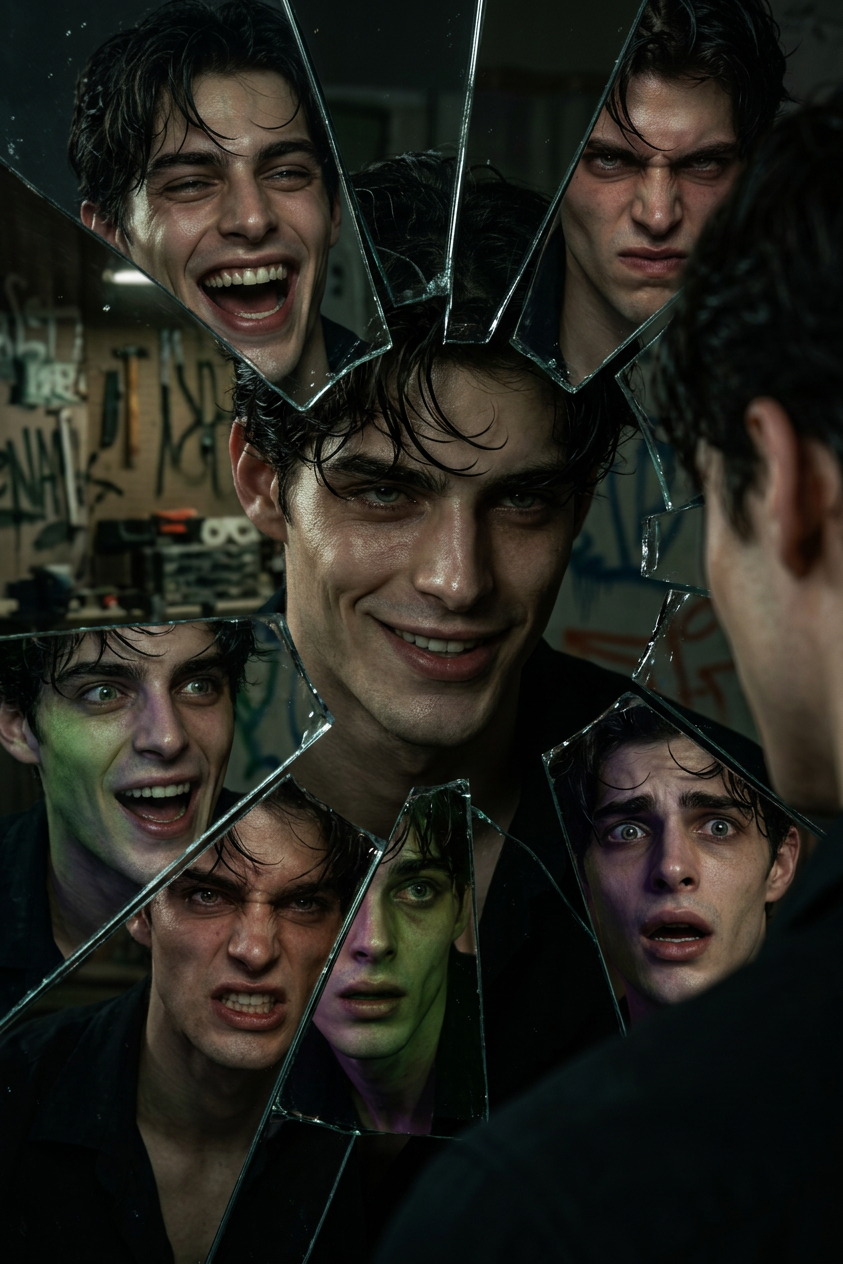
Shattered Mirror Villain Portrait

ai-image-editor

1 clip
1 uses

Any aspect ratio

Prompt

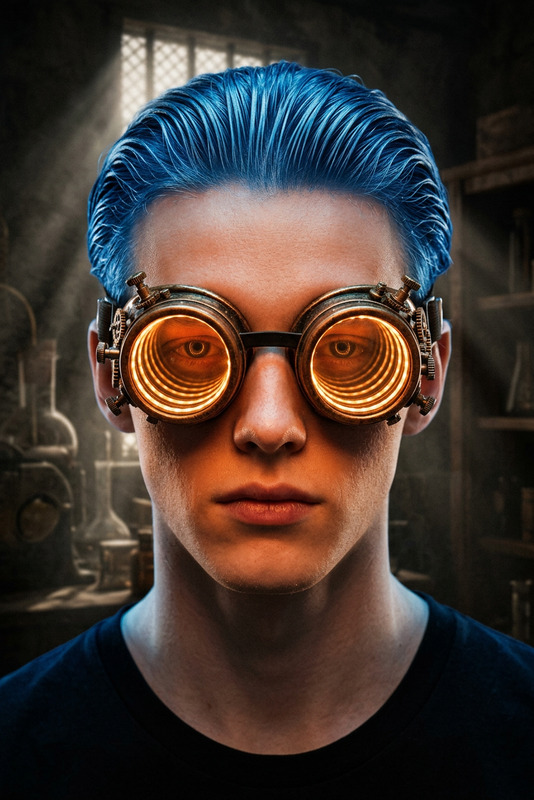
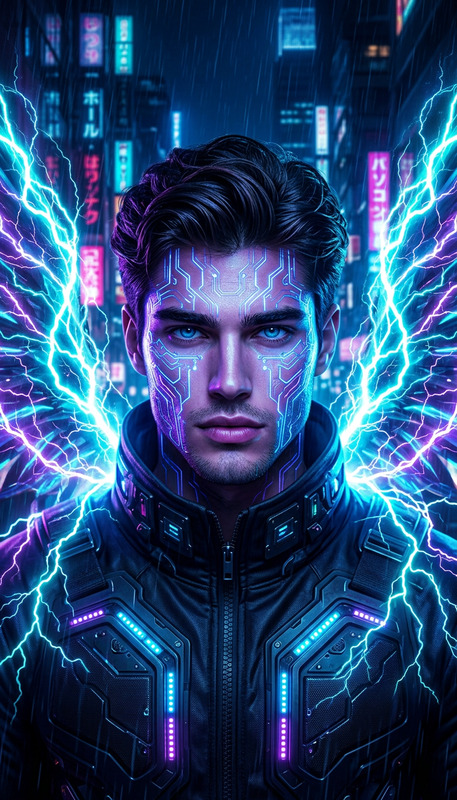
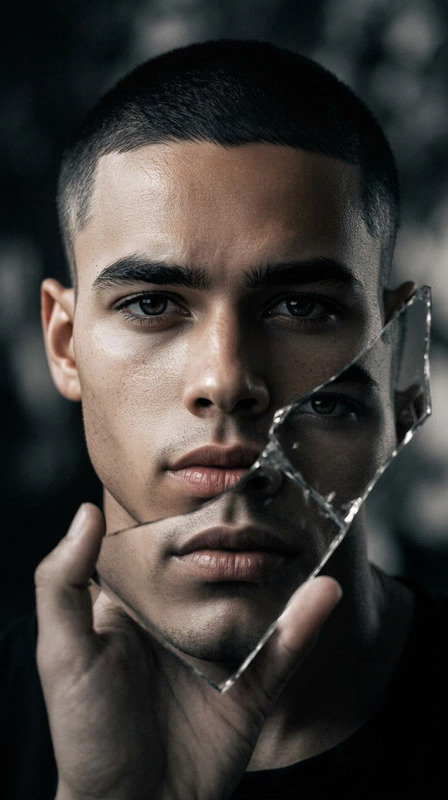
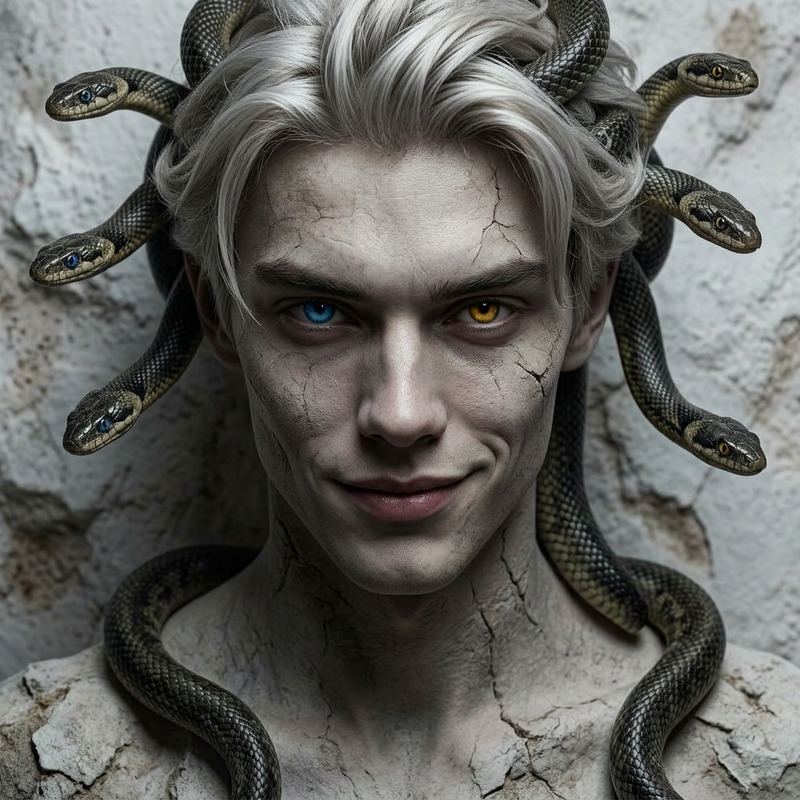
Generate a hyper-realistic cinematic portrait of a chaotic villain-like subject gazing into a shattered mirror, where each fragment reflects distorted variations of the face and psyche; the scene is dimly lit with flickering, low-key lighting and sharp streaks of dramatic highlights cutting through darkness; the subject features a sinister grin and bold contrasting colors (notably green and purple tones), emphasized by eerie shadows that shift across the face; the environment is richly detailed with subtle, hidden elements suggesting a deeper narrative; the composition focuses on fragmentation, tension, and psychological intensity, rendered in ultra-high resolution with immersive depth and a dark, atmospheric tone.

AI Image Editor Template: Turn Any Image into a Polished Visual in Minutes

Use this template as a starting point to clean up, enhance, and redesign images with the AI Image Editor. Within a few minutes, you can remove distractions, fix details, swap elements, and create on‑brand visuals ready for campaigns, product pages, decks, and social posts.

This template is ideal for:

  • Creators and marketers improving campaign assets
  • Startup teams iterating on product shots and landing page visuals
  • Designers and developers prototyping concepts before full production

What You Can Do With This Template

Using the AI Image Editor, you can quickly:

  • Remove unwanted objects or people
    Clean up photos by erasing logos, background clutter, watermarks, or entire subjects. For more targeted cleanup, you can also use the dedicated AI Remover or Watermark Remover.

  • Change or refine backgrounds
    Replace busy backgrounds with clean, minimal scenes, studio-style backdrops, or on-brand environments using Image Background Remover and AI Background Generator.

  • Enhance quality and clarity
    Sharpen, upscale, and restore low‑resolution or compressed images. For higher‑end enhancement, pair this template with the AI Image Upscaler or Unblur Image.

  • Edit faces and portraits
    Clean up portraits, adjust details, or prepare profile images and founder photos for websites and pitch decks. For specialized portrait workflows, explore AI Face Editor, AI Headshot Generator, AI Selfie Generator, and AI Face Generator.

  • Restyle images for branding and campaigns
    Turn a single base image into multiple campaign variants: different seasons, moods, or aesthetics. You can also generate fresh assets from scratch with the AI Image Generator and AI Art Generator.

  • Prepare images for video and animation
    Use the AI Image Editor to finalize your source image, then feed it into:


How to Remix This Template in Magic Hour

You can treat this template as a blueprint and adapt it to your own workflow. To create your own version in Magic Hour:

  1. Import or generate a base image

  2. Define the editing goal clearly
    Before editing, decide what you want from this image:

    • Landing page hero visual for a SaaS product
    • Social ad creative for DTC/e‑commerce
    • Pitch deck slide illustration
    • Creator thumbnail or channel artwork
      This helps you give focused instructions and remix the template to match your use case.
  3. Apply focused edits step‑by‑step
    Use the AI Image Editor to:

  4. Create multiple variants from the same base
    For a fast testing and iteration loop:

    • Duplicate the edited image and create several stylistic versions (minimal, cinematic, playful, corporate).
    • Adapt per channel: square for Instagram, vertical for Shorts/Reels, wide for web or YouTube thumbnails (supported by Thumbnail Maker).
    • Keep all variants tied back to this template so your team can reuse and refine them.
  5. Connect your image workflow to video and audio
    Once your edited image is ready, you can build richer content around it:


Example Use Cases for This Template

1. Startup Landing Page Visuals

  • Start from a product screenshot or hero photo.
  • Use AI Image Editor to clean UI elements, remove sensitive data, and place the screen into a polished device mockup or modern workspace background.
  • Upscale the final result via AI Image Upscaler, then reuse it across pitch decks, docs, and marketing pages.

2. DTC / E‑commerce Product Imagery

3. Creator Thumbnails and Visual Hooks

  • Edit portraits or selfies with AI Image Editor to sharpen details, adjust composition, and remove distractions.
  • Combine with AI Meme Generator or Thumbnail Maker to create scroll‑stopping assets.
  • Turn talking-head images into engaging clips using AI Talking Photo or Lip Sync.

4. Brand Worlds, Characters, and IP


Advanced Workflows and Related Tools

For more complex pipelines, this template works well with:


Connecting Images, Video, and Audio

Once you’ve built your visual assets with this template and the AI Image Editor, you can extend them into full content systems:


Why Use This Template Instead of Starting from Scratch

Using a structured AI Image Editor template helps you:

  • Standardize visuals across campaigns and channels
    Keep a consistent look and feel while still generating unique assets.

  • Accelerate experimentation
    Quickly test variations (backgrounds, crops, color schemes, character styles) without manual retouching.

  • Bridge design and production
    Let non‑designers (founders, marketers, PMs) create and iterate on high‑quality visuals before handing them to design or development teams.

  • Create a reusable, remixable asset pipeline
    Start from this template, refine it for your specific brand or project, and reuse it across new campaigns, products, and creative concepts.


How to Make This Template Your Own

To create a customized version inside Magic Hour:

  1. Choose a representative “base” image that matches your typical use case.
  2. Run it through the AI Image Editor and apply the core steps you want your team to reuse (cleanup, background, enhancement, style).
  3. Document the before/after and store a few reference outputs as internal examples.
  4. Save and reuse that workflow as your house template, then remix it for new campaigns, audiences, and formats.

By using this AI Image Editor template as a foundation—and remixing it with tools like AI Image Generator, Image to Video, Animation, and AI Voice Generator—you can build a fast, flexible content pipeline that scales with your product, brand, or channel.

More Like This