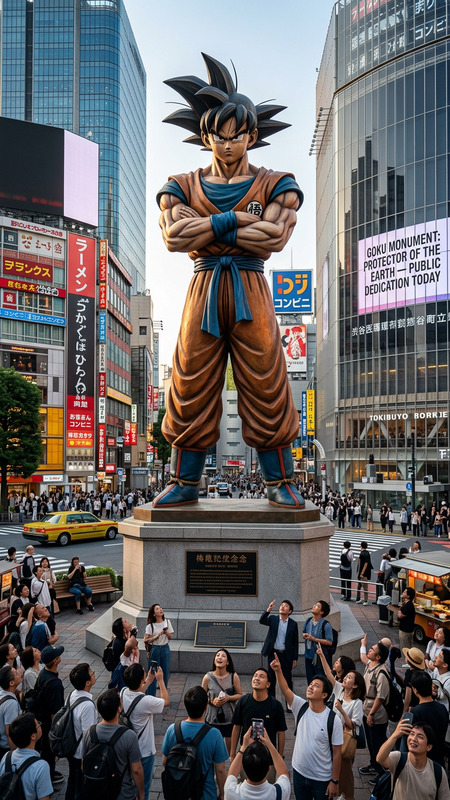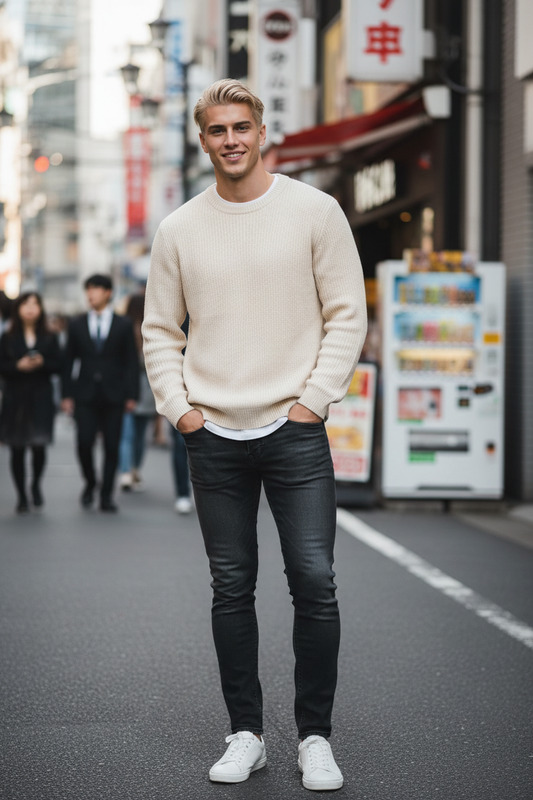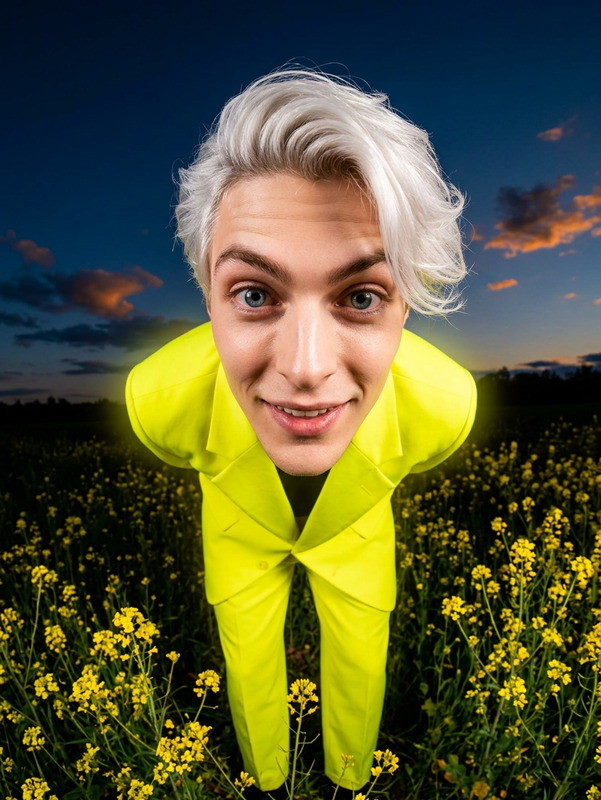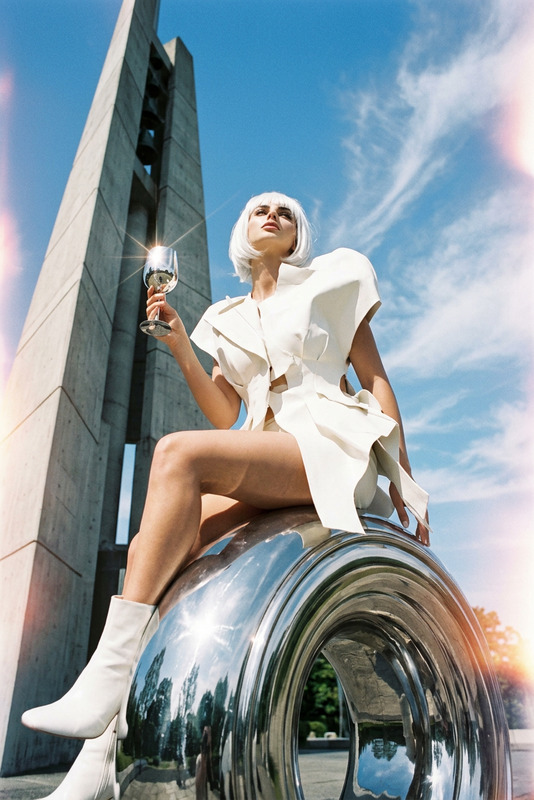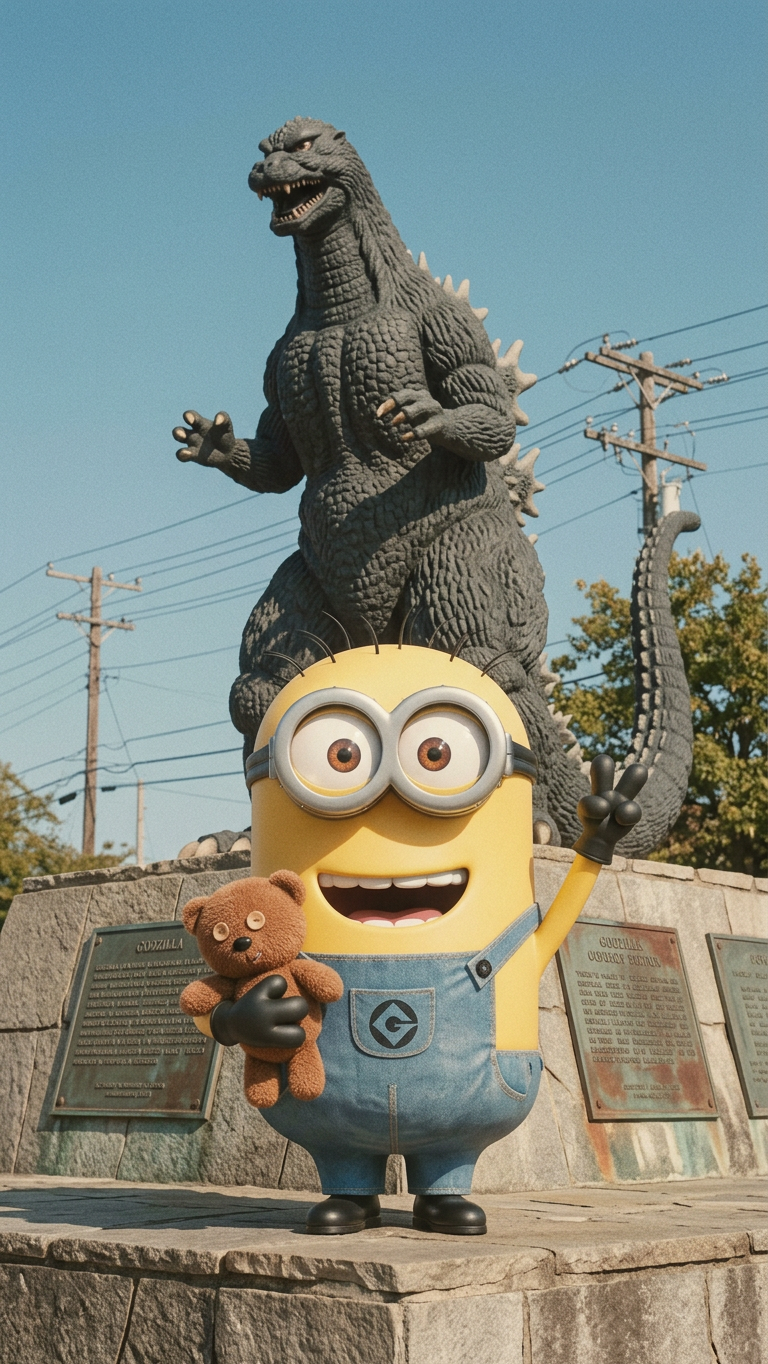
Vintage Outdoor Snapshot with Godzilla Statue
- Model
- Nano Banana 2
- Image
- 768 × 1364 px
Prompt
Generate a full-body outdoor photograph of subject with a wide cheerful smile, posing with a peace sign gesture; the subject stands in front of a large dark gray Godzilla statue mounted on a stone platform with informational plaques; the background shows a clear blue sky with visible power lines and touches of greenery, creating a casual public outdoor setting; the composition is captured in a slightly faded vintage photographic style with soft desaturation, subtle film grain, and a nostalgic tone; natural daylight evenly illuminates the scene, emphasizing a candid, documentary-like atmosphere with a light retro aesthetic.
Any aspect ratio
Overview
The "Vintage Outdoor Snapshot with Godzilla Statue" template is part of our AI Image Editor suite, leveraging the capabilities of the nano-banana-2 model. This template crafts a vintage-style outdoor photograph featuring a Godzilla statue, perfect for storytelling needs that call for a nostalgic aesthetic.
What It Does
This template generates a full-body outdoor photograph featuring a subject posing with a Godzilla statue. The image is enhanced with a vintage look, offering soft desaturation, film grain, and a nostalgic tone. It's ideal for creating unique content that evokes a retro atmosphere.
Who It's For
This template is designed for creators seeking to add a nostalgic flair to their images, such as filmmakers, marketers, and content creators focusing on vintage-themed projects. It's also a useful tool for anyone in the fashion or design industries who needs to generate retro-style imagery.
Summary
Use the "Vintage Outdoor Snapshot with Godzilla Statue" template to capture scenes with a retro vibe directly through our AI Image Editor. Whether for commercial or personal projects, this template enables the creation of unique and vivid images with ease.
How to Use the Template
Choose Your Template

Customize Your Scene

Generate Your Image

Use Cases
Cinematic Storytelling
Marketing and Advertising
Event Promotions
Best Practices
Select Clear Subjects
Ensure that the uploaded subject image is clear and well-lit to achieve the best results.Utilize Film Grain Wisely
Adjust the level of film grain to complement the nostalgic tone without overwhelming the image.Balance Background and Subject
Make sure the subject stands out against the background to maintain clarity and focus.