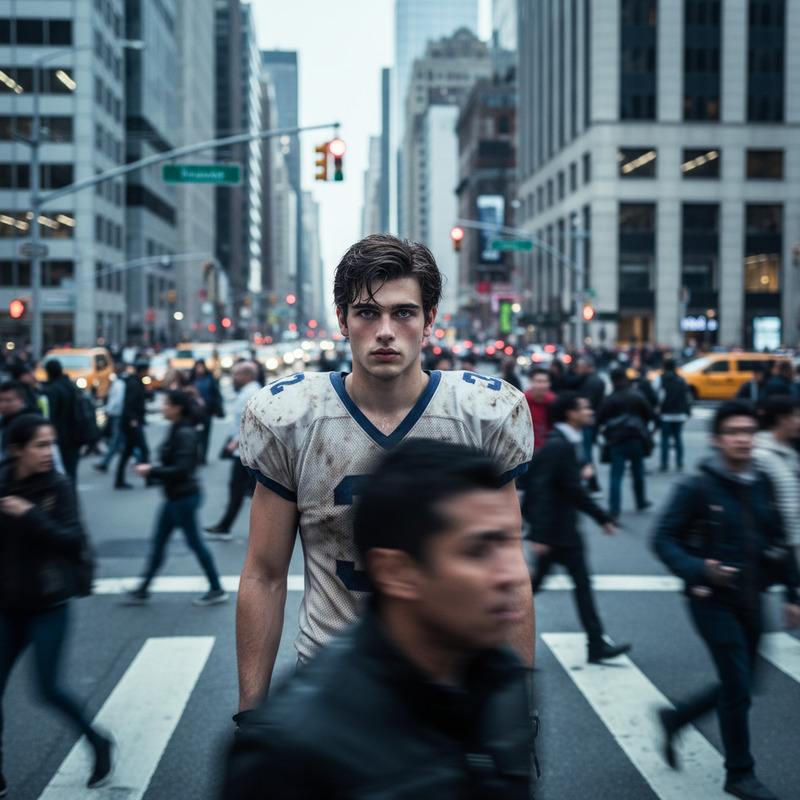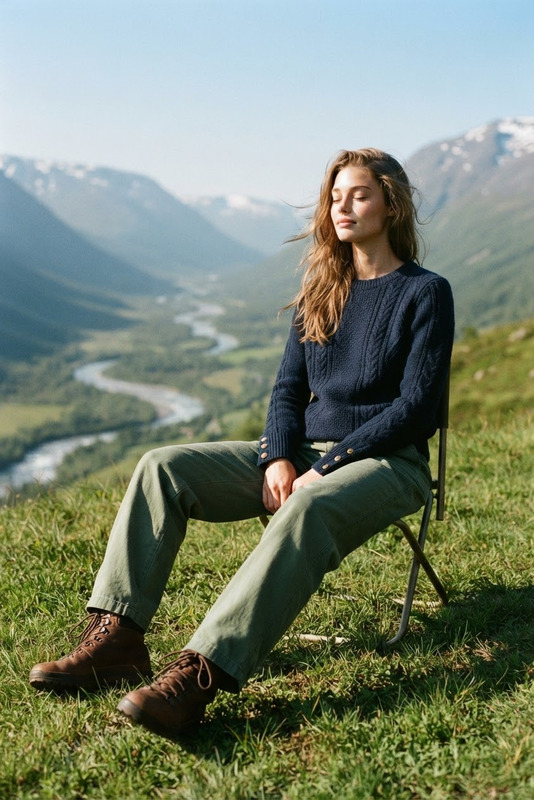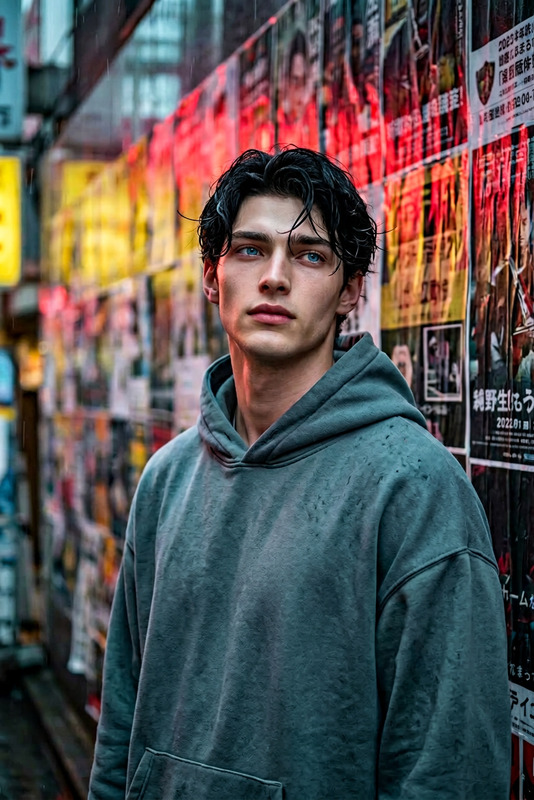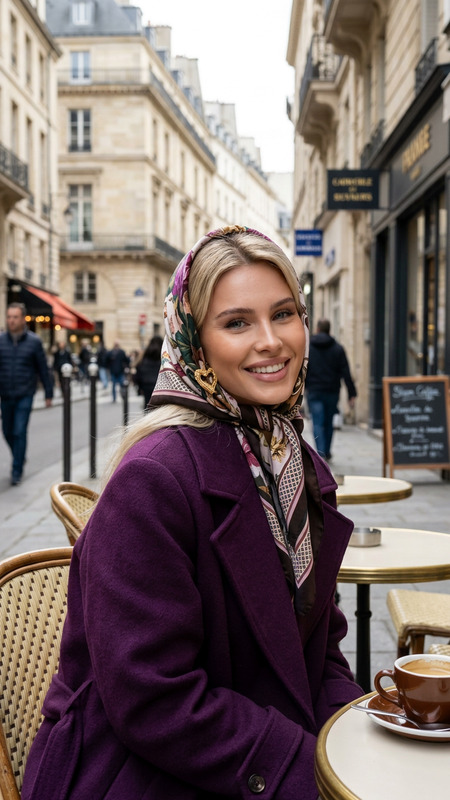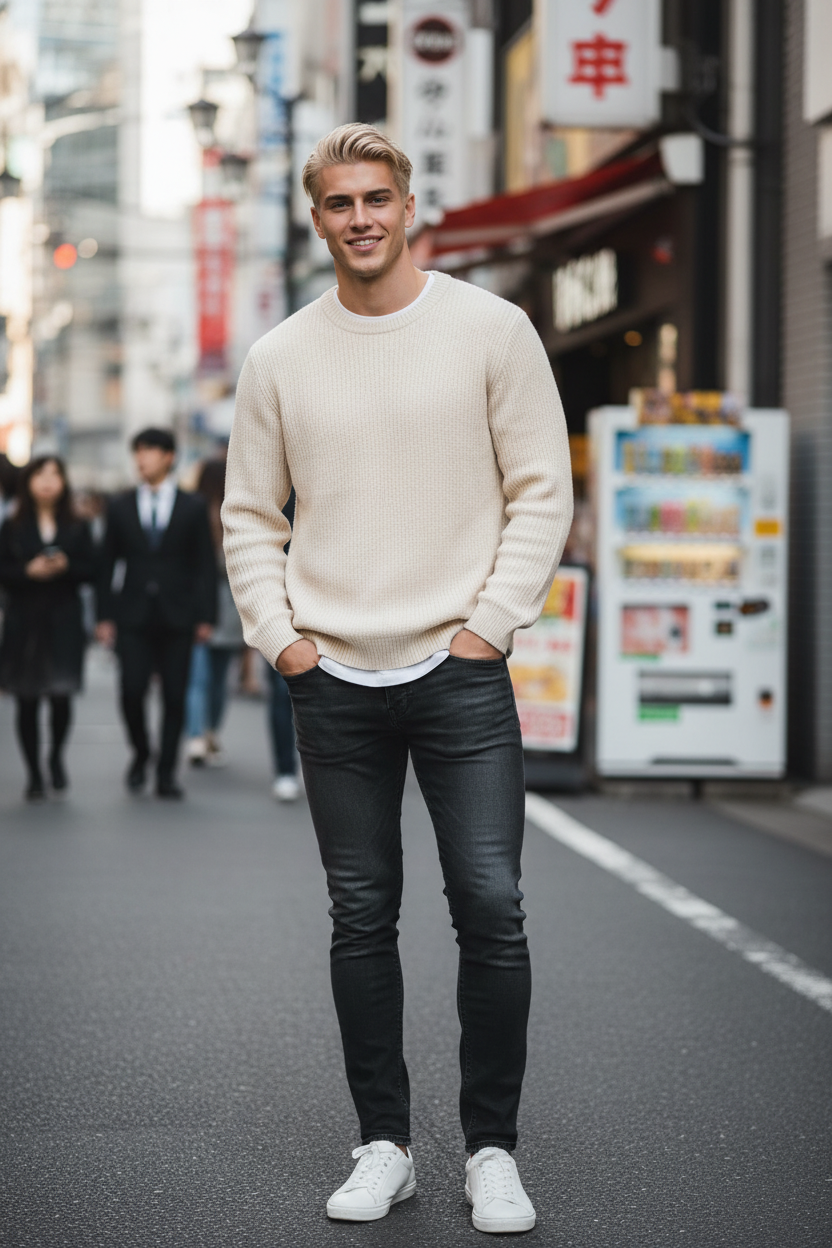
Casual Tokyo Portrait
- Model
- Nano Banana
- Image
- 832 × 1248 px
Prompt
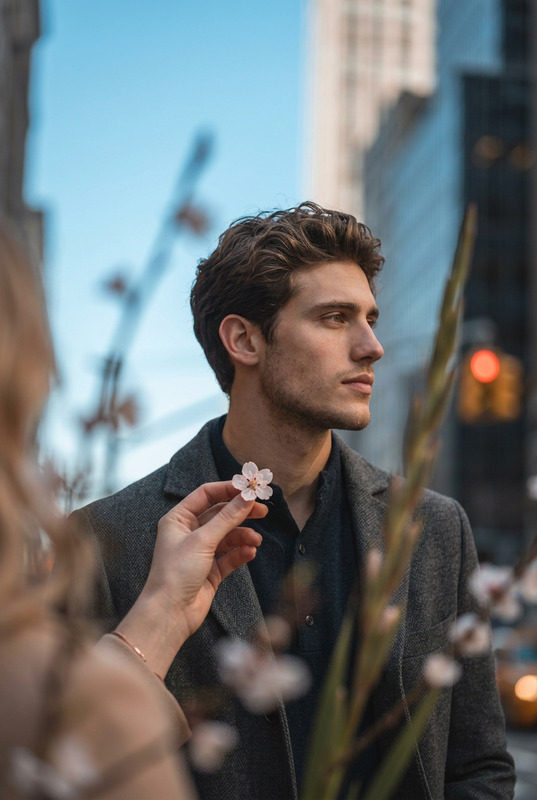
Subject in a cute natural pose, standing casually and looking toward the camera with a cheerful relaxed expression. Wearing a styled outfit with a clean casual fashion aesthetic. Neutral background or Tokyo street setting with subtle urban details. Medium shot with natural framing, realistic composition, high resolution. Soft daylight with natural lighting, gentle shadows, realistic photo style, high detail, candid lifestyle portrait.
Any aspect ratio
Overview
Capture the essence of Tokyo with the Casual Tokyo Portrait AI Image Editor Template. Harness the power of the nano-banana model to create high-detail, candid lifestyle portraits that feature natural poses and realistic photo styles. Whether you're aiming for a neutral backdrop or a bustling Tokyo street, this template delivers medium-shot compositions with gentle, natural lighting.
What it Does
This template allows you to maintain a cute, relaxed expression in your portraits while showcasing a clean, casual fashion aesthetic. It creates realistic compositions in high resolution, enhancing each photo with the subtle urban details of Tokyo. Soft daylight and gentle shadows lend a natural feel, making each capture appear effortless.
Who it's For
Designed for photographers and hobbyists, this template is perfect for anyone looking to transform ordinary photos into exceptional lifestyle portraits. Whether you're updating your portfolio or creating content for social media, the AI Image Editor offers the tools you need to achieve professional results with ease.
Summary
With the Casual Tokyo Portrait template, you can bring the vibrant cityscapes of Tokyo into your photography. Leverage the advanced capabilities of the AI Photo Relighting to adjust lighting conditions, ensuring every detail is perfectly highlighted. This template is an invaluable tool for those seeking to elevate their visual storytelling.
How To
Choose the Template

Customize Your Inputs

Generate and Download

Use Cases
Social Media Content
Photography Portfolios
Marketing and Branding
Best Practices
Select High-Quality Images
Start with high-resolution images to ensure the best results and increase detail retention during the editing process.Experiment with Backgrounds
Try both urban and neutral backgrounds to see which complements your subject better, enhancing the overall composition.Tweak Lighting Settings
Use the template's capability to manipulate daylight exposure and shadow effect for achieving the desired mood and tone.