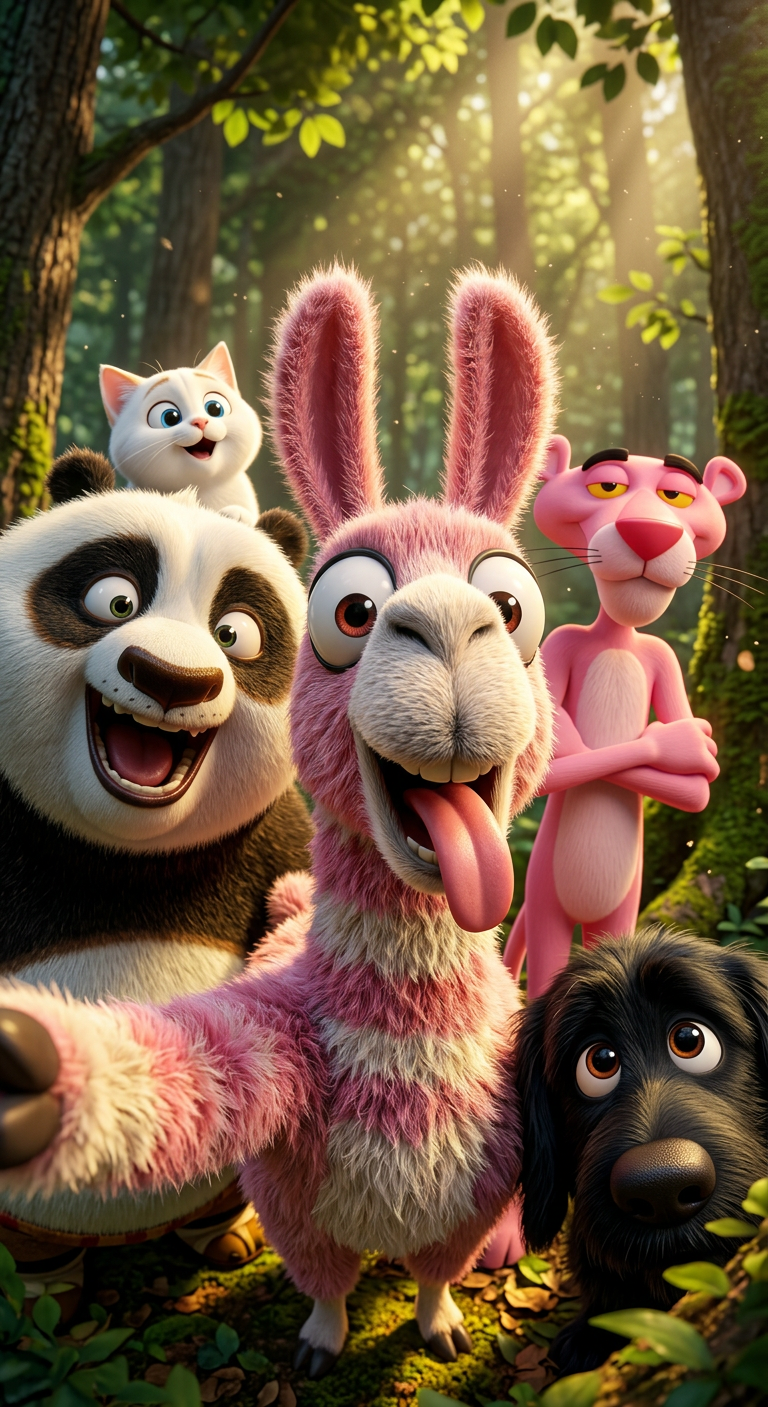
Happy Selfie In Forest
ai-image-editor
Any aspect ratio
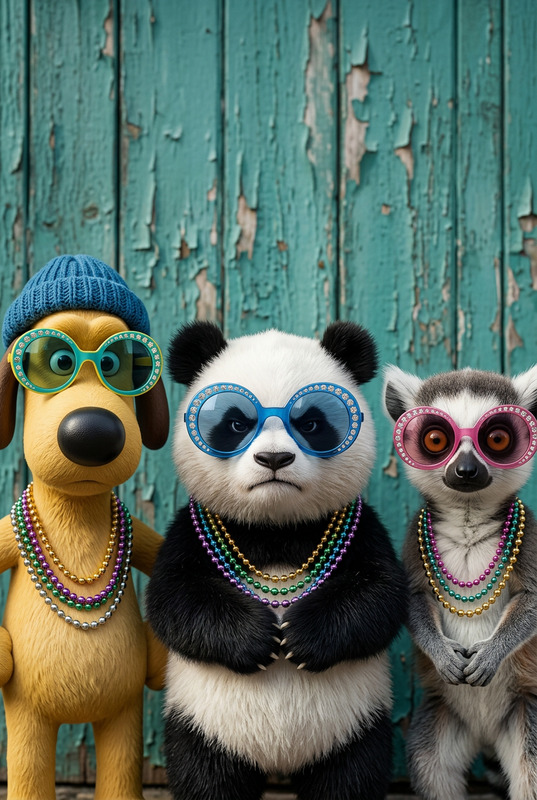
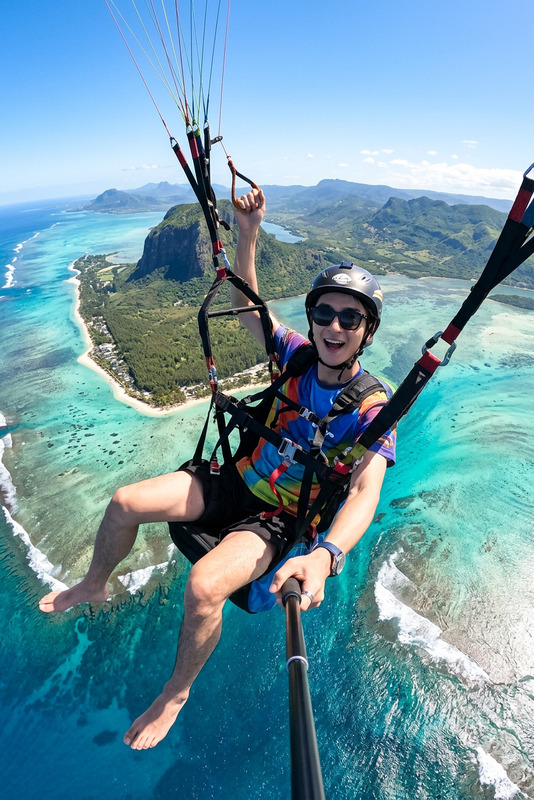
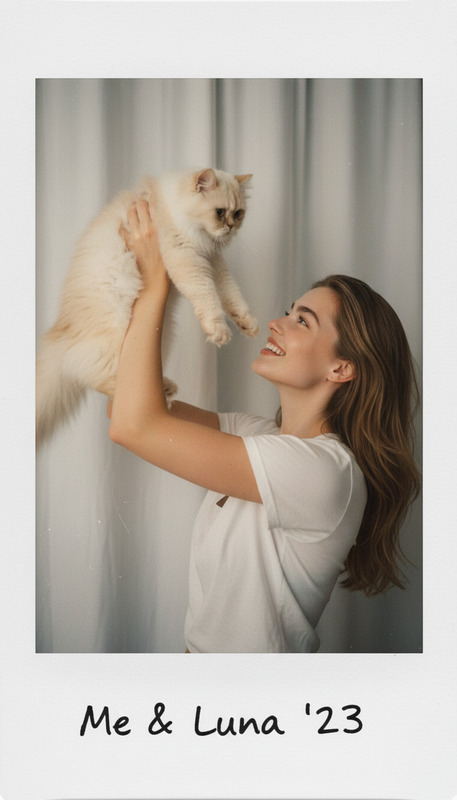
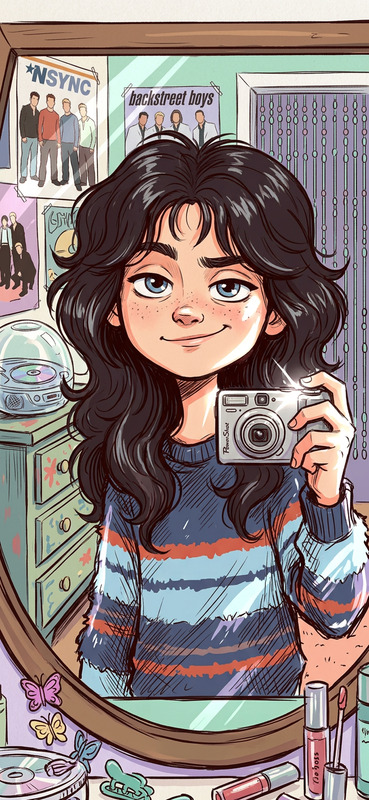
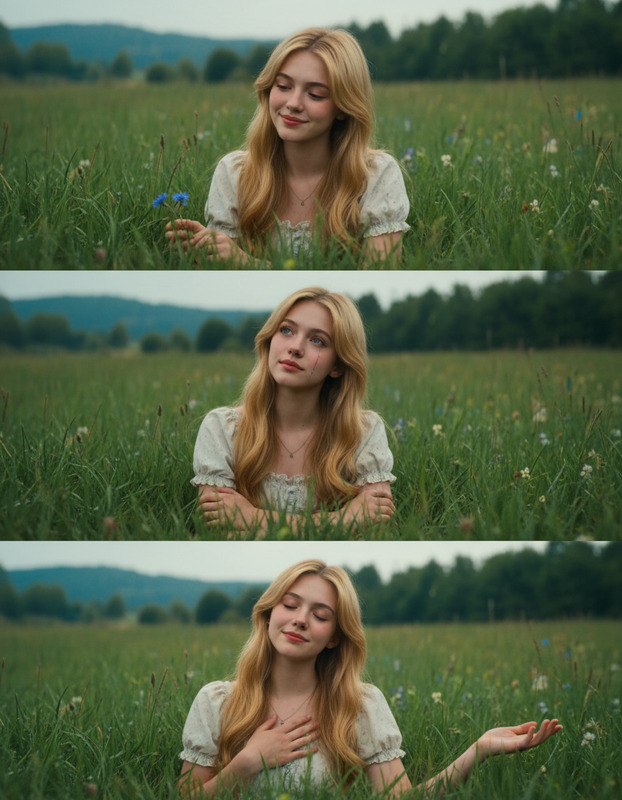
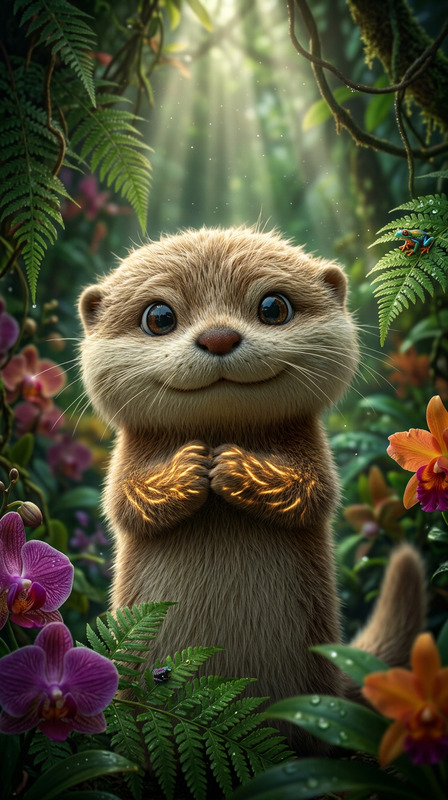
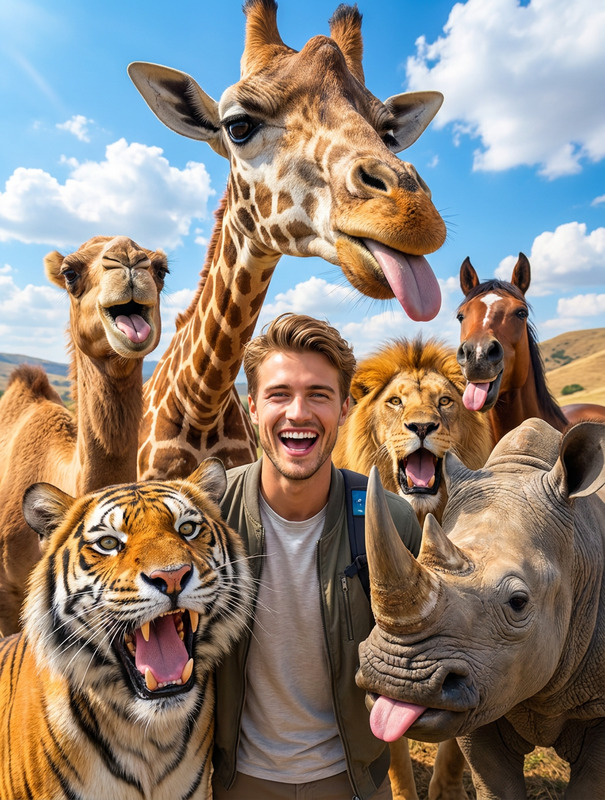
Generate a close-up, wide-angle image of a group of subjects in a sunlit forest, captured in a playful selfie-style composition; one subject in the center appears to be “taking” the photo with a wide grin and tongue out, while others in the background make varied funny expressions; dappled sunlight filters through trees, creating warm highlights and soft shadows; the overall mood is joyful, humorous, and heartwarming, with a natural, candid snapshot aesthetic.
AI Image Editor Template: Clean Product Mockup
Create polished, studio-quality product shots from any image in minutes. This Magic Hour AI Image Editor template is designed for founders, marketers, and designers who need production-ready visuals without a full photo shoot or heavy Photoshop work.
What this template is for
Use this AI Image Editor–based template to:
- Turn rough product photos into clean e‑commerce mockups
- Remove distracting backgrounds and objects
- Replace backgrounds with on-brand, minimalist scenes
- Standardize lighting, angles, and framing across a catalog
- Quickly generate variants for A/B testing (colors, props, environments)
It’s ideal for:
- Shopify / Amazon / Etsy product pages
- Landing pages and pitch decks
- Paid ads and social creatives
- App and SaaS UI mockups
- Investor updates and internal docs
How to use and remix this template in Magic Hour
You can recreate and customize this template in a few simple steps using AI Image Editor:
Import your base image
- Upload a product photo, screenshot, or render.
- For best results, use a reasonably sharp image with the subject clearly visible.
Clean the image
- Use the AI Remover to remove unwanted objects (props, hands, logos).
- If you only need a cutout, use Image Background Remover to isolate the product.
Transform the background
- In AI Image Editor, paint or select the background area.
- Describe the scene you want: e.g. “soft white seamless studio background,” “light concrete surface with soft shadows,” or “minimal desk with blurred office in background.”
- Apply the edit and iterate until the product feels natural in the new environment.
Refine color, lighting, and details
- Use localized edits to adjust shadows, reflections, or highlight details.
- If your original image is low‑resolution or slightly blurry, enhance it with AI Image Upscaler or Unblur Image.
Export and reuse as a template
- Once you like the result, you can reuse the same prompts and editing pattern on other products to keep your brand visuals consistent.
- Use the edited image as a base for additional content (videos, GIFs, social posts) across Magic Hour tools.
Ways to extend this template across Magic Hour
This template is built on AI Image Editor, but you can turn a single product mockup into a full content system:
Create short product videos
- Turn your edited mockup into motion using Image to Video or Text to Video.
- Add subtle camera moves, 3D‑like rotations, or scene transitions for ads and landing pages.
Generate on‑brand variants at scale
- Use AI Image Generator or AI Art Generator to create alternate angles, seasonal themes, or color versions based on your original mockup.
- For fashion and apparel, pair this flow with AI Clothes Changer, AI Outfit Generator, or AI Fashion Generator.
Turn product images into GIFs and social content
- Use AI GIF Generator for lightweight looping animations of your product.
- Design platform-specific visuals with Thumbnail Maker or brand assets via AI Logo Generator and AI Icon Generator.
Build face- or character-led creative around your product
- Showcase a product “in use” with avatars generated via Avatar Generator, AI Face Generator, or Full Body Generator.
- Animate characters and pair them with your product visuals using Animated Characters Generator and the Animation templates.
Example: From rough photo to production-ready mockup
A typical flow for a DTC founder or marketer:
- Snap quick photos of your product on a desk or against any wall.
- Upload the best photo into AI Image Editor.
- Remove clutter with AI Remover.
- Replace the background with a clean, brand-aligned scene (e.g. “soft gradient, brand colors, subtle studio lighting”).
- Enhance resolution and sharpness with AI Image Upscaler.
- Export one hero image plus several variants with different backgrounds for ads and A/B tests.
- Turn your hero image into a short video demo using Image to Video or Video to Video if you already have footage.
This workflow replaces multiple tools (Photoshop, retouching services, motion design) with a single integrated stack.
Related Magic Hour templates you might remix with this
If you like this AI Image Editor template, consider combining it with:
- Face Swap Video template – Add recognizable faces (founders, influencers, UGC creators) into product story videos built from your edited images.
- Lip Sync template – Turn talking-head explainers or UGC-style content into synced, engaging product explainers.
- Video to Video template – Stylize or restyle existing product videos to match the look you created in this template.
- Animation template – Animate static scenes built with AI Image Editor into eye-catching motion graphics.
Advanced use cases for teams and builders
Because the template is prompt- and region-driven, it fits into more complex workflows:
Brand systems & design language
- Define a reusable prompt pattern (“high-key studio lighting, #HEX brand background, soft shadows”) and apply it consistently to all product shots.
- Use AI Background Generator or AI Illustration Generator to create families of on-brand abstract or illustrated backdrops.
Content pipelines for startups and agencies
- Combine this template with AI Meme Generator for fast campaign experiments featuring your product.
- Use Book Cover Generator, Album Cover Generator, or Comic Book Generator to reframe your product in different storytelling formats.
Data visualization and UI products
- For SaaS dashboards, mobile apps, or dev tools, edit your screenshots in AI Image Editor, then integrate them into hero visuals or app-store assets.
- Enhance legibility with Photo to Sketch or stylistic transformations using AI Anime Generator, AI Manga Generator, or Dark Fantasy AI for themed campaigns.
Quality and realism tips
To get consistently strong results from this template:
- Start with a clear subject and avoid extremely low‑light or heavily compressed originals.
- Keep prompts specific but concise: mention background type, mood, and lighting.
- Use Unblur Image and Old Photo Restoration when working with legacy or user-generated photos.
- Use Watermark Remover and Remove Object from Photo to clean any artifacts or unwanted branding when you have rights to edit the image.
Beyond product mockups
This AI Image Editor template also works well for:
- Professional headshots and profile photos with AI Headshot Generator and AI Selfie Generator.
- Marketing avatars and characters using AI Character Generator, Superhero Generator, or Disney AI Generator.
- Creative applications like AI Tattoo Generator, Architecture Generator, or AI Interior Design Generator, where you need clean, editable scenes around a focal object.
Use this template as a starting point, then remix it: swap the subject, change the background style, and plug into other Magic Hour tools to build a repeatable, AI-assisted visual pipeline for your product or brand.