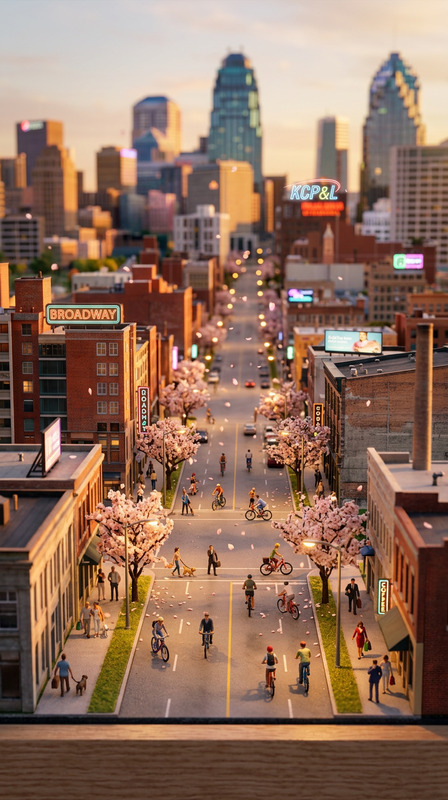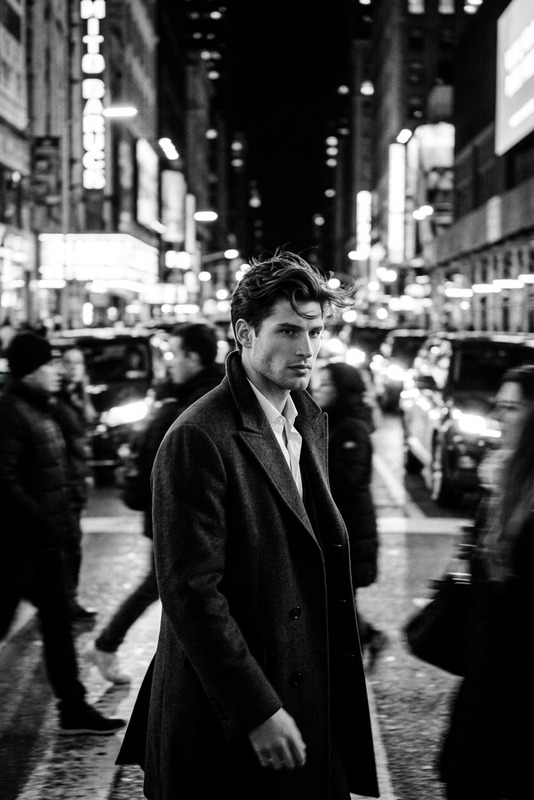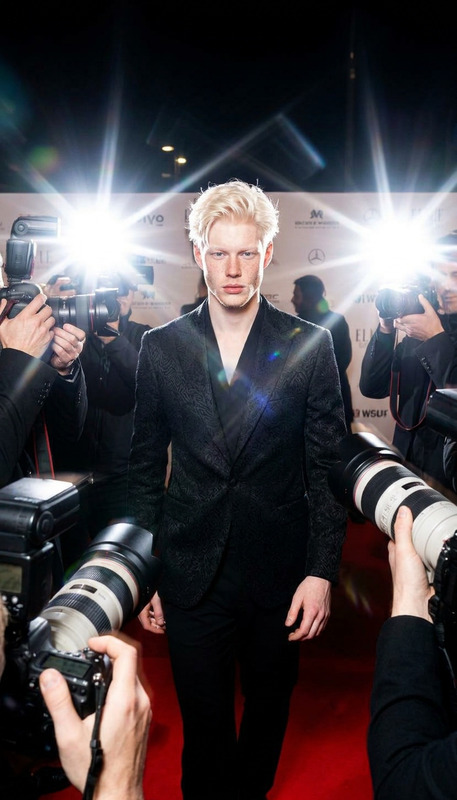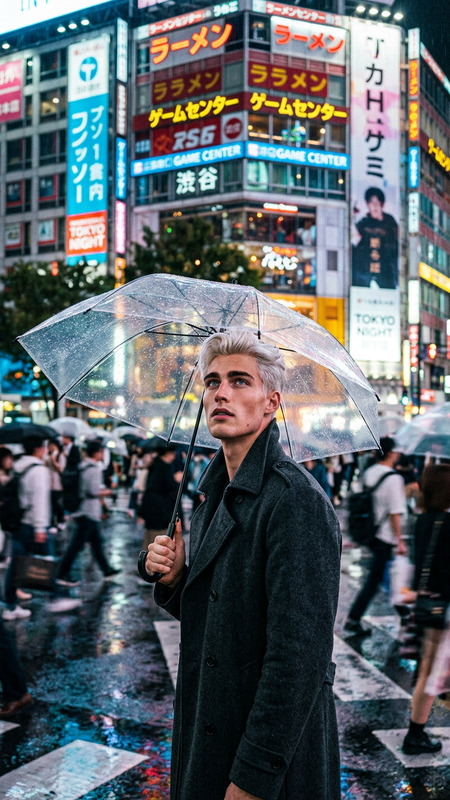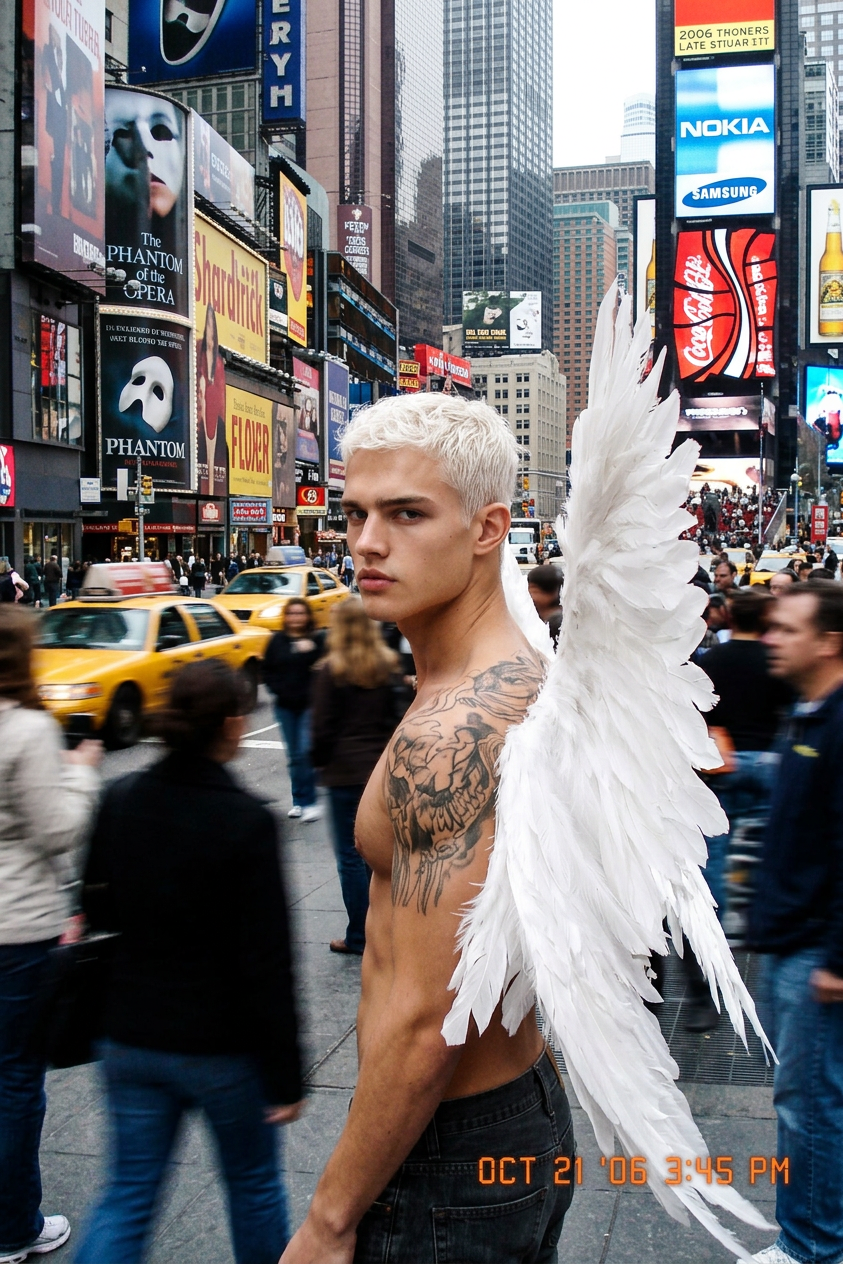
Times Square Fall Snapshot
- Model
- Nano Banana 2
- Image
- 843 × 1264 px
Prompt
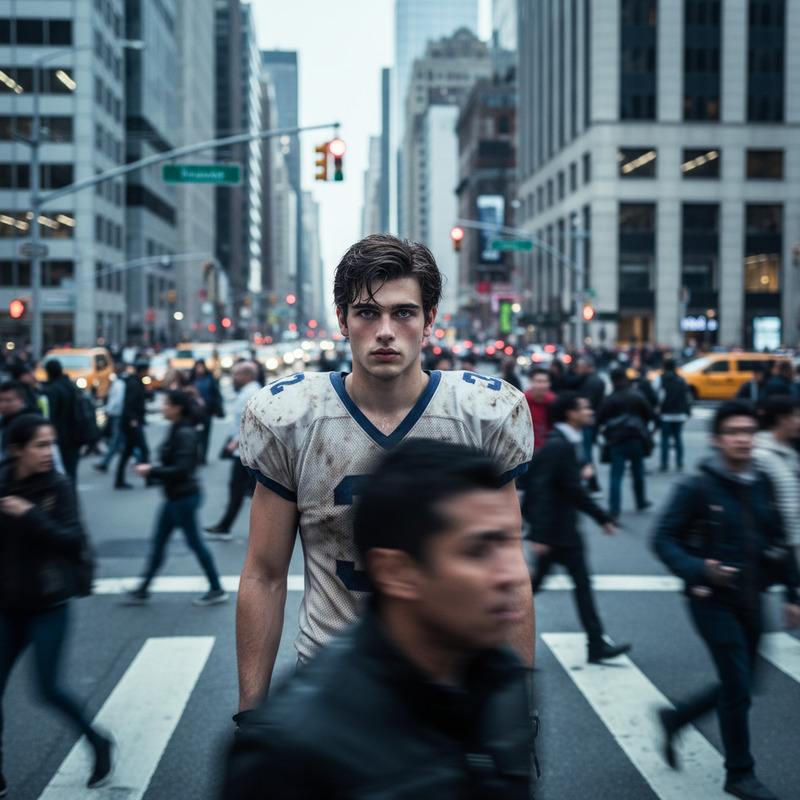
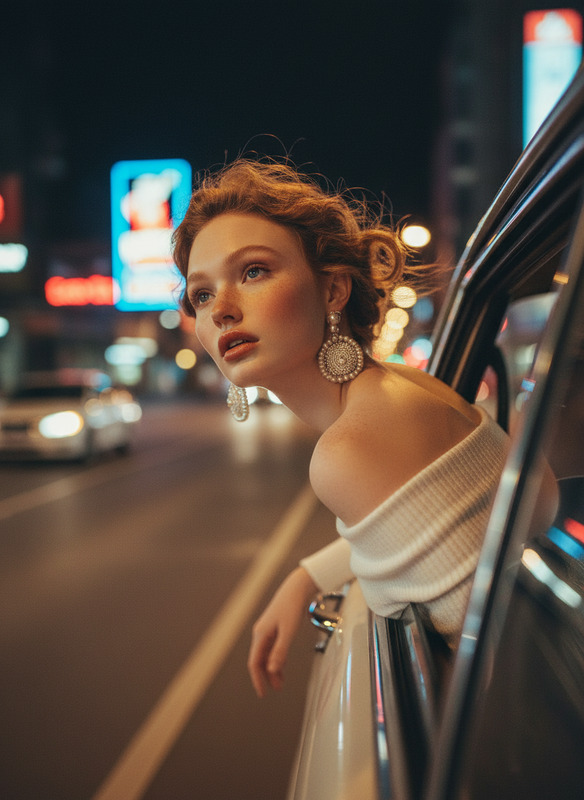
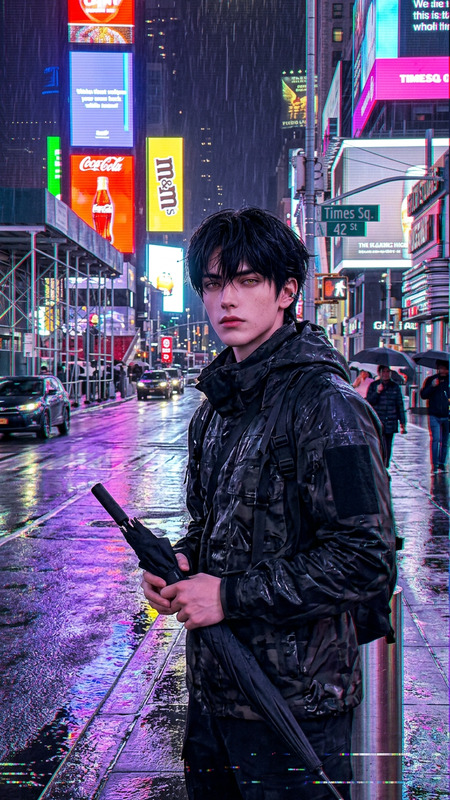
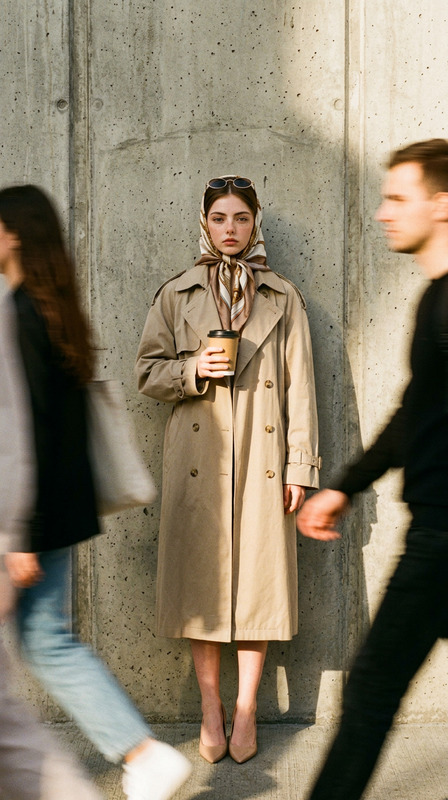
Photorealistic 2006-style digital camera snapshot of Times Square on a busy Saturday in late October, with crisp autumn weather and bustling crowds. The scene feels like a printed photo with a subtle timestamp overlay. In sharp focus is a subject in the foreground, while the surrounding people and city movement are softly blurred. Natural daylight, slightly low-resolution nostalgic digital quality, subtle grain, candid street photography style, cinematic realism, vibrant billboards softened by 2006-era camera exposure.
Any aspect ratio
Overview
Experience the bustling energy and autumn allure of Times Square with our "Times Square Fall Snapshot" template. Designed for the AI Image Editor, this template masterfully blends the evocative charm of 2006's digital snapshots with modern AI precision. Ideal for creating nostalgic visuals that captivate and engage, this template is perfect for capturing moments with a blend of realism and nostalgia.
What It Does
The template leverages the power of the AI Image Generator model nano-banana-2 to faithfully recreate the atmosphere of Times Square in late October. It produces an image with a clear foreground subject amid vibrant billboards and bustling crowds. The background maintains a dream-like blur, reminiscent of candid street photography, enhanced with the subtle nostalgic grain of a 2006-era camera.
Who It's For
This template is tailored for photographers, vloggers, and content creators who want to imbue their cityscape projects with a cinematic and authentic feel. Whether you're a travel vlogger looking to include city montages or a documentary filmmaker capturing urban life, this tool provides the perfect mix of modern and vintage aesthetics.
Summary
Capture the essence of autumn in Times Square with a photorealistic snapshot that marries clarity with nostalgia. The "Times Square Fall Snapshot" template in our AI Image Editor brings to life a dynamic and historic location in vivid detail, perfectly balancing old-world charm with modern-day vibrancy.
How-To

Customize Details

Generate Image

Use Cases
Travel Vlogs
- Highlight iconic locations
- Blend nostalgia with modern flair
Documentary Filmmaking
- Capture the city's heartbeat
- Emphasize real-world charm
City Montages
- Expose cultural diversity
- Frame busy street scenes
Best Practices
Focus on the Foreground
Ensure your main subject stands out by leveraging natural light angles and focus options.Play with Timestamp Positioning
Subtly adjust the timestamp overlay to enhance the nostalgic appeal without overshadowing the image.Explore Grain Effects
Use grain effects wisely to enhance the mood without compromising image clarity.