Analog Chrome Scene
- Model
- Nano Banana 2
- Image
- 843 × 1264 px
Prompt
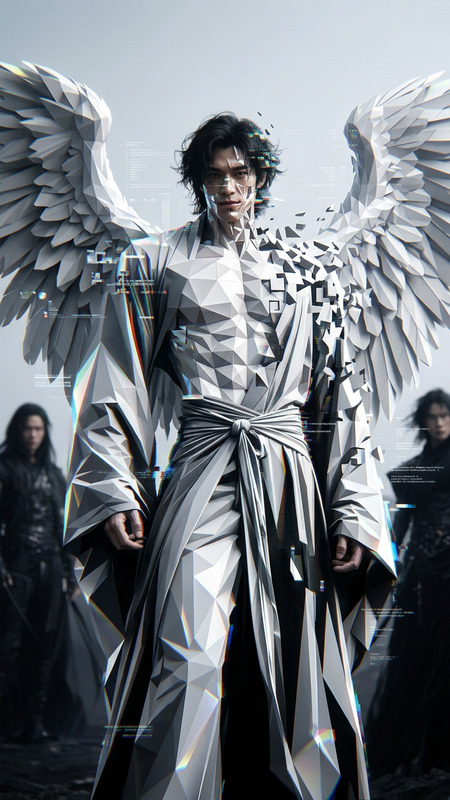
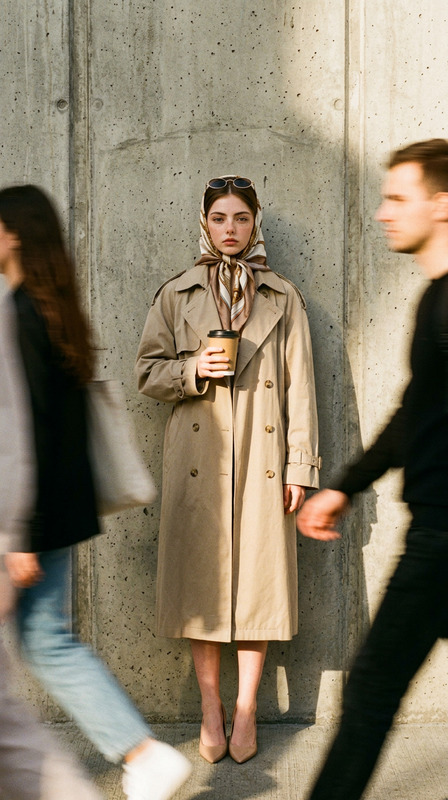
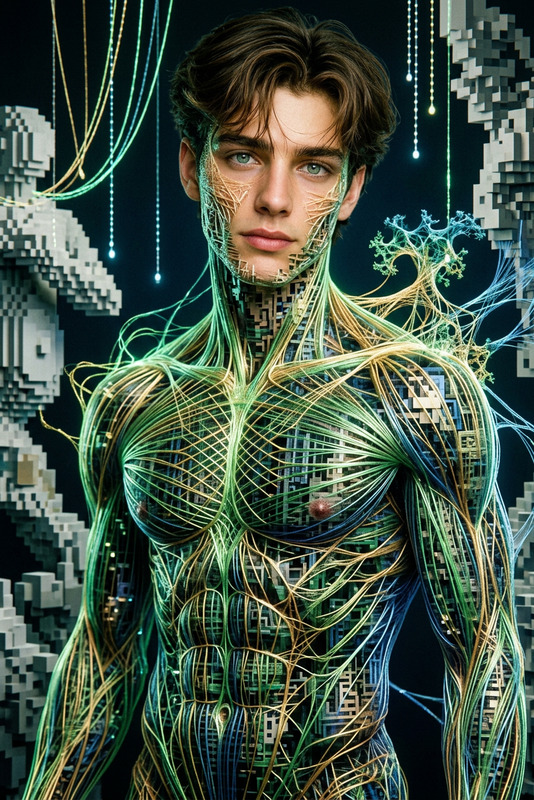
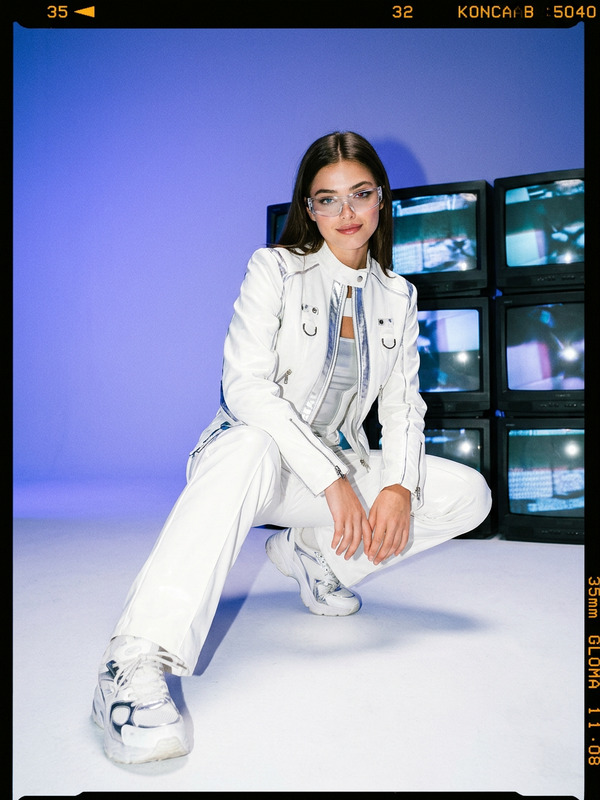
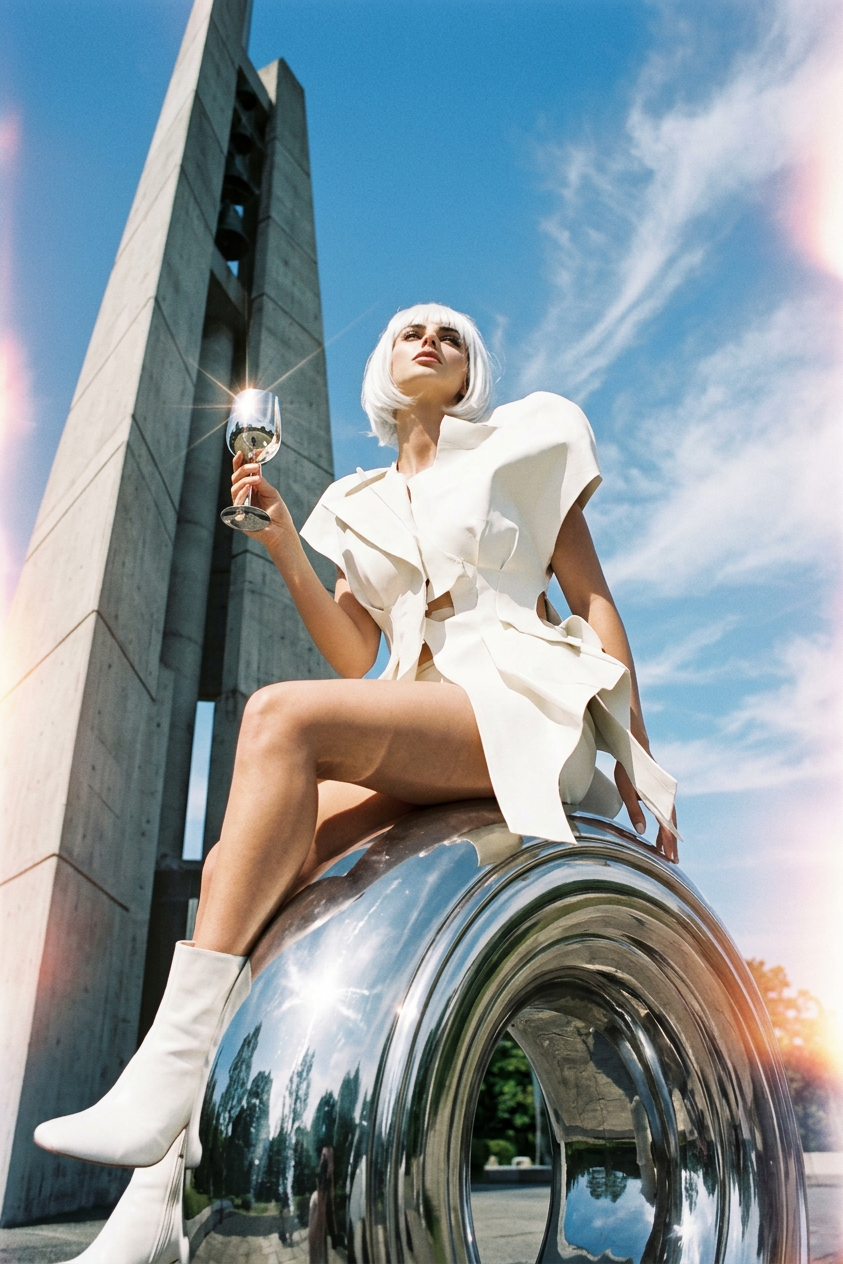
Generate a surreal analog-style photograph with a glossy finish, captured from a worm’s-eye view at the edge of the frame looking upward, featuring a subject with short white hair wearing a sculptural white Comme des Garçons–inspired outfit and white boots, seated on a polished chrome sculpture outside a modernist monument in Japan, holding a reflective chrome glass that catches sunlight, with volumetric lighting, strong contrast, soft cinematic shadows, ultra-realistic textures, and an ethereal dreamlike atmosphere, as if shot on a Yashica Mat-124 medium-format film camera.
Any aspect ratio
Overview
The Analog Chrome Scene template offers a blend of retro aesthetics and surreal charm. Designed for those inspired by the elegance of film photography, this AI Image Editor template brings the dreamy quality of a vintage shot into your creative projects.
What It Does
This template creates surreal analog-style photographs with ultra-realistic textures and a glossy finish. By emulating the qualities of a Yashica Mat-124 film camera, it infuses scenes with cinematic softness, strong contrast, and volumetric lighting. The result is an image that feels both nostalgically vintage and strikingly contemporary.
Who It's For
The Analog Chrome Scene is perfect for creatives in fields such as film, digital storytelling, and visual arts. Whether you're a content creator working on a video project, or a marketer crafting unique promotion materials, this template provides the tools to differentiate your work with striking visuals.
Summary
Embrace the charm of vintage film aesthetics with the Analog Chrome Scene template. Ideal for storytelling, this template allows easy customization and supports multiple export formats. Elevate your projects by incorporating the elegance of retro photography into your visuals.
How To
Choose the Template

Customize Your Image

Generate and Obtain

Use Cases
Storytelling Enhancement
Marketing Campaigns
Art and Design
Best Practices
Experiment with Angles
Try different camera angles in your prompt, as the worm’s-eye view offers unique perspectives.Focus on Details
Pay attention to clothing textures and environmental details to make your image more realistic.Balance Light and Shadow
Enhance the dramatic effect by adjusting the contrast and lighting specifics in your prompt.