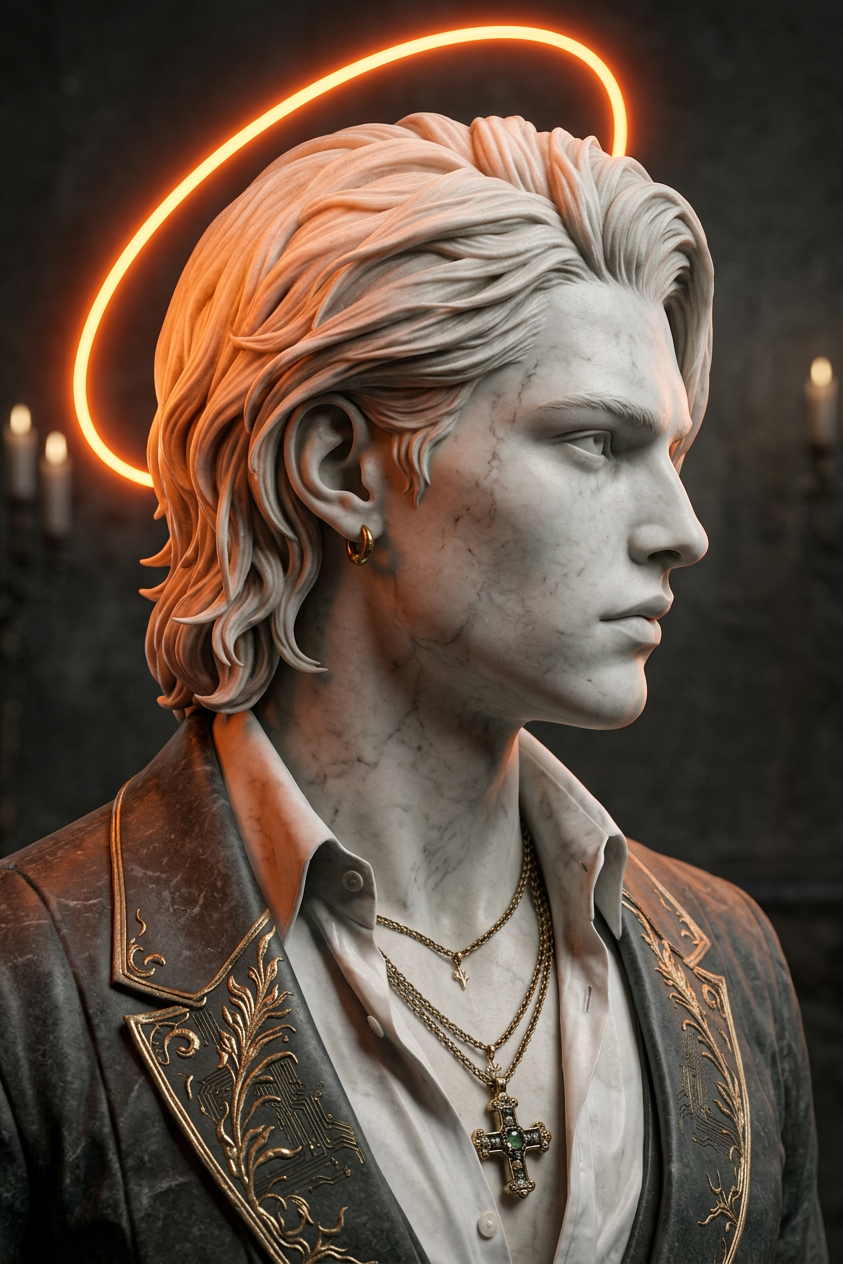
Neon Halo Greek Statue
ai-image-editor
Any aspect ratio
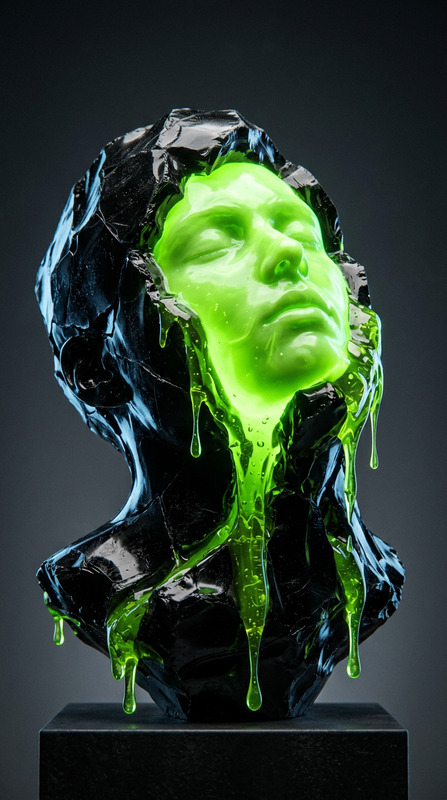
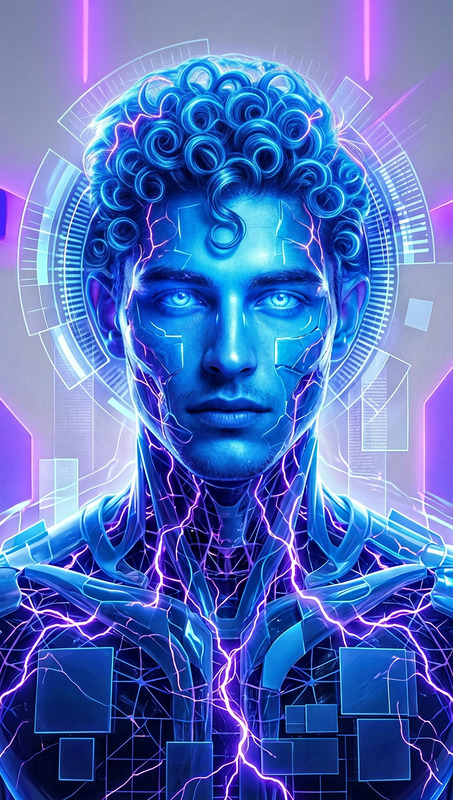
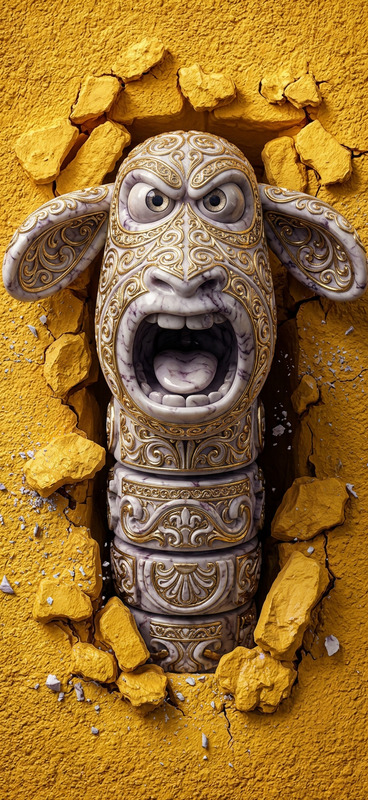
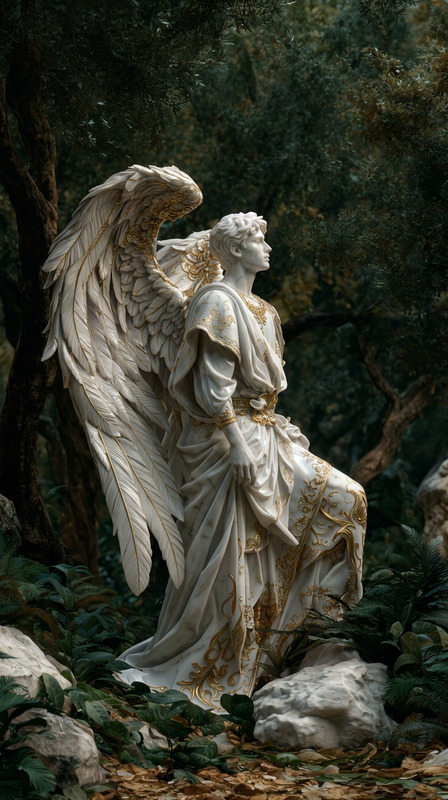
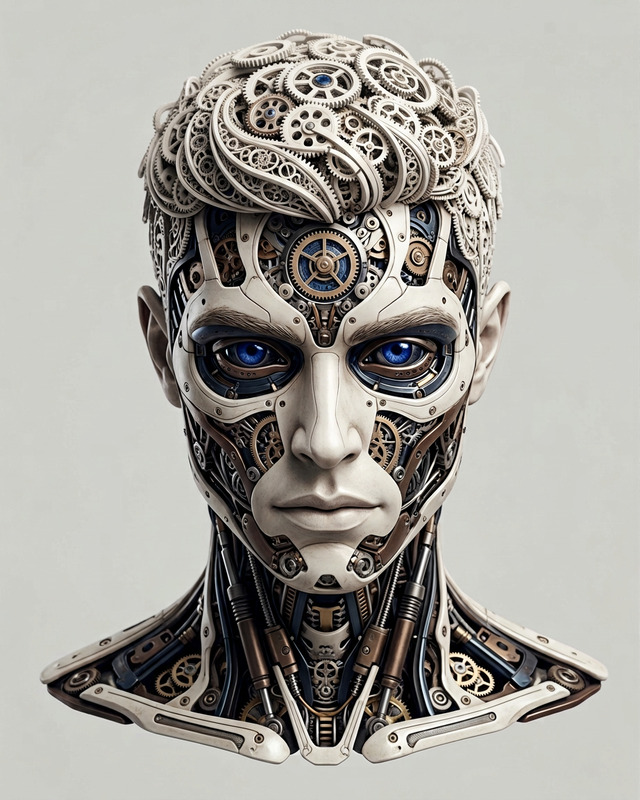
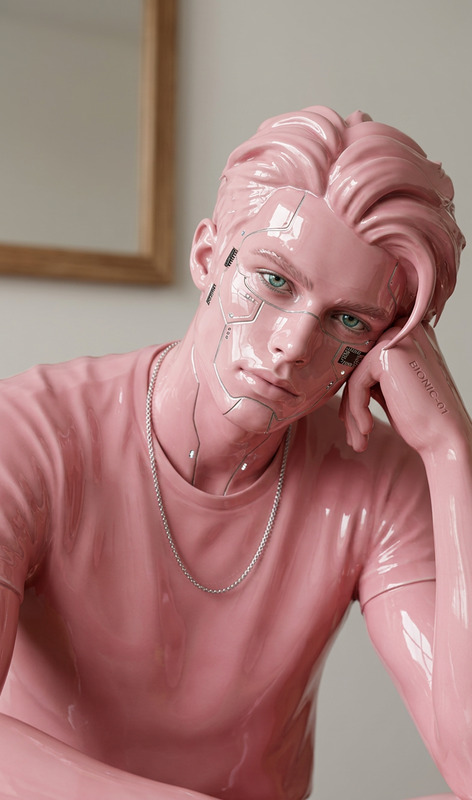
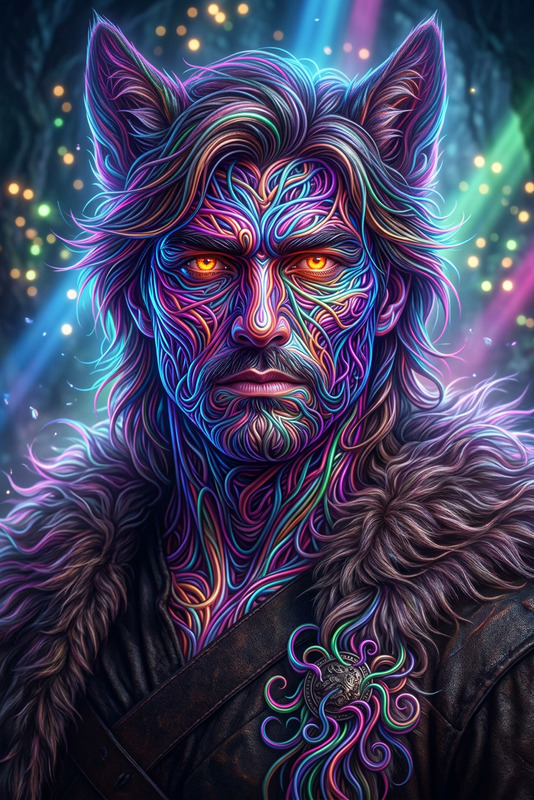
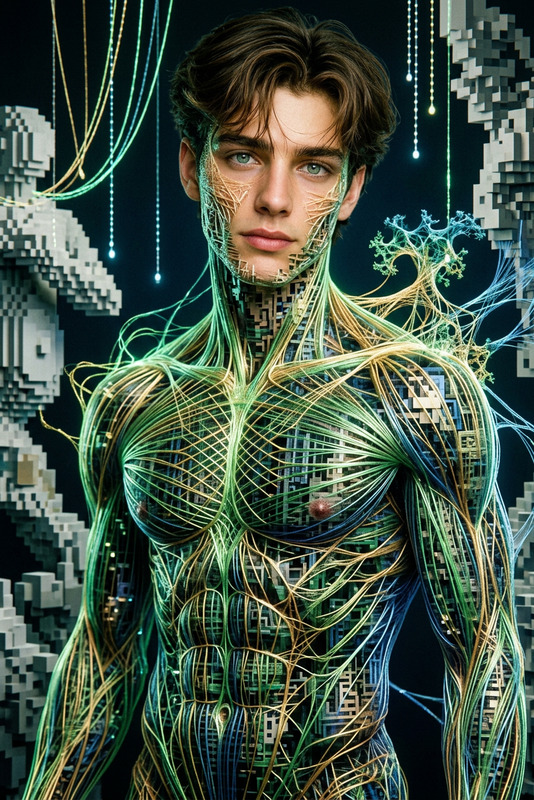
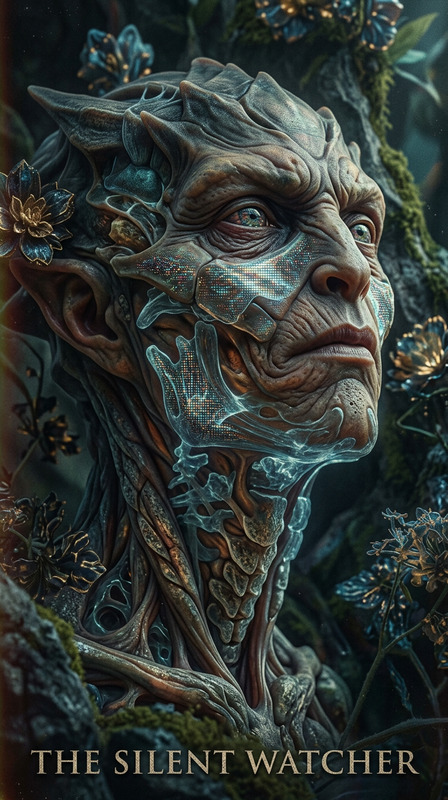
A hyper-realistic photograph of subject statue in side profile. The subject features ultra-detailed stone textures and intricate classical features, illuminated by a radiant neon orange halo encircling the head. Subtle futuristic elements are woven into the timeless design, blending ancient and modern aesthetics. Cinematic lighting, high detail, sharp focus, clean composition, striking contrast between classical sculpture and glowing neon energy.
AI Image Editor Template: Transform Any Image With Precision, Speed & Full Control
Use this template to turn any image into production-ready creative assets in minutes. With Magic Hour’s AI Image Editor, you can clean up photos, change backgrounds, remove objects, enhance faces, or redesign entire scenes—without needing Photoshop-level skills.
This template is built for creators, marketers, and product teams who need fast, repeatable image workflows they can remix and adapt across campaigns.
What You Can Do With This Template
Remix this AI Image Editor template to:
Remove unwanted objects
Clean up photos by removing logos, people, text, or distracting details. For precise object removal, you can also use the dedicated AI Remover and Remove Object From Photo tools.Replace or redesign backgrounds
Instantly swap busy or low-quality backgrounds with clean studio backdrops, brand-themed scenes, or AI-generated environments using the AI Background Generator or Image Background Remover.Retouch faces and portraits
Fix lighting, smooth skin, and adjust facial details with AI Face Editor or generate entirely new looks using AI Face Generator and AI Headshot Generator.Upscale and restore quality
Turn low-resolution or compressed images into crisp, high-quality visuals with AI Image Upscaler and restore old photos using Old Photo Restoration or Unblur Image.Change outfits, style, or aesthetics
Test different clothing styles with AI Clothes Changer or AI Outfit Generator, and shift the entire artistic style using AI Art Generator, AI Manga Generator, or AI Anime Generator.Create branded assets at scale
Turn a single product or brand photo into variations for ads, thumbnails, landing pages, and social. Combine this template with:- Thumbnail Maker for YouTube and social
- AI Logo Generator for branding
- Book Cover Generator and Album Cover Generator for publishing and music
How to Remix This Template in Magic Hour
You can use this template as a starting point and adapt it to your workflow:
Start from an existing image
Upload a product shot, portrait, illustration, or screenshot into the AI Image Editor.Plan your “edit pipeline”
Decide what you want to accomplish:- Clean & retouch (remove objects, fix background, upscale)
- Restyle (change art style, mood, setting)
- Repurpose (turn one asset into variations for different channels)
Chain tools for more powerful edits
For more advanced results, combine:- AI Image Generator or AI Photo Generator to create a base image
- This AI Image Editor Template to refine and clean it
- AI Image Upscaler and Photo Colorizer for final polish
Save your process as a reusable pattern
Once you find a sequence of edits that works (e.g., “remove object → replace background → upscale”), reuse it across product catalogs, campaign shoots, or user-generated content.
Example Use Cases for Creators & Teams
1. Product & eCommerce Teams
- Remove clutter and standardize product backgrounds
- Create lifestyle scenes from basic product shots with AI Background Generator
- Enhance clarity and detail for marketplace listings with AI Image Upscaler
2. Marketers & Growth Teams
- Produce ad-ready creatives from existing photos
- Generate multiple variations for A/B testing using AI Art Generator and Thumbnail Maker
- Turn static images into motion assets via Image to Video or AI GIF Generator
3. Content Creators & Influencers
- Clean up selfies and portraits using AI Face Editor and AI Selfie Generator
- Generate unique avatars, characters, or alter-egos with Avatar Generator, AI Character Generator, and Animated Characters Generator
- Turn characters into short clips using Animation or Text-to-Video
4. Developers, Founders & Product Builders
- Prototype brand visuals and UI themes quickly with AI Illustration Generator, AI Icon Generator, and AI Logo Generator
- Generate pitch deck and landing page imagery with AI Art Generator and AI Background Generator
- Create visual assets for AI agents, in-app avatars, or game concepts using AI Face Generator, Fantasy Map Generator, or Architecture Generator
Going Beyond Static Images: Turn Edits Into Video & Dynamic Content
Once your image is edited with this template, you can extend it into motion and interactive formats using other Magic Hour tools:
Animate faces and portraits
- Use AI Talking Photo to make edited headshots speak
- Combine with AI Voice Generator or AI Voice Cloner for realistic voiceovers
- Add subtitles automatically with Auto Subtitle Generator
Create short AI videos
- Turn edited images into moving scenes with Image to Video
- Convert existing footage into stylized clips using Video-to-Video
- Animate characters or illustrations using Animation
Remix with Face & Lip Sync Tools
- Swap faces in images or GIFs with Face Swap and Face Swap GIF
- Create synced lip movements with Lip Sync
- Use Face Swap Video to adapt your edited characters into new video contexts
Enhance and scale video outputs
- Improve video clarity with Video Upscaler
Niche & Creative Editing Ideas
You can also remix this template for more specialized workflows:
Comics, manga, and illustration
- Generate panels or concepts with Comic Book Generator, AI Manga Generator, and AI Illustration Generator
- Refine artwork with the AI Image Editor and upscale for print
Stylized portraits & fantasy art
- Turn portraits into Disney-style, dark fantasy, or superhero versions using:
- Adjust details with the AI Image Editor for more realistic or brand-aligned outcomes
Photography utilities
- Convert photos to line art or sketches with Photo to Sketch
- Remove watermarks with Watermark Remover
- Swap gender or appearance using Gender Swap or Full Body Generator
Why Use This Template Instead of Starting From Scratch?
- Consistency across assets: Reuse the same approach to editing for campaigns, product lines, or brand systems.
- Speed for non-designers: Marketing, growth, and founding teams can produce design-quality work without heavy tools or manual retouching.
- Compatibility with other AI workflows: This template plays well with Magic Hour’s AI Image Generator, AI QR Code Generator, AI Meme Generator, and more.
- Future-proof assets: High-quality, upscaled, cleaned-up visuals work better across ad platforms, landing pages, and print.
How to Create Your Own Version of This Template
To build your own remixable AI Image Editor template inside Magic Hour:
Choose a core use case
Decide if your template is focused on:- Product cleanup and background replacement
- Portrait & headshot enhancement
- Stylized art or character creation
- Restoring or upscaling existing images
Pick complementary tools to pair with AI Image Editor
Examples:- Product images: AI Image Editor → Image Background Remover → AI Image Upscaler
- Portraits: AI Image Editor → AI Face Editor → AI Headshot Generator
- Creative art: AI Art Generator → AI Image Editor → Image to Video
Document your steps for reuse
Internally, share your process with your team so they can replicate it:- What type of starting image works best
- Which tools you chain, and in what order
- How you export and where you use the final assets
Iterate based on results
Track what performs best in ads, product pages, or social, then adjust your editing pattern to match what your audience responds to.
By combining this AI Image Editor template with Magic Hour’s broader toolset—like AI Image Generator, Image to Video, Face Swap Video, and Animation—you can build an end‑to‑end pipeline from raw idea to polished, multi-format creative assets in a single workspace.