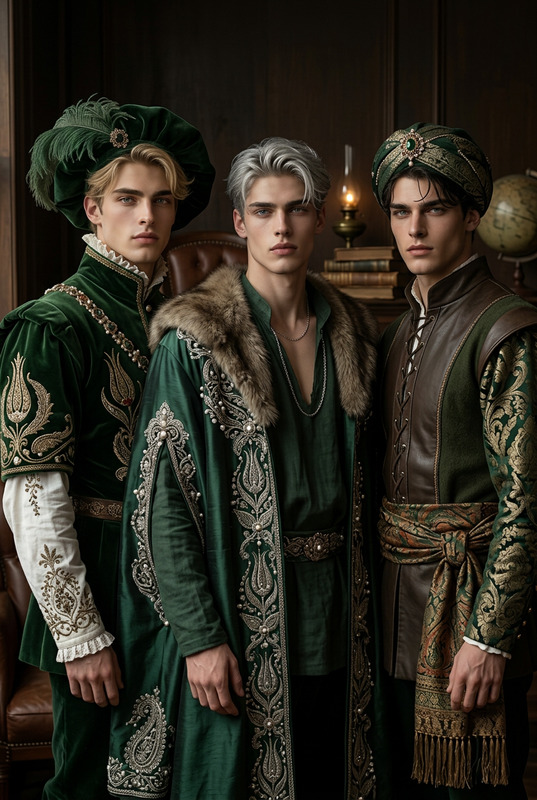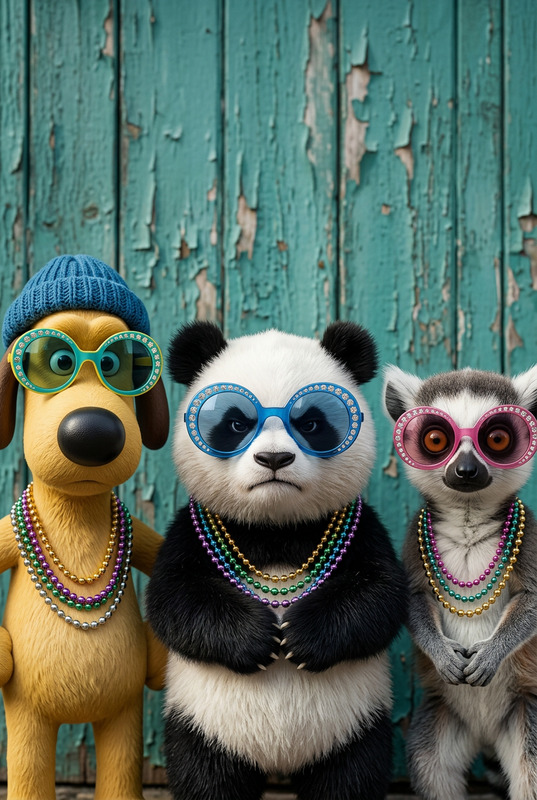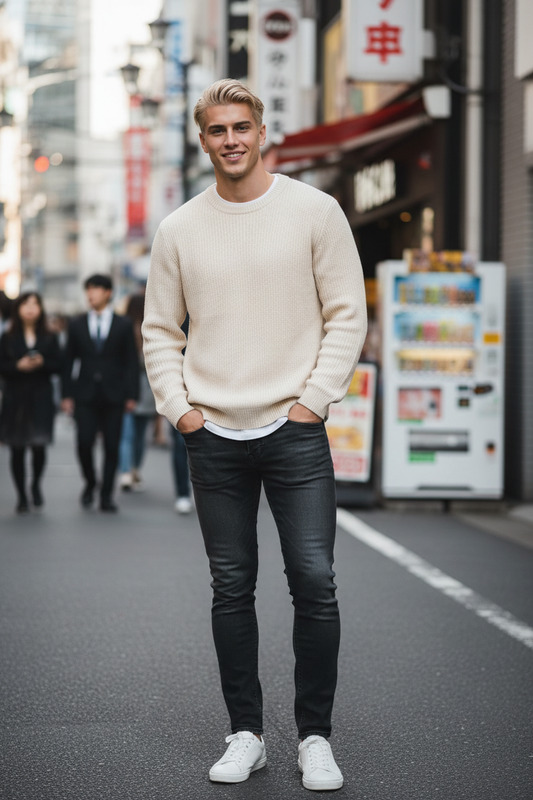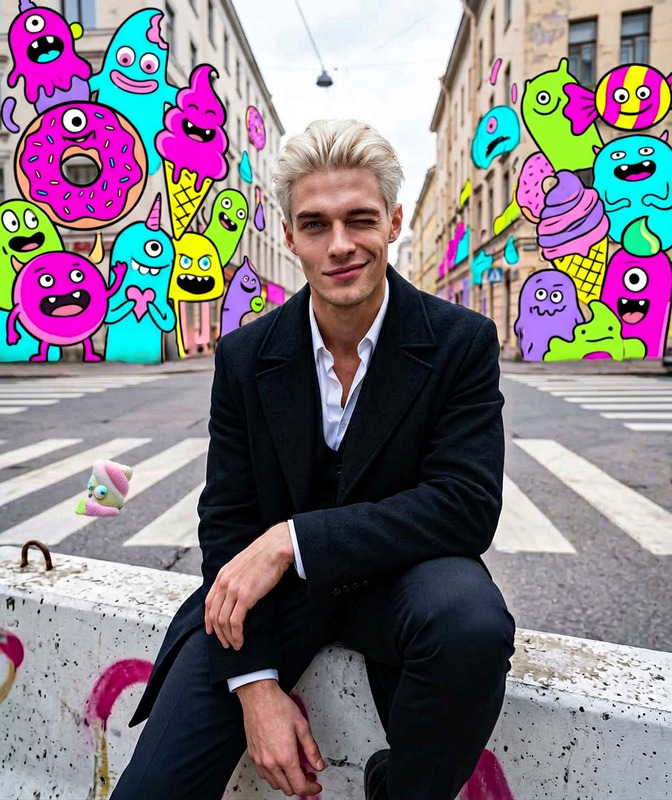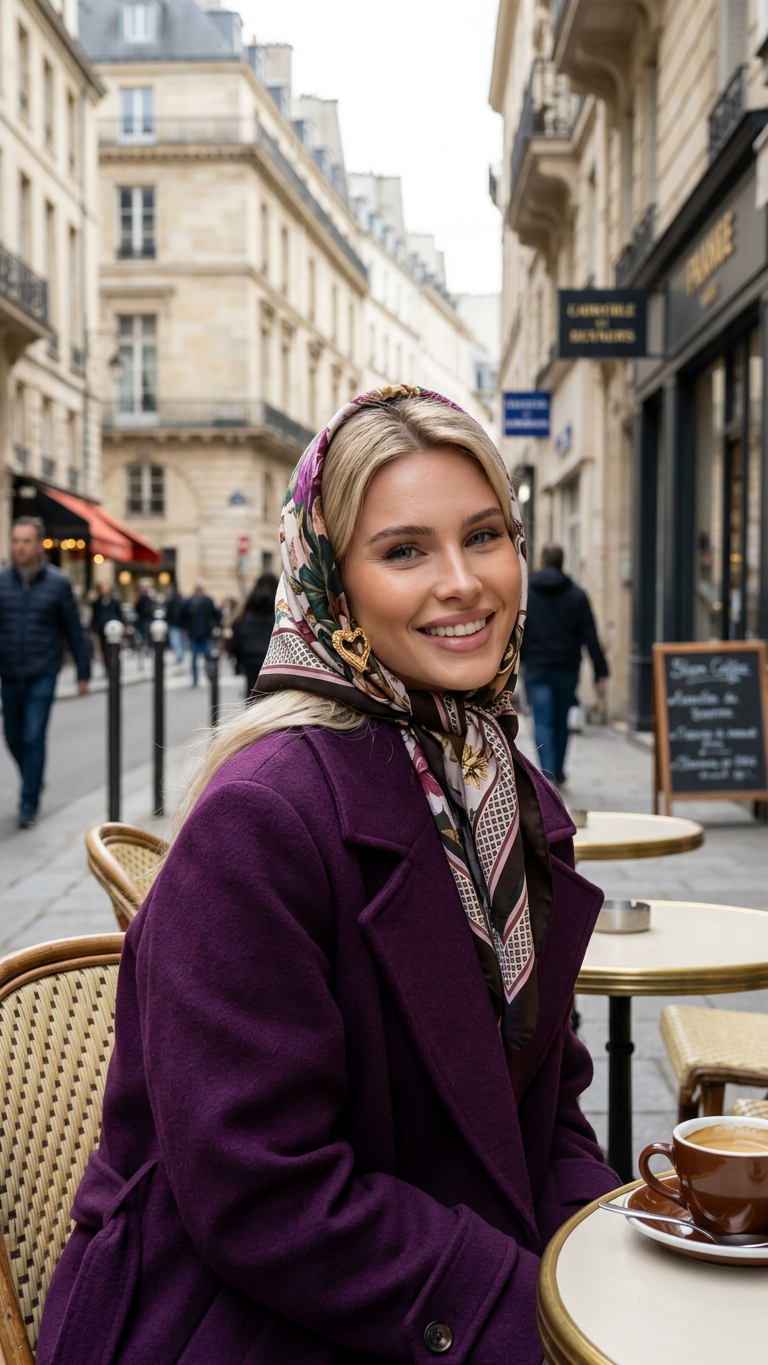
Charming European Street Portrait

Charming European Street Portrait

ai-image-editor

1 clip
10 uses

Any aspect ratio

Prompt

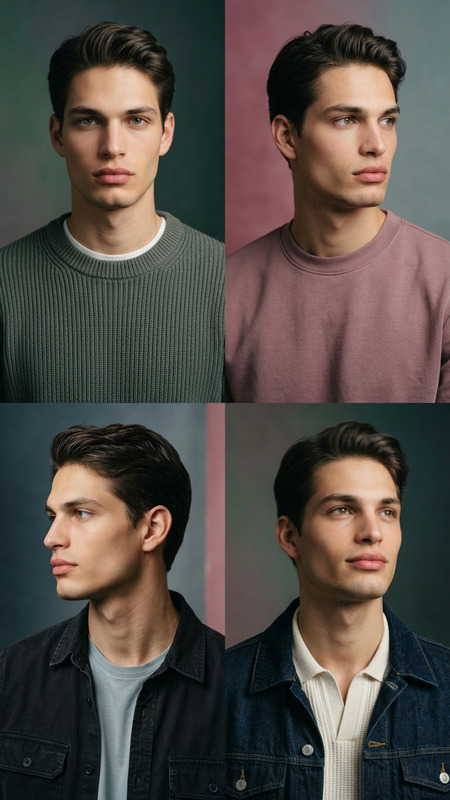
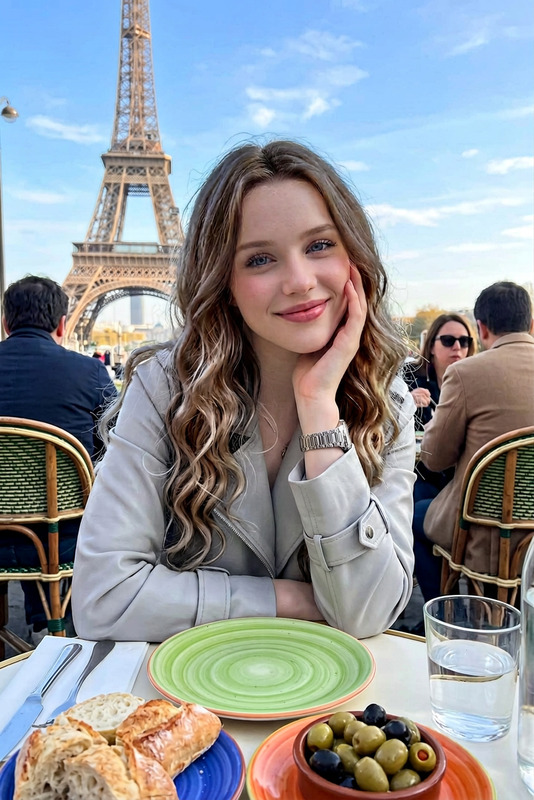
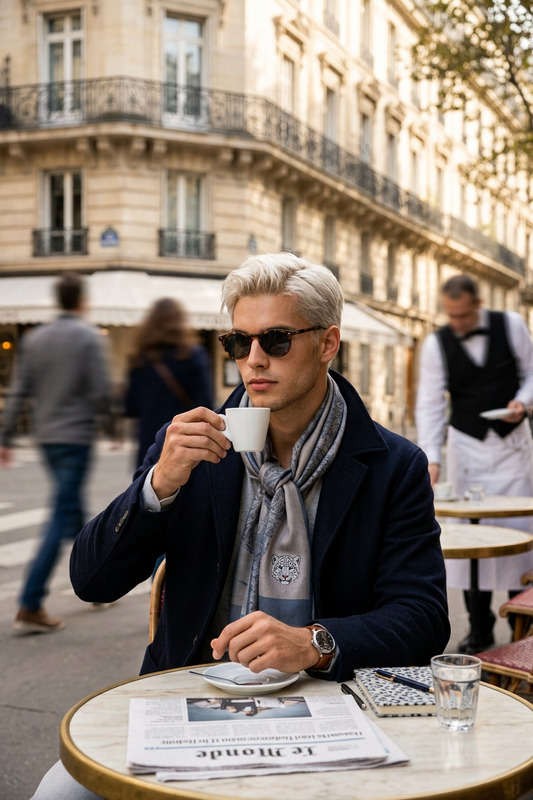
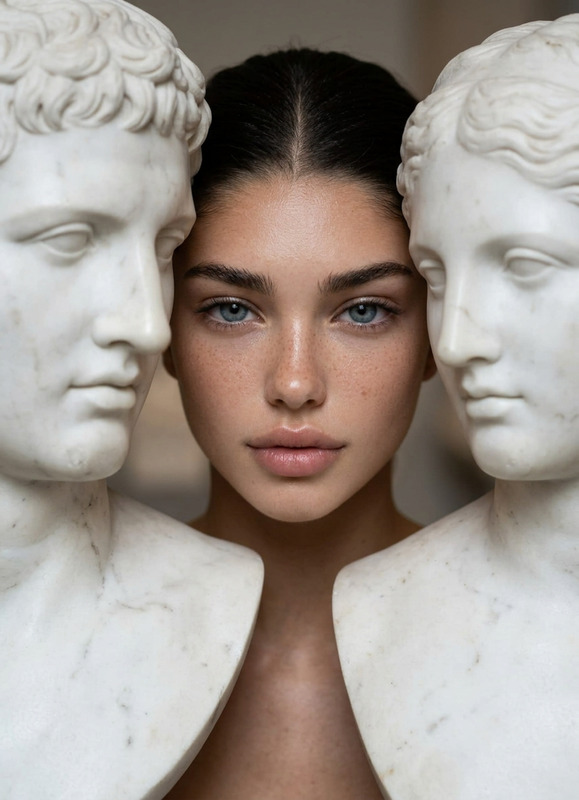
Generate a candid street-style portrait of an subject seated at an outdoor café table, wearing a purple coat and a patterned headscarf, smiling warmly while looking directly toward the viewer; the background features a lively European street with classic architecture and subtle pedestrian activity, softly blurred to maintain focus on the subject; natural daylight illuminates the scene, enhancing authentic textures and colors; the overall aesthetic is warm, spontaneous, and documentary-inspired, capturing a charming everyday moment with a relaxed, inviting atmosphere.

AI Image Editor Template – Fast, Precise Image Editing for Creators and Teams

Use this template to instantly edit any image with AI: remove or replace objects, change backgrounds, fix faces, tweak lighting and colors, or clean up product shots — all in a few clicks. It’s powered by the AI Image Editor, so you can work visually instead of wrestling with complex manual tools.

This page explains what you can do with the template, how to remix it in Magic Hour, and how to extend it with related tools for video, faces, and advanced creative workflows.


What this template is for

This template is designed for:

  • Marketers & growth teams – polish ad creatives, social posts, landing page visuals, and email images at scale.
  • Founders & product teams – quickly iterate on product visuals, feature mockups, and UI/UX concepts.
  • Creators & designers – concept art, thumbnails, key visuals, or look-dev without opening heavyweight design software.
  • Developers & technical teams – generate and update documentation visuals, mockups, and internal diagrams on demand.

You can use it to:

  • Remove distracting objects or people from photos
  • Replace or clean up backgrounds (e.g., for product photos)
  • Fix faces, expressions, and small details in portraits
  • Adjust style (more cinematic, more realistic, more minimal, etc.)
  • Add or edit elements in a scene (text, props, logos, UI components)

Under the hood, tools like AI Image Editor typically use diffusion-based models and inpainting/outpainting techniques to generate new pixels that match the surrounding context, enabling realistic edits that are hard to spot as AI-generated.


How to use and remix this template in Magic Hour

You can treat this template as a starting point and then adapt it to your workflow. A practical approach for busy teams:

  1. Import or upload your base image

    • Use your product shots, portraits, UI mockups, or brand imagery.
    • For consistent brand work, start from your existing brand assets or system UI components.
  2. Describe the change you want in plain language

    • Example prompts:
      • “Remove the person in the background and extend the table naturally.”
      • “Turn this white background into a soft gradient in brand colors.”
      • “Make the lighting warmer and add subtle depth-of-field blur.”
      • “Replace the t-shirt logo with our new brand mark, minimal and flat.”
  3. Iterate quickly

    • Generate multiple variations to compare.
    • Save the ones that match your brand or product goals.
    • Build your own internal “visual guidelines” by favoriting the best outcomes and using them as references for future edits.
  4. Remix this template into your own branded editor

    • Duplicate the flow in Magic Hour and:
      • Change the default example image to one from your brand.
      • Pre-fill example prompts (e.g., “Clean product background”, “Social media hero crop”, “Minimal landing page hero image”).
      • Turn it into a team playbook: standardize how your team edits customer screenshots, headshots, or product photos.

By remixing, you essentially create a custom internal tool: your own AI-powered image editor tuned for your domain (SaaS UI, DTC product shots, pitch decks, etc.) rather than a one-off template.


Practical use cases and patterns

Below are some battle-tested patterns that work well with this template and related Magic Hour tools.

1. Product photos and marketing assets

Use the template with the AI Image Editor and:

  • Clean up cluttered backgrounds, reflections, or unwanted props
  • Standardize product imagery for marketplaces or landing pages
  • Create multiple stylistic variants (e.g., lifestyle vs. clean studio shot)
  • Combine with the AI Image Upscaler to export crisp assets for high‑resolution displays

To push further:

2. Social content, thumbnails, and brand visuals

For content teams and YouTubers:

  • Use the template to adjust faces, expressions, or backgrounds in key visuals
  • Add or clean up text overlays and logos
  • Prepare hero images, banners, and cover art

Then connect it with:

3. Faces, headshots, and character visuals

Combine the template with:

For fun or stylized visuals:

4. UI, product, and technical imagery

Useful for SaaS, developer tools, and B2B products:

  • Clean up dashboard screenshots and remove sensitive data with the AI Remover or Remove Object from Photo, then polish with this editor.
  • Replace placeholder copy or components visually without re‑designing the whole screen.
  • Combine with AI Illustration Generator for diagrams, onboarding flows, or documentation art.

Developers and product teams can also:

  • Prototype visual ideas with AI Image Generator or AI Art Generator, then use the template as the last “polish” layer.
  • Turn this template into an internal “design helper” for PMs and engineers who don’t have design tools installed.

Extending the template: image → video, talking photos, and more

Once your images look right, you can unlock more value by turning them into video or interactive content.

Turn edited images into video

  • Use Image to Video to animate static visuals into short clips for ads, social, or product explainers.
  • For more direct text‑driven animations, explore Text to Video.

You can also leverage template‑driven products:

  • Video to Video – restyle or enhance an existing video based on your edited imagery and visual direction.
  • Animation – create animated content that matches the look of your image edits.

Make faces talk and sync

If your template work includes portraits or characters:


Cleanup, restoration, and enhancement workflows

The template integrates naturally into cleanup and restoration pipelines:


Creative exploration: art styles, brands, and concepts

This template is also useful for creative R&D:

For more experimental projects:


Best practices for high‑quality AI image edits

To get strong, repeatable results from this template:

  • Be specific in your prompts
    Describe what to remove, keep, or change in clear terms: colors, mood, materials, angles, and scale. “Remove the trash can and extend the sidewalk” will beat “clean it up” almost every time.

  • Work with reasonably clean inputs
    High‑resolution, well‑lit source images are easier to edit realistically. If needed, pre‑process with Unblur Image, Old Photo Restoration, or AI Image Upscaler before you start.

  • Iterate and compare
    It’s often more efficient to generate a few options and quickly pick a winner than to over‑optimize a single attempt.

  • Keep brand consistency in mind
    Reuse reference images, colors, and stylistic prompts across your edits. For example:

    • “Soft natural lighting, minimal shadows, light grey backdrop” for product shots
    • “Clean, flat, high‑contrast, no gradients” for a specific SaaS brand

Build your own internal “AI Image Editor” on Magic Hour

This template is intentionally simple so you can turn it into something powerful for your team:

  • Create a branded editing workflow for your product or brand visuals.
  • Share it as a reusable “tool” inside your org so non‑designers can produce on‑brand images.
  • Plug it into downstream flows for video (Image to Video, Text to Video), talking content (AI Talking Photo, Lip Sync), or social and marketing outputs.

By remixing this AI Image Editor template, you create a repeatable, scalable way for your team to go from raw images to production‑ready assets — without slowing down on design or engineering.

More Like This

Insufficient credits