Extreme High Angle Perspective
- Model
- Nano Banana 2
- Image
- 864 × 1222 px
Prompt
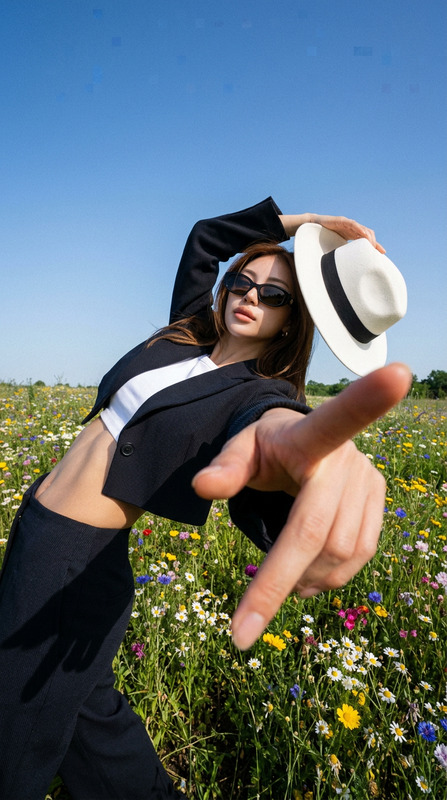
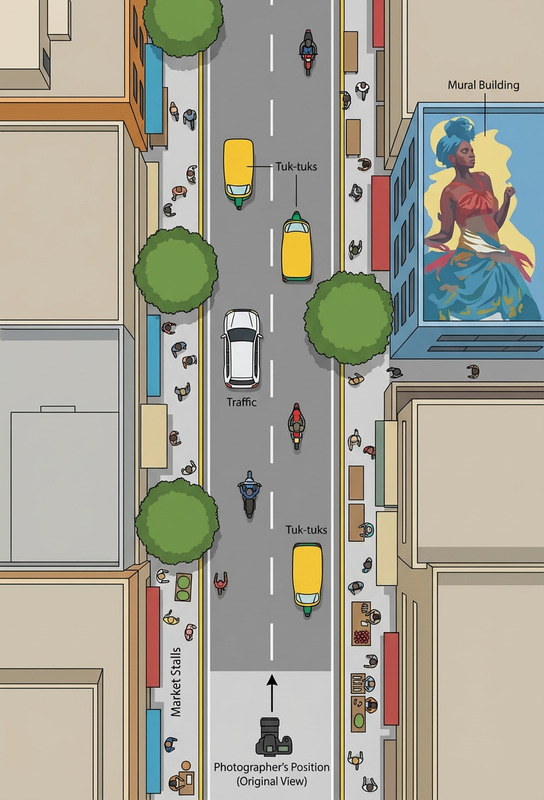
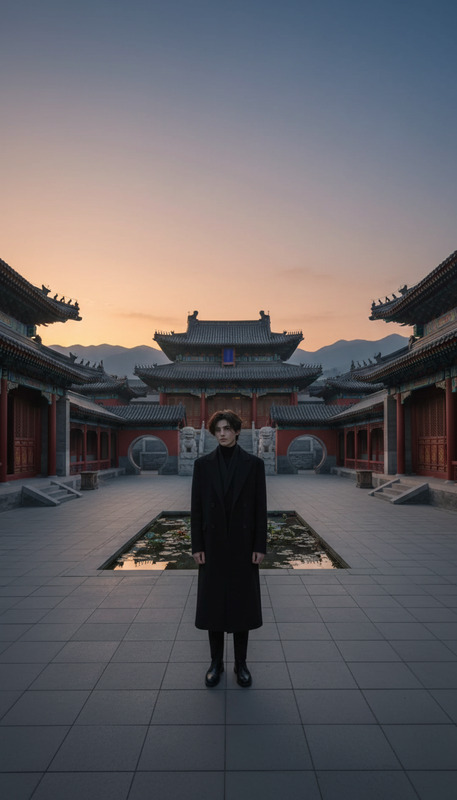
Extreme high angle shot from 12 feet above, camera tilted down ~60°, looking directly down on the subject. Subject unchanged, looking up at camera, head top and shoulders emphasized in forced perspective, body appears small and compressed. Ground dominates ~70% of frame, minimal sky visible. Not eye-level, dramatic top-down composition, photorealistic, natural light.
Any aspect ratio
Overview
The Extreme High Angle Perspective template offers a dramatic top-down composition that transforms your imagery into powerful visuals. Leveraging the advanced capabilities of the nano-banana-2 model, this AI Image Editor template allows you to create a unique visual effect by capturing scenes from an elevated vantage point, enhancing depth and drama in your shots.
What It Does
This template captures images from an extreme high angle, making your subject look upward towards the camera. The composition ensures the subject's head and shoulders are prominent, while their body appears compact, offering a forced perspective. The background dominates the image frame, emphasizing the unique angle and adding depth. This approach is excellent for creating visually engaging content with a photorealistic touch using natural lighting.
Who It's For
This template is ideal for photographers, videographers, and creators looking to enhance their projects with a unique and dramatic perspective. It suits those involved in marketing, storytelling, and ecommerce ads, where impactful imagery can significantly boost engagement. Whether you are a professional or an enthusiast, this tool can elevate your creative work to new heights.
Summary
Create captivating images with the Extreme High Angle Perspective template, designed for impactful visuals. By utilizing a top-down viewpoint and forced perspective, this AI Image Generator tool enhances the photorealism and depth of your projects. Perfect for any project requiring striking and dramatic imagery, this template leverages the latest in AI technology for precision and creativity.
How to Use This Template
Choose the Template

Customize Your Inputs

Generate and Download

Use Cases
Marketing Campaigns
- Social media posts
- Digital advertising
- Email marketing
Visual Storytelling
- Short films
- Documentaries
- Creative photography
Ecommerce Photography
- Product launches
- Online catalogs
- Promotional banners
Best Practices
Emphasize Lighting
Use natural light to maintain the photorealistic aspect of your images, ensuring shadows and highlights enhance the depth of the perspective.Focus on Background
Keep the ground element predominant in the composition by positioning the camera as recommended, to retain the dramatic effect.Subject Positioning
Ensure the subject is looking directly up at the camera to maintain the intended forced perspective effect, emphasizing the head and shoulders.