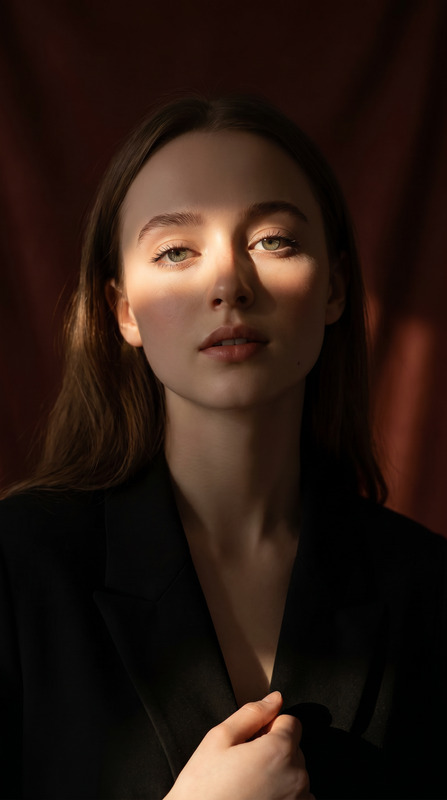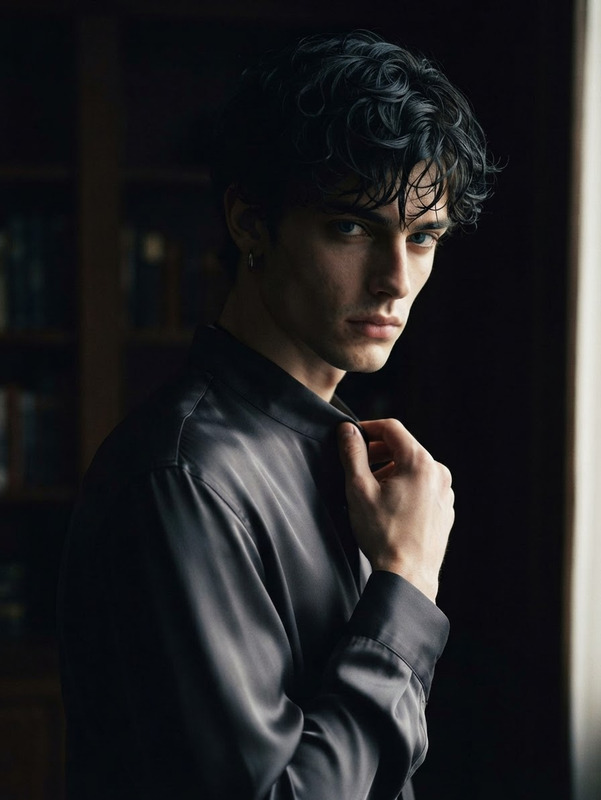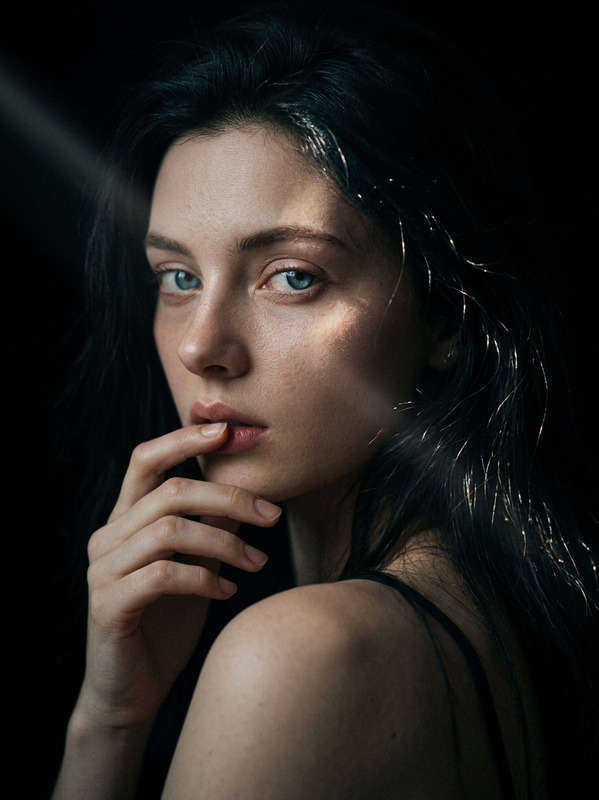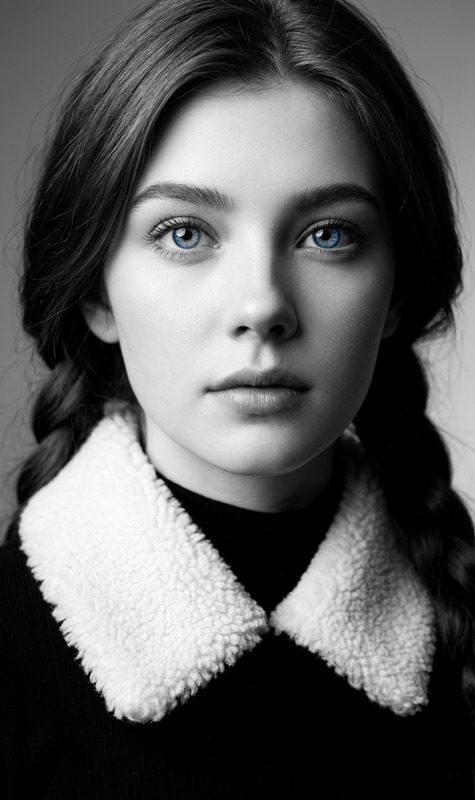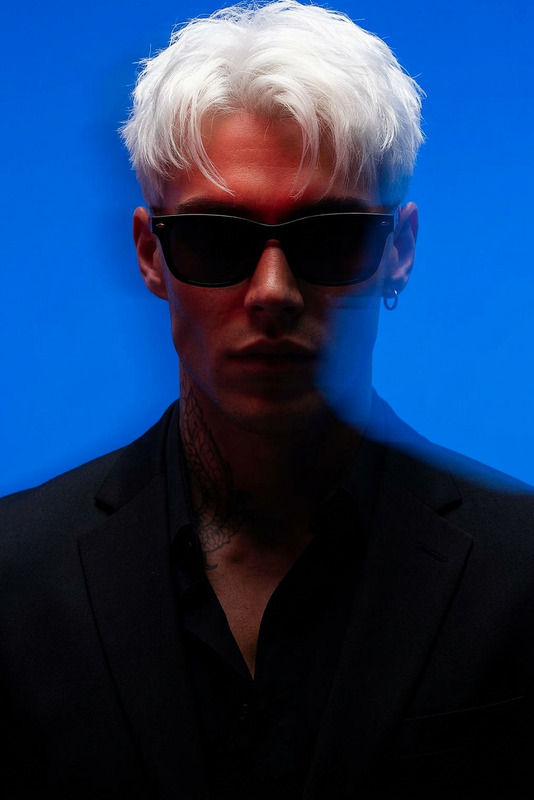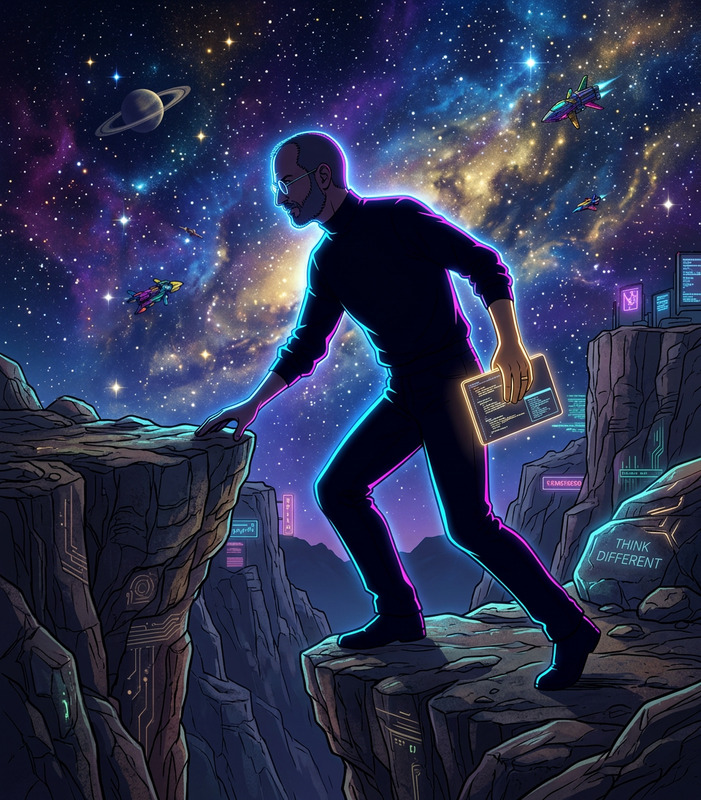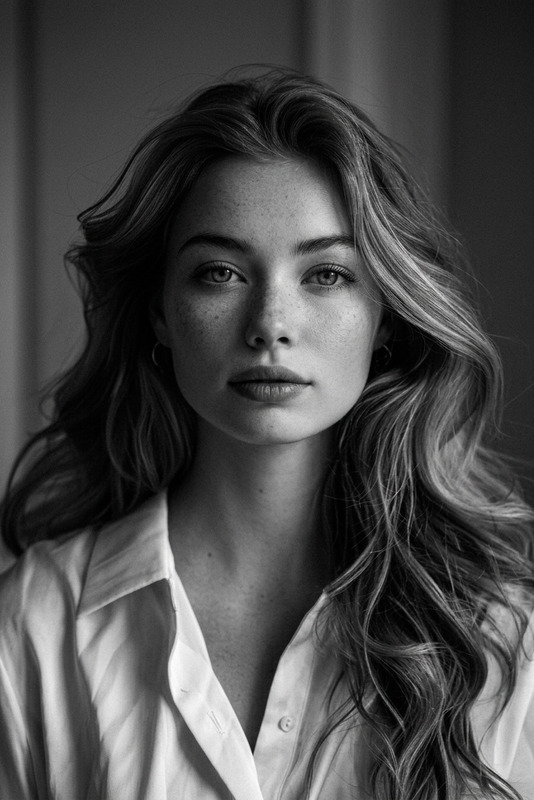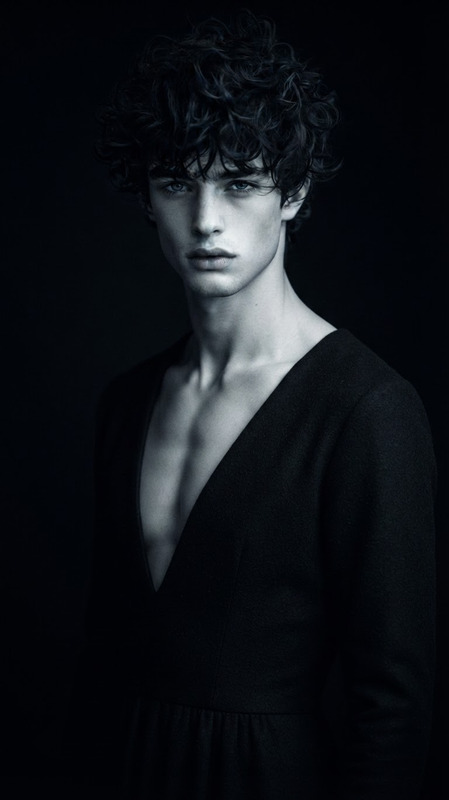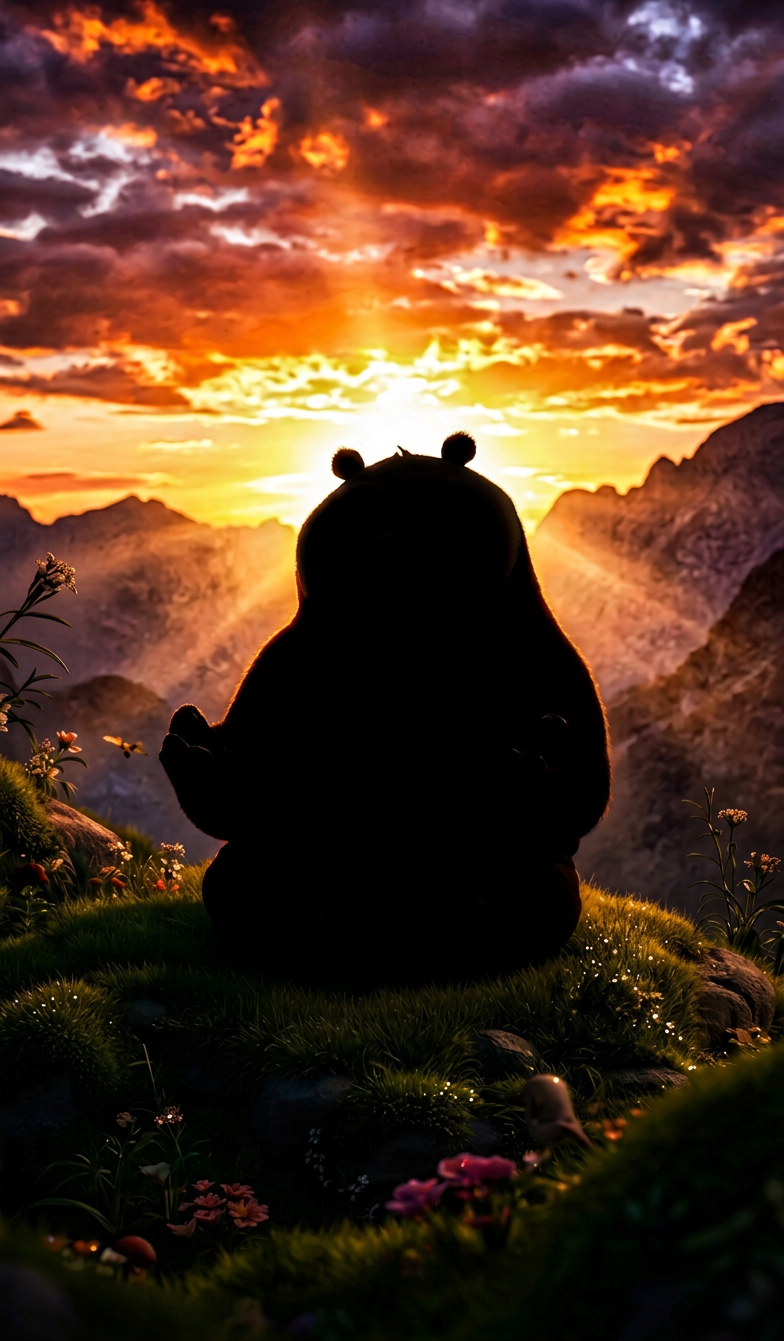
Pure Backlit Silhouette

Pure Backlit Silhouette

ai-image-editor

1 clip
27 uses

Any aspect ratio

Prompt

True backlit silhouette, subject standing against a bright sunset/sunrise with the sun directly behind. Subject rendered as a pure black shape, no visible features, only a crisp outline. Sky brightly exposed, high contrast with blown-out light and deep shadow. Classic silhouette photography, photorealistic, cinematic.

Transform Any Photo with Magic Hour’s AI Image Editor Template

This template showcases what you can do with the AI Image Editor: clean, modern image edits that look professionally retouched—but are fully reproducible and remixable in just a few clicks.

Use this template as a starting point to:

  • Remove or replace distracting objects
  • Change backgrounds without masking by hand
  • Refine faces, outfits, or lighting for marketing and social content
  • Create multiple on-brand variations from one source image

Because it’s built on Magic Hour’s AI Image Editor, you can easily remix it into your own workflow—no design or editing background required.


What This Template Is For

This template is designed for creators and teams who need production-quality edits at scale, including:

  • Marketers & founders – polish product shots, ads, and landing-page visuals without a design team
  • Content creators – quickly clean up thumbnails, social posts, and profile images
  • Designers & art directors – prototype visual directions, then refine in your usual tools
  • Developers & ops teams – standardize visual edits across campaigns or user-generated content

Use it to:

  • Remove logos, clutter, or people from photos
  • Swap backgrounds to match brand aesthetics
  • Enhance portraits and faces for profiles or campaigns
  • Generate consistent visual assets from a single base image

If you work with visual content regularly, this template gives you a repeatable pattern you can adapt and extend.


How to Remix This Template in Magic Hour

You can recreate and customize this template directly inside Magic Hour using the AI Image Editor:

  1. Start from a similar source image
    Upload a photo that fits your use case (product, portrait, lifestyle shot, etc.) to the AI Image Editor.

  2. Edit the core elements
    Use AI-powered editing tools to match what this template demonstrates:

  3. Align with your brand or use case

  4. Enhance quality and consistency

  5. Create variants and test quickly
    Use the same setup to produce multiple versions:

    • Different backgrounds for A/B tests
    • Alternate crops for ads, emails, and social
    • Multiple style directions from the same base image

Because the template is structured around the AI Image Editor, you can repeat and adapt it for many images and campaigns.


Extending This Template Into Video & Animation

Once your edited image is ready, you can turn it into motion content without leaving Magic Hour:

For more advanced use cases, you can also move into Text to Video to generate motion directly from prompts and then composite with your edited images.


Related Use Cases and Templates to Remix

This AI Image Editor template is a strong foundation if you’re building:

You can chain these tools with the AI Image Editor to build repeatable, multi-step workflows entirely inside Magic Hour.


Practical Tips for Getting Strong Results

For creators, marketers, and startup teams working under time pressure:

  • Start with the highest-quality source image you have. Better inputs give cleaner edits and more reliable background changes. If the original is weak, run it through Unblur Image or AI Image Upscaler first.
  • Design one “master” look. Use this template once to define your ideal framing, background style, and level of retouching—then reuse that structure as your internal standard.
  • Batch similar assets. Run sets of product shots, headshots, or campaign photos through the same editing pattern to keep brand consistency and reduce decision fatigue.
  • Think in pipelines, not one-offs. For example:
    Source image → AI Image Editor → Background edit → AI Image Upscaler → Thumbnail Maker or Image to Video.
  • Protect core identity features. If you’re editing faces for public content, keep defining features consistent so they remain recognizably “you” across face swaps, talking photos, and image variations.

Who This Template Is Best For

This AI Image Editor template is particularly useful if you:

  • Run a startup or small team and need “good enough to ship” visuals without a full-time designer
  • Manage campaigns or content calendars and want consistent imagery across channels
  • Build AI-native products or prototypes and need fast, repeatable visual workflows
  • Operate UGC or marketplace platforms and want to standardize image quality and style

Because this template is fully remixable, you can treat it as a living system: refine once, reuse often, and connect it to any of Magic Hour’s tools—from AI QR Code Generator and AI Meme Generator to AI Voice Changer and Auto Subtitle Generator.

Use it as a blueprint for professional, AI-driven image editing that scales with your projects.

More Like This

Insufficient credits