Vintage Character Interpretation
ai-image-editor
Any aspect ratio
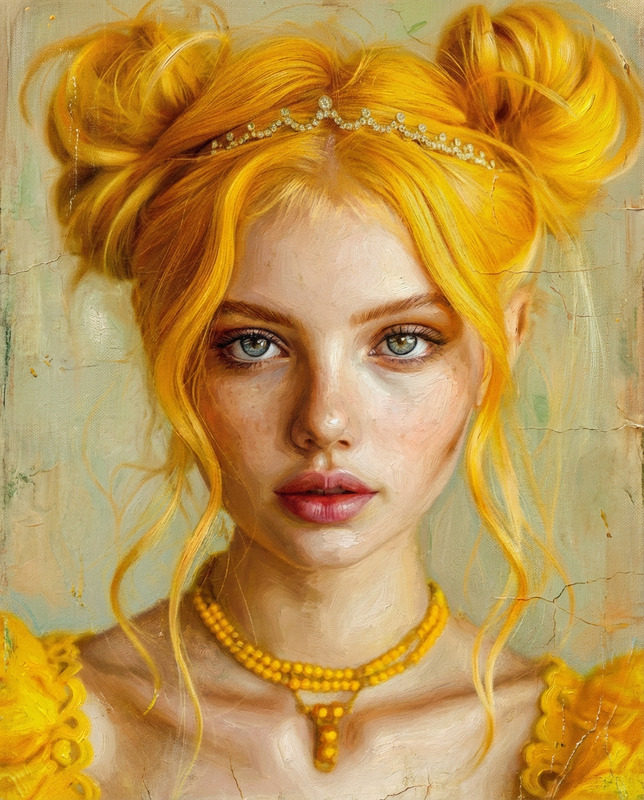
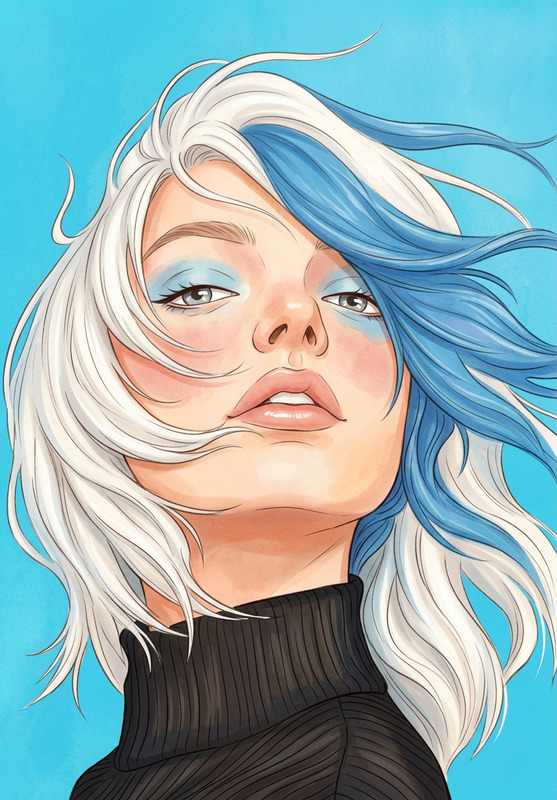
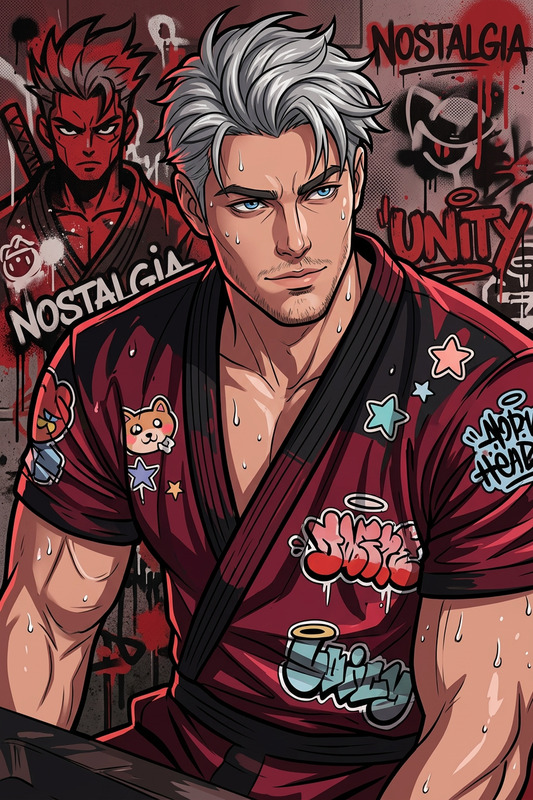
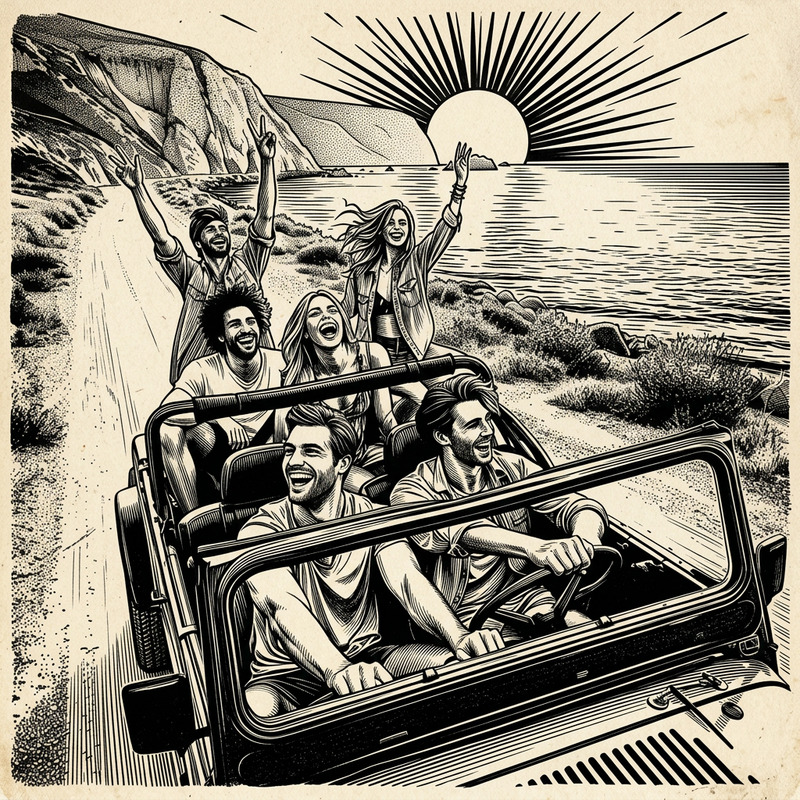
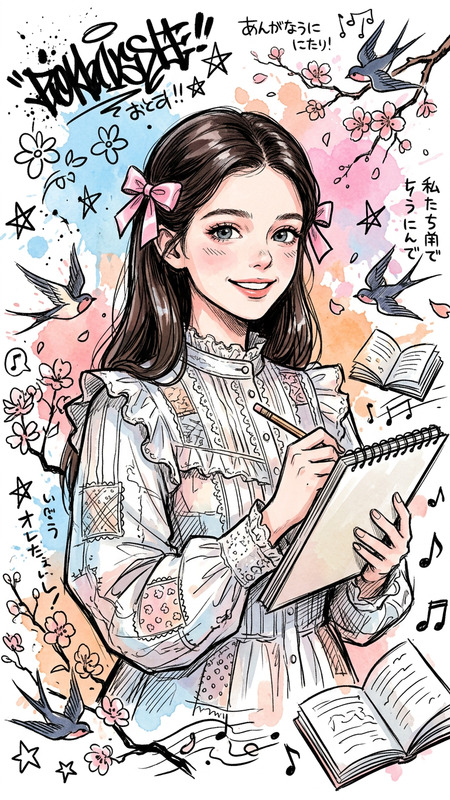
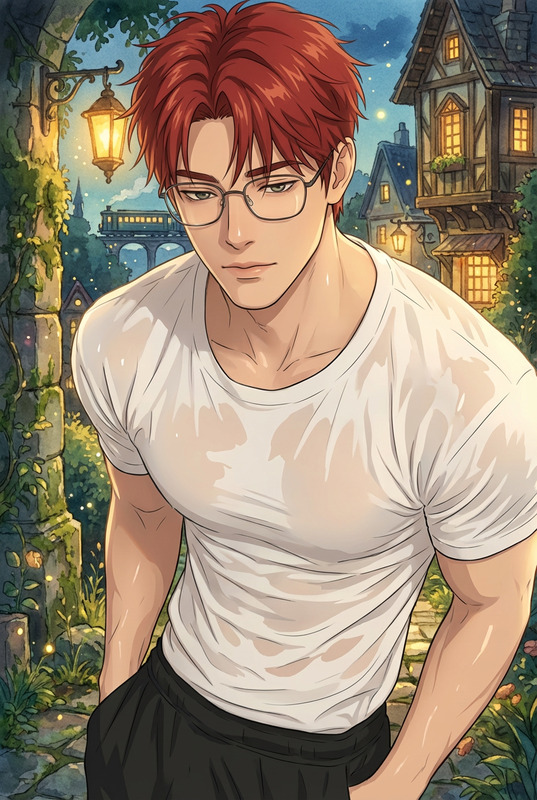
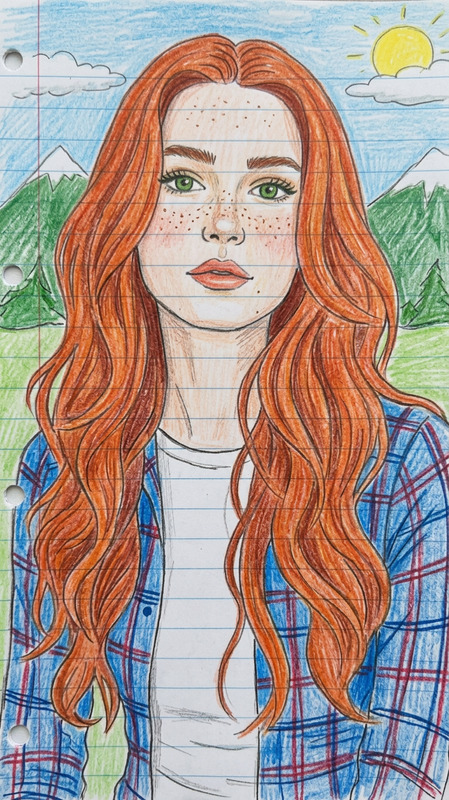
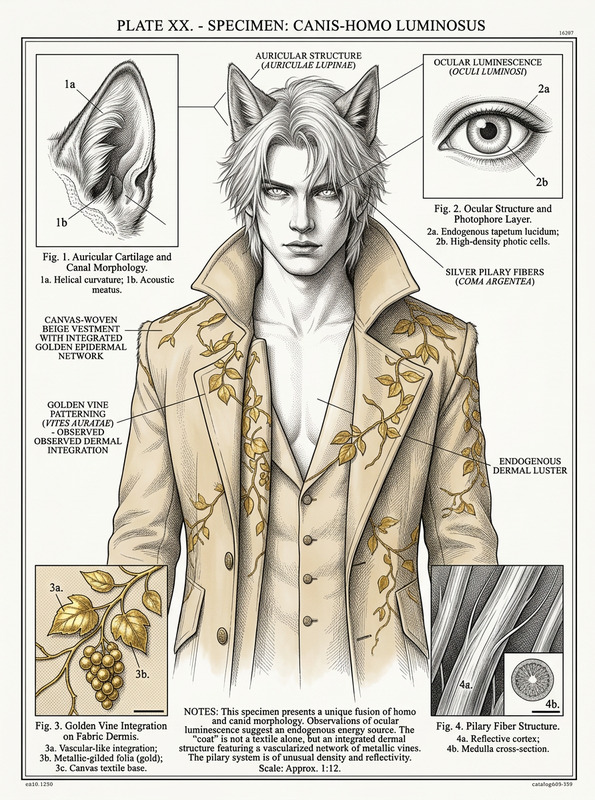
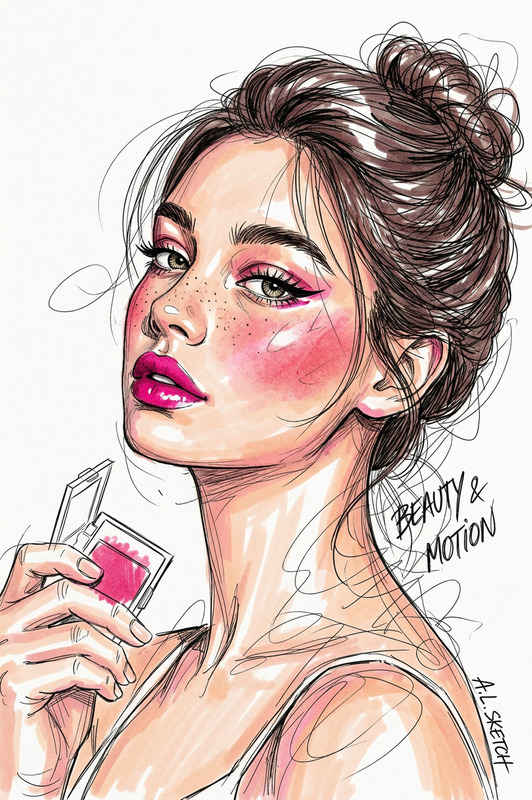
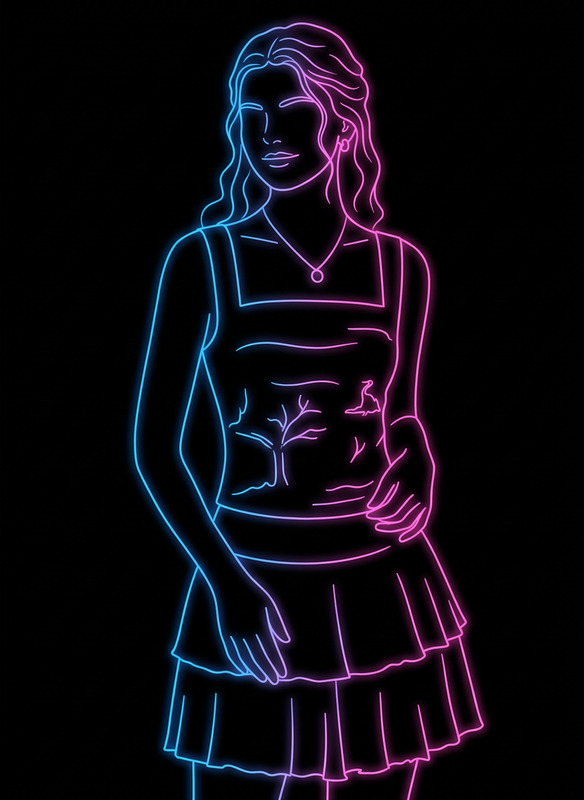
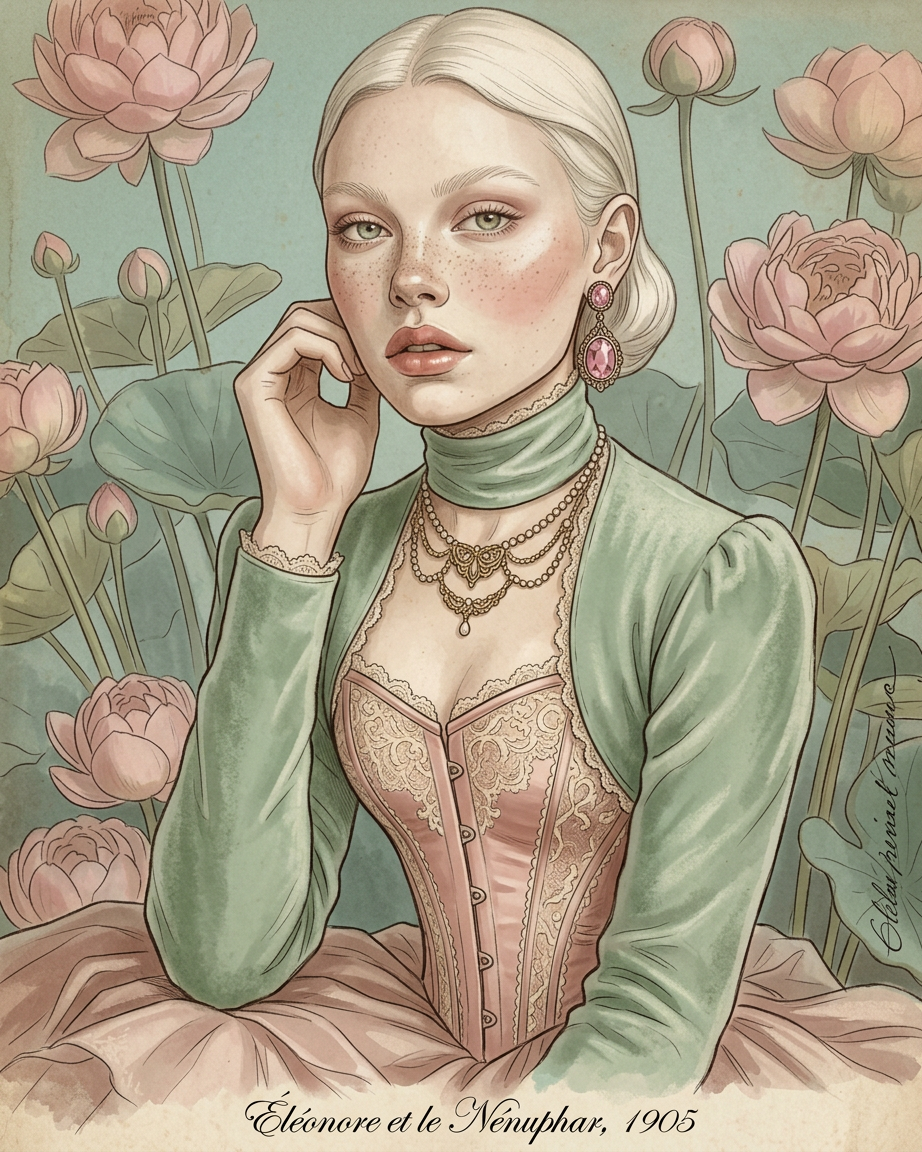
Create a detailed rendered version of the provided line drawing, transforming the subject into an old-fashioned, vintage-era character. Preserve the original proportions, pose, and key design elements from the line art. Apply period-accurate clothing, textures, and styling inspired by historical aesthetics (e.g., early 20th century portrait photography or classic illustration). Use soft, muted tones, subtle film grain, and aged paper or sepia-inspired lighting to enhance the vintage feel. Maintain clean line integrity while adding realistic shading and material detail. Ensure the final result feels like a restored historical illustration brought to life.
Tags
stylesAI Image Editor Template: Turn Any Photo Into High-Impact Visuals in Minutes
Use this template to quickly clean up, enhance, and redesign your images with the AI Image Editor. It’s built for fast, production-quality edits: remove distractions, change backgrounds, adjust composition, and turn a rough asset into something you can ship in a deck, ad, or product page.
What You Can Do With This Template
This template is optimized for creators and teams who need reliable, repeatable image edits without opening Photoshop. Typical use cases:
Marketing & ads
- Create multiple variants of a hero image for A/B tests
- Swap backgrounds to match channel (website, social, app store)
- Remove visual clutter from UGC or screenshots
Product & startup teams
- Turn basic product shots into clean, on-brand visuals
- Standardize images for pitch decks, landing pages, and investor updates
- Generate quick mockups for experiments and prototypes
Creators & social
- Clean up portraits and thumbnails
- Remove unwanted objects or people from photos
- Turn a single base photo into a content batch for different platforms
Because this template uses the AI Image Editor, it works well with other Magic Hour workflows, like generating new source images via the AI Image Generator or turning stills into motion using Image to Video.
How to Remix This Template in Magic Hour
You can create your own version of this template in a few minutes. A typical remix flow:
Start from this template
- Open the template in Magic Hour.
- Duplicate it to create your own working copy.
Swap in your own images
- Upload product photos, portraits, or design assets you actually use.
- If you don’t have a starting image, generate one using:
- AI Photo Generator for realistic photos
- AI Art Generator for stylized artwork
- AI Manga Generator or AI Anime Generator for character-based visuals
Refine the visual style
- Decide what “final” looks like for you: product-photo clean, illustration-style, cinematic, comic-book, etc.
- If you’re aiming for a specific aesthetic, you can prototype styles using tools like:
Clean up and restructure the image
- Use the AI Remover or Remove Object From Photo to strip out logos, clutter, or people you don’t want.
- If the image feels low-res or noisy, sharpen it with the AI Image Upscaler or Unblur Image.
- For legacy or damaged assets, try Old Photo Restoration and Photo Colorizer.
Adjust background, composition, and framing
- Use the AI Background Generator or Image Background Remover to:
- Drop in clean, brand-aligned backdrops
- Create contextual scenes (office, studio, outdoors, sci-fi, fantasy)
- For specific verticals:
- AI Interior Design Generator for rooms and sets
- Architecture Generator for exterior scenes
- Fantasy Map Generator for world-building or game concepts
- Use the AI Background Generator or Image Background Remover to:
Standardize your brand use case
- For marketing:
- Turn edited images into banners or covers using:
- Thumbnail Maker
- Album Cover Generator
- Book Cover Generator
- AI Logo Generator for quick branding marks
- Turn edited images into banners or covers using:
- For product or founder images:
- Use AI Headshot Generator or AI Selfie Generator to keep a consistent face style across decks, websites, and avatars.
- Generate polished avatars via the Avatar Generator.
- For marketing:
Save as a reusable pipeline
- Once you like the edits, save this as your own “house style” template.
- Next time, you can drop in new images and get consistent outputs without re-thinking the process.
Example Workflows You Can Build From This Template
Here are practical workflows you can build by remixing this template inside Magic Hour:
1. Product Image Upgrade Pipeline
Goal: Take a basic product photo and output a clean, consistent, ready-to-use image.
Suggested chain:
- Start in this AI Image Editor template
- Remove background and distractions with Image Background Remover
- Generate new, on-brand backdrops via AI Background Generator
- Sharpen and upscale with AI Image Upscaler
- Export multiple cropped versions using Thumbnail Maker for website, ads, and social
2. Creator / Influencer Content Pack
Goal: Turn one selfie or portrait into a batch of on-brand content.
Suggested chain:
- Generate or clean up your main face image using:
- Edit the base image in this AI Image Editor template
- Create different settings and outfits with:
- AI Outfit Generator
- AI Clothes Changer
- Gender Swap for alternate looks
- Turn your photos into motion:
- AI Talking Photo
- Face Swap Video for meme-style clips
- Lip Sync to match voices or music
- Image to Video for cinematic pans and transitions
3. Character & Concept Art Production
Goal: Develop consistent characters and worlds, then refine them with the Image Editor.
Suggested chain:
- Generate characters using:
- AI Character Generator
- Animated Characters Generator
- Superhero Generator
- Pokemon Generator for creature concepts
- Clean up, recolor, and compose scenes in this AI Image Editor template
- Add specific details or stylistic overlays using:
- Turn key art into animated sequences with:
- Video to Video
- Animation
- Text to Video for scripted sequences
Connecting Image Editing to Video, Audio, and Memes
Once your images are cleaned and styled in this template, you can plug them into other Magic Hour products for full media pipelines:
Video & motion
- Image to Video: Turn a still into dynamic shots for intros, B-roll, or product sequences.
- Video to Video: Re-style existing footage using your edited images as visual references.
- Animation: Animate characters, logos, or scenes.
- Video Upscaler: Enhance resolution for final exports.
- Auto Subtitle Generator: Add captions for social and ads.
Face, voice, and talking content
Memes, QR, and social assets
- AI Meme Generator for social-ready posts
- AI QR Code Generator to embed branding or art into scannable codes
- Emoji Generator and AI Icon Generator for UI or community assets
Best Practices for Using This Template Effectively
These are practical guidelines drawn from how teams and power users typically work with AI image editing and generation:
Start with the highest-quality source you have
- Higher resolution and cleaner inputs almost always produce better outputs.
- If all you have is a compressed asset, run it through the AI Image Upscaler or Unblur Image before more advanced edits.
Decide on a visual system before you start
- Define a small set of styles you want (e.g., “studio product photo,” “flat illustration,” “comic panel”).
- Use specialized generators (e.g., Comic Book Generator, AI Fashion Generator) to explore and then standardize.
Keep a reusable library of prompts and examples
- When you arrive at an image you like, save it and reuse it in related projects.
- Use it as a reference across the AI Image Editor, AI Art Generator, and Text to Video to keep your brand consistent.
Chain tools for compound improvements
- Example chain: Old photo → Old Photo Restoration → Photo Colorizer → this AI Image Editor template → Video to Video for stylized motion.
- Another chain: Rough mockup → AI Background Generator → this template → Thumbnail Maker for channel-specific crops.
Remove artifacts and branding conflicts early
- Use Watermark Remover and AI Remover before you commit to a final look.
- It’s easier to design clean layouts once unwanted marks and objects are gone.
Who This Template Is For
This AI Image Editor–based template is particularly useful if you are:
- A founder or marketer needing consistent visuals for landing pages, ads, decks, and launch campaigns.
- A content creator producing thumbnails, shorts, memes, and motion from a limited set of photos.
- A designer or developer prototyping UX, branding, or game assets and needing fast visual iteration.
- A studio or agency building repeatable, multi-step pipelines for clients across image, video, and audio.
Remix this template, connect it with complementary tools like AI Image Generator, Image to Video, and Text to Video, and turn a single static image into a full content system you can reuse across products, campaigns, and channels.