Urban Triptych Drive

Urban Triptych Drive

ai-image-editor

1 clip
0 uses

Any aspect ratio

Prompt

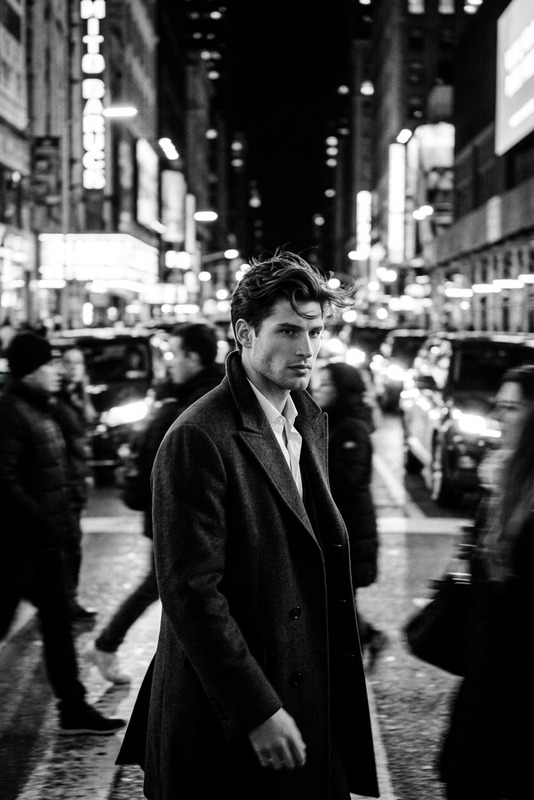
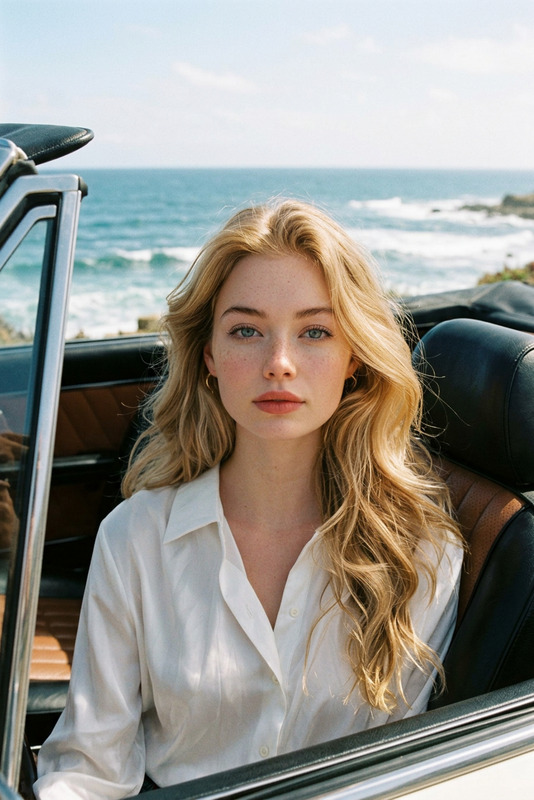
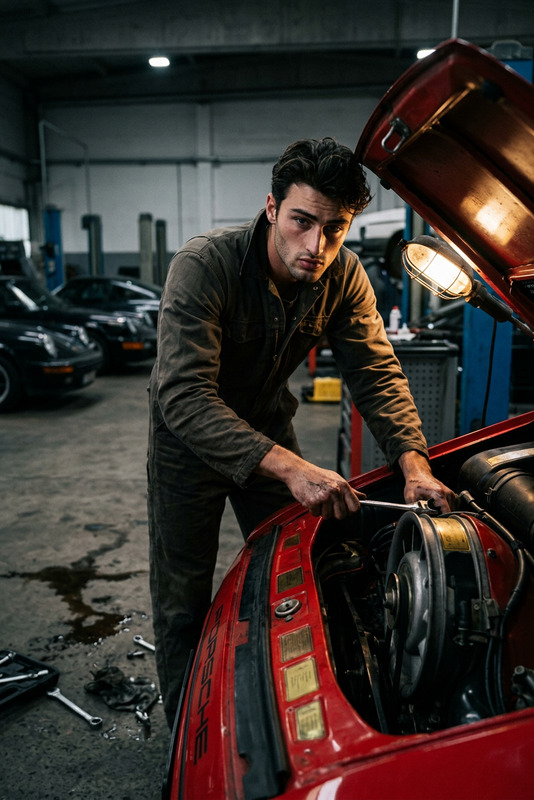
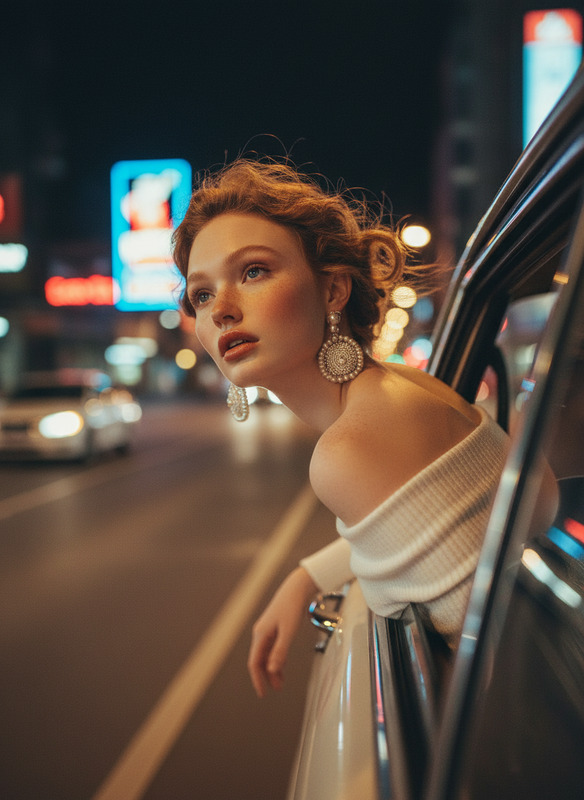
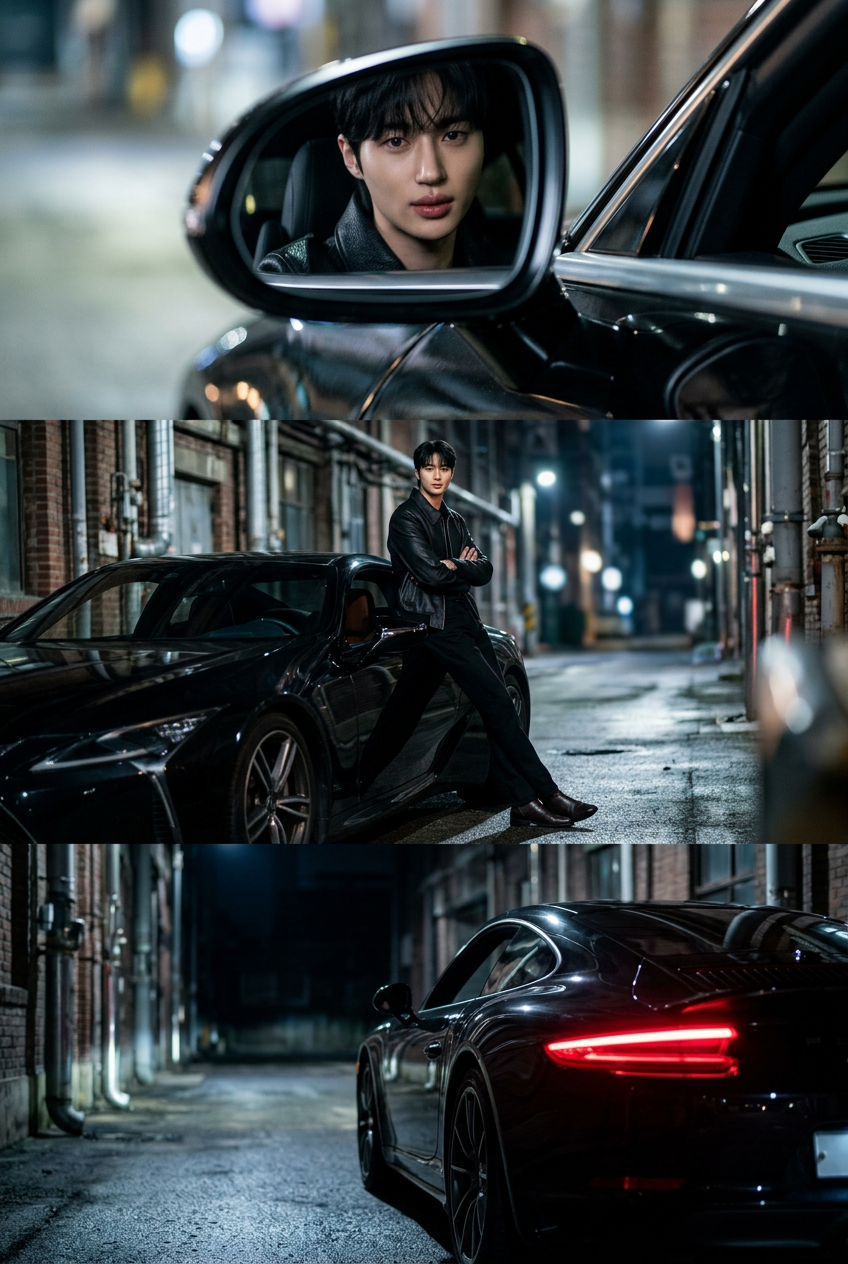
Subject is a cinematic triptych (3 stacked horizontal panels) of an urban automotive scene; Top: close-up reflection in a car side mirror with a focused mood, shallow depth of field; Middle: full-body figure leaning against a sleek black car in an industrial alley, confident and relaxed; Bottom: rear view of the car with glowing taillights, alley fading into darkness; ultra-realistic style, cinematic lighting, cool tones, high contrast, subtle film grain, sharp focus, 8K editorial quality.

AI Image Editor Template: Professional Object & Background Cleanup

Use this AI Image Editor template to quickly clean up product shots, portraits, and marketing visuals—without touching Photoshop. It’s built for creators, founders, and marketers who need fast, reliable image editing they can scale and remix.


What this template does

This template uses the AI Image Editor to:

  • Remove unwanted objects, people, text, or logos from photos
  • Replace or simplify busy backgrounds for cleaner compositions
  • Fix visual distractions in product shots, lifestyle images, and UGC
  • Prepare assets for ads, landing pages, app stores, and decks

It’s ideal for:

  • Ecommerce product images (clean, distraction‑free, on‑brand)
  • Social and ad creatives (TikTok, Meta, X, LinkedIn)
  • Pitch decks and investor updates
  • Portfolio and brand visuals

You can run it once for a single hero image or batch‑edit a whole content library by remixing and iterating.


How to remix this template in Magic Hour

You can turn this template into your own reusable “smart editor” in a few minutes:

  1. Open the AI Image Editor
    Go to the AI Image Editor. This is the core tool powering the template.

  2. Upload your base image
    Use a product photo, portrait, lifestyle shot, or UGC image. For best results:

    • Use high‑resolution images (you can enhance later with the AI Image Upscaler)
    • Ensure the main subject is clearly visible and not heavily blurred
  3. Describe the cleanup you want
    In your prompt, be explicit and structured. For example:

    • “Remove the person in the background on the left and reconstruct the beach behind them.”
    • “Erase all text on the wall, keep texture, and make the wall plain white.”
    • “Remove reflections and fingerprints from the phone screen, keep realistic lighting.”
    • “Delete extra products and keep only the main bottle centered.”

    Useful prompt patterns:

    • Remove [object/person/area] and fill in with [background/texture/environment]
    • Clean up [distractions] while preserving [lighting/shadows/reflections]
    • Make background [plain color/soft gradient/neutral studio] and keep subject untouched
  4. Preview, refine, and iterate

    • If something looks off, refine your prompt by naming the area more precisely (e.g., “bottom right corner”, “behind the chair”, “sky only”).
    • Run multiple variations and select the version that best matches your brand or campaign.
  5. Save your “house style” as a repeatable workflow
    Once you like the behavior (e.g., “always remove cluttered backgrounds and replace with a neutral studio background”), reuse that prompt structure across:

    • Campaign assets
    • New product launches
    • Client projects
    • UGC cleanups

    Pair this with the AI Background Remover or AI Remover when you want “hard” cut‑outs or object deletions as part of your workflow.


Advanced ways to extend this template

You can combine this template with other Magic Hour tools to build more powerful pipelines:

  • From cleaned image to video

    • Turn edited images into short product or brand clips using Image to Video or Text to Video.
    • Use Video to Video if you already have footage and want to stylize or refine it based on your new image aesthetic.
  • Create multiple variants for A/B testing

    • Use the AI Image Generator or AI Photo Generator to generate alternative product or lifestyle backdrops.
    • Then refine them with the AI Image Editor template to keep layout consistent while changing background, color, or mood.
  • Improve visual quality and consistency

  • Prepare assets for campaigns and brand systems


Example use cases and prompt ideas

1. Ecommerce product cleanup

  • Use case: Marketplace listings, Shopify, Amazon, Etsy
  • Workflow:
  • Prompt examples:
    • “Remove all props and reflections; keep only the shoe centered on a soft light grey studio background.”
    • “Delete all text and icons from the packaging, keep shadows and original lighting.”

2. Founder and team headshots

  • Use case: Websites, LinkedIn, pitch decks
  • Workflow:
  • Prompt examples:
    • “Remove all people and objects in the background, replace with a subtle office blur while preserving the subject.”
    • “Clean up stray hairs and distractions around the shoulders while maintaining realism.”

3. UGC and social content polishing

  • Use case: Paid social, organic posts, influencer content
  • Workflow:
  • Prompt examples:
    • “Remove all visible logos in the background store shelves, fill with generic blurred product shapes.”
    • “Erase bystanders on the left side of the frame, reconstruct the street behind them.”

4. Creative and concept art editing

  • Use case: Designers, game devs, concept artists
  • Workflow:
  • Prompt examples:
    • “Remove the secondary character on the right, extend the forest background, and keep the same painterly style.”
    • “Delete the floating text banner, reconstruct the clouds behind it.”

Tips for better results

  • Be specific and contextual
    Rather than “remove background,” say:
    “Remove the busy street background and replace with a clean, neutral studio wall while keeping natural lighting on the subject.”

  • Prioritize what must stay
    Mention constraints clearly:

    • “Do not change the product color or logo.”
    • “Keep the original lighting, shadows, and reflections on the table.”
  • Iterate like a designer, not a one‑shot user
    Run multiple small refinements instead of one giant request. This usually produces more realistic, controllable results for production work.

  • Combine tools intentionally


Build your own reusable editing system

This template is a starting point for a repeatable “image cleanup system” in Magic Hour:

  • Standardize how product shots look across SKUs and campaigns
  • Create a consistent brand environment for founders, team photos, and social content
  • Quickly adapt assets for new platforms, regions, or partners without going back into manual design tools

Once you’ve remixed this AI Image Editor template for your own brand, you can plug its outputs directly into:

Use this template as your baseline, then keep iterating prompts and tool combinations until it matches your brand system and production needs.

More Like This

Insufficient credits