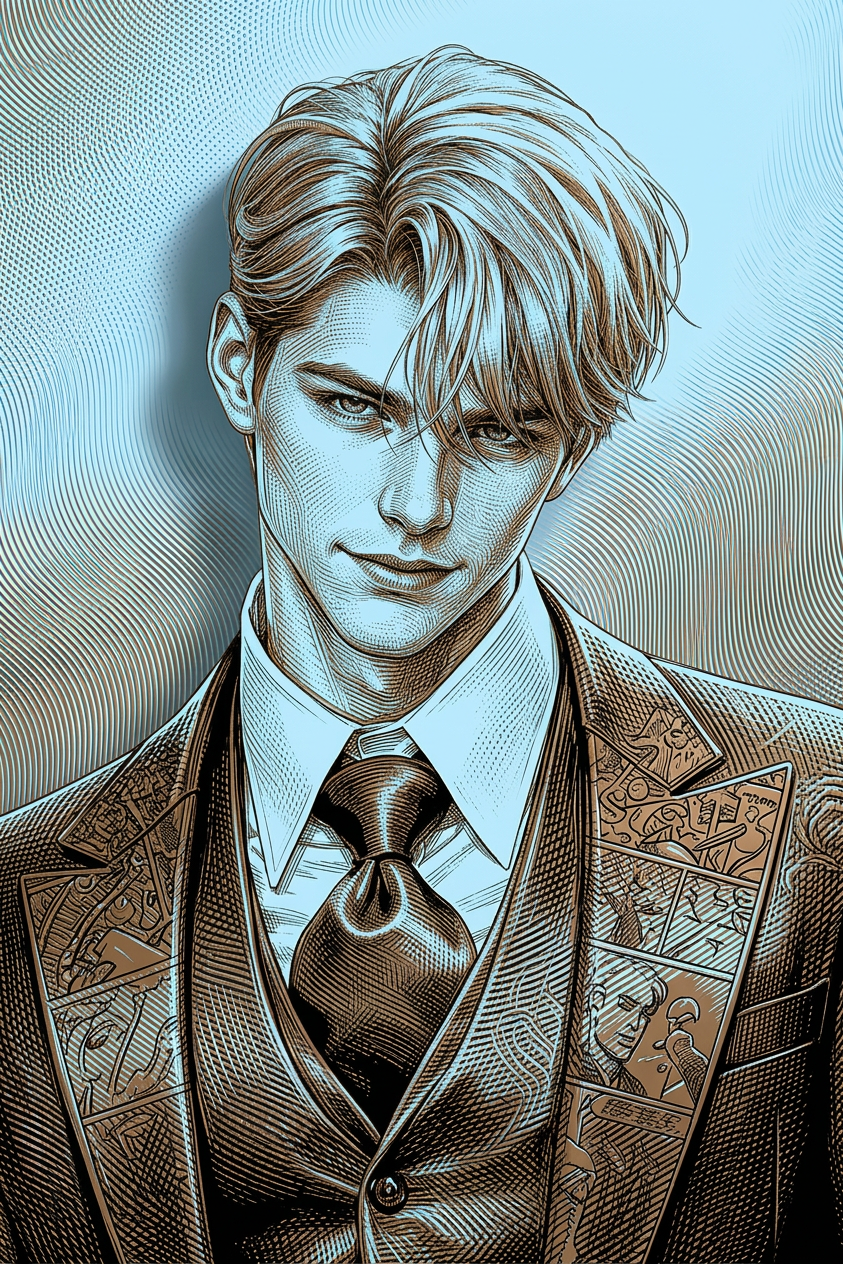
3D Doodle Pop Portrait
ai-image-editor
Any aspect ratio
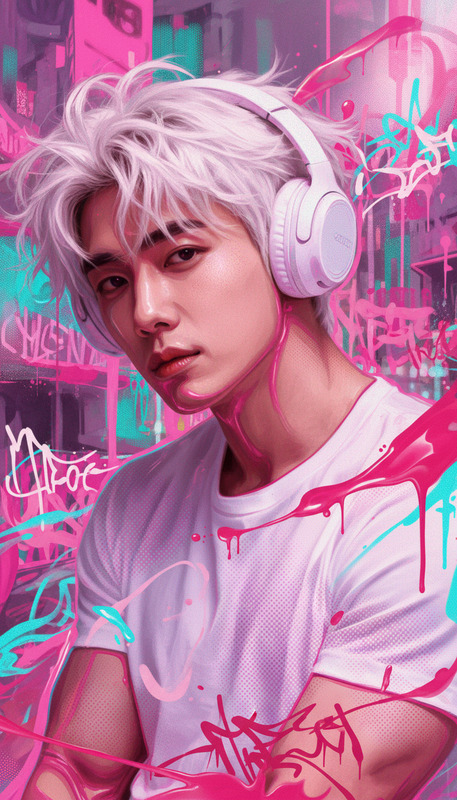
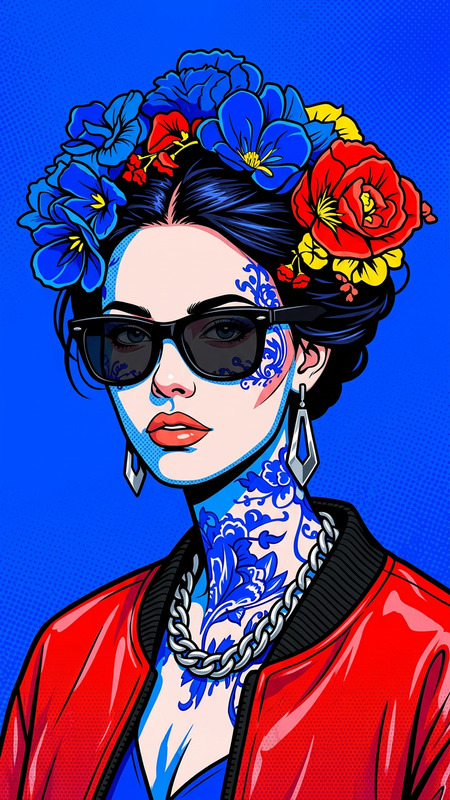
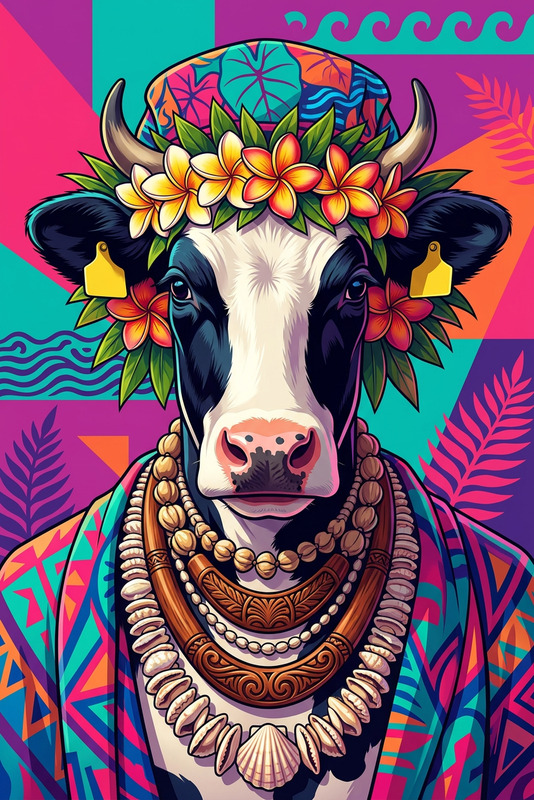
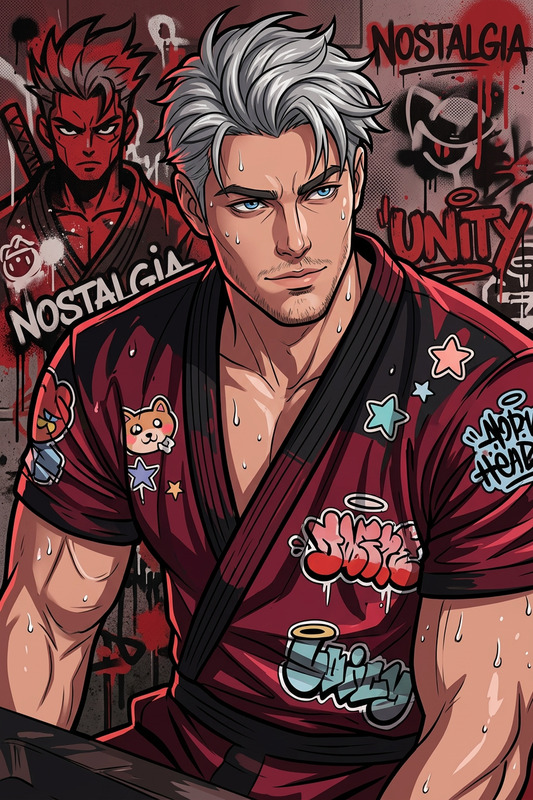
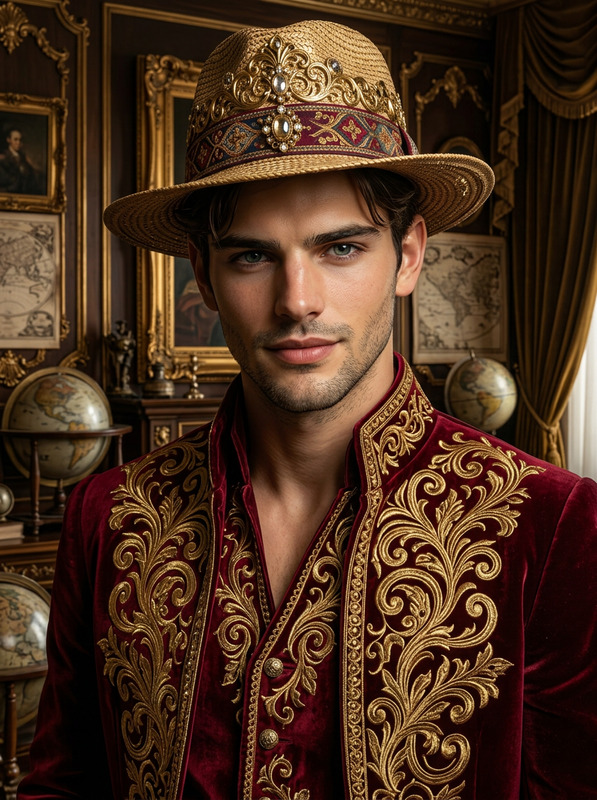
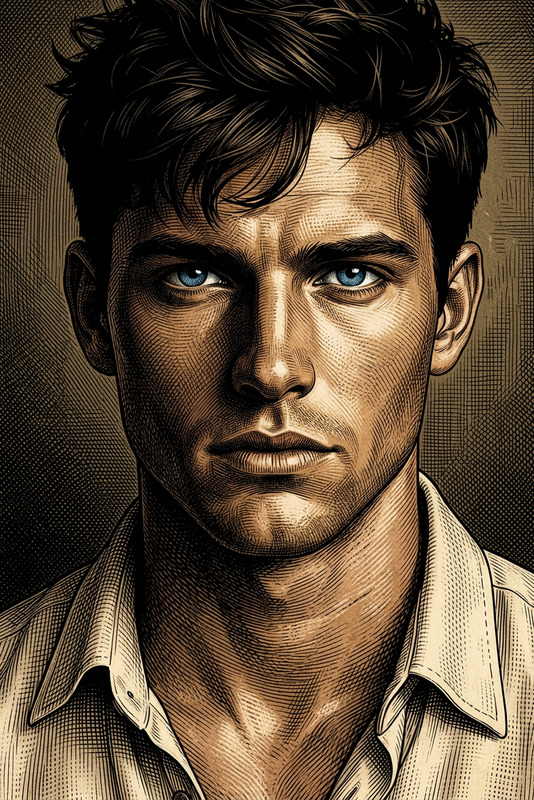
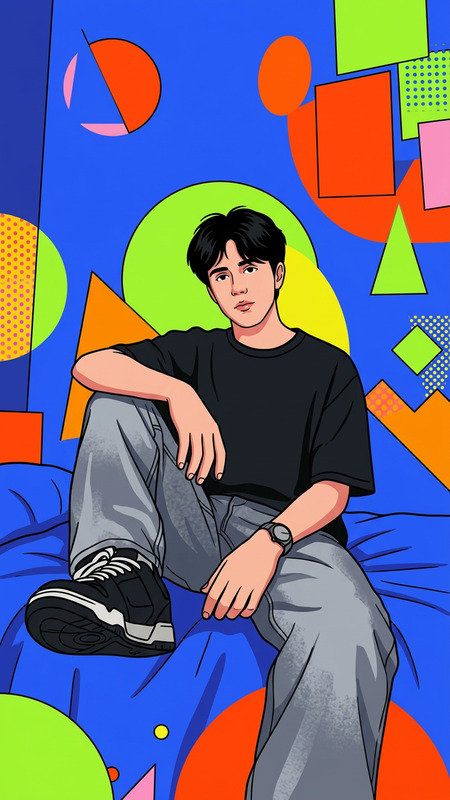
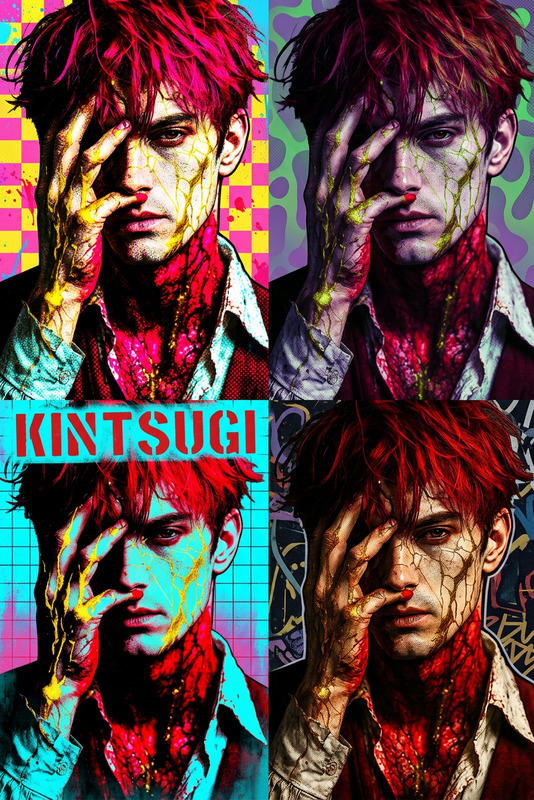
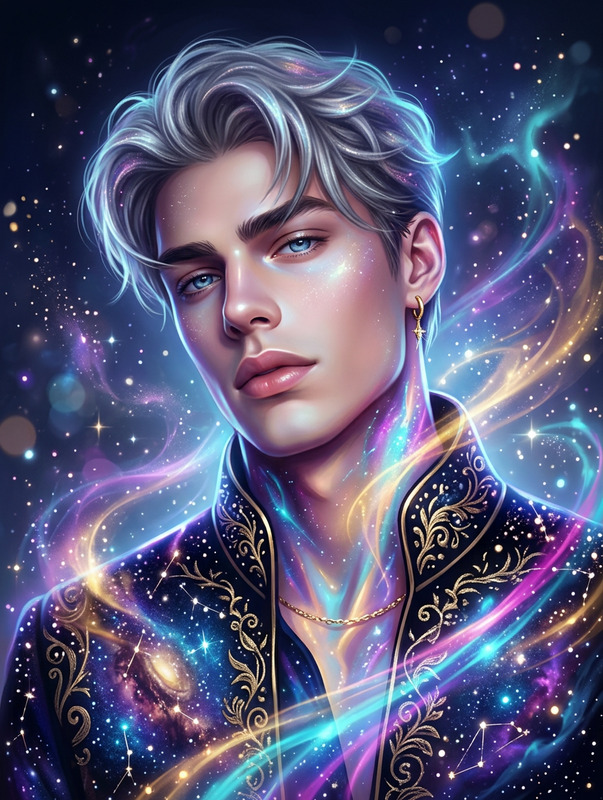
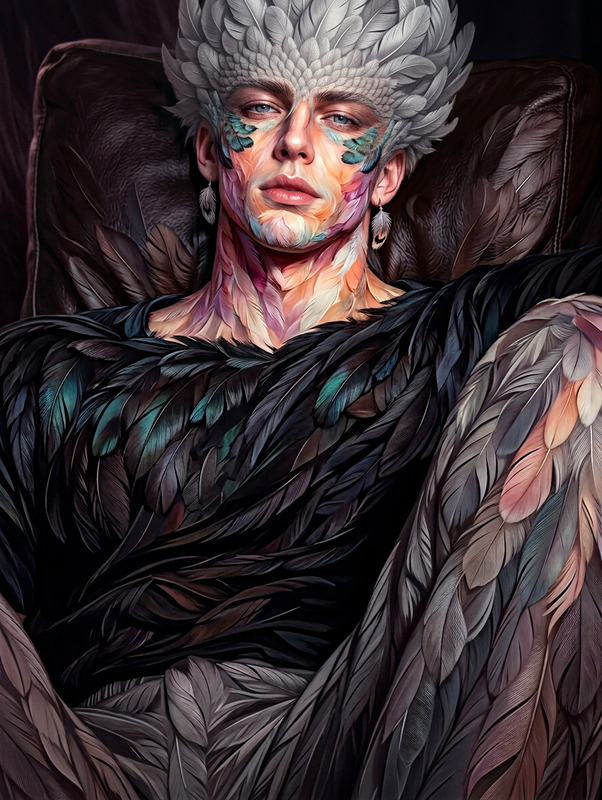
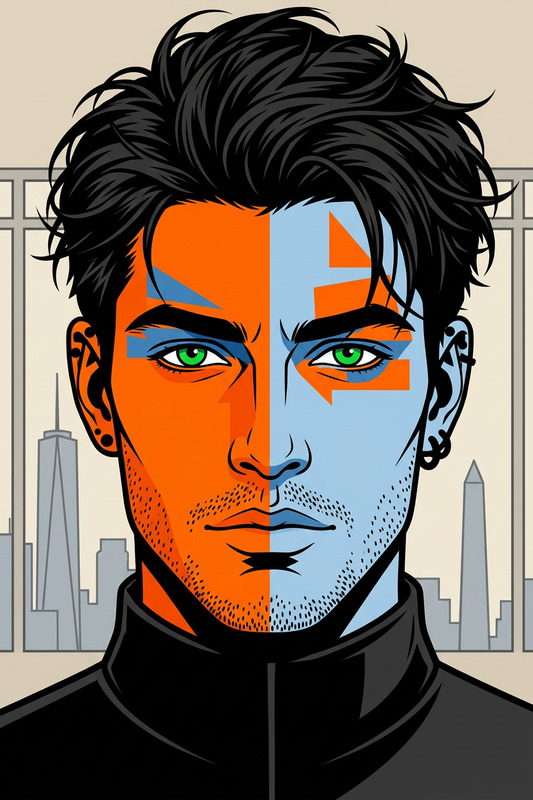
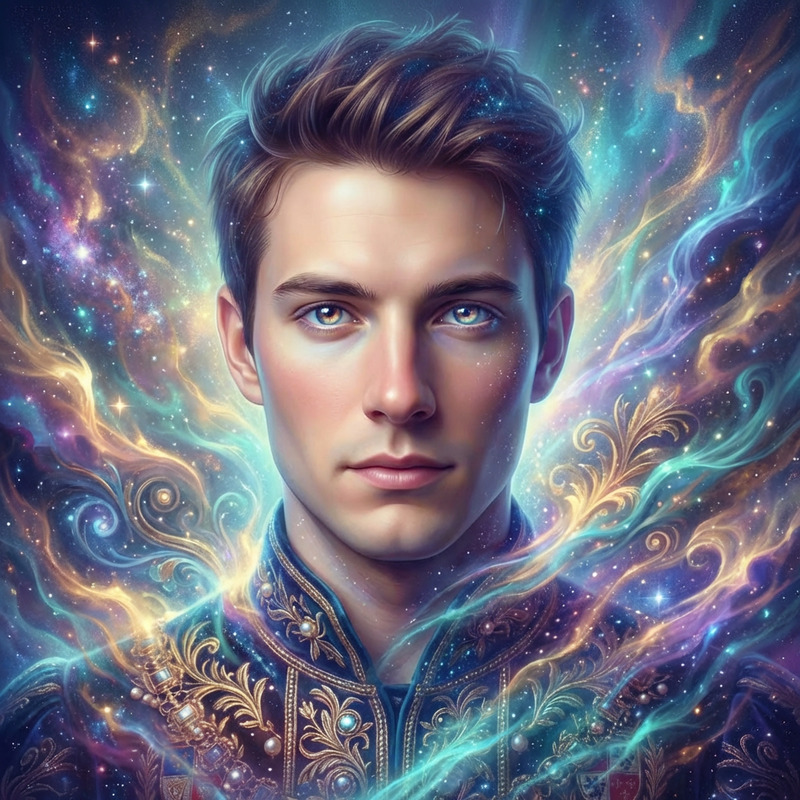
Generate a stylized 3D doodle-inspired portrait blending pop art aesthetics with hyper-realistic rendering, featuring intricate interference patterns and engraved line-work reminiscent of graphic novels; the color palette combines light sky-blue and bronze tones, creating a refined yet vibrant contrast; the composition is elongated and dynamic, emphasizing visual flow and storytelling through layered textures and augmented stylization; the overall aesthetic fuses classic illustration techniques with modern 3D depth, delivering a vivid, detailed, and visually narrative-driven artwork.
AI Image Editor Template: Fast, Precise Image Editing in Your Browser
This template is built on Magic Hour’s AI Image Editor, giving you a fast, flexible way to edit photos with generative AI—directly in the browser and ready to remix into your own workflows.
Use it to:
- Replace or remove objects from photos
- Change backgrounds while preserving the subject
- Clean up product shots, marketing creatives, and social content
- Create variations for A/B tests and campaigns
- Transform raw concepts into polished assets ready for design and video
What You Can Do With This Template
This AI Image Editor–based template is ideal for:
Marketing & growth
- Clean up UGC or ad creatives for Meta, TikTok, Google
- Generate multiple variants of the same base asset
- Localize visuals for different markets
Product & startup teams
- Iterate on product mockups and UI concepts
- Create quick hero shots and landing page imagery
- Maintain consistent visual style across experiments
Creators & designers
- Turn rough photos into polished visuals
- Remove distractions, logos, or watermarks from drafts
- Generate alternate compositions and moods to explore options
For related tools, also explore:
- AI Image Generator – create images from text prompts
- AI Photo Generator – realistic photo-style generations
- AI Art Generator – stylized and illustration-style images
- AI Image Upscaler – sharpen and enlarge outputs
- Unblur Image – restore clarity to low-quality photos
How to Remix This Template in Magic Hour
You can treat this template as a starting point and build your own version in minutes. A practical remix workflow:
Start from the existing template
- Open this template in Magic Hour.
- Duplicate it so you can safely experiment.
Swap in your own images and use cases
- Replace the example image with:
- Product photos
- Team or founder photos
- App/website screenshots
- Brand visuals and key campaign assets
- Adjust your prompts so they reference your brand, product, or scenario (e.g., “SaaS dashboard,” “DTC skincare product,” “mobile app onboarding”).
- Replace the example image with:
Design for repeatable use
- Write prompts that work across many inputs, not just one image.
- Add clear instructions for collaborators (e.g., “Upload your product photo here, then describe the background you want.”).
- Create variants: one template for “background cleanup,” another for “object removal,” another for “visual exploration / concepting.”
Chain with other Magic Hour tools (optional)
Once your images look the way you want, you can plug them into:- Image to Video – animate static images into short videos
- Text to Video – generate videos from scripts and prompts
- AI GIF Generator – looped GIFs for social and product shots
- Video Upscaler – clean up and upscale final videos
- Auto Subtitle Generator – add captions for social and ads
Turn images into characters, faces, or talking content
If your template is focused on people or characters, connect it with:- AI Face Editor – adjust facial features and style
- AI Face Generator – create synthetic but realistic faces
- AI Headshot Generator – turn casual photos into professional headshots
- AI Talking Photo – animate portraits into talking videos
- Face Swap or Face Swap GIF – experiment with different identities in the same shot
Example Workflows Built on This Template
You can adapt this template to several high-leverage workflows.
1. Product & e‑commerce imagery
- Use the AI Image Editor to:
- Remove distracting backgrounds with Image Background Remover
- Swap in on-brand scenes with AI Background Generator
- Upscale final images for marketplace listings via AI Image Upscaler
Then, convert top-performing images into motion using:
- Image to Video – rotating, zoomed, or cinematic product shots
- Thumbnail Maker – YouTube, marketplace, and ad thumbnails
2. Brand, social, and campaign content
- Start with your brand key visuals in this template.
- Generate variations (colors, settings, crops, compositions).
- Use AI Meme Generator for social-native spins.
- Turn successful images into shorts or GIFs with:
- AI GIF Generator
- Animation templates for stylized motion
3. Character, avatar, and storytelling workflows
For startups, games, and narrative products:
Design characters with AI Character Generator or Animated Characters Generator.
Polish or restyle them in this AI Image Editor template.
Extend into:
Turn your characters into video with:
- Video to Video – stylize live footage in your chosen look
- Face Swap Video – place characters in live-action clips
- Lip Sync – sync character mouths to dialogue
- AI Voice Generator or AI Voice Cloner – give each character a distinct voice
Advanced Use Cases for Teams and Builders
For creators and startups who want to embed Magic Hour into deeper workflows:
Content systems and templates
- Standardize ad or social templates for your team, then remix this AI Image Editor template for each channel (Meta, TikTok, LinkedIn, email).
- Use consistent prompt language so your brand’s style is reproducible.
Creative experimentation / R&D
- Quickly test different visual directions before committing to design or production.
- Explore aesthetics using tools like Dark Fantasy AI, Graffiti Generator, or Optical Illusion Generator, then refine results here.
Visual assets for products and apps
- Generate icons via AI Icon Generator and refine them in this template.
- Create branding experiments using AI Logo Generator, Album Cover Generator, or Book Cover Generator.
Best Practices for High-Quality Results
Be specific in your prompts
- Reference style, lighting, mood, and context (“studio lighting,” “cinematic,” “minimalist SaaS dashboard,” “DTC skincare on marble countertop”).
- Mention your target platform if helpful (“optimized for Instagram portrait,” “for a website hero section”).
Design for consistency
- Reuse the same or similar prompts across assets to maintain a coherent brand look.
- When you find a visual direction that works (for click-throughs or conversions), codify it directly into your remixed template’s instructions.
Combine with correction tools when needed
- Use Unblur Image or Old Photo Restoration before editing heavily.
- Use Remove Object from Photo or AI Remover to clean scenes before recomposing with this template.
Where to Go Next
Once you’ve remixed this AI Image Editor template to fit your workflow, consider pairing it with:
- AI Selfie Generator and Avatar Generator for profile and social images
- AI Outfit Generator and AI Clothes Changer for fashion or virtual try-on concepts
- Photo to Sketch and AI Illustration Generator for stylized derivatives of your core assets
- Pokemon Generator, Superhero Generator, and Disney AI Generator for playful or community-facing campaigns
Use this template as a reliable, repeatable editing core. Remix it for your brand, chain it with adjacent Magic Hour tools, and you have an end‑to‑end visual pipeline—from raw photos and prompts to polished, on-brand assets ready for distribution across web, product, and video.